
SUMMARY
Digital Eye Strain for Developers: Protect Your Vision in 2026
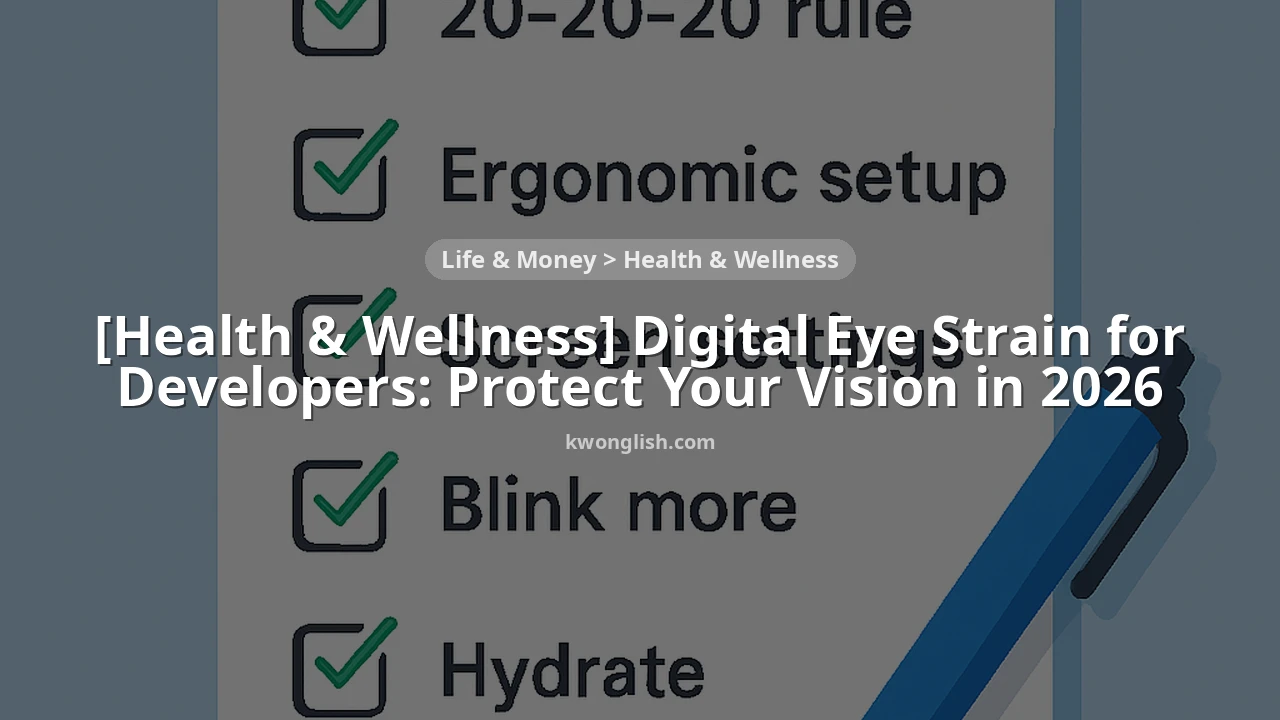
This is a practical guide for developers to prevent and manage digital eye strain, ensuring healthy vision in 2026.
Keywords: Digital Eye Strain, Developer Wellness, Eye Health
TABLE OF CONTENTS
1. Overview: The Developer’s Dilemma with Digital Eye Strain
2. Understanding Digital Eye Strain (DES) in 2026
3. Practical Prevention Strategies for Healthy Vision
4. Real-World Examples: Developers Who Conquered DES
5. Caveats and Frequently Asked Questions (FAQ)
6. Wrap-Up: Your Vision, Your Priority
OVERVIEW
The Developer’s Dilemma with Digital Eye Strain
As a developer, your eyes are arguably your most critical tool. From meticulously reviewing lines of code to debugging complex applications and designing intricate user interfaces, your workday is almost entirely screen-centric. In 2026, with the increasing demands for always-on connectivity, rapid development cycles, and the proliferation of high-resolution displays, the challenges to our vision have never been more pronounced. This constant visual engagement, often for 8-12 hours a day, makes developers particularly susceptible to a modern ailment known as Digital Eye Strain (DES), also referred to as Computer Vision Syndrome (CVS).
Digital Eye Strain isn’t just about tired eyes; it encompasses a range of symptoms from blurred vision and headaches to neck pain and dry eyes, all stemming from prolonged use of digital devices. Ignoring these symptoms can lead to chronic discomfort, decreased productivity, and potentially long-term vision issues. This isn’t a minor inconvenience; it’s a significant health concern for anyone in a tech-intensive role. According to recent health surveys, an estimated 50% to 90% of computer users experience at least some symptoms of DES. For developers, with their intense focus and extended screen time, this percentage is likely on the higher end.
The good news is that Digital Eye Strain is largely preventable and manageable. By understanding its causes and implementing a few practical, consistent habits, you can significantly reduce your risk and protect your vision for years to come. This guide will walk you through the essential information and actionable strategies you need to keep your eyes healthy while excelling in your development career in 2026. Let’s make eye health a priority!
CORE GUIDE
Understanding Digital Eye Strain (DES) in 2026
Before we dive into solutions, let’s get a clear picture of what Digital Eye Strain is and why developers are particularly vulnerable. DES isn’t a single condition but a group of eye- and vision-related problems that result from prolonged computer, tablet, e-reader, and cell phone use. It’s an occupational hazard that has become increasingly common with the digital transformation of virtually every industry.
Common Symptoms of Digital Eye Strain
The symptoms of DES can vary in intensity and combination, but they often include:
• Eyestrain: A feeling of fatigue or soreness in and around the eyes.
• Headaches: Often located in the forehead or temples, sometimes radiating to the neck.
• Blurred Vision: Difficulty focusing on objects, both near and far, especially after looking at a screen.
• Dry Eyes: A gritty, burning, or itching sensation, often due to reduced blink rate.
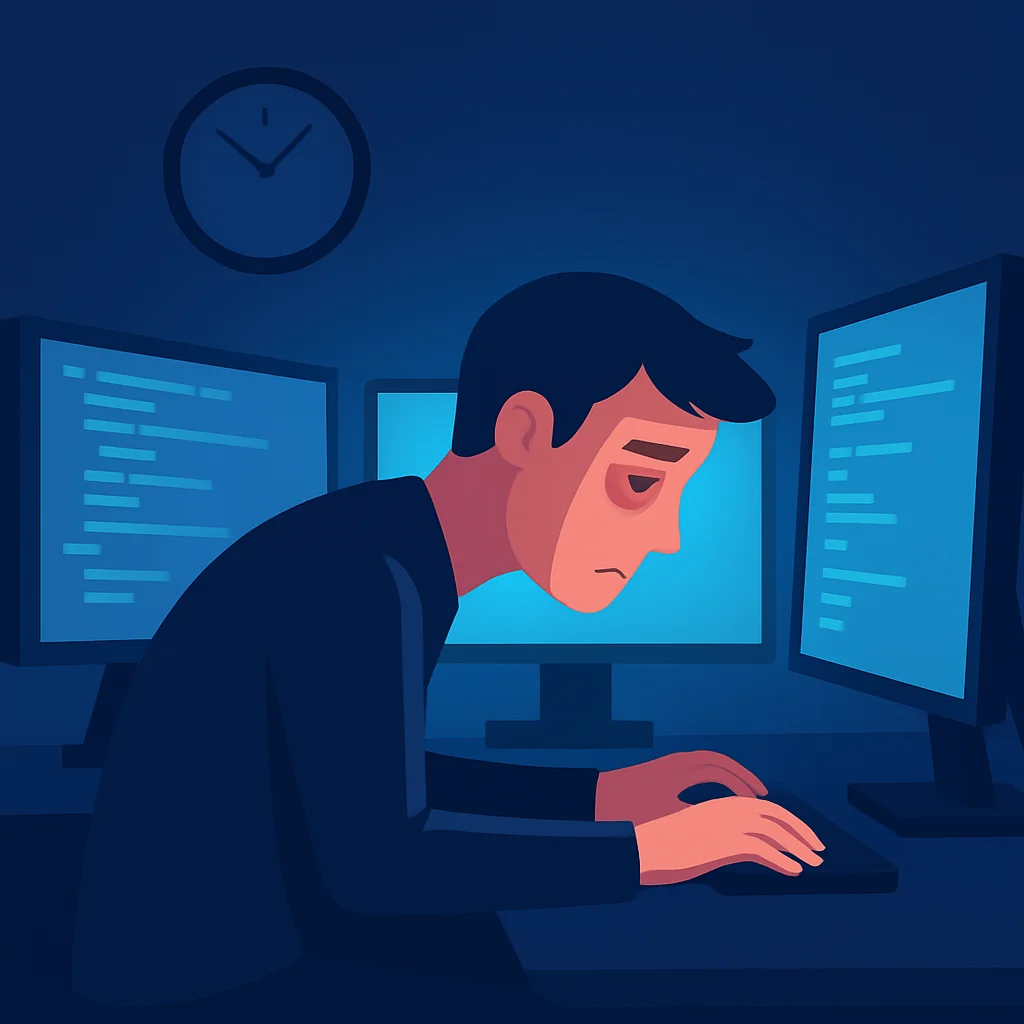
• Neck and Shoulder Pain: Resulting from poor posture while hunched over a keyboard or straining to see the screen.
• Light Sensitivity: Increased discomfort from bright lights.
KEY POINT
Recognizing these symptoms early is crucial. The sooner you address them, the less likely they are to become chronic and impact your work performance and overall well-being.
Why Developers Are Especially Vulnerable
Several factors unique to the developer’s workflow contribute to a higher risk of DES:
• Prolonged Screen Time: Developers often spend 8-12 hours a day, sometimes more, staring at screens. This sustained near-focus work stresses the eye muscles.
• Reduced Blink Rate: When concentrating intensely on code, our blink rate significantly decreases. The average person blinks about 15-20 times per minute, but this can drop to 5-7 times per minute while using a computer. Fewer blinks mean less lubrication for the eyes, leading to dryness and irritation.
• Multiple Monitors & Frequent Focus Shifts: Many developers use dual or even triple monitor setups. Constantly shifting focus between screens, different resolutions, and varying color profiles can put extra strain on the eyes as they repeatedly adjust.
• Tiny Text and High Contrast: While modern IDEs offer syntax highlighting, the sheer volume of text, often in smaller fonts to maximize screen real estate, requires intense visual effort. High contrast settings, while seemingly helpful, can sometimes contribute to glare and eye fatigue over long periods.
• Blue Light Exposure: Digital screens emit blue light, which has a shorter wavelength and higher energy. While the direct link to permanent eye damage is still debated, excessive blue light exposure, especially in the evening, can disrupt sleep patterns and contribute to eye fatigue.
• Suboptimal Ergonomics: Poor desk setup, incorrect monitor placement, or inadequate lighting can force developers into awkward postures, leading to not just eye strain but also neck, shoulder, and back pain.
CORE GUIDE
Practical Prevention Strategies for Healthy Vision
Now that we understand the enemy, let’s equip ourselves with the tools and habits to combat Digital Eye Strain effectively. Implementing these strategies in 2026 will not only protect your vision but also improve your overall comfort, focus, and productivity.
1. Embrace the 20-20-20 Rule Religiously
This is perhaps the simplest yet most effective strategy. The 20-20-20 rule states: Every 20 minutes, look at something 20 feet away for at least 20 seconds.
Why it works: Staring at a screen for long periods keeps your eye muscles focused on a fixed distance. This constant contraction can lead to fatigue. Looking at a distant object allows these muscles to relax, preventing strain and helping your eyes to re-lubricate through natural blinking. Set a timer, use a browser extension, or even a simple sticky note reminder. Consistency is key here.
KEY POINT
Make the 20-20-20 rule non-negotiable. Even 20 seconds of looking away can make a significant difference in reducing accumulated strain over an 8-hour workday.
2. Optimize Your Workspace Setup
An ergonomically sound workspace is fundamental for preventing DES and other musculoskeletal issues. Small adjustments can yield big results.
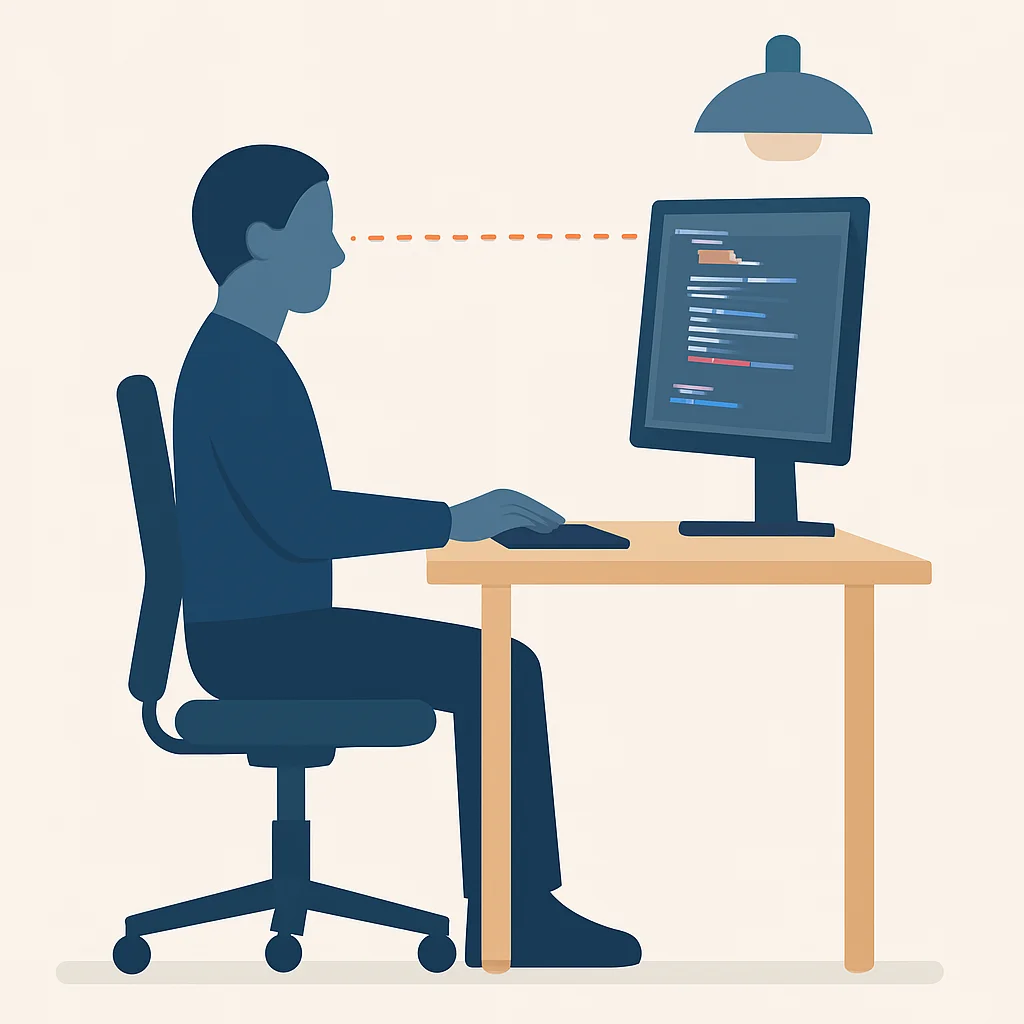
• Monitor Distance: Position your monitor(s) about 20 to 40 inches (50 to 100 cm) away from your eyes. This distance allows your eyes to focus comfortably without excessive strain.
• Monitor Height: The top of your screen should be at or slightly below eye level. This encourages a slight downward gaze, which is more natural and helps keep your eyes moist by exposing less of the eye’s surface. If you use multiple monitors, try to keep the primary one centered and at the ideal height, with secondary screens adjusted as best as possible.
• Lighting: Avoid harsh overhead lighting or direct sunlight reflecting off your screen. Position your screen to minimize glare from windows or bright lights. Use indirect, soft ambient lighting. A desk lamp with an adjustable dimmer and diffuser can be very effective, positioned to illuminate your workspace without shining directly onto your screen or into your eyes. Aim for balanced lighting that is roughly half as bright as typical office lighting.
• Glare Reduction: Consider an anti-glare screen filter for your monitors. Matte finishes on screens are generally better than glossy ones for reducing reflections. Keep your screen clean to avoid smudges that can increase glare.
3. Fine-Tune Your Screen Settings
Your digital devices offer numerous settings that can be adjusted to reduce eye strain. Don’t just stick with defaults.
• Brightness: Match your screen’s brightness to the ambient light in your room. A good test is to look at a white background on your screen; if it looks like a light source, it’s too bright. If it looks dull and gray, it’s too dim. Adjust until it blends naturally with the room.
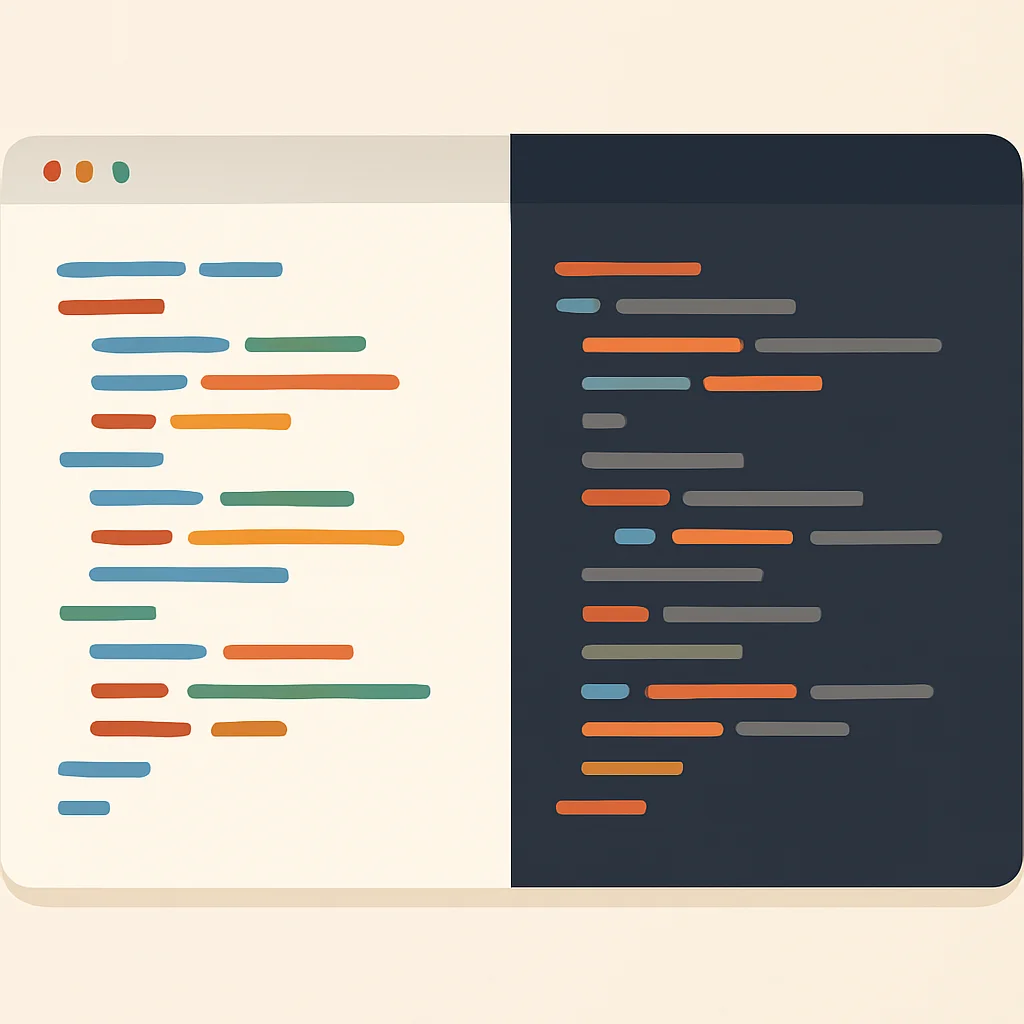
• Contrast: Ensure there’s a good contrast between text and background. Black text on a white or light-colored background is often easiest on the eyes. While many developers prefer dark themes (dark mode), ensure the contrast is sufficient without being overly harsh. Pure white text on pure black can sometimes cause a “halo” effect for some individuals.
• Text Size & Font: Increase the text size on your IDE, browser, and operating system until it’s comfortable to read without squinting. Experiment with different fonts; sans-serif fonts like Arial, Calibri, or Verdana are often recommended for screen readability over serif fonts. Most modern IDEs and text editors allow you to easily adjust font size and family.
CODE EXPLANATION
Here’s an example of how you might adjust font size in a common IDE like VS Code. This is typically found in user settings.
{
  "editor.fontSize": 16, // Adjust to your comfortable reading size, e.g., 14, 16, 18
  "editor.fontFamily": "'Cascadia Code', 'Fira Code', Consolas, 'Courier New', monospace",
  "workbench.colorTheme": "Default Dark+", // Or your preferred theme, consider contrast
  "window.zoomLevel": 0 // Adjust if UI elements are too small
}
• Color Temperature & Blue Light Filters: Reduce the amount of blue light emitted by your screen, especially in the evening. Blue light can suppress melatonin production, interfering with sleep. Operating systems (Windows Night Light, macOS Night Shift) and third-party apps (f.lux) can automatically shift your screen’s color temperature to warmer tones (more yellow/orange) after sunset. This makes the screen easier on your eyes and helps maintain natural sleep cycles.
KEY POINT
While dark mode is popular, ensure it offers sufficient contrast without causing excessive ‘halation’ (glowing effect around text). Light text on a slightly darker gray background might be more comfortable than pure white on pure black for some users.
4. Consider Specialized Eyewear
For some developers, standard glasses or no glasses at all might not be sufficient.
• Updated Prescription: If you wear prescription glasses, ensure your prescription is up-to-date. Even a slight change can make a big difference. Consider asking your optometrist about computer glasses, which are specifically designed for the intermediate distance of a computer screen (typically 20-26 inches). These can provide a wider, clearer field of view at arm’s length than general-purpose progressive lenses.
• Anti-Glare (AR) Coating: An anti-reflective coating on your glasses can significantly reduce glare from screens and overhead lighting, improving clarity and reducing eye strain.
• Blue Light Blocking Glasses: While their effectiveness in preventing long-term damage is still a subject of ongoing research, many users report reduced eye fatigue and improved sleep quality with blue light blocking glasses. They typically have a yellow or amber tint that filters out a portion of the blue light spectrum. If you find software-based blue light filters distracting, these glasses can be a good alternative.
5. Integrate Eye Exercises and Hydration
Beyond the 20-20-20 rule, a few simple practices can further support your eye health.
• Blink More: Consciously try to blink fully and frequently. This helps to spread tears evenly across your eyes, keeping them moist and clean. You can even try a “blink break” where you intentionally blink 10-15 times every hour.
• Eye Rolling & Focus Shifts: Every hour or so, gently roll your eyes in a circle clockwise and then counter-clockwise. You can also try shifting your focus between a near object (e.g., your thumb 6 inches away) and a far object (e.g., a wall 10-15 feet away) 10 times. This helps exercise your eye muscles.
• Palming: Rub your palms together to generate warmth, then gently cup them over your closed eyes for 30-60 seconds. The warmth and darkness can be very soothing for tired eyes.
• Stay Hydrated: Dehydration can contribute to dry eyes. Ensure you’re drinking enough water throughout the day. Aim for at least 8 glasses (around 2 liters) of water daily.
6. Prioritize Regular Breaks and Movement
Beyond the 20-20-20 rule, incorporating longer, more substantial breaks is vital for overall health and eye recovery.
• Micro-Breaks: Every hour or two, take a 5-10 minute break away from your screen. Stand up, stretch, walk around, or grab a drink. This not only rests your eyes but also improves blood circulation and reduces body stiffness.
• Lunch Breaks: Make your lunch break a true break. Step away from your desk, preferably outdoors, to expose your eyes to natural light and give them a complete rest from digital screens.
• Standing Desks: If possible, use a standing desk for at least a portion of your workday. Alternating between sitting and standing can improve posture, reduce sedentary time, and indirectly benefit eye comfort by promoting better blood flow to the head and neck.
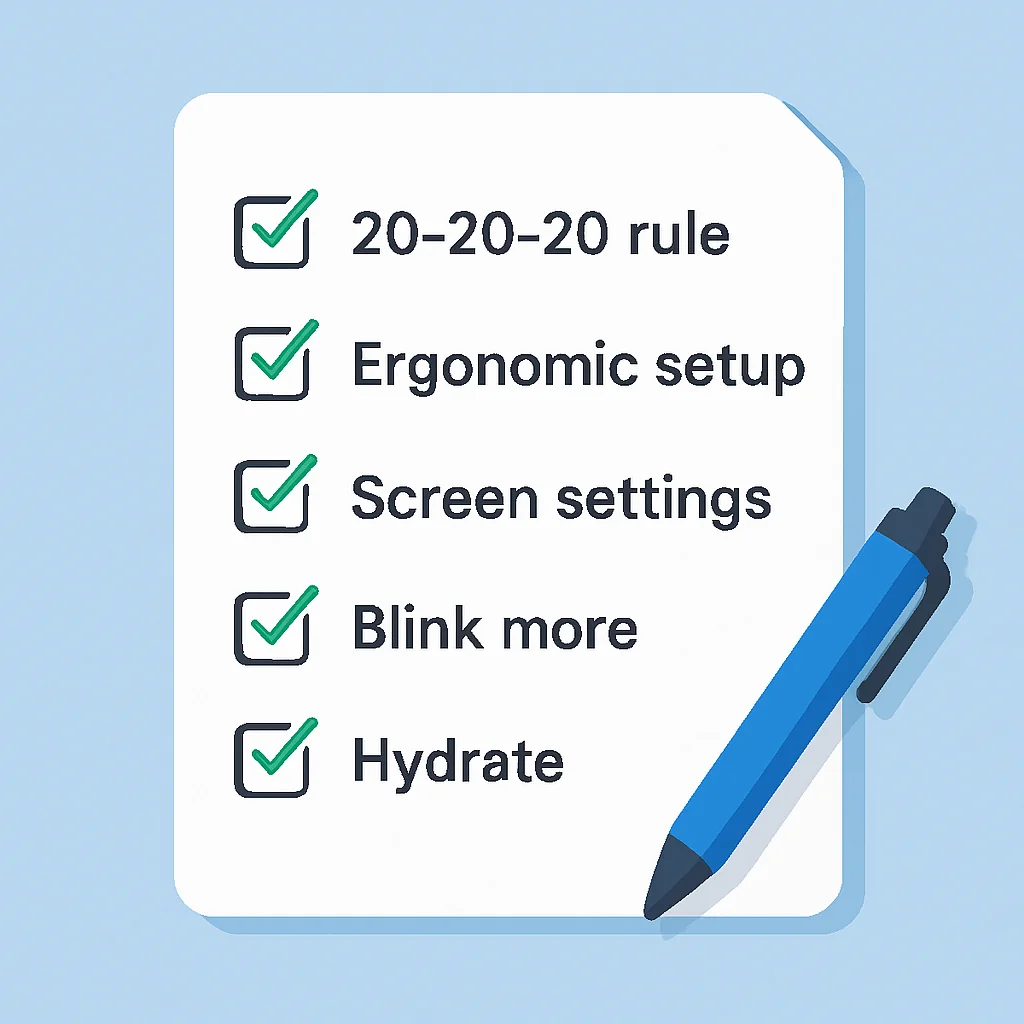
Your Daily Eye Health Checklist
☑ Implement the 20-20-20 rule consistently.
☑ Ensure monitor is 20-40 inches away and top is at eye level.
☑ Adjust screen brightness to match ambient light.
☑ Use comfortable font size and consider a blue light filter.
☑ Blink frequently and perform simple eye exercises.
☑ Stay well-hydrated throughout the day.
☑ Take at least one longer break away from screens.
REAL-WORLD EXAMPLES
Developers Who Conquered DES
Let’s look at a couple of scenarios demonstrating how real developers have successfully implemented these strategies to mitigate Digital Eye Strain.
Case Study 1: Sarah, The Senior Frontend Developer
Sarah, a 32-year-old Senior Frontend Developer at Kwonglish, often worked 10+ hour days, meticulously crafting user interfaces. She started experiencing frequent tension headaches, particularly behind her eyes, and complained of persistent dry eyes by mid-afternoon. Her productivity suffered as she had to frequently step away from her screen. An eye exam in late 2025 revealed no underlying issues but confirmed severe DES.
Her Solution:
• Automated Reminders: Sarah installed a simple browser extension that popped up a “20-20-20 break” reminder every 20 minutes. She made it a habit to look out her office window at a distant tree.
• Ergonomic Upgrade: She invested in a monitor arm to position her 27-inch primary display precisely 30 inches from her eyes, with the top edge just below eye level. She also added an anti-glare screen protector.
• Screen Calibration: Sarah adjusted her IDE’s font size from 13px to 16px and switched to a slightly warmer color theme. She enabled her OS’s built-in Night Shift feature to activate automatically after 6 PM.
Result: Within three weeks, Sarah reported a significant reduction in headaches and dry eyes. Her focus improved, and she found herself feeling less drained at the end of the day. She now advocates for these practices among her team.
Case Study 2: CodeCrafters Inc. Prioritizes Eye Health
CodeCrafters Inc., a rapidly growing startup with 50 developers, noticed an increase in complaints about eye fatigue, headaches, and a slight dip in overall team productivity in early 2026. Recognizing the issue, their HR department launched a “Vision First” initiative.
Their Solution:
• Ergonomic Assessments: They hired an ergonomics consultant to review each developer’s workstation, providing recommendations for monitor placement, chair height, and lighting specific to their setup.
• Standardized Software Settings: They provided guidelines for optimal IDE font sizes (minimum 15px), recommended color themes with good contrast, and encouraged the use of OS-level blue light filters.
• Mandatory Breaks & Education: Team leads were instructed to enforce 10-minute “stretch breaks” every 2 hours, where everyone was encouraged to step away from their screens. They also organized a short workshop on eye health and DES prevention, led by a local optometrist.
Result: Within two months, CodeCrafters Inc. saw a 25% reduction in reported eye strain symptoms and a noticeable improvement in team morale and sustained focus throughout the day. The investment in employee well-being paid off in increased productivity and reduced health-related absences.

CAVEATS
Important Considerations for Your Eye Health
While the tips provided here are highly effective for preventing and managing Digital Eye Strain, it’s crucial to understand their limitations and when to seek professional help.
WARNING
This guide provides general information and practical tips. It is NOT a substitute for professional medical advice. If you experience severe, persistent, or worsening eye pain, vision changes, or other concerning symptoms, consult an optometrist or ophthalmologist immediately.
When to See an Eye Doctor
You should schedule a comprehensive eye exam if:
• Your symptoms of Digital Eye Strain do not improve after consistently applying the prevention strategies for a few weeks.
• You experience sudden or significant changes in your vision, such as blurriness, double vision, or difficulty seeing at night.
• You have persistent eye pain, redness, or discharge.
• You haven’t had an eye exam in over a year, especially if you’re over 40 or have a family history of eye conditions. Regular check-ups are vital for detecting underlying issues like glaucoma, cataracts, or macular degeneration early, which might not present with immediate symptoms but can be exacerbated by digital screen use.
Long-Term Effects of Unaddressed DES
While DES is primarily a temporary discomfort, neglecting its symptoms can lead to more persistent problems:
• Chronic Dry Eye Syndrome: Persistent dryness can lead to irritation, inflammation, and even damage to the eye’s surface.
• Worsening of Refractive Errors: While DES doesn’t cause myopia (nearsightedness), the constant near-focus work can exacerbate existing conditions or make them more noticeable. Some studies suggest a link between extensive near work and the progression of myopia in children and young adults.
• Persistent Headaches and Migraines: For individuals prone to headaches, DES can be a significant trigger, leading to more frequent and severe episodes.
• Decreased Productivity and Quality of Life: Constant discomfort, blurred vision, and fatigue can severely impact your work performance, hobbies, and overall enjoyment of life.
Frequently Asked Questions (FAQ)
Q. Are blue light blocking glasses truly effective for digital eye strain?
A. Many users report reduced eye fatigue and improved sleep when using blue light blocking glasses, especially in the evening. While the long-term health benefits are still under scientific debate, they can be a helpful tool for managing immediate discomfort and improving circadian rhythm for some individuals.
Q. How often should a developer get their eyes checked?
A. Developers should aim for a comprehensive eye exam at least once every 1-2 years, even if they don’t wear glasses or experience symptoms. This helps detect subtle changes in vision or early signs of eye conditions that might be exacerbated by extensive screen use.
Q. Can dark mode actually help reduce eye strain?
A. Dark mode can reduce eye strain for some individuals, especially in low-light environments, by lowering overall screen brightness and contrast. However, for others, light text on a dark background can cause a “halation” effect or make reading more difficult, so it’s a matter of personal preference and proper contrast settings.
Q. Is it better to use multiple monitors or one large ultrawide monitor?
A. Both setups have pros and cons for eye health. Multiple monitors require more frequent eye movement and refocusing between screens. A large ultrawide can reduce the need for constant focus shifts but might require more head turning. The key is proper ergonomic setup and maintaining optimal viewing distance for whatever setup you choose.
WRAP-UP
Your Vision, Your Priority
In the fast-paced world of software development in 2026, it’s easy to get caught up in deadlines, new technologies, and complex problem-solving, often at the expense of our own well-being. However, your vision is an invaluable asset that directly impacts your ability to perform your job effectively and enjoy life outside of work. Digital Eye Strain is a real and pervasive issue for developers, but it’s not an unavoidable fate.
By understanding the causes of DES and consistently applying the practical strategies outlined in this guide – from the simple 20-20-20 rule and optimizing your workspace to fine-tuning screen settings and taking regular breaks – you can significantly reduce your risk and alleviate existing symptoms. Make these practices an integral part of your daily routine, just like writing clean code or running tests.
Remember, taking care of your eyes isn’t a luxury; it’s a necessity for a sustainable and successful career as a developer. Prioritize your vision today, and your eyes will thank you for years to come. Happy coding, and stay healthy!
Thanks for reading!
We hope this guide empowers you to protect your vision and thrive as a developer. Your health is key to your success.
Got feedback or questions about managing digital eye strain? Drop a comment below and share your tips!