
SUMMARY
Running LLMs Locally in 2026: Build Private AI Apps
Unlock the power of AI without cloud dependency by running large language models (LLMs) directly on your local machine for enhanced privacy and custom applications.
Keywords: Local LLM, Private AI, On-Device AI
TABLE OF CONTENTS
1. Introduction: The Local AI Revolution in 2026
2. Why Go Local? Unpacking the Benefits
3. The 2026 Hardware Landscape for Local LLMs
4. Key Players: Open-Source LLM Ecosystems
5. Overcoming Challenges: Practical Solutions for Local LLM Deployment
6. Practical Application: Building a Private AI Chatbot with Ollama
7. Frequently Asked Questions (FAQ)
INTRODUCTION
The Local AI Revolution in 2026
Welcome back to Kwonglish! Today, we’re diving deep into one of the most exciting and empowering trends in artificial intelligence for 2026: running Large Language Models (LLMs) locally on your own machine. For years, accessing powerful AI often meant relying on cloud-based APIs, sending your data to remote servers, and incurring recurring costs. While cloud AI remains essential for massive-scale deployments, the landscape for individual developers and small teams has dramatically shifted.
The year 2026 marks a pivotal moment where open-source LLMs have reached unprecedented levels of performance, often rivaling or even surpassing proprietary models for many common tasks. Crucially, advancements in model quantization and optimization, coupled with the increasing power of consumer-grade hardware, have made it entirely feasible to run these sophisticated models directly on your laptop or desktop. This isn’t just a niche hobby anymore; it’s a strategic move for privacy, cost control, and application innovation.
Throughout this report, we’ll explore the compelling reasons to embrace local LLMs, dissect the current hardware requirements, compare the leading open-source ecosystems, tackle common deployment challenges, and walk through a practical example of building a private AI application. Our goal is to equip you with the knowledge and tools to harness the full potential of AI, right on your own machine, without sacrificing privacy or performance.
CORE CONTENT
Why Go Local? Unpacking the Benefits
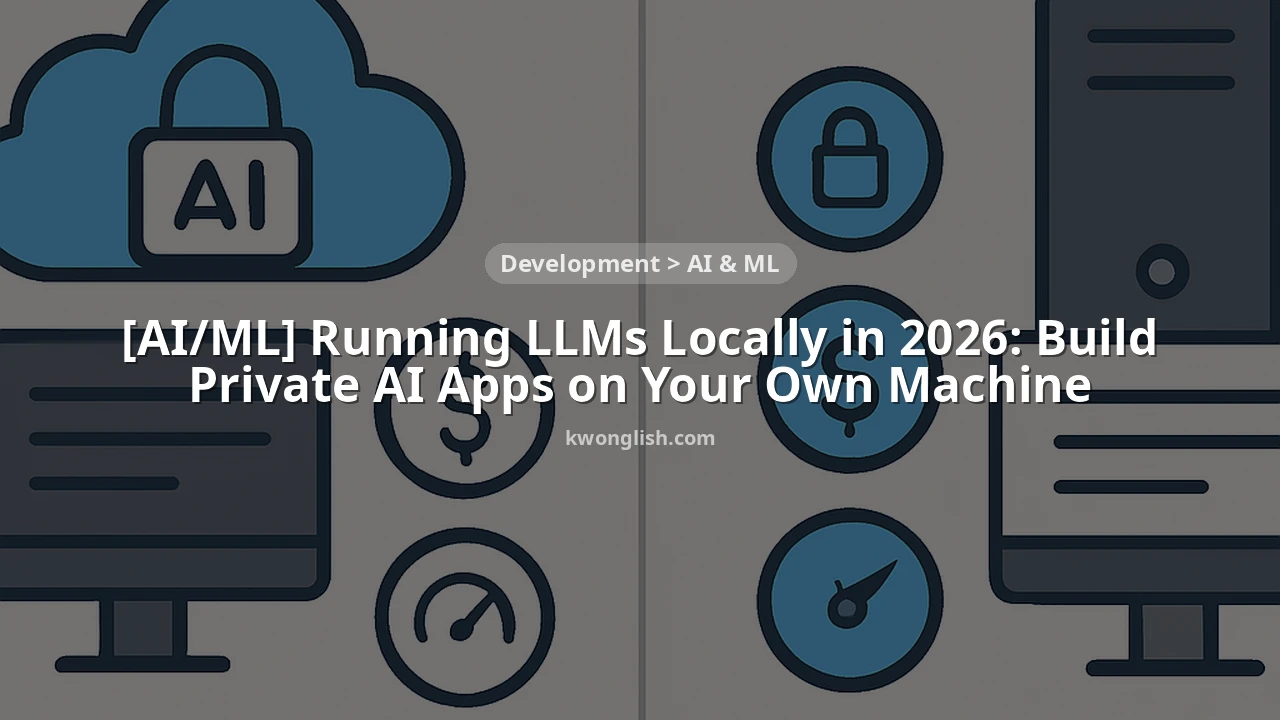
The decision to run LLMs locally isn’t just about technical feasibility; it’s driven by a powerful set of advantages that address critical concerns for developers and businesses alike. Let’s break down the key benefits that are making local LLMs a cornerstone of AI development in 2026.
1. Unparalleled Data Privacy and Security
This is perhaps the most significant driver. When you interact with a cloud-based LLM API, your prompts and any associated data are sent to a third-party server for processing. While reputable providers implement robust security measures, the inherent risk of data exposure, logging, or unintended use remains. For sensitive applications involving personal health information (PHI), financial data, proprietary business secrets, or classified research, this risk is often unacceptable.
Running an LLM locally means your data never leaves your machine. All processing occurs within your controlled environment, providing ironclad privacy. This is crucial for compliance with regulations like GDPR, HIPAA, and CCPA, as well as for organizations with strict internal data governance policies. Imagine building a chatbot for a medical clinic or a legal firm; the ability to guarantee data residency is a game-changer.
2. Significant Cost Efficiency
Cloud LLM APIs operate on a pay-per-token model, which can quickly become expensive, especially during development, testing, or for applications with high usage. A typical commercial API might charge $0.0005 per 1,000 input tokens and $0.0015 per 1,000 output tokens. While seemingly small, these costs accumulate rapidly. For an application generating 1 million tokens daily, that’s potentially hundreds of dollars per month, or thousands annually.
With local LLMs, your primary cost is the initial hardware investment. Once you own the GPU or CPU, the inference costs are effectively zero, aside from electricity. For developers iterating frequently or businesses with predictable high usage, the ROI on hardware can be realized within months, leading to substantial long-term savings. For instance, a high-end GPU costing $1,500 might pay for itself in 6-12 months compared to heavy API usage.
3. Reduced Latency and Offline Capability
Network latency is an unavoidable factor when communicating with cloud services. Even with fast internet, round-trip times can introduce noticeable delays, impacting the responsiveness of real-time applications. Running an LLM locally eliminates this network overhead entirely. Responses are generated directly on your machine, often resulting in near-instantaneous feedback, which is critical for interactive experiences like intelligent code completion, real-time content generation, or responsive chatbots.
Furthermore, local LLMs don’t require an internet connection once the model is downloaded. This enables truly offline AI applications, perfect for field operations, remote locations, or environments with unreliable connectivity. Think about an AI assistant for a technician working in a server room without internet access, or a writer crafting content on a long-haul flight.
4. Enhanced Customization and Control
While cloud APIs offer some configuration options, they are ultimately black boxes. Running an open-source LLM locally gives you complete control over the model, its parameters, and its environment. You can experiment with different quantization levels, adjust generation settings (temperature, top-p, repetition penalties) with granular precision, and even fine-tune the model on your proprietary datasets without sending sensitive information to a third party. This level of customization allows for highly specialized AI applications tailored to unique use cases and specific domain knowledge.
KEY POINT
The shift to local LLMs in 2026 is driven by critical advantages in data privacy, cost efficiency, low latency, and deep customization, making it an indispensable strategy for building secure and performant AI applications.
HARDWARE ANALYSIS
The 2026 Hardware Landscape for Local LLMs
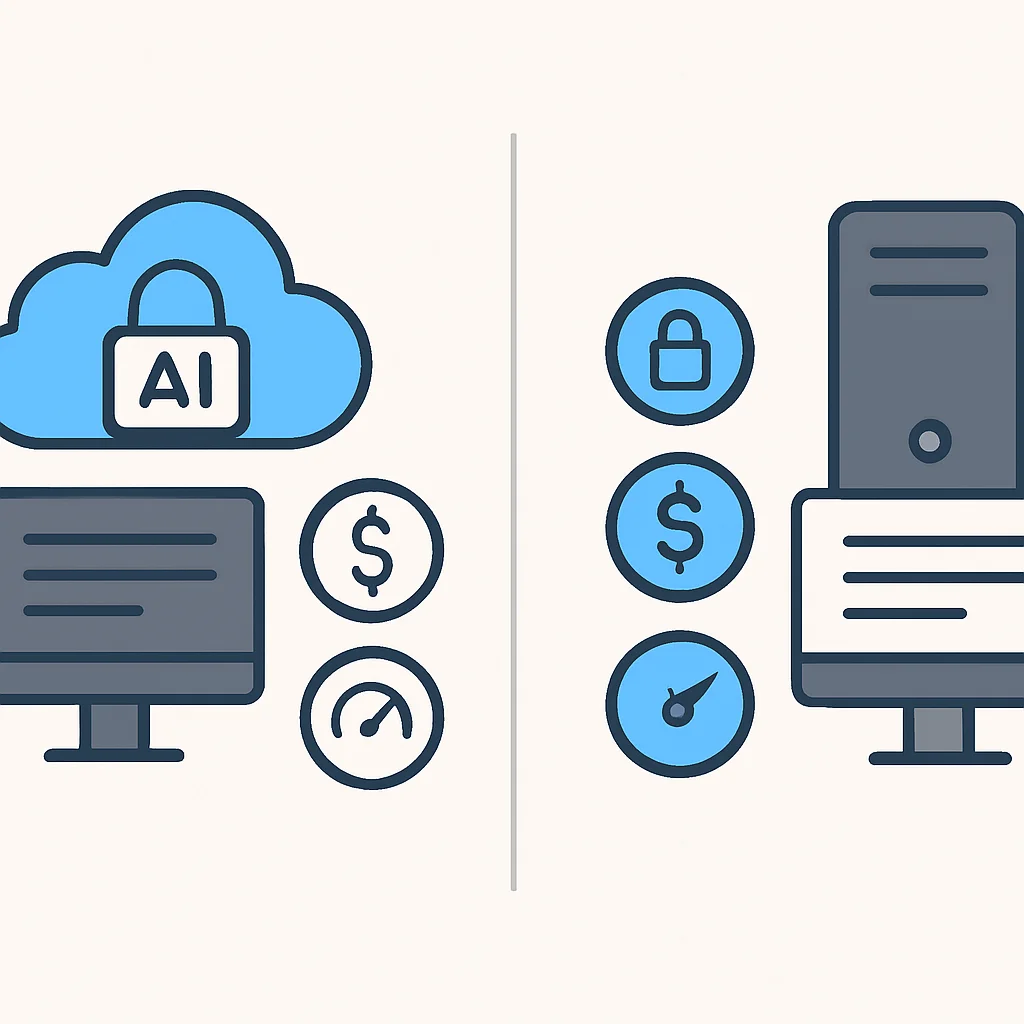
The feasibility of running LLMs locally hinges directly on your hardware. In 2026, the capabilities of consumer-grade CPUs and GPUs have evolved significantly, making powerful local AI more accessible than ever. Understanding what you need is crucial for a smooth experience.
Graphics Processing Units (GPUs) – The Workhorses
For optimal performance, especially with larger models, a dedicated GPU is non-negotiable. The key metric here is Video RAM (VRAM). The more VRAM, the larger and less quantized models you can run at higher speeds.
Entry-Level (8GB-12GB VRAM): GPUs like the NVIDIA RTX 4060 Ti (16GB variant), AMD RX 7700 XT (12GB), or even older RTX 3060 (12GB) can handle smaller models (e.g., Llama 3 8B, Mistral 7B) at 4-bit or 8-bit quantization. You might achieve 10-20 tokens/second, which is perfectly usable for many applications.
Mid-Range (16GB-24GB VRAM): This is the sweet spot for many developers in 2026. GPUs such as the NVIDIA RTX 4070 Ti SUPER (16GB), RTX 4080 SUPER (16GB), or AMD RX 7900 XT (20GB) can comfortably run medium-sized models (e.g., Mixtral 8x7B, Llama 3 70B 4-bit quantized) at impressive speeds, often exceeding 30-50 tokens/second. The upcoming NVIDIA RTX 50-series cards are expected to push these boundaries further.
High-End (24GB+ VRAM): For developers aiming to run larger models (e.g., Llama 3 70B at less aggressive quantization, or even 120B+ parameter models) or fine-tune models locally, GPUs like the NVIDIA RTX 4090 (24GB) or specialized workstation cards offer the best performance. Expect speeds well over 60-100 tokens/second, providing a near-instantaneous experience.
It’s worth noting that while NVIDIA’s CUDA ecosystem has historically been dominant for AI, AMD’s ROCm platform has matured significantly by 2026, offering competitive performance for many open-source LLM frameworks.
Central Processing Units (CPUs) – The Universal Backup
Even without a powerful GPU, modern CPUs can run LLMs, especially highly quantized versions. This is where the magic of frameworks like Llama.cpp and its GGUF format shines. CPUs are primarily used for:
Full CPU Inference: For those without a dedicated GPU, a modern multi-core CPU (Intel Core i7/i9 13th/14th/15th Gen, AMD Ryzen 7/9 7000/8000 series, or Apple M-series chips) with ample system RAM can run small to medium-sized models (up to 13B parameters) at acceptable speeds (1-5 tokens/second). Apple’s M-series chips, with their unified memory architecture, are particularly efficient for CPU-bound LLM tasks.
Hybrid Inference (CPU + GPU Offloading): If your GPU VRAM isn’t quite enough for a model, you can offload some layers to the CPU. This allows you to run larger models than your GPU alone could handle, albeit with a performance penalty. A CPU with many cores and high clock speeds will perform better here.
System RAM (Memory) – The Unsung Hero
System RAM is critical, especially for CPU inference or when offloading model layers to the CPU. A good baseline for local LLM development in 2026 is:
Minimum: 16GB. You’ll be limited to smaller models or heavy quantization.
Recommended: 32GB. This allows for comfortable CPU offloading and running multiple smaller models concurrently.
Optimal: 64GB+. Essential for running larger models entirely on CPU or for extensive development/fine-tuning workflows.
Storage (SSD) – Speed Matters
LLM models can be massive, ranging from a few gigabytes to over 100GB for larger unquantized versions. A fast Solid State Drive (SSD), preferably NVMe, is highly recommended. It significantly speeds up model loading times and overall system responsiveness, especially when swapping parts of the model between RAM and disk if your VRAM/RAM is constrained.
KEY POINT
In 2026, a GPU with 16GB+ VRAM is ideal for robust local LLM performance, complemented by 32GB+ system RAM and a fast NVMe SSD. CPU-only inference is viable for smaller models with powerful multi-core processors.
ECOSYSTEM ANALYSIS
Key Players: Open-Source LLM Ecosystems
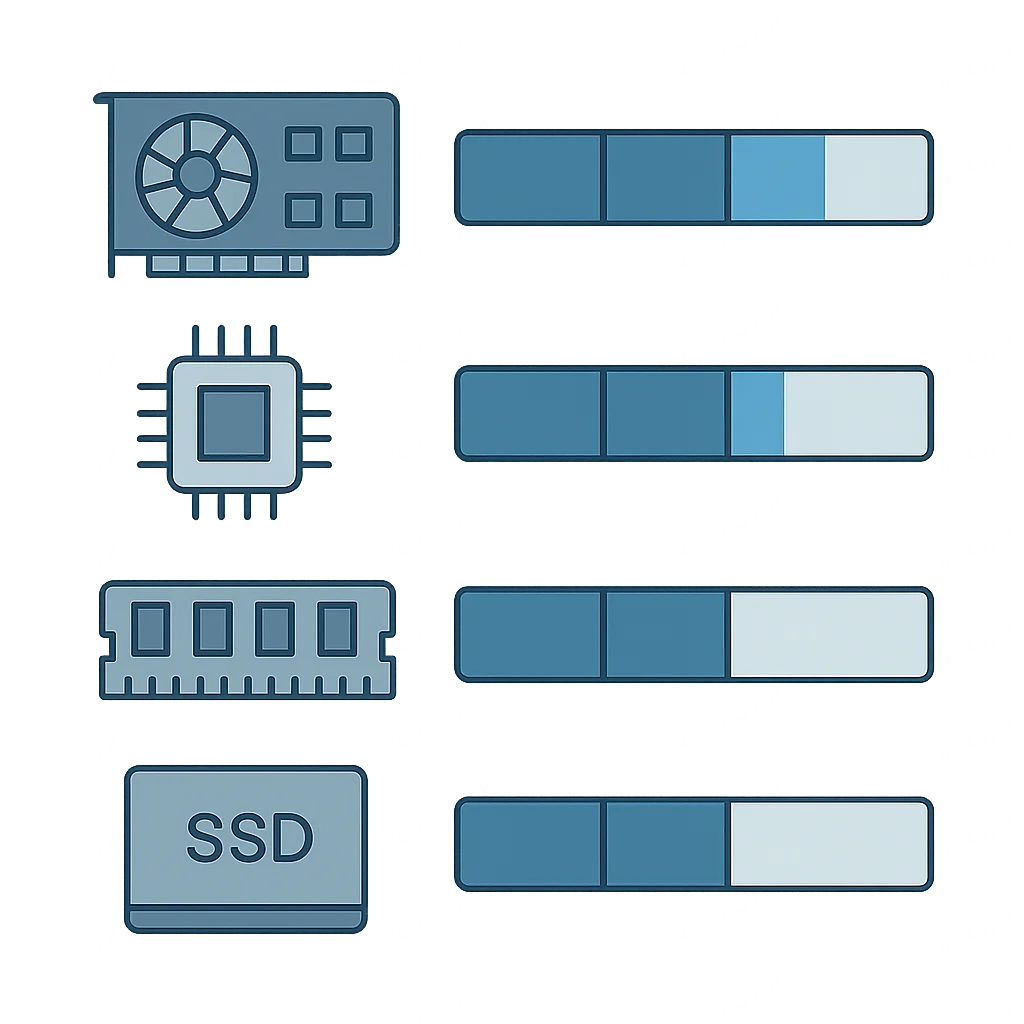
The open-source LLM landscape has exploded with innovation, offering developers a rich selection of models and frameworks. By 2026, several platforms have emerged as leaders in simplifying local LLM deployment and interaction.
1. Ollama: The User-Friendly Gateway
Ollama has rapidly become a favorite for its incredible ease of use. It provides a simple command-line interface and a robust API for downloading, running, and managing a wide array of open-source models. Ollama handles all the complexities of llama.cpp, quantization, and dependencies, abstracting them away from the user.
Ollama Highlights
Model Hub — Easy access to a curated list of models (Llama 3, Mistral, Gemma, Phi-3, etc.) with simple ollama pull <model_name> commands.
REST API — Built-in local API compatible with OpenAI’s API, making it easy to integrate with existing applications or build new ones in any language.
Cross-Platform — Available for macOS, Linux, and Windows, ensuring broad accessibility.
2. LM Studio: The GUI Powerhouse
For users who prefer a graphical interface, LM Studio offers an intuitive desktop application that simplifies the process of discovering, downloading, and running LLMs. It features a built-in chat interface, a model browser, and the ability to spin up a local server, much like Ollama, for API access.
LM Studio Highlights
Model Discovery — Browse and download GGUF models directly from Hugging Face within the application.
Quantization Options — Easily select different quantization levels (e.g., Q4_K_M, Q8_0) to optimize for performance or VRAM usage.
Local Server — Host models as a local OpenAI-compatible server for seamless integration with client applications.
3. Llama.cpp: The Foundation
While Ollama and LM Studio provide user-friendly wrappers, llama.cpp is the underlying C/C++ library that powers much of the local LLM revolution. It’s highly optimized for CPU inference and supports GPU acceleration through various backends (CUDA, Metal, OpenCL, ROCm). Developers who need maximum control, custom compilation, or integration into low-level applications often turn to llama.cpp directly.
Its primary innovation is the GGUF file format, which stores quantized models efficiently and allows for flexible CPU/GPU offloading. Most open-source models are available in GGUF format on platforms like Hugging Face.
KEY POINT
Ollama and LM Studio offer user-friendly interfaces for local LLM deployment, while llama.cpp provides the highly optimized, foundational library for maximum performance and customization, especially with the GGUF model format.
PROBLEM SOLVING
Overcoming Challenges: Practical Solutions for Local LLM Deployment
While running LLMs locally offers immense benefits, it’s not without its hurdles. Understanding common challenges and their solutions is key to a successful deployment.
PRACTICAL APPLICATION
Building a Private AI Chatbot with Ollama
Let’s put theory into practice! We’ll walk through setting up Ollama and building a simple Python client to interact with a locally running LLM, creating the foundation for a private AI application. We’ll use the Llama 3 8B model, which is highly capable and runs well on most modern consumer hardware.
FAQ
Frequently Asked Questions
Q. What are the minimum hardware requirements for running LLMs locally in 2026?
For basic local LLM inference, a modern CPU with at least 16GB of RAM is a starting point, capable of running smaller quantized models. For a comfortable experience with larger models like Llama 3 8B, a GPU with 12-16GB of VRAM and 32GB system RAM is highly recommended.
Q. Is it really private to run LLMs locally?
Yes, absolutely. When you run an LLM locally, your prompts and data are processed entirely on your machine. No information is sent to external servers, ensuring maximum privacy and security, which is critical for sensitive applications and data compliance.
Q. Which open-source LLM is best for local use?
The “best” model depends on your hardware and specific use case. In 2026, popular choices include Llama 3 (8B and 70B quantized versions), Mistral 7B, Mixtral 8x7B, and Phi-3. For ease of use and broad model support, platforms like Ollama are excellent for quickly experimenting with different models.
Q. Can I fine-tune a model on my local machine?
Yes, local fine-tuning is increasingly feasible. For smaller models (e.g., 7B parameters), you can use techniques like LoRA (Low-Rank Adaptation) on consumer GPUs with 16GB+ VRAM. Larger models or full fine-tuning still typically require more powerful, multi-GPU setups or cloud resources, but local options are rapidly improving.
Q. What are the main benefits of running LLMs locally compared to cloud APIs?
The primary benefits are enhanced data privacy and security (data never leaves your machine), significant cost savings (no per-token fees), lower latency (no network delays), and greater control for customization and offline operation.
WRAP-UP
Conclusion and Future Outlook
The ability to run powerful LLMs locally in 2026 marks a significant democratization of AI. We’ve seen how this approach offers compelling advantages in privacy, cost, latency, and customization, empowering developers to build innovative applications that were once confined to expensive cloud infrastructure. From securing sensitive data to enabling offline functionality, local LLMs are reshaping how we interact with and deploy artificial intelligence.
Looking ahead, the trend toward more efficient models and specialized hardware will only accelerate. We can anticipate even smaller, more powerful models that run on a broader range of devices, including smartphones and embedded systems, pushing the boundaries of “edge AI.” Frameworks will continue to simplify deployment, and the community will continue to release groundbreaking open-source models. The future of AI is increasingly distributed, private, and within your reach.
Embrace this local AI revolution. Experiment with the tools and models discussed, build your private applications, and contribute to a more secure and accessible AI ecosystem. The power of advanced AI is no longer just for the tech giants; it’s on your machine, waiting for you to unleash its potential.
Thanks for reading!
We hope this guide empowers you to explore the exciting world of local LLMs. The journey into private, on-device AI is just beginning.
Got questions or your own local LLM tips? Drop a comment below and share your insights with the Kwonglish community!