
SUMMARY
Deploying Machine Learning Models with FastAPI and Docker: A Developer’s Guide 2026
A comprehensive guide for developers on taking machine learning models from training to production using FastAPI for API serving and Docker for containerization.
Keywords: FastAPI, Docker, ML Deployment
TABLE OF CONTENTS
1. Introduction: Bridging the Gap from Model to Production
2. Leveraging FastAPI for High-Performance ML Model Serving
3. Docker: The Containerization Standard for ML Environments
4. Solving Common ML Deployment Challenges
5. Practical Implementation: A Step-by-Step Deployment Guide
6. Frequently Asked Questions (FAQ)
7. Conclusion: Empowering Scalable AI in 2026
1. Introduction: Bridging the Gap from Model to Production
The journey of a machine learning model doesn’t end with successful training and evaluation. In fact, that’s often just the beginning of the real challenge: deploying it into a production environment where it can deliver actual value to users. In the rapidly evolving landscape of 2026, the demand for robust, scalable, and maintainable ML deployments has never been higher. Developers are increasingly tasked with transforming experimental models into reliable, high-performance services that can handle real-world data streams and user requests.
Historically, deploying machine learning models has been fraught with complexities. Issues like dependency hell, environment inconsistencies, scalability bottlenecks, and integration hurdles often turn what seems like a straightforward task into a protracted and frustrating endeavor. Imagine a scenario where a model trained meticulously on a data scientist’s local machine performs flawlessly, only to break down or exhibit degraded performance when moved to a server. These “works on my machine” problems are a common headache in MLOps (Machine Learning Operations).
This guide delves into a powerful and increasingly popular combination for tackling these challenges: FastAPI for creating lightning-fast, asynchronous API endpoints, and Docker for encapsulating your application and its dependencies into isolated, reproducible containers. Together, they form a formidable duo, enabling developers to deploy ML models efficiently, reliably, and scalably. By the end of this article, you’ll have a clear understanding of how to leverage these tools to streamline your ML deployment pipeline in 2026 and beyond.
KEY POINT
Effective ML deployment is critical for realizing the business value of machine learning models. FastAPI and Docker provide a modern, efficient, and scalable approach to bridge the gap between model development and production readiness, addressing common challenges like environment consistency and performance.
2. Leveraging FastAPI for High-Performance ML Model Serving
When it comes to serving machine learning models as web APIs, performance and developer experience are paramount. This is where FastAPI truly shines. Built on standard Python type hints, FastAPI allows developers to build robust APIs with automatic data validation, serialization, and interactive documentation (Swagger UI and ReDoc) out-of-the-box. Its asynchronous nature, powered by Starlette and Pydantic, makes it an ideal choice for I/O-bound tasks typical of ML inference, where waiting for model predictions or external data sources is common.
Why FastAPI for ML?
1. Exceptional Performance: Benchmarks consistently show FastAPI as one of the fastest Python web frameworks, comparable to Node.js and Go. This is crucial for ML applications that demand low latency predictions, especially when serving a high volume of requests. Its asynchronous capabilities allow it to handle many concurrent connections efficiently.
2. Automatic Data Validation and Serialization: With Pydantic, FastAPI automatically validates incoming request data and serializes outgoing response data based on Python type hints. This ensures that your model receives data in the expected format and that your API responses are consistent, significantly reducing boilerplate code and potential errors.
3. Interactive API Documentation: FastAPI automatically generates OpenAPI (formerly Swagger) and JSON Schema for your API, providing self-documenting endpoints via Swagger UI and ReDoc. This greatly simplifies API consumption for other developers and teams.
4. Modern Python Features: It fully embraces Python 3.6+ features, including async/await, making it a joy to work with for modern Python developers.
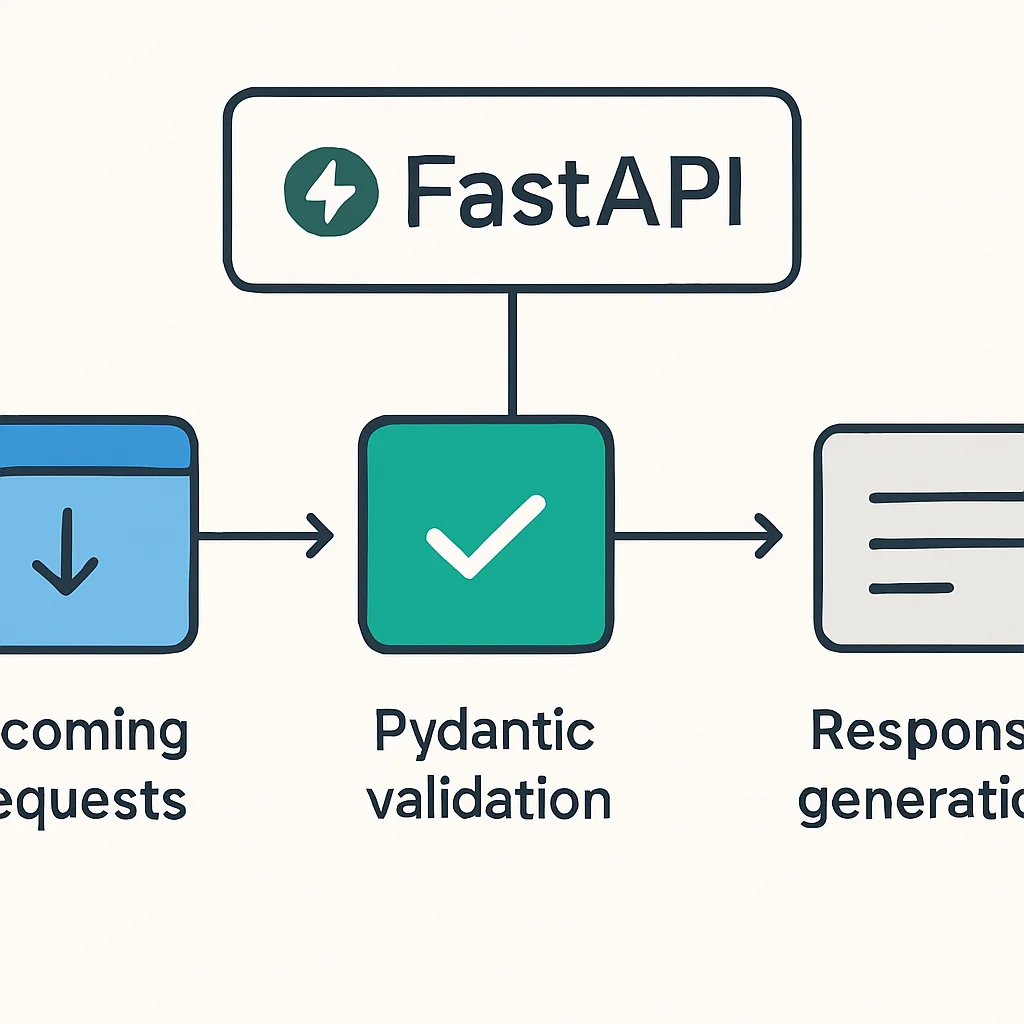
Let’s consider a simple example of how FastAPI can serve a pre-trained machine learning model. Suppose we have a scikit-learn model saved as model.pkl that predicts a numerical outcome based on a few input features.
CODE EXPLANATION
This Python code snippet demonstrates a basic FastAPI application. It loads a pre-trained machine learning model from a pickle file and defines a POST endpoint /predict. The PredictionRequest class uses Pydantic to validate incoming JSON data, ensuring the model receives correctly typed inputs. The model makes a prediction, and the result is returned as a JSON response.
from fastapi import FastAPI
from pydantic import BaseModel
import pickle
import numpy as np
import os

# Initialize FastAPI app
app = FastAPI(
    title="ML Model Prediction API",
    description="API for making predictions with a pre-trained ML model.",
    version="1.0.0"
)

# Define a Pydantic model for request body validation
class PredictionRequest(BaseModel):
    feature1: float
    feature2: float
    feature3: float
    feature4: float

# Load the pre-trained model
MODEL_PATH = "model.pkl"
model = None

@app.on_event("startup")
async def load_model():
    global model
    if os.path.exists(MODEL_PATH):
        with open(MODEL_PATH, "rb") as f:
            model = pickle.load(f)
        print(f"Model loaded successfully from {MODEL_PATH}")
    else:
        print(f"WARNING: Model file not found at {MODEL_PATH}. Prediction endpoint will not work.")
        # In a real scenario, you might raise an error or handle fallback

@app.get("/")
async def read_root():
    return {"message": "Welcome to the ML Model Prediction API!"}

@app.post("/predict")
async def predict(request: PredictionRequest):
    if model is None:
        return {"error": "Model not loaded. Please ensure model.pkl exists."}

    # Extract features from the request
    features = np.array([
        request.feature1,
        request.feature2,
        request.feature3,
        request.feature4
    ]).reshape(1, -1) # Reshape for single sample prediction

    # Make prediction
    prediction = model.predict(features).tolist()[0]

    return {"prediction": prediction}

# To run this:
# 1. Ensure you have a 'model.pkl' file (e.g., a trained scikit-learn model).
# 2. Save this code as 'main.py'.
# 3. Run: uvicorn main:app --host 0.0.0.0 --port 8000
This example demonstrates how straightforward it is to define a prediction endpoint. The PredictionRequest class, inheriting from Pydantic’s BaseModel, ensures that the incoming JSON payload for the /predict endpoint contains four float features. If the data doesn’t match this schema, FastAPI automatically returns a 422 Unprocessable Entity error with detailed error messages, saving developers a significant amount of input validation code.
KEY POINT
FastAPI’s combination of high performance (async/await), automatic data validation (Pydantic), and built-in interactive documentation makes it an exceptional framework for building reliable and efficient ML inference APIs. Its ease of use accelerates development cycles, crucial for rapid iteration in MLOps.
3. Docker: The Containerization Standard for ML Environments
Once you have your FastAPI application ready to serve your ML model, the next critical step is to package it in a way that guarantees consistent execution across different environments – from your local development machine to staging and ultimately, production servers. This is precisely where Docker becomes indispensable. Docker enables you to containerize your application, bundling your code, runtime, system tools, libraries, and settings into a single, standardized unit called a Docker image. This image can then be run as a Docker container, providing an isolated and consistent environment every time.
Why Docker for ML Deployment?
1. Environment Consistency: This is perhaps the biggest win for ML. Docker ensures that your model, its dependencies (Python version, specific library versions like TensorFlow, PyTorch, scikit-learn), and the operating system environment are exactly the same in production as they were during development. This eliminates the dreaded “works on my machine” problem.
2. Isolation: Each container runs in isolation, meaning your ML application won’t interfere with other applications or system components on the host machine. This enhances security and prevents conflicts.
3. Portability: A Docker image can be easily moved and run on any machine that has Docker installed, regardless of the underlying operating system (Linux, Windows, macOS). This is perfect for cloud deployments or on-premise solutions.
4. Scalability: Docker containers are lightweight and start quickly, making them ideal for scaling ML services up or down based on demand. Orchestration tools like Docker Swarm or Kubernetes can manage multiple instances of your containerized ML application.
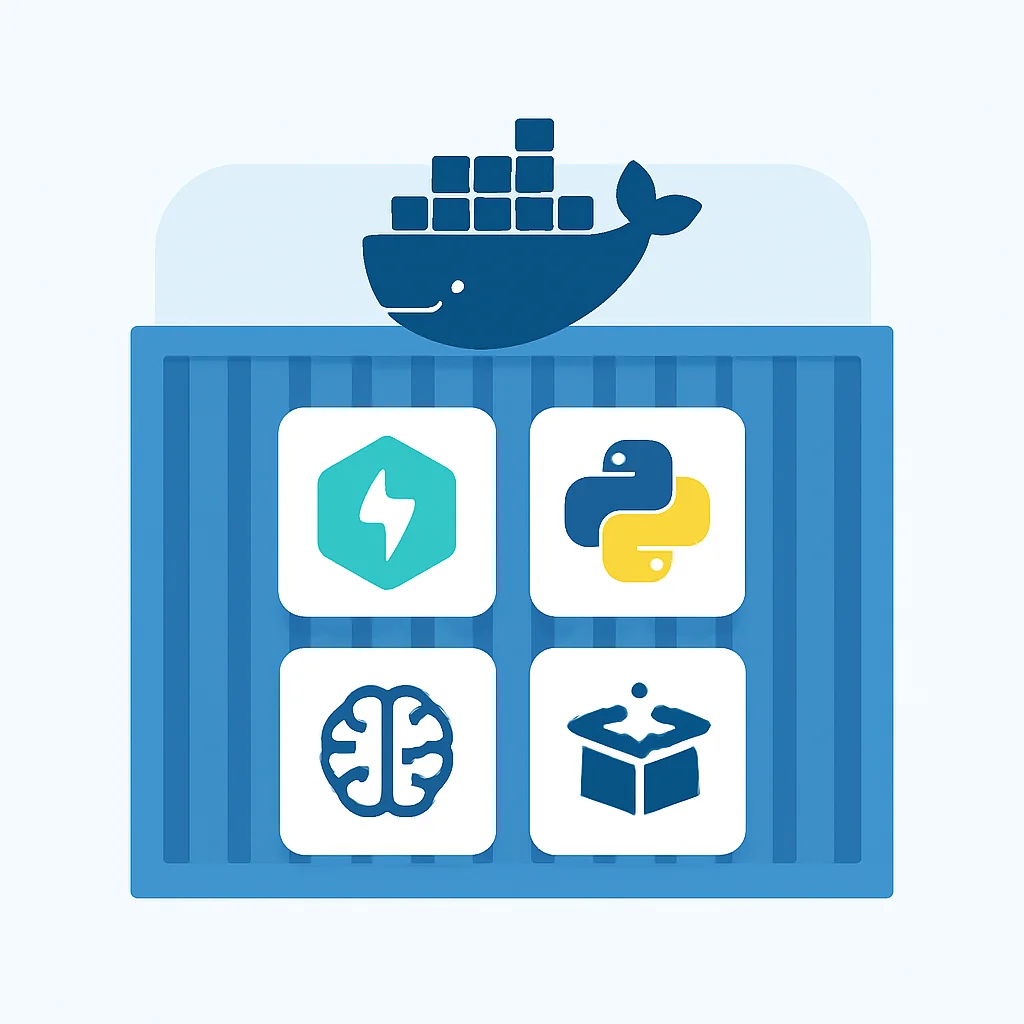
To containerize our FastAPI ML application, we need a Dockerfile. This file contains a set of instructions that Docker uses to build an image.
CODE EXPLANATION
This Dockerfile defines the steps to build a Docker image for our FastAPI ML application. It starts with a Python base image, sets up the working directory, copies the application files and model, installs dependencies from requirements.txt, exposes the application port, and finally specifies the command to run the FastAPI application using Uvicorn with Gunicorn for production-ready concurrency.
# Use an official Python runtime as a parent image
FROM python:3.9-slim-buster

# Set the working directory in the container
WORKDIR /app

# Copy the current directory contents into the container at /app
COPY ./requirements.txt /app/requirements.txt
COPY ./main.py /app/main.py
COPY ./model.pkl /app/model.pkl

# Install any needed packages specified in requirements.txt
RUN pip install --no-cache-dir --upgrade pip && \
    pip install --no-cache-dir -r requirements.txt

# Expose the port on which the FastAPI application will run
EXPOSE 8000

# Command to run the application using Uvicorn with Gunicorn
# This is a robust way to run FastAPI in production, managing multiple worker processes.
CMD ["gunicorn", "main:app", "--workers", "4", "--worker-class", "uvicorn.workers.UvicornWorker", "--bind", "0.0.0.0:8000"]
Before building the Docker image, ensure you have a requirements.txt file in the same directory as your main.py and model.pkl. This file lists all Python dependencies, for example:
CODE EXPLANATION
This is a standard requirements.txt file listing the necessary Python packages for our FastAPI ML application. fastapi is for the API, uvicorn serves the ASGI application, gunicorn manages Uvicorn workers for production, scikit-learn (or similar) is for the ML model, and numpy is often a dependency for ML libraries.
fastapi==0.110.0
uvicorn==0.29.0
gunicorn==22.0.0
scikit-learn==1.4.1.post1
numpy==1.26.4
pydantic==2.6.4
With the Dockerfile and requirements in place, you can build your Docker image:
CODE EXPLANATION
This command builds a Docker image from the Dockerfile in the current directory. The -t ml-fastapi-app:1.0 flag tags the image with a name ml-fastapi-app and a version 1.0. The . indicates that the build context is the current directory.
docker build -t ml-fastapi-app:1.0 .
And to run it:
CODE EXPLANATION
This command runs the Docker image as a container. The -d flag runs it in detached mode (background), and -p 8000:8000 maps port 8000 of the host machine to port 8000 inside the container, allowing external access to our API.
docker run -d -p 8000:8000 ml-fastapi-app:1.0
This setup provides a highly reproducible and portable deployment unit. When comparing Docker to traditional virtual machines (VMs) for ML deployment, several advantages become clear:
Comparison: Docker vs. VMs for ML Deployment
Isolation Level — Docker: Process-level, shares host OS kernel. VMs: Hardware-level, each has its own OS kernel.
Resource Usage — Docker: Lightweight, minimal overhead (MBs). VMs: Heavy, significant overhead (GBs).
Startup Time — Docker: Seconds (fast). VMs: Minutes (slow).
Portability — Docker: Highly portable, runs on any Docker host. VMs: Portable, but often tied to hypervisor (e.g., VMware, VirtualBox).
Dependency Management — Docker: Excellent, dependencies bundled in image. VMs: Can be complex, manual setup within each VM.
Use Case — Docker: Microservices, single-app deployment, CI/CD. VMs: Full server virtualization, running multiple distinct OS environments.
KEY POINT
Docker provides crucial environment consistency, isolation, and portability for ML deployments, mitigating “dependency hell” and enabling scalable operations. Its lightweight nature makes it superior to traditional VMs for microservice-style ML model serving.
4. Solving Common ML Deployment Challenges
Even with FastAPI and Docker in your toolkit, deploying ML models comes with its own set of challenges. Proactive planning and implementation of best practices are essential for a smooth and sustainable MLOps pipeline. Let’s address some of the most common hurdles and how our chosen tools, along with strategic thinking, can overcome them.
Problem 1: Dependency Management and Environment Drift
PROBLEM 01
“It works on my machine!” – Inconsistent Model Behavior Across Environments
A common scenario where a model performs perfectly in a development environment but fails or produces different results in staging or production. This is typically due to differing library versions, Python versions, or system-level dependencies. Debugging these issues can be time-consuming and frustrating.
SOLUTION
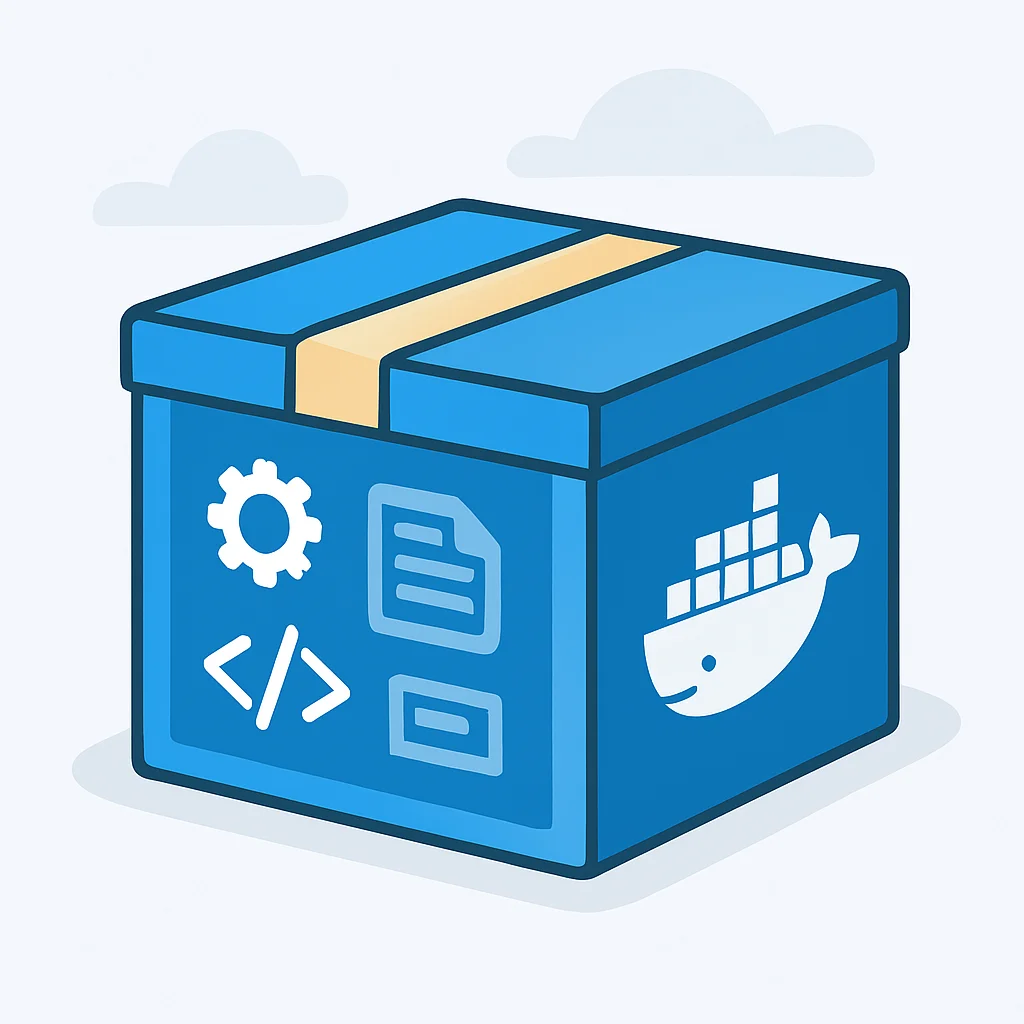
Docker provides an isolated, reproducible environment. By creating a Dockerfile that explicitly defines the base image (e.g., python:3.9-slim-buster) and installs exact versions of Python packages from a requirements.txt, you guarantee that the runtime environment for your ML model is identical across all deployment stages. This eliminates environment drift and ensures consistent model behavior.
Problem 2: Scalability and Concurrency
PROBLEM 02
Handling Spikes in Inference Requests and Maintaining Low Latency
As your application gains users, the number of simultaneous requests to your ML API can skyrocket. A single-process FastAPI application might quickly become a bottleneck, leading to increased latency and failed requests. Ensuring the API can scale efficiently to meet demand without compromising performance is a major challenge.
SOLUTION
FastAPI, while inherently fast due to its asynchronous nature, benefits from being run with a production-ready ASGI server like Uvicorn, managed by a process manager such as Gunicorn. The CMD in our Dockerfile uses gunicorn --workers 4 --worker-class uvicorn.workers.UvicornWorker. This configuration leverages multiple Uvicorn worker processes, allowing the API to handle several requests concurrently. For even greater scalability, Docker containers can be orchestrated using platforms like Kubernetes or Docker Swarm, which automatically manage the deployment, scaling, and load balancing of multiple container instances across a cluster of machines. This allows horizontal scaling to meet varying demand, ensuring high availability and consistent performance.
Problem 3: Model Versioning and Updates
PROBLEM 03
Deploying New Model Versions Without Downtime or Breaking Existing Clients
Machine learning models are continuously improved. Deploying a new version of a model needs to be a seamless process, ensuring zero downtime for users and compatibility with existing API clients. Simply replacing the model.pkl file directly can cause service interruptions or unexpected behavior.
SOLUTION
Docker images, with their explicit tagging (e.g., ml-fastapi-app:1.0, ml-fastapi-app:1.1), naturally support model versioning at the application level. When a new model is trained, a new Docker image is built with the updated model and tagged appropriately. Deployment strategies like Blue/Green deployments can then be used: the new version (Green) is deployed alongside the old (Blue), traffic is gradually shifted to Green, and only when Green is stable is Blue decommissioned. This ensures zero downtime and provides a rollback mechanism. For API versioning, FastAPI allows defining multiple API versions (e.g., /v1/predict, /v2/predict) to maintain backward compatibility for existing clients while introducing new features or model versions.
KEY POINT
FastAPI and Docker, combined with MLOps best practices like Gunicorn for concurrency and Blue/Green deployments for versioning, provide robust solutions for common ML deployment challenges, ensuring reliability, scalability, and maintainability.
5. Practical Implementation: A Step-by-Step Deployment Guide
Now that we’ve covered the theoretical benefits and problem-solving capabilities of FastAPI and Docker, let’s walk through a practical, step-by-step guide to deploy a simple machine learning model. For this example, we’ll use a basic Logistic Regression model from scikit-learn trained on the Iris dataset.
Step 1: Train and Save Your ML Model
Step 1
Create a Simple Scikit-learn Model
First, let’s create a Python script to train a basic Logistic Regression model on the Iris dataset and save it using pickle. Save this as train_model.py.
CODE EXPLANATION
This script loads the Iris dataset, trains a Logistic Regression classifier, and then saves the trained model to a file named model.pkl using the pickle module. This model.pkl file will be loaded by our FastAPI application.
# train_model.py
import pickle
from sklearn.datasets import load_iris
from sklearn.linear_model import LogisticRegression

# Load Iris dataset
iris = load_iris()
X, y = iris.data, iris.target

# Train a simple Logistic Regression model
model = LogisticRegression(max_iter=200) # Increased max_iter for convergence
model.fit(X, y)

# Save the trained model to a file
with open('model.pkl', 'wb') as f:
    pickle.dump(model, f)

print("Model trained and saved as model.pkl")
Run this script: python train_model.py. This will create model.pkl in your current directory.
Step 2: Create Your FastAPI Application
Step 2
Develop the API to Serve Predictions
Use the main.py code provided in Section 2. Ensure it’s in the same directory as model.pkl.
Step 3: Define Dependencies in requirements.txt
Step 3
Specify All Python Package Requirements
Create a requirements.txt file in your project root, listing all necessary packages with their exact versions. The example from Section 3 is suitable.
Step 4: Create the Dockerfile
Step 4
Containerize Your Application
Create a Dockerfile in the same directory as your other files. Use the Dockerfile content from Section 3.
Step 5: Build and Run the Docker Image
Step 5
Launch Your Containerized ML API
Open your terminal in the project directory and execute the Docker commands to build and run your application.
CODE EXPLANATION
These commands first build the Docker image, naming it iris-classifier:1.0, and then run it in detached mode, mapping the container’s port 8000 to the host’s port 8000.
docker build -t iris-classifier:1.0 .
docker run -d -p 8000:8000 iris-classifier:1.0
You can verify that your container is running using docker ps.
Step 6: Test Your API
Step 6
Verify Model Predictions via API Calls
With the container running, you can now access your API. Open your browser and navigate to http://localhost:8000/docs. You’ll see the interactive Swagger UI documentation. From there, you can test the /predict endpoint directly.
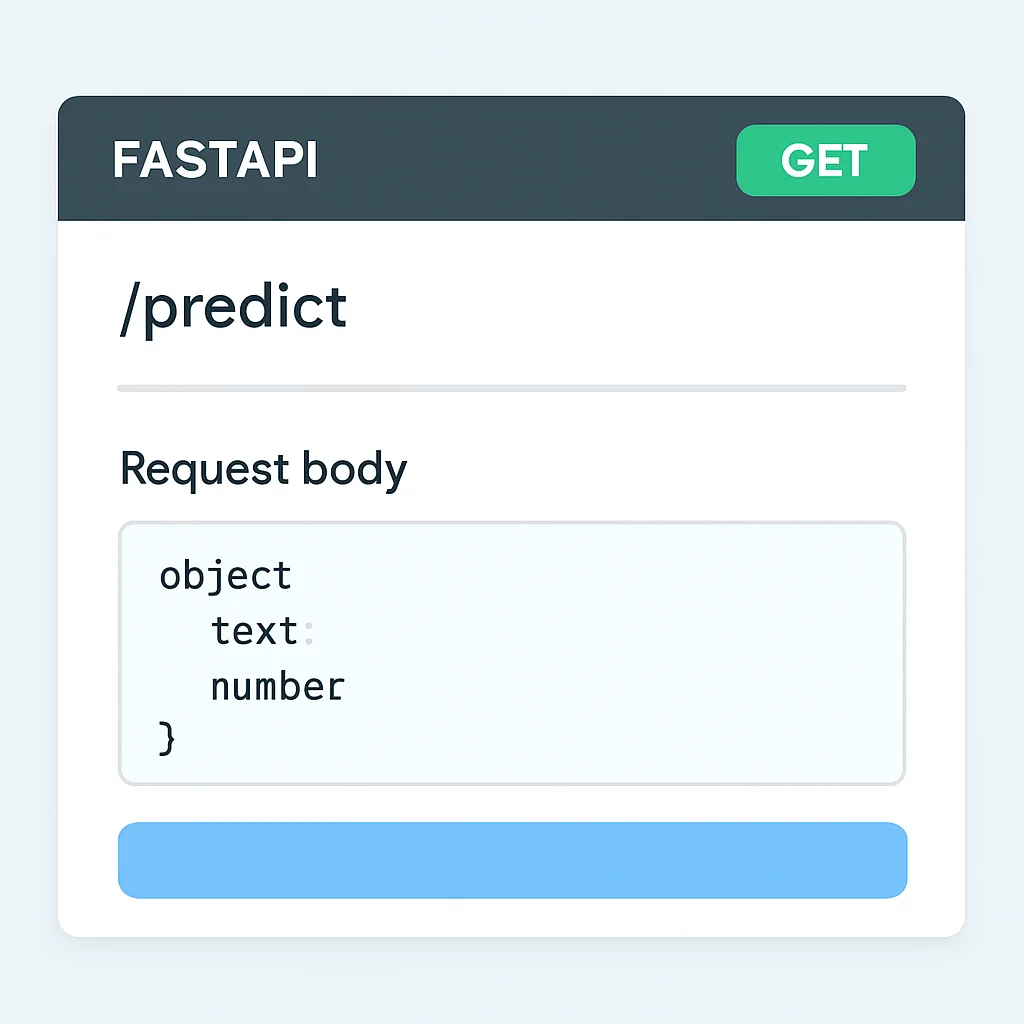
Alternatively, you can use curl to send a request:
CODE EXPLANATION
This curl command sends a POST request to our FastAPI /predict endpoint with a JSON payload containing four float features. The -H flags set the Content-Type header, and -d provides the request body.
curl -X 'POST' \
  'http://localhost:8000/predict' \
  -H 'accept: application/json' \
  -H 'Content-Type: application/json' \
  -d '{
  "feature1": 5.1,
  "feature2": 3.5,
  "feature3": 1.4,
  "feature4": 0.2
}'
You should receive a JSON response similar to {"prediction": 0} (the predicted class for the Iris dataset). This confirms your ML model is successfully deployed and serving predictions via FastAPI within a Docker container.
KEY POINT
Following these practical steps, developers can confidently take an ML model from a trained artifact to a fully operational, containerized API endpoint, ready for integration into larger systems and scalable deployment.
Frequently Asked Questions (FAQ)
Q. Why choose FastAPI over Flask or Django for ML model serving?
FastAPI is generally preferred for ML model serving due to its superior performance (async/await), automatic data validation with Pydantic, and built-in interactive documentation (Swagger UI). While Flask and Django are robust frameworks, FastAPI is specifically optimized for building fast APIs with minimal boilerplate, which is ideal for high-throughput inference endpoints.
Q. Is Docker necessary for every ML deployment?
While not strictly “necessary” for every single deployment (e.g., very simple, local-only scenarios), Docker is highly recommended for almost all production-grade ML deployments. It solves critical issues like environment consistency, dependency management, and provides portability and scalability benefits that are hard to achieve reliably without containerization.
Q. How can I monitor my deployed ML model’s performance?
Monitoring involves tracking API metrics (latency, error rates, throughput) and model-specific metrics (prediction drift, data drift, model accuracy over time). FastAPI can integrate with Prometheus for API metrics, and tools like MLflow, Arize, or custom logging with dashboards (e.g., Grafana) can be used for model monitoring. Implementing health checks in your FastAPI app is also crucial.
Q. What if my ML model requires a GPU?
Deploying GPU-accelerated models with Docker is very common. You’ll need to use specific Docker base images that include CUDA and cuDNN (e.g., nvidia/cuda), and then run your Docker container with the --gpus all flag (if using Docker Engine 19.03+ with NVIDIA Container Toolkit) to expose the host’s GPU to the container.
Q. How do I manage sensitive information like API keys or database credentials in a Dockerized ML application?
Sensitive information should never be hardcoded in your Dockerfile or application code. Instead, use environment variables, Docker Secrets (for Docker Swarm), or Kubernetes Secrets. FastAPI can easily read these environment variables or secrets during startup, keeping them out of your codebase and Docker image layers.
7. Conclusion: Empowering Scalable AI in 2026
The landscape of machine learning continues to evolve at an incredible pace, and in 2026, the ability to rapidly and reliably deploy models into production is no longer a luxury but a fundamental requirement for any organization leveraging AI. This guide has demonstrated how FastAPI and Docker, when used in conjunction, provide a robust, efficient, and scalable solution for this critical phase of the MLOps lifecycle.
FastAPI empowers developers to build high-performance, self-documenting APIs with minimal effort, ensuring that your model inference endpoints are fast and easy to integrate. Docker, on the other hand, guarantees environment consistency, portability, and isolation, effectively eliminating the common pitfalls associated with dependency management and “works on my machine” issues. Together, they create a powerful synergy that streamlines the journey from a trained model to a production-ready service.
As we look ahead, the principles discussed here will remain foundational. The trend towards more sophisticated MLOps platforms, serverless ML deployments, and specialized LLMOps (Large Language Model Operations) will build upon these core concepts of efficient serving and robust containerization. By mastering FastAPI and Docker for your ML deployments today, you are not just solving current problems but also building a strong foundation for the AI challenges and opportunities of tomorrow.
Embrace these tools, experiment with the examples, and confidently take your machine learning models from the realm of research to real-world impact. The future of AI deployment is here, and it’s more accessible than ever for developers.
Thanks for reading
We hope this guide helps you confidently deploy your machine learning models into production environments. The combination of FastAPI and Docker is a game-changer for MLOps.
Got questions or want to share your deployment experiences? Drop a comment below or connect with Kwonglish on social media.