
SUMMARY
Memory Hacks for Developers: Boost Retention for Code & Concepts in 2026
Unlock powerful memory hacks and learning techniques specifically designed for developers to boost retention and learn faster.
Keywords: memory techniques, developer productivity, code retention
TABLE OF CONTENTS
1. Why Memory Matters More Than Ever for Developers
2. Core Memory Methods for Developers
3. Practical Application: Integrating Memory Hacks into Your Workflow
4. Common Pitfalls & Mistakes to Avoid
5. Frequently Asked Questions
6. Wrapping Up: Your Journey to a Sharper Developer Mind
BACKGROUND
Why Memory Matters More Than Ever for Developers
Hey there, Kwonglish fam! Let’s be real: as developers, we’re constantly bombarded with new information. New frameworks, updated libraries, obscure API documentation, complex algorithms, subtle syntax differences across languages… it’s a never-ending stream. In 2026, with the rapid evolution of AI tools, serverless architectures, and increasingly specialized domains like WebAssembly and quantum computing, the sheer volume of knowledge required to stay relevant feels overwhelming.
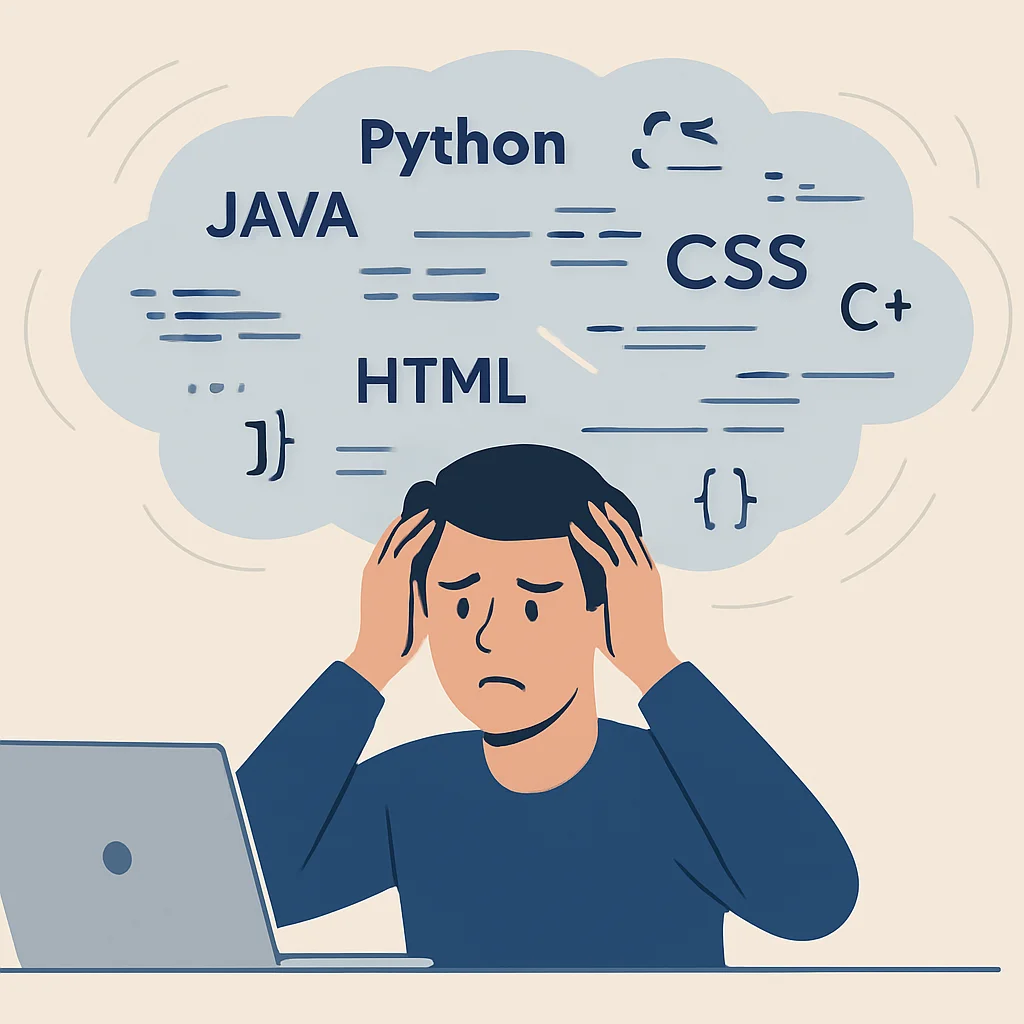
Have you ever found yourself staring blankly at a piece of code you wrote last week, wondering how it works? Or perhaps you’ve spent hours debugging a problem only to realize the solution was a tiny syntax detail you’ve “learned” a dozen times? You’re not alone. The traditional methods of learning — reading documentation, watching tutorials, or even just coding along — often lead to passive absorption, which quickly fades from memory.
Effective memory isn’t just about rote memorization; it’s about building a robust mental model of how things work, connecting new concepts to existing knowledge, and being able to recall critical information under pressure. For developers, this translates directly to:
The Benefits of a Sharper Developer Mind
Faster Learning Curve — Grasp new languages, frameworks, and tools much quicker, accelerating your adaptability in a fast-paced industry.
Increased Productivity — Spend less time looking up basic syntax or common patterns, allowing you to focus on complex problem-solving.
Reduced Debugging Time — Quickly identify potential issues by recalling common error patterns or architectural considerations.
Better Code Quality — Design more robust and efficient solutions by recalling best practices and design patterns.
Enhanced Problem Solving — Access a broader mental library of solutions and approaches when tackling novel challenges.
Beyond the immediate benefits, strong memory skills contribute to career growth. Imagine being the go-to person on your team for a particular technology, or confidently tackling a complex system design interview because you’ve truly internalized the concepts. That’s the power we’re talking about.
KEY POINT
In today’s rapidly evolving tech landscape, effective memory is not a luxury but a critical skill for developers. It directly impacts learning speed, productivity, and career advancement.
This guide will introduce you to powerful, scientifically-backed memory techniques — not just general tips, but specific hacks tailored for the unique challenges of learning and retaining programming concepts and code. Get ready to transform your learning process and supercharge your developer memory!
CORE METHODS
Core Memory Methods for Developers
Forget passive reading. To truly embed information into your long-term memory, you need to engage with it actively. These methods are designed to do just that, leveraging principles from cognitive science to make your learning stick.
1
Active Recall: The “Test Yourself” Approach
Active recall is simple: instead of passively re-reading or reviewing material, you actively try to retrieve information from your memory. Think of it like flexing a muscle — the more you try to recall, the stronger the memory pathway becomes. Research consistently shows active recall significantly outperforms passive review. A study published in 2013 by Karpicke and Blunt demonstrated that students who practiced retrieval (active recall) performed significantly better on tests than those who re-studied the material.
How Developers Can Apply Active Recall:
Flashcards for Syntax & APIs: Create digital or physical flashcards for common syntax, API methods, or command-line tools. For example, one side could have “How to filter an array in JavaScript?” and the other side the .filter() method with an example.
Explain it Out Loud (or to a Rubber Duck): After learning a new concept (e.g., how Promises work in JavaScript, or the principles of SOLID design), try to explain it in your own words without looking at notes. If you get stuck, that’s a knowledge gap you need to revisit.
Code from Scratch: Instead of copying and pasting, try to implement a feature or solve a problem from memory after you’ve learned the pattern. Even small functions or components are great practice.
Debugging by Prediction: When encountering a bug, instead of immediately looking up the error, try to predict what might be causing it based on your understanding of the code and language. Then, verify your hypothesis.
2
Spaced Repetition: The “Just-in-Time Review” System
Spaced repetition is a learning technique that involves reviewing previously learned material at increasing intervals over time. It’s based on the “forgetting curve” — the idea that information is forgotten rapidly after initial learning, but subsequent reviews at optimal intervals can dramatically slow down this decay. Tools like Anki (a popular open-source flashcard program) are built on this principle, presenting cards just before you’re about to forget them.

How Developers Can Apply Spaced Repetition:
Anki Decks for Code Snippets: Create Anki decks for specific programming concepts, language features, or common algorithms. For example, a card could ask “What is the Big O complexity of quicksort in the average case?” or “Write a Python decorator that logs function calls.”
API & Library Reference: For new libraries or APIs you’re using, create cards for frequently used functions, parameters, and common pitfalls. This is especially useful when switching between similar frameworks (e.g., React hooks vs. Vue composition API).
System Design Concepts: Break down complex system design patterns (e.g., microservices, message queues, load balancing) into smaller, recallable facts or diagrams for your Anki reviews.
Command Line & Git Commands: Keep your command-line fluency sharp by reviewing less frequently used but important commands for Git, Docker, Kubernetes, or your preferred operating system.
3
Elaboration & Association: Building a Web of Knowledge
Elaboration involves connecting new information to existing knowledge in meaningful ways. The more connections you make, the more “hooks” you have to retrieve that information later. Association, a closely related technique, uses vivid imagery, stories, or analogies to link disparate pieces of information. For developers, this means not just knowing what a piece of code does, but why it does it, how it relates to other parts of the system, and when you would use it.
How Developers Can Apply Elaboration & Association:
Analogies & Metaphors: When learning a new concept, try to explain it using an analogy from a different domain. For example, a “linked list” can be like a “treasure hunt” where each clue (node) tells you where to find the next one, but you can’t skip ahead. A “database transaction” could be like a “restaurant order” where either all items are delivered (committed) or none are (rolled back).
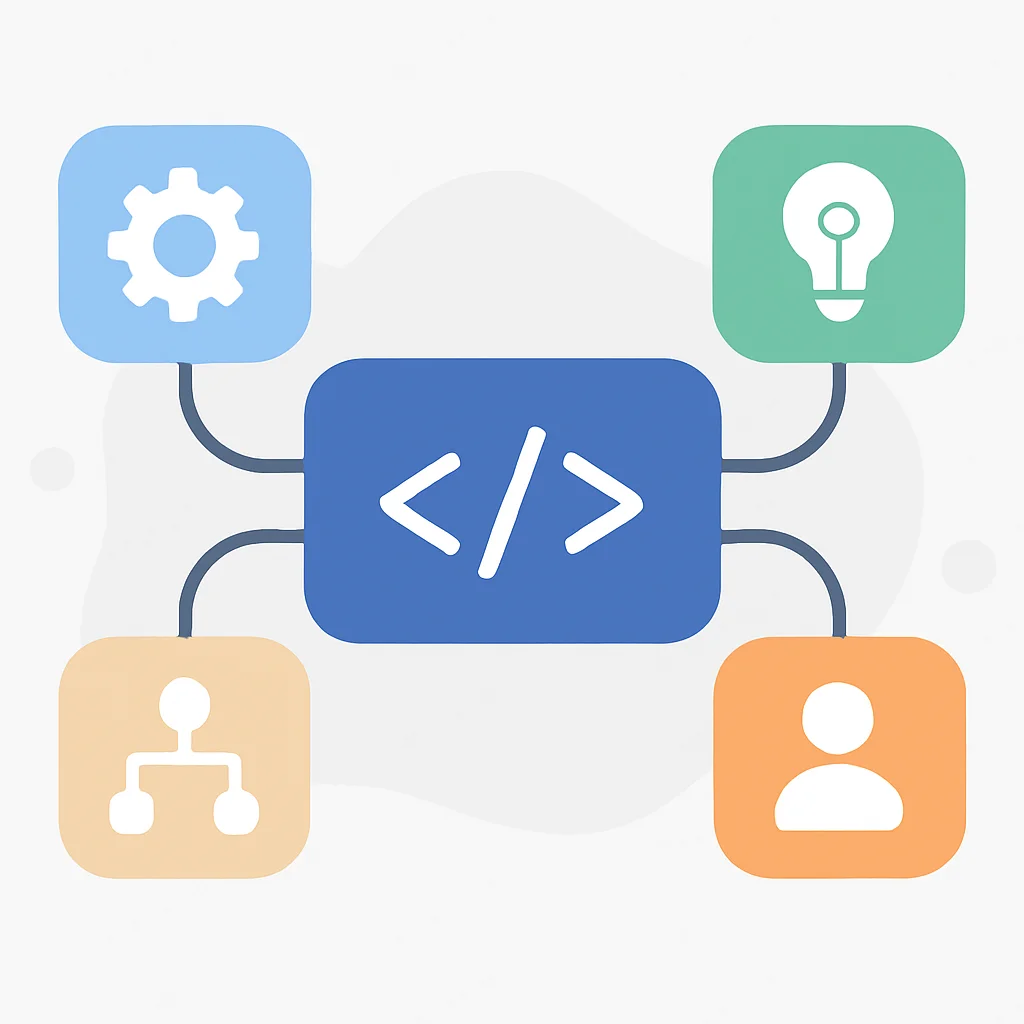
Mind Mapping: Visually connect related concepts. Start with a central topic (e.g., “JavaScript Async Programming”) and branch out to Promises, async/await, callbacks, event loop, drawing lines and adding brief descriptions to show relationships.
Connecting to Prior Knowledge: When learning a new framework, constantly ask yourself: “How is this similar to/different from a framework I already know?” For instance, if you’re learning Vue.js after React, consider how components, state management, and lifecycle hooks compare.
The “Why” Behind the “What”: Don’t just memorize a solution; understand the underlying problem it solves, the trade-offs involved, and its implications. Why use a particular data structure? Why is immutability important in certain contexts?
4
Method of Loci (Memory Palace): Visualizing Complex Systems
The Method of Loci, or Memory Palace, is an ancient technique where you associate items you want to remember with specific locations within a familiar mental “space” (like your house, office, or a common route). When you want to recall the items, you mentally “walk through” the space and retrieve the associated information. While it sounds complex, it’s incredibly powerful for remembering ordered lists, complex architectures, or sequences of operations.
How Developers Can Apply the Method of Loci:
Mapping a Project Architecture: Imagine your house. The front door is the client-side UI. The living room is your frontend framework (React/Vue/Angular). The kitchen is your API gateway. The dining room is your backend service. Each appliance in the kitchen could be a specific microservice. The pantry might be your database. As you mentally walk through, you can place key concepts or components at each “location.”
Recalling Algorithm Steps: For a complex algorithm like Dijkstra’s or A* search, assign each step of the algorithm to a distinct point in a familiar route (e.g., your commute). Step 1 is leaving your house, Step 2 is turning onto the main road, and so on. Visualize the action of each step at that location.
Memorizing Command Sequences: If you have a series of commands for deploying an application (e.g., git pull, npm install, npm run build, docker build, docker push), assign each command to a distinct landmark on a short mental journey.
The key is to make the associations vivid, even absurd. The more memorable the image, the easier it is to recall.
5
The Feynman Technique: Teaching to Learn
Named after Nobel Prize-winning physicist Richard Feynman, this technique is about understanding a concept so deeply that you can explain it simply to anyone — even a child. It forces you to identify gaps in your understanding and simplify complex ideas. If you can’t explain it simply, you don’t understand it well enough.
How Developers Can Apply the Feynman Technique:
Explain to a Junior Developer/Non-Technical Friend: Pick a complex topic (e.g., “what is containerization?” or “how does a REST API work?”) and try to explain it to someone with limited or no technical background. Use simple language and avoid jargon. If they don’t understand, you haven’t simplified it enough.
Write Blog Posts or Documentation: Kwonglish isn’t just for reading; it’s for writing too! Creating a blog post or detailed internal documentation on a topic you’ve learned forces you to structure your thoughts, clarify concepts, and fill in any missing pieces of understanding.
Pair Programming & Code Reviews: When pair programming, take turns explaining your thought process for implementing a feature or fixing a bug. During code reviews, don’t just point out issues, but explain why a particular change is better or why a pattern is being used. This reinforces your understanding.
Create Tutorials or Demos: Building a small tutorial or a demo project that teaches a specific concept is an excellent way to consolidate your knowledge. The act of structuring the lesson and anticipating user questions will deepen your understanding.
KEY POINT
The most effective memory techniques for developers involve active engagement: testing yourself, strategic review, building connections, visualizing systems, and teaching others.
PRACTICAL APPLICATION
Practical Application: Integrating Memory Hacks into Your Workflow
Now that you know the core methods, let’s look at how to weave them into your daily developer life. These aren’t just theoretical concepts; they are actionable steps you can start taking today, in 2026, to solidify your knowledge and become a more effective developer.
Action Item 1: Set Up Your Anki Deck for Developer Knowledge
Anki is your secret weapon for spaced repetition. Download it, and create a dedicated deck for “Developer Knowledge 2026.”
CODE EXPLANATION
Here’s an example of a simple JavaScript function and how you might turn it into an Anki flashcard. The front of the card poses a question or a challenge, and the back provides the answer, often with a code snippet and explanation.
// Front of Anki Card:
// Q: How do you deep clone an object in JavaScript without external libraries,
// considering simple objects (no functions, Dates, RegEx)?

// Back of Anki Card:
// A: Using JSON.parse(JSON.stringify(object)).
//
// Example:
// const original = { a: 1, b: { c: 2 } };
// const cloned = JSON.parse(JSON.stringify(original));
//
// console.log(cloned); // { a: 1, b: { c: 2 } }
// original.b.c = 99;
// console.log(cloned.b.c); // Still 2 (deep clone)
//
// Explanation: This method serializes the object to a JSON string and then parses it back,
// effectively creating a new object graph. It's simple but has limitations (loses functions,
// circular references cause errors, etc.). For full deep cloning, use a library like Lodash's _.cloneDeep.
Action: Whenever you learn a new syntax, a tricky API call, or an algorithm, immediately create an Anki card for it. Review your cards daily for 10-15 minutes. Consistency is key!
Action Item 2: Integrate “Explain It” Sessions into Your Day
Block out 5-10 minutes each day, perhaps during your lunch break or before wrapping up, to explain a concept you recently learned or worked on. You can talk to a colleague, a friend, or even just record yourself talking into your phone.
CODE EXPLANATION
Consider explaining this simple React component’s lifecycle and state management. Don’t just read the code; explain why each part is there and how it contributes to the component’s behavior.
// React Counter Component
import React, { useState, useEffect } from 'react';

function Counter() {
  const [count, setCount] = useState(0); // State hook

  useEffect(() => {
    // Effect hook: runs after every render
    document.title = `Count: ${count}`; // Side effect: updating document title
    console.log(`Count updated to: ${count}`);

    return () => {
      // Cleanup function: runs before unmounting or re-running effect
      console.log('Component or effect clean up');
    };
  }, [count]); // Dependency array: effect re-runs only when 'count' changes

  return (
    <div>
      <p>Current Count: {count}</p>
      <button onClick={() => setCount(count + 1)}>Increment</button>
      <button onClick={() => setCount(0)}>Reset</button>
    </div>
  );
}

export default Counter;
Action: Pick a concept like “React Hooks (useState, useEffect)” or “how Promises handle asynchronous operations.” Explain its purpose, how it works, and common use cases in simple terms. If you stumble, you’ve found an area for deeper study.
Action Item 3: Create a “Memory Palace” for Your Project Architecture
For your current project or a complex system you’re trying to understand, mentally map its components to a familiar physical space. This is excellent for large-scale system design or understanding how different microservices interact.

Example Scenario: Let’s say you’re working on an e-commerce platform.
* Your Front Door: The main load balancer / CDN.
* Living Room: The user-facing web application (React frontend).
* Kitchen: The API Gateway, handling all incoming requests to the backend.
* Pantry: The Authentication Service (securely stores user credentials).
* Refrigerator: The Product Catalog Service (stores item details).
* Oven: The Order Processing Service (handles placing orders).
* Dining Table: The Payment Gateway integration.
* Bedroom: The User Profile Service.
* Bathroom: The Logging and Monitoring Service (observability).
* Garage: The CI/CD pipeline.
As you “walk” through your house, visualize each service, its responsibilities, and how it connects to the others. This makes abstract concepts concrete and memorable.
Action: Choose a system you’re working with. Sketch out your “memory palace” on paper, labeling each room/area with a major component or service. Then, mentally walk through it daily for a few minutes, reinforcing the connections.
KEY POINT
Consistency and active engagement are paramount. Integrate Anki, daily explanations, and mental architectural mapping into your routine to build lasting knowledge.
COMMON PITFALLS
Common Pitfalls & Mistakes to Avoid
Even with the best intentions, it’s easy to fall into traps that hinder your memory and learning. Being aware of these common mistakes can help you steer clear of them.
WARNING
Avoid these common learning mistakes to maximize your memory and understanding.
PROBLEM 01
Passive Consumption of Content
Simply watching tutorials, reading documentation, or listening to podcasts without actively engaging with the material. Your brain isn’t being forced to retrieve or process information deeply, leading to superficial learning that quickly fades.
SOLUTION — Always Be Active
As you consume content, pause frequently. Ask yourself questions, try to summarize what you just learned, or attempt to implement a small part of it in code. Use the active recall and elaboration techniques discussed earlier.
PROBLEM 02
Lack of Consistent Review
Learning something once and expecting to remember it forever. The forgetting curve is real! Without regular, spaced reviews, even deeply understood concepts will start to fade from your memory over time.
SOLUTION — Embrace Spaced Repetition
Make spaced repetition a non-negotiable part of your routine. Dedicate 10-20 minutes daily to Anki or similar tools. This small investment pays massive dividends in long-term retention.
PROBLEM 03
Isolated Learning (No Connections)
Trying to learn new concepts in isolation, without relating them to what you already know. This makes it harder for your brain to “file away” the new information effectively, as it lacks context and connections to your existing knowledge network.
SOLUTION — Build Mental Models
Always strive to understand the “why” and “how” behind concepts. Use analogies, mind maps, and constantly ask yourself how new information fits into your existing understanding of programming and system design. The more connections, the stronger the memory.
PROBLEM 04
Information Overload & Distraction
Trying to learn too much at once or constantly switching contexts. Our working memory has limited capacity. Overloading it prevents information from being properly encoded into long-term memory.
SOLUTION — Focus & Chunking
Break down complex topics into smaller, manageable “chunks.” Focus on one concept at a time, eliminating distractions during your dedicated learning sessions. Use techniques like the Pomodoro Technique to maintain focus.
KEY POINT
Beware of passive learning and inconsistent review. Active engagement, spaced repetition, building connections, and focused learning are crucial to overcome common memory pitfalls.
Frequently Asked Questions
Q. How long does it take to see results from these memory techniques?
You can often feel an immediate difference in comprehension and recall with active techniques. For significant long-term retention improvements, consistent application of spaced repetition and active recall for several weeks to months will yield the best results.
Q. Do these techniques only work for memorizing syntax, or for conceptual understanding too?
These techniques are highly effective for both! While flashcards are great for syntax, methods like elaboration, the Feynman Technique, and Memory Palaces are specifically designed to deepen your conceptual understanding and build robust mental models of complex systems.
Q. I’m already busy. How can I fit these into my daily routine?
Start small! Dedicate just 10-15 minutes daily to Anki reviews. Integrate “explain it” sessions during short breaks or commute times. For complex topics, dedicate focused blocks of 30-60 minutes a few times a week, ensuring active engagement throughout. Even small, consistent efforts compound over time.
Q. Are there any specific tools or software beyond Anki you recommend for developers?
Beyond Anki, tools like Obsidian or Notion are excellent for creating interconnected notes and building your “second brain,” supporting elaboration. For mind mapping, applications like XMind or Miro can be very helpful. The most important “tool,” however, is your consistent practice of the techniques themselves.
WRAP-UP
Wrapping Up: Your Journey to a Sharper Developer Mind
The journey to becoming a truly exceptional developer in 2026 isn’t just about mastering new technologies; it’s about mastering how you learn and retain information. By consciously applying these memory hacks — active recall, spaced repetition, elaboration, the Method of Loci, and the Feynman Technique — you’re not just memorizing; you’re building a deeper, more resilient understanding of the complex world of software development.

Remember, your brain is like a muscle. It gets stronger with consistent, targeted exercise. Don’t try to implement everything at once. Pick one or two techniques that resonate most with you, integrate them into your daily or weekly routine, and observe the difference. Start with 10 minutes of Anki daily, or commit to explaining one concept to your rubber duck every other day.
The goal is not to become a walking encyclopedia, but to develop a flexible, robust mental model that allows you to quickly recall, connect, and apply knowledge effectively. This will not only make you a more efficient and capable developer but also a more confident and less stressed one.
So, go forth, Kwonglish! Start hacking your memory today and unlock your full potential as a developer. The future of tech in 2026 demands not just smart developers, but smart learners.
Thanks for reading!
We hope these memory hacks help you on your journey to becoming an even sharper developer. Keep learning, keep building, and keep growing!
Got feedback or questions? Share your own memory hacks or learning struggles in the comments below!