

SUMMARY
Best Budgeting Apps for Developers: Track Your Spending & Save More in 2026
This is a comprehensive guide to the top budgeting and personal finance apps tailored for developers, helping you track expenses, manage income, and achieve your financial goals.
Keywords: Budgeting Apps, Personal Finance, Developer Finance
TABLE OF CONTENTS
1. Introduction: Why Developers Need Smart Budgeting
2. Key Features Developers Look For in Budgeting Apps
3. Top Budgeting Apps for Developers in 2026
4. Beyond the Apps: Advanced Strategies for Developers
5. Real-World Scenarios: How Developers Leverage Budgeting Apps
6. Important Considerations & FAQs
7. Kwonglish’s Final Thoughts
OVERVIEW
1. Introduction: Why Developers Need Smart Budgeting
Hello, Kwonglish readers! As developers, we often focus on optimizing code, building elegant solutions, and pushing the boundaries of technology. But how much attention do we give to optimizing our personal finances? In 2026, with the tech landscape constantly evolving, managing your money effectively is more crucial than ever. Whether you’re a seasoned software engineer, a freelance web developer, or a budding data scientist, understanding where your money goes and where it should go is the first step towards financial freedom.
Developers often earn competitive salaries, which is fantastic! However, this can sometimes lead to what we call “lifestyle creep” – as your income increases, so do your expenses, leaving you feeling like you’re not making much progress. Add in the complexities of managing variable income from freelance gigs, understanding stock options (RSUs, ESPPs), or saving for big goals like a down payment on a house or early retirement, and personal finance can quickly become overwhelming.
“Just like clean code leads to maintainable software, a clear budget leads to maintainable finances. It’s about taking control, not feeling restricted.”
This is where budgeting apps come in. They aren’t just for cutting back; they’re powerful tools designed to give you clarity, automate tedious tasks, and help you make informed financial decisions. Think of them as your personal financial dashboard, providing real-time insights into your cash flow, net worth, and progress towards your goals. For developers, who appreciate data, efficiency, and robust tools, these apps are a natural fit. In this guide, we’ll explore the best budgeting apps available in 2026, tailored specifically for the unique financial needs and preferences of the developer community.
KEY POINT
A budgeting app transforms abstract financial data into actionable insights, helping developers move beyond simply earning a good salary to actively building wealth and achieving financial independence.
CRITERIA
2. Key Features Developers Look For in Budgeting Apps
When it comes to choosing a budgeting app, developers have a unique set of requirements. We value precision, automation, and the ability to dive deep into data. Here are the core features Kwonglish believes are essential for any developer-friendly budgeting tool in 2026:
Essential Features for Developers
1. Robust Automation & Integrations — Seamlessly connects to bank accounts, credit cards, and even investment platforms. Automated transaction categorization and rule creation save immense time.
2. Customization & Granularity — The ability to create highly specific budget categories, track custom metrics, and apply detailed tagging to transactions. Developers often need more than just “groceries” and “rent.”
3. Powerful Reporting & Visualization — Beyond simple pie charts, we want interactive graphs, trend analysis, and the ability to export data for our own custom analysis. Visualizing financial health is key.
4. Goal Tracking & Planning — Tools to set and monitor progress towards specific financial goals, like saving for a new workstation, a down payment, or retirement. Project management for your money!
5. Investment & Net Worth Tracking — For many developers, investments (including stock options and RSUs) are a significant part of their financial picture. An app that aggregates and tracks these is invaluable.
6. Strong Security & Privacy — Given our technical understanding, we’re acutely aware of data security. End-to-end encryption, multi-factor authentication, and clear privacy policies are non-negotiable.
7. Data Export Options (API/CSV) — For those who want to build their own analysis tools or integrate with other systems, the ability to export raw data (CSV) or access via an API is a huge plus.
Choosing the right app means finding one that aligns with your specific financial philosophy (e.g., zero-based budgeting vs. traditional budgeting) and provides the tools you need to manage your money efficiently. Let’s dive into some of the top contenders in 2026!
KEY POINT
Developers prioritize apps that offer robust data handling, automation, and customization, treating their personal finance like another complex system to optimize and manage with precision.
CORE GUIDE
3. Top Budgeting Apps for Developers in 2026
Alright, let’s get to the good stuff! Here’s a breakdown of the top budgeting apps that Kwonglish recommends for developers in 2026, considering their unique needs and preferences.
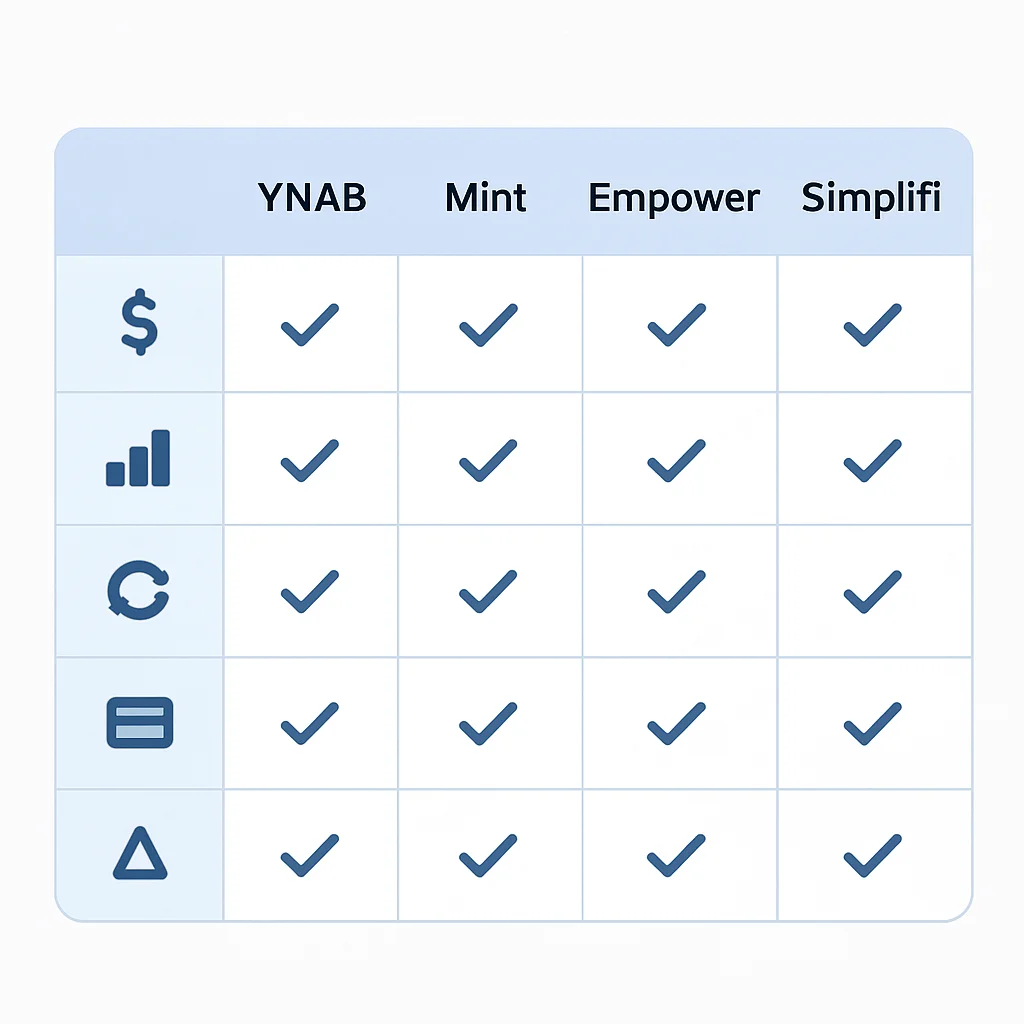
3.1. You Need A Budget (YNAB)
YNAB: The Zero-Based Budgeting Master
YNAB is more than just an app; it’s a philosophy. It champions “zero-based budgeting,” meaning every dollar you earn is given a specific job before you spend it. This proactive approach is excellent for developers who thrive on structure and planning. It helps you break the paycheck-to-paycheck cycle and build a buffer for future expenses.
Key Features:
✔️ Zero-Based Budgeting: Assigns every dollar a purpose.
✔️ Goal Tracking: Excellent for saving for specific targets.
✔️ Real-Time Syncing: Connects to thousands of banks and credit unions.
✔️ Detailed Reporting: Provides insights into spending and net worth.
✔️ Age Your Money: A core metric to show how long your money lasts.
Pricing (as of 2026): YNAB costs approximately $99 per year or $14.99 per month. They offer a generous 34-day free trial, which is highly recommended to see if their methodology clicks with you.
Pros
✔️ Teaches strong budgeting habits and financial discipline.
✔️ Excellent for managing variable income (freelancers!).
✔️ Highly customizable categories and goals.
Cons
❌ Steeper learning curve due to its unique methodology.
❌ Subscription cost might be a barrier for some.
KEY POINT
YNAB is ideal for developers who want to be highly proactive with their money, understand every dollar’s purpose, and are committed to learning a new budgeting system.
3.2. Mint
Mint: The Free, Comprehensive Tracker
Mint, by Intuit, is one of the most popular free budgeting apps available. It’s excellent for getting a holistic view of your finances, tracking spending, managing bills, and monitoring your credit score. Its strength lies in its ability to aggregate nearly all your financial accounts in one place, providing a high-level overview of where you stand.
Key Features:
✔️ Free to Use: Ad-supported, but powerful features at no cost.
✔️ Comprehensive Overview: Links bank accounts, credit cards, loans, and investments.
✔️ Budgeting Tools: Automatically categorizes transactions and helps set spending limits.
✔️ Bill Tracking & Reminders: Helps avoid late fees.
✔️ Credit Score Monitoring: Integrates free credit score checks.
Pricing (as of 2026): Mint is free. There might be premium features or services offered, but the core budgeting and tracking tools are available without charge.
Pros
✔️ Completely free, making it accessible to everyone.
✔️ Great for beginners and those who want a quick financial overview.
✔️ Excellent bill tracking and credit score monitoring.
Cons
❌ Ads can be intrusive.
❌ Budgeting features are less granular than dedicated apps like YNAB.
KEY POINT
Mint is a fantastic starting point for developers who want a free, comprehensive overview of their finances and basic budgeting, especially for tracking multiple accounts and bills.
3.3. Empower Personal Dashboard (formerly Personal Capital)
Empower Personal Dashboard: For the Investment-Savvy Developer
Empower (formerly Personal Capital) shines when it comes to investment tracking and net worth aggregation. While it offers budgeting tools, its primary strength lies in providing a holistic view of your investments, including 401(k)s, IRAs, brokerage accounts, and even stock options. For developers with significant equity or investment portfolios, this tool is invaluable.
Key Features:
✔️ Net Worth Tracker: Aggregates all assets and liabilities in one dashboard.
✔️ Investment Analysis: Tracks performance, allocation, and fees across all accounts.
✔️ Retirement Planner: Powerful tools to model different retirement scenarios.
✔️ Cash Flow & Budgeting: Basic spending and income tracking.
✔️ Fee Analyzer: Helps identify hidden investment fees.
Pricing (as of 2026): The Personal Dashboard (all the tracking and analysis tools) is completely free. Empower also offers paid financial advisory services for those with portfolios over $100,000, but these are optional.
Pros
✔️ Unbeatable free investment tracking and analysis.
✔️ Excellent for high-income earners and those with complex portfolios.
✔️ Comprehensive net worth calculation.
Cons
❌ Budgeting features are less robust compared to dedicated budgeting apps.
❌ Frequent calls/emails about their advisory services (optional, but can be persistent).
KEY POINT
Empower is a must-have for developers focused on long-term wealth building, investment analysis, and understanding their complete net worth, even if they use another app for daily budgeting.
3.4. Simplifi by Quicken
Simplifi by Quicken: Modern, Streamlined Budgeting
Simplifi is Quicken’s modern, cloud-based offering, designed for a more streamlined and intuitive budgeting experience. It focuses on real-time cash flow, spending plans, and subscription tracking without the complexity of traditional Quicken software. It’s an excellent choice for developers who want a clean interface and robust features without the intense learning curve of YNAB or the ads of Mint.
Key Features:
✔️ Customizable Spending Plan: Helps you stay on track with your monthly budget.
✔️ Subscription Tracker: Identifies and manages recurring bills.
✔️ Real-Time Cash Flow: See where you stand at any moment.
✔️ Goal Tracking: Set and monitor progress for various financial goals.
✔️ Investment Tracking: Basic tracking of investment accounts.
Pricing (as of 2026): Simplifi costs approximately $47.99 per year or $5.99 per month. They typically offer a free trial period.
Pros
✔️ Modern, clean user interface.
✔️ Strong focus on current cash flow and spending plans.
✔️ Good balance of features for a reasonable subscription.
Cons
❌ Investment tracking is not as deep as Empower.
❌ Requires a subscription, unlike Mint.
KEY POINT
Simplifi offers a great middle ground for developers seeking a modern, user-friendly budgeting experience with solid features for daily spending and goal tracking, without the complexity or ads of other options.
ADVANCED TIPS
4. Beyond the Apps: Advanced Strategies for Developers
While budgeting apps are powerful tools, developers can take their financial management to the next level by implementing some advanced strategies. Think of it as optimizing your financial stack, not just using off-the-shelf software.
Automating Savings & Investments
One of the most effective ways to build wealth is to “pay yourself first.” Set up automatic transfers from your checking account to your savings, investment accounts (401k, Roth IRA, brokerage), or even specific goal funds immediately after you get paid. Many apps can help you track these, but the automation happens at your bank or brokerage.
For example, if your company offers a 401(k) match, contribute at least enough to get the full match – that’s essentially a 100% return on your investment, immediately! If you earn $120,000 annually and your company matches 50% up to 6% of your salary, contributing 6% ($7,200) means your company adds another $3,600 to your retirement, totaling $10,800 saved for retirement each year. Don’t leave free money on the table!
Handling RSUs and Stock Options
Many developers, especially those at startups or large tech companies, receive Restricted Stock Units (RSUs) or stock options. These can significantly impact your net worth but also come with tax implications and vesting schedules. Empower (Personal Capital) is excellent for tracking these, but understanding the tax treatment (ordinary income vs. capital gains) and planning diversification is key.
KEY POINT
For RSUs, it’s generally advised to sell enough shares upon vesting to cover taxes and then consider selling additional shares to diversify your portfolio, rather than holding too much single-company stock.
Custom Scripting for Data Analysis
This is where the developer’s superpower comes in! While apps provide great dashboards, you might want to perform deeper, custom analysis. Most apps allow you to export your transaction data as a CSV file. With a bit of Python or JavaScript, you can write scripts to analyze spending patterns, identify anomalies, or even visualize your data in ways the app doesn’t support.
Let’s say you want to see your average monthly spending on “Coffee” over the last two years, or analyze spending spikes around game releases. You can extract this data and process it yourself. Here’s a simple Python example to parse a CSV export and sum expenses by category:
CODE EXPLANATION
This Python script reads a CSV file (e.g., an exported transaction list from your budgeting app). It assumes the CSV has columns like ‘Date’, ‘Description’, ‘Amount’, and ‘Category’. The script then calculates the total spending for each category and prints a summary. This is a basic example, but it shows how you can start to programmatically interact with your financial data.
import csv
from collections import defaultdict

def analyze_expenses_by_category(filename="transactions.csv"):
    category_spending = defaultdict(float)

    try:
        with open(filename, 'r', newline='', encoding='utf-8') as csvfile:
            reader = csv.DictReader(csvfile)
            for row in reader:
                try:
                    category = row['Category']
                    amount = float(row['Amount']) # Assuming positive for expense
                    category_spending[category] += amount
                except ValueError:
                    print(f"Skipping row due to invalid amount: {row}")
                except KeyError as e:
                    print(f"Skipping row due to missing column: {e} in row {row}")

        print("--- Expense Summary by Category ---")
        for category, total in sorted(category_spending.items(), key=lambda item: item[1], reverse=True):
            print(f"{category}: ${total:.2f}")
        print("---------------------------------")

    except FileNotFoundError:
        print(f"Error: The file '{filename}' was not found.")
    except Exception as e:
        print(f"An unexpected error occurred: {e}")

# Example usage:
# Create a dummy CSV file for demonstration
dummy_data = [
    ['Date', 'Description', 'Amount', 'Category'],
    ['2026-03-01', 'Coffee', '4.50', 'Food & Drink'],
    ['2026-03-02', 'Groceries', '78.23', 'Food & Drink'],
    ['2026-03-03', 'Subscription Service', '12.99', 'Subscriptions'],
    ['2026-03-04', 'Dinner with friends', '45.00', 'Food & Drink'],
    ['2026-03-05', 'Side Project Hosting', '15.00', 'Tech & Tools'],
    ['2026-03-06', 'Online Course', '199.00', 'Education'],
    ['2026-03-07', 'Gym Membership', '30.00', 'Health & Fitness'],
    ['2026-03-08', 'New Monitor', '350.00', 'Tech & Tools']
]

with open('transactions.csv', 'w', newline='', encoding='utf-8') as csvfile:
    writer = csv.writer(csvfile)
    writer.writerows(dummy_data)

analyze_expenses_by_category('transactions.csv')
This kind of custom analysis can reveal insights that built-in app reports might miss, allowing you to fine-tune your budget and spending habits based on your unique data. It’s a perfect blend of financial literacy and technical skill!

CASE STUDIES
5. Real-World Scenarios: How Developers Leverage Budgeting Apps
Let’s look at how different types of developers can effectively use these budgeting apps to navigate their financial journeys in 2026.
Scenario 1: The Freelance Dev with Variable Income
Case: Sarah, a Freelance Web Developer
Sarah’s income fluctuates significantly each month, ranging from $4,000 to $8,000 depending on client projects. She struggled to save consistently and often felt stressed about upcoming bills.
Solution: YNAB. Sarah adopted YNAB’s zero-based budgeting method. Instead of budgeting with future income she hadn’t received yet, she allocated only the money she currently had. When she had a high-income month (e.g., $8,000), she would first fund her immediate expenses, then “age her money” by allocating funds to next month’s categories, and finally, put any remaining into a “Buffer” or “Income Replacement” category. This allowed her to build up a 3-month expense buffer within a year. She also created specific categories like “Business Expenses – Software Subscriptions” and “Professional Development” to track her unique freelance costs accurately.
KEY POINT
For variable income earners, YNAB’s philosophy of only budgeting money you possess is a game-changer, fostering financial stability by building a buffer against lean months.
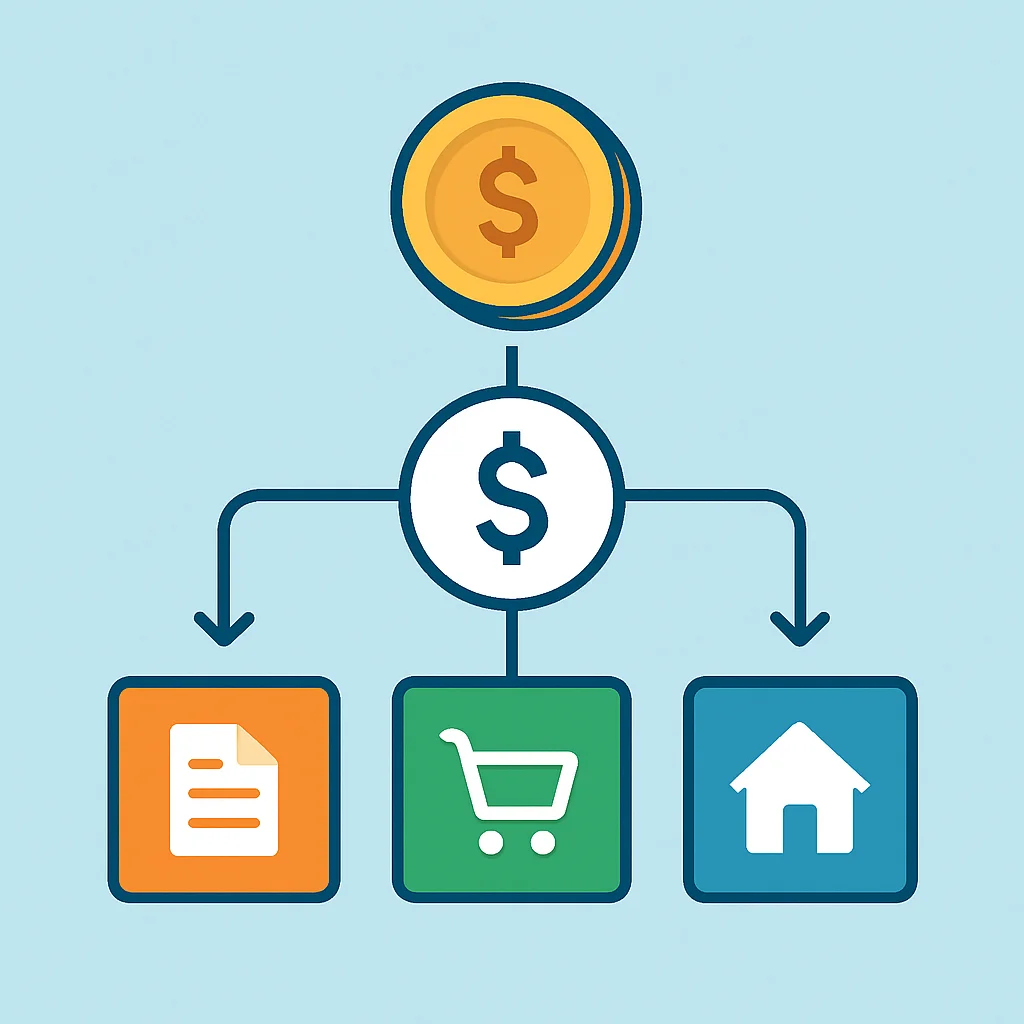
Scenario 2: The Startup Engineer with Stock Options
Case: Alex, a Senior Software Engineer at a Growing Startup
Alex earns a solid salary of $150,000 but also has a significant number of stock options (ISOs) with a 4-year vesting schedule. He wanted to understand his total net worth, track his vested shares, and plan for potential liquidity events.
Solution: Empower Personal Dashboard. Alex linked all his bank accounts, credit cards, existing brokerage accounts, and importantly, his startup’s equity platform (e.g., Carta, Shareworks) to Empower. The dashboard immediately gave him a real-time view of his total net worth, including the estimated value of his vested and unvested stock options. He used Empower’s investment analyzer to see how his startup equity fit into his overall asset allocation and utilized the retirement planner to model scenarios for exercising options and diversifying his portfolio over time. This helped him visualize his future financial picture, including potential tax liabilities from exercising options, well in advance.
Scenario 3: The Mid-Career Dev Saving for a Down Payment
Case: Maria, a Lead Backend Developer
Maria and her partner, both developers, want to save $100,000 for a down payment on a house in the next 30 months. They needed a clear way to track their joint savings progress and identify areas to optimize spending.
Solution: Simplifi by Quicken. Maria chose Simplifi for its intuitive interface and robust goal tracking. They set up a “House Down Payment” goal for $100,000 with a target date of 30 months out. Simplifi automatically calculated they needed to save approximately $3,333 per month. They linked their joint checking and savings accounts and used Simplifi’s spending plan to identify categories where they could cut back. For instance, they realized they were spending nearly $800/month on “Dining Out” and decided to reduce it to $400, reallocating the extra $400 directly to their down payment goal. Simplifi’s real-time updates kept them motivated and on track, allowing them to hit their target almost exactly as planned.
KEY POINT
By aligning the right app with specific financial goals, developers can transform abstract aspirations into concrete, trackable plans, significantly increasing their chances of success.
IMPORTANT
6. Important Considerations & FAQs
Before you dive headfirst into a new budgeting app, here are a few critical considerations to keep in mind, especially for security-conscious developers.
Data Security & Privacy
As developers, we understand the value and vulnerability of data. When connecting your bank accounts and other financial information to a third-party app, security is paramount. Always look for apps that:
☑️ Use bank-level encryption (256-bit AES).
☑️ Employ multi-factor authentication (MFA).
☑️ Have strong privacy policies that clearly state how your data is used and whether it’s sold to third parties (Mint, being free, relies on targeted ads and product recommendations, which means some data usage for marketing).
Remember, these apps typically use read-only access to your accounts, meaning they cannot move money. However, a data breach could expose your financial metadata. Do your due diligence!

WARNING
Never share your banking login credentials directly with an app. Always ensure the app uses secure, token-based connections (like Plaid or Finicity) which act as an intermediary, providing only necessary data to the budgeting app without exposing your direct login info.
Subscription Costs vs. Value
While free apps like Mint are great, don’t shy away from paid subscriptions if they offer features that genuinely help you save or manage money more effectively. A $99/year subscription (like YNAB) is a small price to pay if it helps you save hundreds or even thousands of dollars annually by preventing overspending or optimizing investments. Consider the return on investment (ROI) for your financial tools.
The Human Element: Apps are Tools, Discipline is Key
No matter how sophisticated an app is, it’s ultimately a tool. It won’t magically fix your finances if you don’t commit to using it regularly and making conscious financial decisions. Consistent effort in categorizing transactions, reviewing your budget, and adjusting your spending is crucial. Think of it as version control for your money – regular commits (updates) prevent major bugs (financial surprises).
Frequently Asked Questions
Q. Which budgeting app is best for developers with variable income?
For developers with variable income, such as freelancers or those with significant bonuses, You Need A Budget (YNAB) is highly recommended. Its zero-based budgeting methodology excels at handling irregular income by ensuring every dollar you currently possess is allocated a job, helping you build a financial buffer and reduce stress.
Q. Are free budgeting apps like Mint secure enough for my financial data?
Mint, like most reputable financial apps, uses bank-level security measures, including 256-bit AES encryption and multi-factor authentication. While no system is 100% immune to breaches, they are generally considered secure. However, remember that free apps often rely on data for targeted advertising, so review their privacy policy to understand how your data is used.
Q. How often should a developer review their budget in 2026?
Ideally, you should check your budgeting app daily or every few days to categorize new transactions and stay aware of your spending. A more thorough review, including adjusting categories and goals, should be done weekly or bi-weekly. A comprehensive monthly review is essential to assess overall progress and plan for the next cycle.
Q. Can these apps help me track my stock options and investments?
Yes, many apps offer investment tracking, but Empower Personal Dashboard (formerly Personal Capital) stands out for its robust investment analysis and net worth aggregation features. It excels at tracking diverse portfolios, including stock options and RSUs, providing detailed insights into performance, allocation, and fees across all your investment accounts.
WRAP-UP
7. Kwonglish’s Final Thoughts
There you have it, fellow developers! In 2026, managing your personal finances doesn’t have to be a chore. With the right budgeting app, you can automate tracking, gain invaluable insights, and proactively work towards your financial goals. Whether you’re drawn to the strict discipline of YNAB, the comprehensive overview of Mint, the investment focus of Empower, or the modern simplicity of Simplifi, there’s a tool out there that fits your style.
Remember, the best app is the one you’ll actually use consistently. Take advantage of free trials, explore the interfaces, and see which one resonates with your personal finance philosophy. Just as we strive for clean, efficient code, let’s aim for clean, efficient financial habits.
KEY POINT
Start today! Even small steps in financial management can lead to significant long-term wealth accumulation and reduced financial stress. Your future self will thank you.
Happy budgeting, and here’s to a financially healthier 2026!
Thanks for reading, Kwonglish fam!
I hope this guide helps you find the perfect budgeting app to track your spending and boost your savings.
Got questions or another favorite app? Drop a comment below!
Related Posts
- [Finance & Investing] Retirement Planning for Developers: Maximize Your 401(k) & Roth IRA in 2026
- [Finance & Investing] Investing 101 for Developers: Your Beginner’s Guide to Building Wealth in 2026
- [Finance & Investing] Achieving FIRE as a Developer: Your Step-by-Step Guide to Financial Independence 2026