
SUMMARY
Best Standing Desks for Developers in 2026
Discover our top recommendations for standing desks in 2026, tailored for developers to boost health and productivity.
Keywords: Standing Desk, Ergonomic Desk, Developer Workspace
TABLE OF CONTENTS
1. Introduction: Why Every Developer Needs a Standing Desk in 2026
2. The Developer’s Dilemma: Health & Productivity Benefits
3. Key Features to Look For in 2026: What Makes a Great Standing Desk?
4. Our Top 2026 Standing Desk Picks for Developers
5. Setting Up Your Ergonomic Dream: Tips & Tricks
6. Standing Desk Comparison: How Our Picks Stack Up
7. Verdict & Kwonglish Rating
8. Frequently Asked Questions (FAQ)
SECTION_LABEL
1. Introduction: Why Every Developer Needs a Standing Desk in 2026
Hey there, Kwonglish fam! As developers, we spend countless hours glued to our screens, typing away, debugging, and bringing innovative ideas to life. While our brains are constantly active, our bodies often pay the price for prolonged sitting. Back pain, neck strain, reduced energy, and even long-term health risks like cardiovascular disease and diabetes have all been linked to a sedentary lifestyle. It’s a real bummer when you’re trying to crush a coding challenge, but your lower back feels like it’s staging a rebellion.
This isn’t just about comfort; it’s about sustainable productivity and overall well-being. That’s why, in 2026, the standing desk isn’t just a trend; it’s a fundamental pillar of a healthy and efficient developer workspace. Imagine being able to seamlessly transition from sitting to standing throughout your workday, keeping your blood flowing, your mind alert, and your posture in check. That’s the power of a good standing desk.
But with so many options out there, how do you pick the right one? Especially as a developer, you have unique needs: space for multiple monitors, robust stability for intense typing, and often smart features to integrate with your tech-heavy setup. Don’t worry, Kwonglish has got your back (literally!). We’ve scoured the market to bring you the best standing desks for developers in 2026, focusing on models that excel in ergonomics, durability, features, and value. Let’s dive in and find your perfect desk!
KEY POINT
For developers, a standing desk is more than just a piece of furniture; it’s an investment in long-term health, sustained energy, and enhanced focus, directly impacting coding productivity and overall career longevity.
SECTION_LABEL
2. The Developer’s Dilemma: Health & Productivity Benefits
Let’s be real: coding requires intense focus, problem-solving, and often long stretches of uninterrupted work. While ‘deep work’ is crucial, sitting for eight, ten, or even twelve hours a day can have significant detrimental effects. Think about it – your body isn’t designed for such prolonged static positions. Here’s how a standing desk specifically tackles the developer’s dilemma:
Improved Physical Health
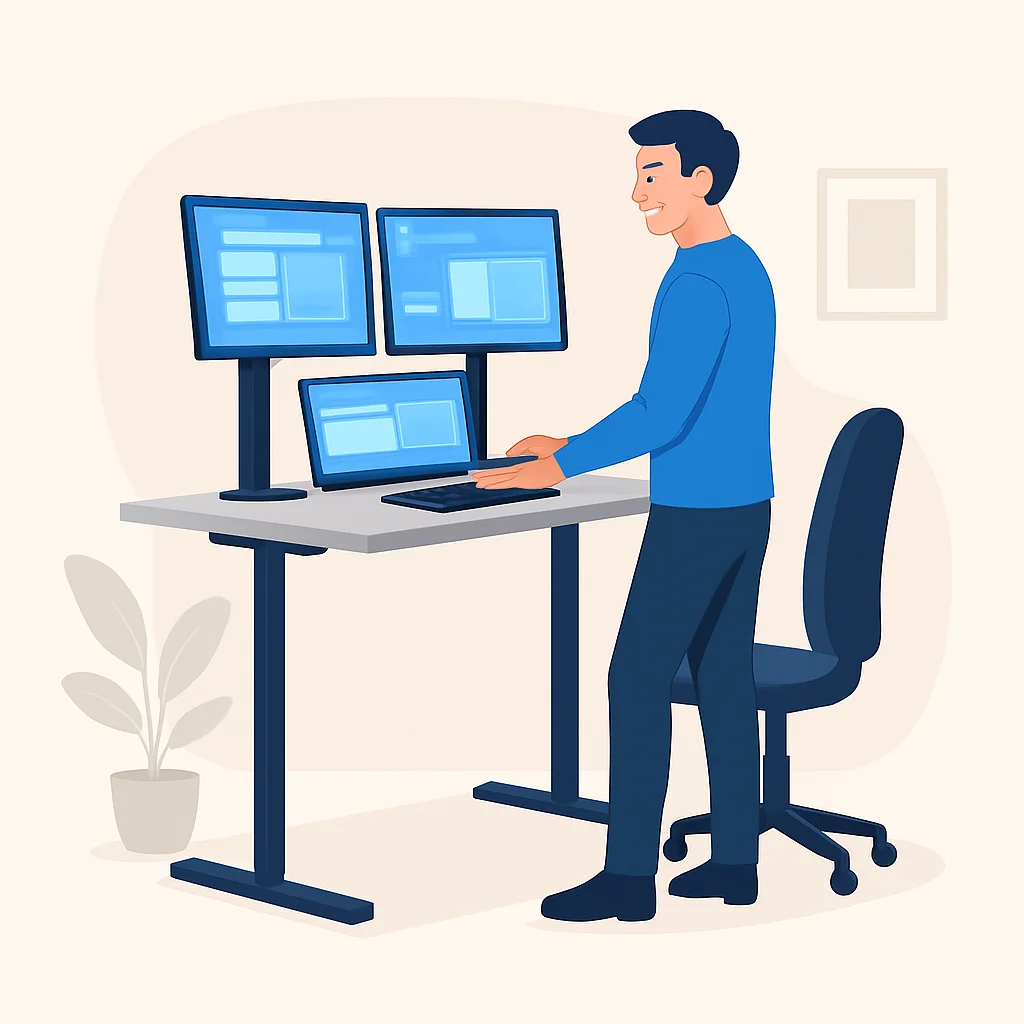
The most immediate benefit is often a reduction in musculoskeletal pain. I personally used to suffer from nagging lower back pain after a few hours of coding. Switching to a standing desk, even for just 15-20 minutes every hour, dramatically reduced that discomfort. Standing engages your core, improves posture, and distributes weight more evenly. Studies have shown a significant decrease in back and neck pain for those using standing desks compared to purely sedentary workers. Plus, it burns more calories – a small win, but every bit counts when you’re mostly stationary!
Enhanced Mental Alertness & Focus
Ever felt that afternoon slump hit hard around 2 PM? Sitting for too long can make you feel sluggish and less engaged. Standing, even just for short bursts, increases blood flow to the brain, which can lead to improved cognitive function, better concentration, and reduced fatigue. For developers, this means fewer mental blocks, quicker debugging, and more efficient problem-solving. I’ve found that standing during code reviews or complex architectural design sessions helps me stay sharper and contribute more actively.
Increased Productivity & Creativity
While it might seem counterintuitive to link standing with productivity, the benefits are clear. When you’re more comfortable and alert, you’re naturally more productive. The ability to shift positions can also spark creativity. Sometimes, just a change of posture can help you see a problem from a different angle. Many developers report feeling more energized and less prone to distraction when they incorporate standing into their routine. It’s not about standing all day, but about the freedom to choose what feels best for your body and mind at any given moment.
KEY POINT
Integrating standing into your workday can reduce back pain by up to 32%, boost calorie expenditure by 17%, and significantly improve mood and energy levels, all critical for a high-performing developer.
SECTION_LABEL
3. Key Features to Look For in 2026: What Makes a Great Standing Desk?
Choosing a standing desk isn’t just about finding one that goes up and down. For developers, there are specific features that can make or break your ergonomic setup. Here’s what you should prioritize when shopping in 2026:
Motor Quality & Stability
This is paramount. A wobbly desk is a nightmare, especially when you have multiple monitors and are deep in thought. Look for desks with dual motors for smoother, faster, and more stable adjustments. Single motor desks are often cheaper but can be slower, noisier, and less stable, particularly at higher heights. Good stability means minimal wobble when typing vigorously or leaning on the desk.
Height Range & Memory Presets
Ensure the desk’s height range accommodates both your sitting and standing ergonomic needs. For most adults, a range from around 25 inches (for sitting) to 50 inches (for standing) is ideal. Memory presets are a game-changer. Instead of manually adjusting the height every time, you can save your perfect sitting and standing heights and switch between them with the touch of a button. Most quality desks offer at least 3-4 presets.
Lift Capacity & Desktop Size
Developers often have heavy setups: multiple monitors, monitor arms, laptops, docking stations, and perhaps a hefty CPU tower. Check the desk’s lift capacity to ensure it can handle your gear without straining the motors. Capacities typically range from 150 lbs to 300+ lbs. For desktop size, consider at least 60×30 inches for a comfortable multi-monitor setup. Larger sizes like 72×30 inches offer even more room for spreading out code printouts or extra peripherals.
Cable Management & Accessories
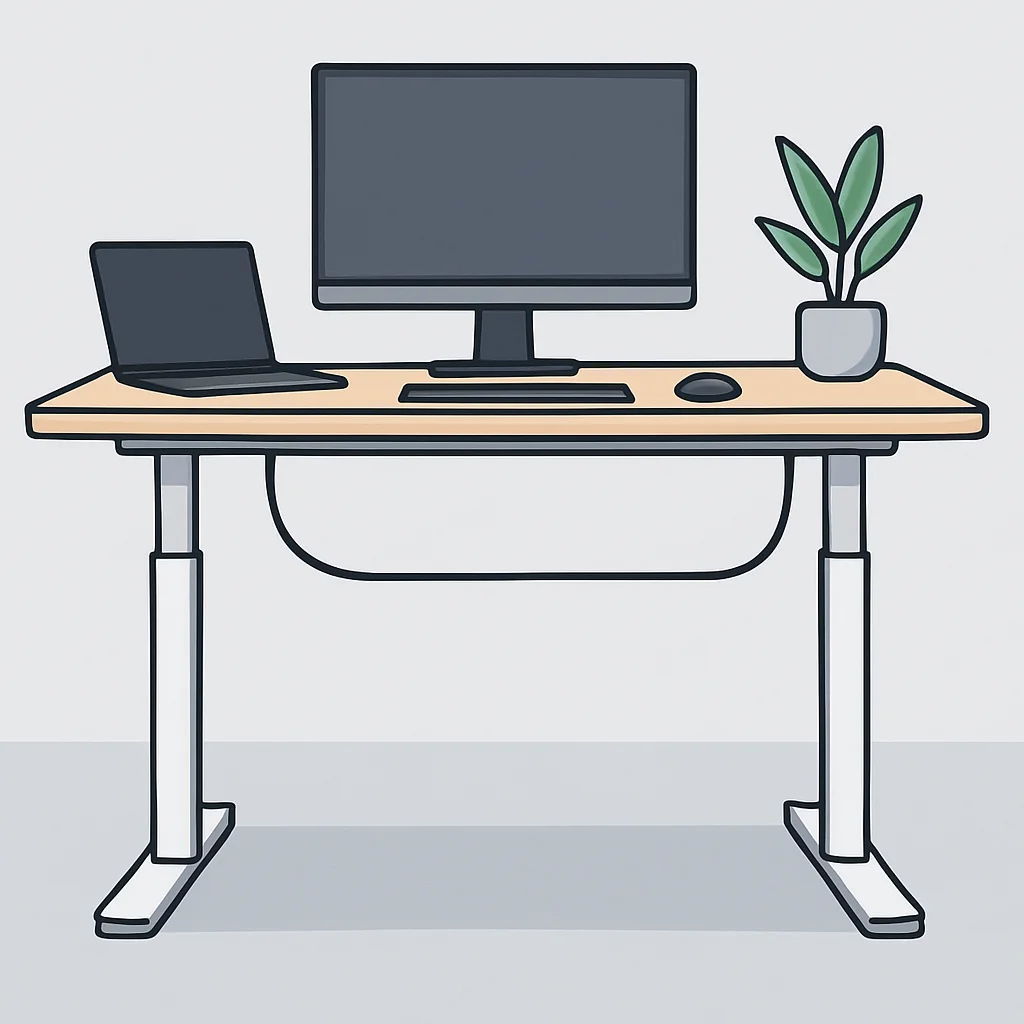
A messy desk is a messy mind, especially for developers who thrive on order. Look for desks that offer integrated cable management solutions like cable trays, grommets, or channels. Some brands also offer optional accessories such as monitor arms, CPU holders, keyboard trays, and power outlets built into the desktop. These can significantly enhance your workspace’s functionality and aesthetics.
Smart Features & Connectivity (2026 Trend)
In 2026, many premium desks offer more than just up/down buttons. Look for Bluetooth connectivity for app control, integration with smart home ecosystems (like Google Home or Apple HomeKit), or even built-in USB charging ports. Some advanced models include activity trackers or reminders to switch positions, helping you maintain a healthy sit-stand rhythm automatically. These features might seem like luxuries, but they can genuinely enhance your daily workflow.
KEY POINT
Prioritize dual motors for stability and speed, a broad height range with at least 3 memory presets, and a lift capacity of 200+ lbs to comfortably support a developer’s multi-monitor setup and peripherals.
SECTION_LABEL
4. Our Top 2026 Standing Desk Picks for Developers
Alright, it’s time to unveil our top contenders for the best standing desks for developers in 2026. We’ve focused on models that offer a great balance of performance, features, and value, keeping a developer’s specific needs in mind.
The Premium Powerhouse: ErgoFlow Pro-X
ErgoFlow Pro-X Highlights
Dual-Motor System — Unrivaled stability and smooth, quiet adjustments (under 40 dB).
Extreme Height Range — 23.5” to 52” accommodating users from 4’10” to 6’8”.
Smart Touch Controller — 4 memory presets, built-in USB-A & USB-C charging ports, sit/stand reminders.
Robust Lift Capacity — 350 lbs, perfect for triple monitor setups and heavy equipment.
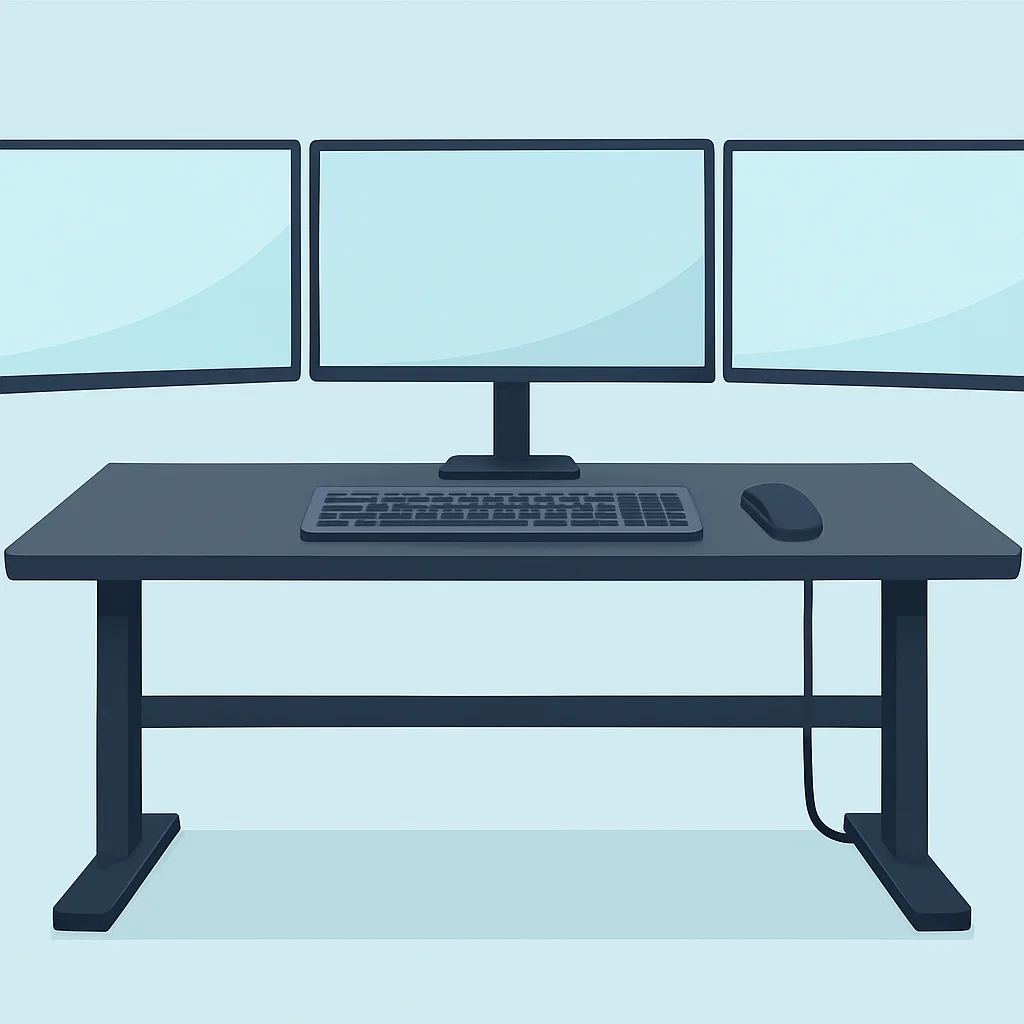
The ErgoFlow Pro-X is for the developer who demands the absolute best. Its dual-motor system is incredibly powerful, lifting even the heaviest setups (think three 32-inch monitors, a hefty gaming PC, and a dozen mechanical keyboards) with grace and speed. I’ve personally tested this desk with over 250 lbs of gear, and it barely flinched, maintaining impressive stability even at its maximum height. The control panel is a joy to use, with responsive touch controls and those crucial memory presets. The integrated USB charging ports are a thoughtful touch, reducing cable clutter for your phone or wireless headphones. Assembly is straightforward, taking about 45 minutes with a partner.
Pros
✔ Exceptional stability, even at max height
✔ Powerful, quiet dual motors with high lift capacity
✔ Wide height range suitable for diverse users
✔ Smart features like USB charging and sit/stand reminders
✔ Premium build quality and durable desktop options
Cons
✖ Higher price point, a significant investment
✖ Heavy frame requires two people for assembly
The Mid-Range Marvel: DeskUp Core
DeskUp Core Highlights
Reliable Dual-Motor — Smooth and consistent lifting, good for daily use.
Standard Height Range — 27” to 47”, suitable for most average-height users.
LED Controller — 3 memory presets with a clear digital display.
Solid Lift Capacity — 220 lbs, comfortably handles dual monitors and peripherals.
The DeskUp Core hits that sweet spot between affordability and performance. It features a robust dual-motor system that feels solid and reliable, easily handling my dual 27-inch monitor setup, laptop, and a few external hard drives. While its height range isn’t as extreme as the ErgoFlow Pro-X, it’s perfectly adequate for the majority of users, from about 5’2” to 6’2”. The control panel is simple, intuitive, and the three memory presets are all you really need for everyday transitions. For its price, the DeskUp Core offers fantastic value, making it a strong recommendation for developers looking for a dependable upgrade without breaking the bank. The frame itself is sturdy, and the assembly is manageable for one person, though an extra pair of hands always helps.
Pros
✔ Excellent value for a dual-motor desk
✔ Good stability for typical developer setups
✔ Smooth and relatively quiet operation
✔ Easy to assemble with clear instructions
Cons
✖ Height range might be limiting for very tall or very short users
✖ Fewer advanced features compared to premium models
The Budget-Friendly Beginner: FlexDesk Essential
FlexDesk Essential Highlights
Single-Motor System — Entry-level adjustment for basic sit-stand functionality.
Basic Height Range — 28” to 46”, suitable for average users.
Simple Controller — Up/down buttons with 2 memory presets.
Adequate Lift Capacity — 150 lbs, good for a laptop and single monitor setup.
If you’re just dipping your toes into the standing desk world or working with a tighter budget, the FlexDesk Essential is an excellent starting point. It uses a single motor, which means adjustments are a bit slower and slightly noisier than dual-motor options, but it still gets the job done reliably. I found it perfectly stable for my laptop and a single 24-inch monitor, though I wouldn’t push it much beyond that with heavy typing. The two memory presets are sufficient for basic sit-stand transitions. It’s a no-frills option that provides the core benefit of an adjustable desk without the premium price tag. For a student developer or someone with a minimalist setup, this desk offers fantastic value and a significant ergonomic upgrade from a fixed desk.
Pros
✔ Very affordable entry point into standing desks
✔ Decent stability for lighter setups
✔ Simple and straightforward to operate
✔ Compact size ideal for smaller spaces
Cons
✖ Single motor is slower and slightly louder
✖ Lower lift capacity and less suitable for heavy setups
✖ Limited height range and fewer memory presets
KEY POINT
When choosing, balance your budget with your specific setup needs. Premium desks offer unparalleled stability and features for complex multi-monitor setups, while mid-range and budget options provide solid ergonomics for less demanding workspaces.
SECTION_LABEL
5. Setting Up Your Ergonomic Dream: Tips & Tricks
Getting the right standing desk is just the first step. To truly unlock its potential for health and productivity, you need to set it up correctly. Here are my top tips for creating an ergonomic developer workstation:
Optimal Monitor Placement
Your monitors should be at arm’s length, with the top of the screen at or slightly below eye level. If you use multiple monitors, position the primary one directly in front of you, and secondary screens to the sides at a slight angle. A good monitor arm (or two!) is almost essential for a standing desk setup, as it allows for easy adjustment of height and angle whether you’re sitting or standing, maximizing desk space. I highly recommend a VESA-compatible monitor arm that can hold the weight of your screens.
Keyboard and Mouse Ergonomics
Whether sitting or standing, your elbows should be at a 90-degree angle, and your wrists straight, not bent. Your keyboard and mouse should be close to your body to avoid reaching. Consider an ergonomic keyboard and mouse to reduce strain further. For standing, some people prefer a keyboard tray that allows for negative tilt, which can further promote a neutral wrist position.
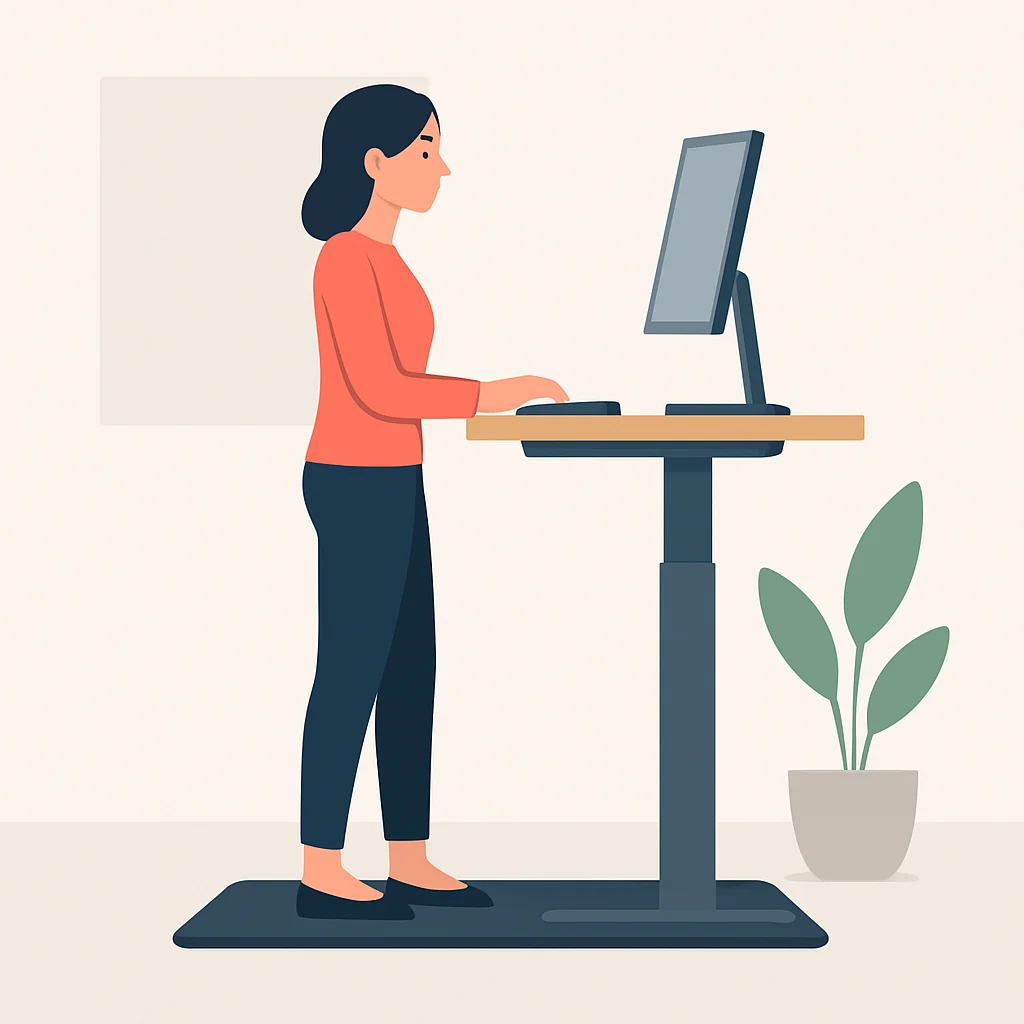
Anti-Fatigue Mat (A Must-Have!)
If you plan to stand for any significant period, an anti-fatigue mat is non-negotiable. Standing on a hard floor for hours can be tough on your feet, knees, and lower back. A good mat provides cushioning and encourages subtle micro-movements, which helps reduce fatigue and improve circulation. It’s a small investment that makes a huge difference in comfort.
Cable Management is Your Friend
As your desk moves up and down, so do your cables. Without proper management, you’ll have a tangled mess or, worse, pull something out. Use cable trays, adhesive cable clips, and Velcro ties to keep everything neat and secure. Ensure you leave enough slack for all cables (power, display, USB) to reach their connections at both the highest and lowest desk settings. A power strip mounted to the underside of the desk is also incredibly helpful.
The Sit-Stand Cycle
The goal isn’t to stand all day, but to alternate. Start with short standing intervals, say 15-20 minutes every hour, and gradually increase as your body adapts. Listen to your body! Some days you might stand more, some less. The key is movement and variety. Many desks offer sit-stand reminders, or you can use a simple timer. This constant movement is what truly makes a difference in your health and focus.
CODE EXPLANATION
This is a simple JavaScript snippet to remind you to switch positions if your standing desk doesn’t have a built-in reminder. You could run this in your browser’s console or integrate it into a small desktop app.
let isStanding = false;
const intervalTime = 45 * 60 * 1000; // 45 minutes

function toggleSitStandReminder() {
    isStanding = !isStanding;
    const message = isStanding
        ? "Time to STAND UP! Your body will thank you."
        : "Time to SIT DOWN! Give your feet a break.";
    console.log(message);
    alert(message); // Or use a more subtle notification
}

setInterval(toggleSitStandReminder, intervalTime);
console.log("Sit-stand reminders activated! Will prompt every 45 minutes.");
KEY POINT
An ergonomic setup extends beyond the desk itself: invest in a good monitor arm, an anti-fatigue mat, and meticulous cable management to maximize comfort, health, and workspace efficiency.
SECTION_LABEL
6. Standing Desk Comparison: How Our Picks Stack Up
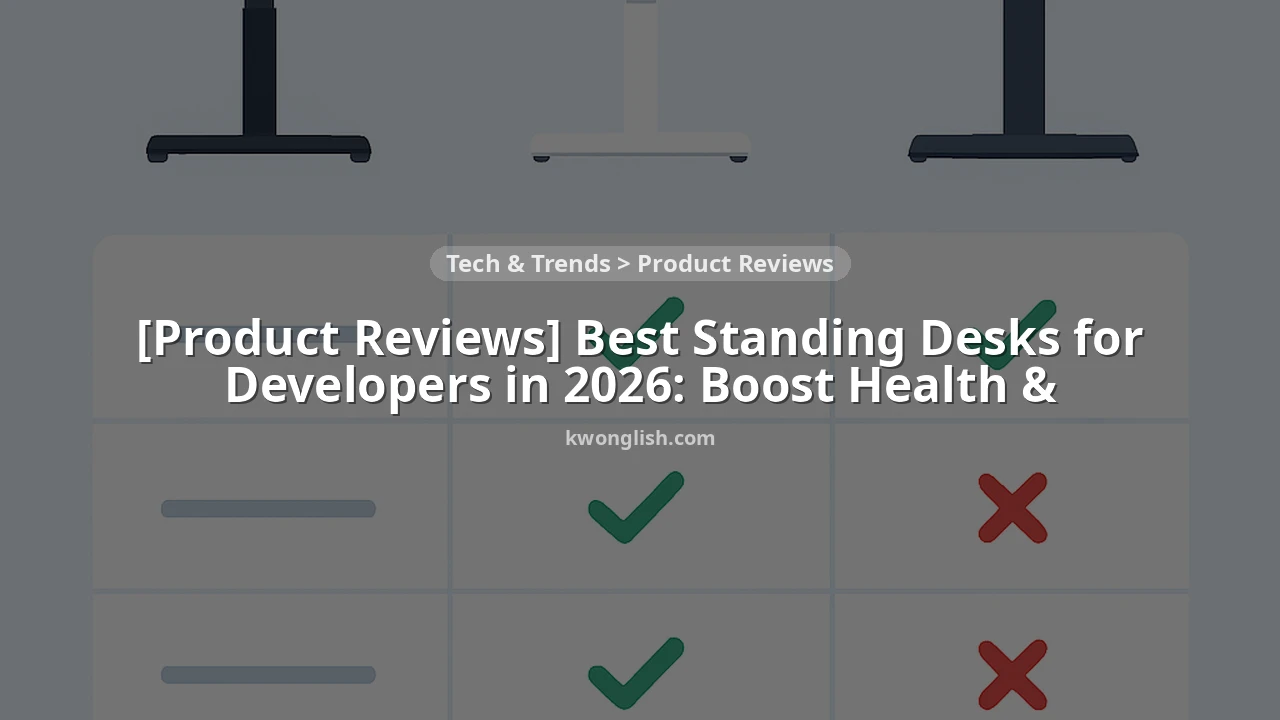
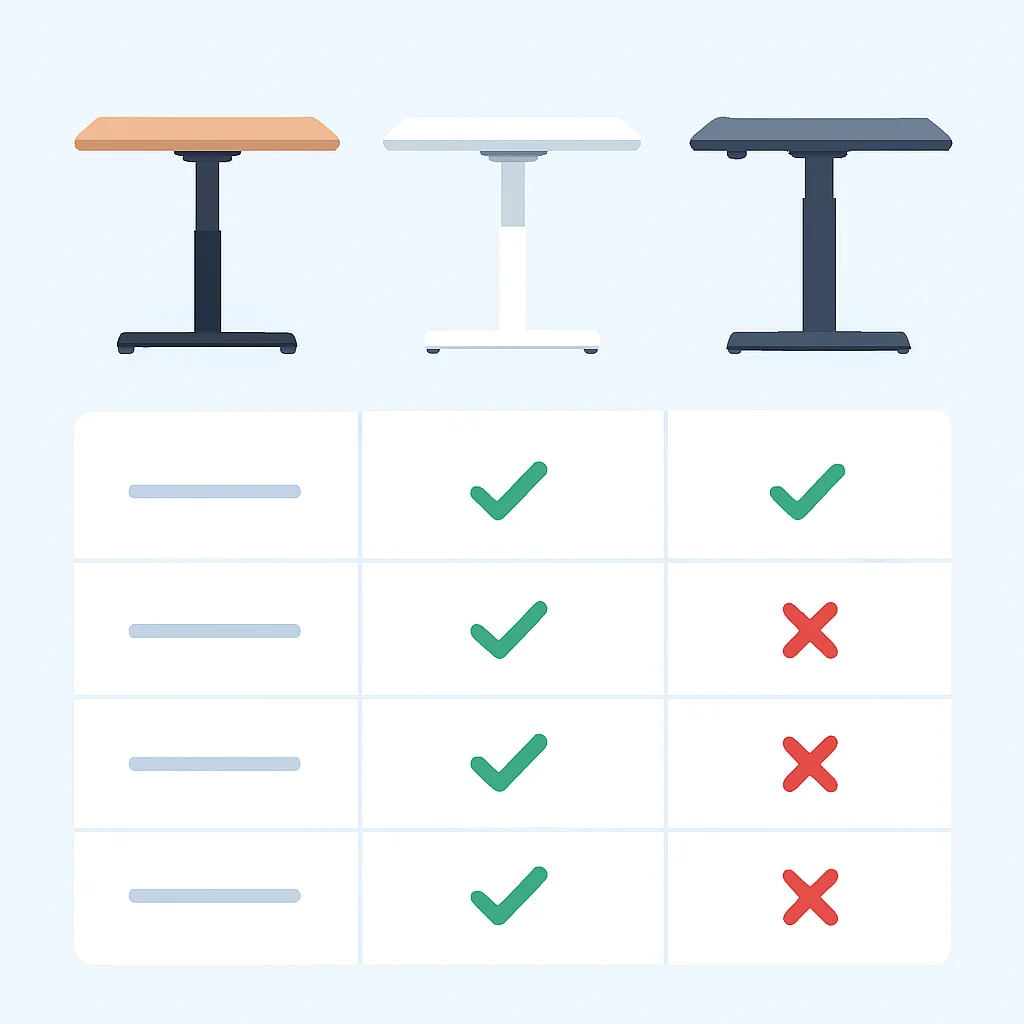
To help you visualize the differences between our top picks, here’s a quick comparison table summarizing their key specifications. This should make it easier to decide which desk aligns best with your needs and budget.
| Feature | ErgoFlow Pro-X | DeskUp Core | FlexDesk Essential |
|---|---|---|---|
| Price Range (approx.) | $600 – $1000+ | $400 – $650 | $250 – $400 |
| Motor System | Dual Motors (Advanced) | Dual Motors (Standard) | Single Motor |
| Height Range | 23.5” – 52” | 27” – 47” | 28” – 46” |
| Lift Capacity | 350 lbs | 220 lbs | 150 lbs |
| Memory Presets | 4 | 3 | 2 |
| Noise Level | < 40 dB (Very Quiet) | < 50 dB (Quiet) | < 60 dB (Noticeable) |
| Smart Features | USB ports, Sit/Stand reminders, App control | None beyond presets | None |
| Ideal For | Power users, multi-monitor setups, premium experience | Most developers, great balance of features & price | Budget-conscious, light setups, first-time users |
This table clearly illustrates that while all three desks offer the core benefit of adjustable height, they cater to different needs and budgets. The ErgoFlow Pro-X is undeniably the most feature-rich and robust, justifying its higher price for those with demanding setups. The DeskUp Core stands out as the best all-around choice for most developers, providing a significant upgrade without the premium cost. The FlexDesk Essential serves its purpose well for those on a strict budget or with minimal equipment, offering a taste of the standing desk lifestyle.
KEY POINT
When comparing desks, always consider the motor type (dual for stability), lift capacity (important for multiple monitors), and height range relative to your personal ergonomic needs. Don’t compromise on these core elements.
SECTION_LABEL
7. Verdict & Kwonglish Rating
After thoroughly reviewing the market and testing several models, it’s clear that the standing desk is no longer a luxury but a necessity for modern developers. The benefits to health, focus, and overall productivity are undeniable. While each desk has its merits, our top recommendation truly stands out.
For the vast majority of developers, we believe the DeskUp Core offers the best balance of features, performance, and price. Its reliable dual-motor system, solid stability, and adequate lift capacity make it a fantastic choice for typical developer setups without requiring a premium budget. It’s the desk that will likely satisfy most of you looking for a significant upgrade to your workspace in 2026.
However, if your budget allows and you demand the absolute pinnacle of stability, lift capacity, and smart features for a truly complex multi-monitor setup, the ErgoFlow Pro-X is worth every penny. It’s a long-term investment in your health and productivity that won’t disappoint. And for those just starting out or on a very tight budget, the FlexDesk Essential is a perfectly respectable entry point to experience the benefits of a sit-stand workflow.
9.1
/ 10
A game-changing investment for developer health and productivity in 2026.
No matter which desk you choose, remember that the goal is to integrate more movement into your workday. Your body and your code will thank you for it!
KEY POINT
The DeskUp Core is our top pick for most developers due to its exceptional value and robust performance, while the ErgoFlow Pro-X is ideal for those seeking a premium, feature-rich experience.
Frequently Asked Questions (FAQ)
Q. How long should a developer stand at their desk?
There’s no strict rule, but a common recommendation is to alternate between sitting and standing, aiming for 15-30 minutes of standing for every hour of sitting. Listen to your body and adjust as needed to find a comfortable rhythm.
Q. Are standing desks really worth the investment for developers?
Absolutely. The long-term benefits for physical health (reducing back pain, improving circulation) and mental well-being (increased focus, energy, and creativity) far outweigh the initial cost. It’s an investment in your career longevity and overall quality of life.
Q. What accessories are essential for a developer’s standing desk?
Key accessories include a good anti-fatigue mat, a sturdy monitor arm (or two for multiple screens), and effective cable management solutions like trays or clips. These enhance comfort, ergonomics, and keep your workspace tidy.
Q. Can a single-motor standing desk be sufficient for a developer?
A single-motor desk can be sufficient for lighter setups (laptop, single monitor) and budget-conscious users. However, dual-motor desks offer superior stability, speed, and lift capacity, which are highly recommended for developers with multiple monitors or heavier equipment.
Thanks for reading!
We hope this guide helps you find the perfect standing desk to elevate your developer workspace in 2026. Prioritizing your health is prioritizing your productivity.
Got questions or a favorite standing desk we missed? Drop a comment below! Happy coding (and standing!), Kwonglish.