
SUMMARY
Best Mechanical Keyboards for Developers in 2026: Typing Comfort & Productivity
A comprehensive review of the top mechanical keyboards for developers in 2026, focusing on switch types, ergonomics, and features to enhance coding efficiency and comfort.
Keywords: Developer Keyboards, Ergonomics, Productivity
TABLE OF CONTENTS
1. Product Overview: The Developer’s Typing Companion
2. Design & Build: Form Factors and Materials
3. Key Feature Deep Dive
4. Pros & Cons of Mechanical Keyboards for Coding
5. Competitor Comparison: Understanding Your Options
6. Verdict & Kwonglish Rating
7. Frequently Asked Questions (FAQ)
1. Product Overview: The Developer’s Typing Companion
As developers, our keyboards are arguably the most crucial tool in our arsenal. We spend countless hours typing, coding, debugging, and documenting. A mediocre keyboard can lead to discomfort, slower productivity, and even repetitive strain injuries (RSI) over time. This is where mechanical keyboards shine, and in 2026, the market offers an incredible array of options tailored specifically for the demands of coding. Gone are the days when a mechanical keyboard was just a loud, clacky peripheral; today, they are sophisticated instruments designed for precision, comfort, and customization.
The primary allure of mechanical keyboards for developers lies in their individual key switches. Unlike membrane keyboards where a rubber dome provides resistance, mechanical keyboards use a physical spring and stem mechanism for each key. This translates to a more tactile feel, precise actuation, and often, greater durability. In 2026, we’re seeing an evolution in switch technology, with more nuanced options beyond the traditional Cherry MX lineup, including optical switches and magnetic hall-effect switches offering unparalleled response times and customization.
When we talk about the “best” mechanical keyboards for developers, we’re not just looking at raw typing speed. We’re considering a holistic package that includes ergonomics to prevent strain, programmability to streamline workflows, build quality for longevity, and a typing experience that makes those long coding sessions enjoyable rather than a chore. The price spectrum for these keyboards can range from affordable entry-level models around $80-120 to high-end custom builds exceeding $500, with plenty of excellent options in the $150-300 sweet spot offering a balance of features and value.
This review will cut through the noise, providing an honest and practical look at what truly matters for developers in 2026. We’ll delve into the specifics, sharing hands-on experiences and insights to help you make an informed decision that will genuinely boost your comfort and productivity.
KEY POINT
For developers, a mechanical keyboard is more than just a typing tool; it’s an investment in long-term comfort, precision, and efficiency, directly impacting productivity and well-being during extended coding sessions.
2. Design & Build: Form Factors and Materials
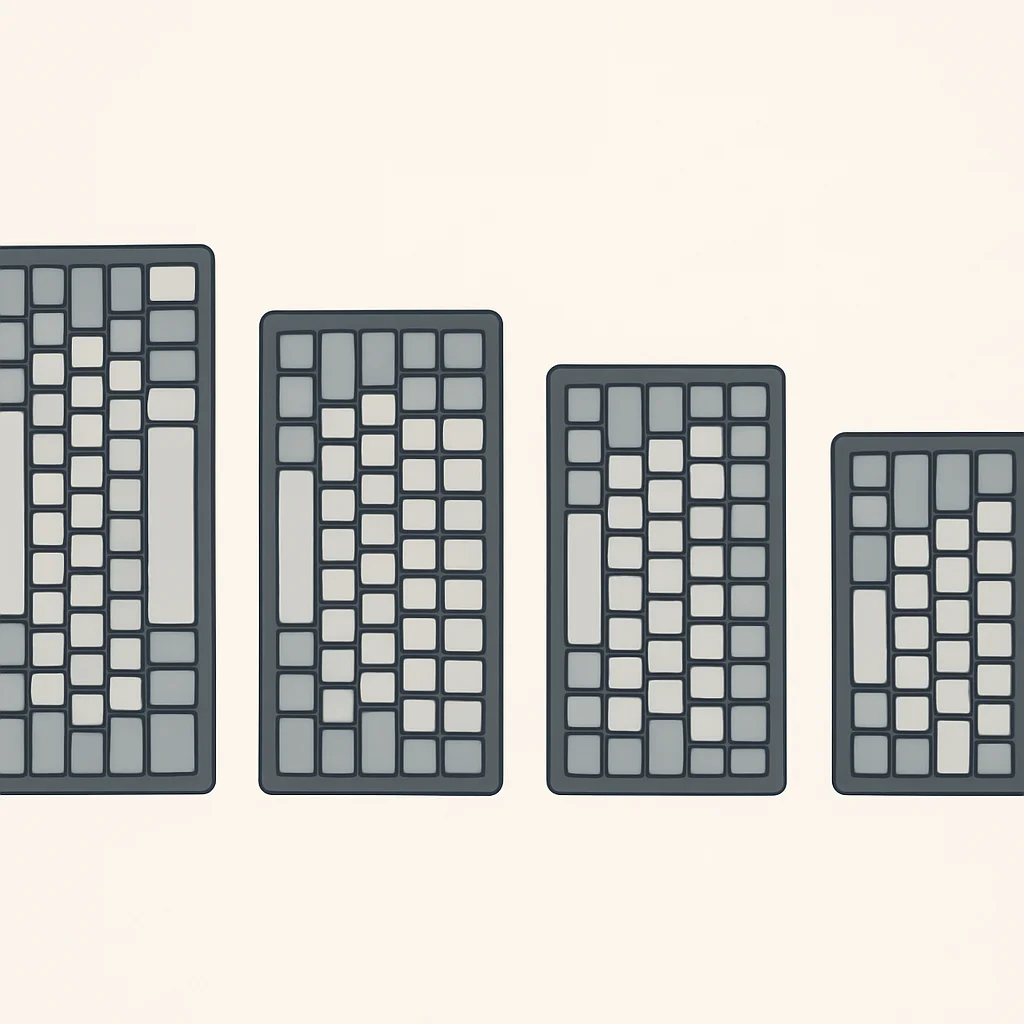
The physical design of your keyboard plays a significant role in your workspace and comfort. Mechanical keyboards come in a variety of “form factors,” referring to their size and the number of keys they include. For developers, choosing the right form factor is crucial for balancing desk space, portability, and access to essential keys.
Let’s break down the most common options and their implications for coding:
Full-Size (104/108 keys)
These are the standard keyboards with a full alphanumeric set, a function row, navigation cluster, and a dedicated number pad. While familiar, the number pad often pushes your mouse further to the right, which can lead to shoulder discomfort over time. For developers who frequently input numerical data (e.g., financial analysts, data scientists), a full-size might be indispensable. However, for most general programming tasks, it’s often overkill.
Tenkeyless (TKL – 87/88 keys)
TKL keyboards remove the number pad, offering a more compact layout while retaining the function row and navigation keys. This is a highly popular choice among developers because it brings the mouse closer to the center of your body, improving ergonomics. I personally find TKL to be the sweet spot, providing all necessary keys without unnecessary bulk. Many popular developer-focused keyboards come in this form factor.
75% Layout (84 keys)
Even more compact than TKL, 75% layouts condense the navigation cluster by placing keys like Home, End, PgUp, PgDn, and Delete closer to the main alphanumeric block, often in a vertical column on the right. The function row is still present. This form factor offers an excellent balance of compactness and functionality, making it ideal for those who want a smaller footprint but still need easy access to F-keys and navigation.
60% / 65% Layouts (61-68 keys)
These ultra-compact layouts remove the function row, navigation cluster, and sometimes even arrow keys (in 60% layouts). All these functions are accessed via a “Fn” layer, requiring a combination of keys (e.g., Fn+1 for F1). While incredibly space-saving and aesthetically pleasing, they can introduce a learning curve and potentially slow down workflow if you frequently use F-keys or arrow keys without dedicated buttons. For developers, I’d generally recommend at least a 65% for dedicated arrow keys, as navigating code without them can be frustrating.
Beyond form factors, the materials used in a keyboard’s construction significantly impact its feel, durability, and acoustics.
Case Materials
Most entry to mid-range keyboards use plastic (ABS or polycarbonate) cases, which are lightweight and can offer a softer typing feel. Higher-end and custom keyboards often feature aluminum cases, providing a premium, solid feel and significantly improving acoustics by reducing hollow sounds. Some boutique options even use brass or exotic woods. While aluminum adds weight, it provides a stability that plastic just can’t match, which I find very satisfying during intense coding sessions.
Keycap Materials
Keycaps are what your fingers interact with most directly. The two main types are ABS (Acrylonitrile Butadiene Styrene) and PBT (Polybutylene Terephthalate).
- ABS Keycaps: Common, often thinner, and tend to develop a shiny, greasy look (“ABS shine”) over time with heavy use. They are generally smoother to the touch.
- PBT Keycaps: More durable, resistant to shine, and often have a textured, slightly rougher feel which many prefer for grip. They are typically thicker, contributing to a deeper, more satisfying sound profile. For developers, PBT is almost always the preferred choice for its longevity and feel.
KEY POINT
Choose a TKL or 75% form factor for optimal desk ergonomics and key accessibility for most coding tasks. Prioritize PBT keycaps for durability and a superior typing feel, especially for heavy daily use.
3. Key Feature Deep Dive
Now, let’s get into the nitty-gritty of what makes a mechanical keyboard truly great for developers. These are the features that will directly impact your typing comfort, speed, and overall productivity.
3.1. Switch Types: The Heart of Your Typing Experience
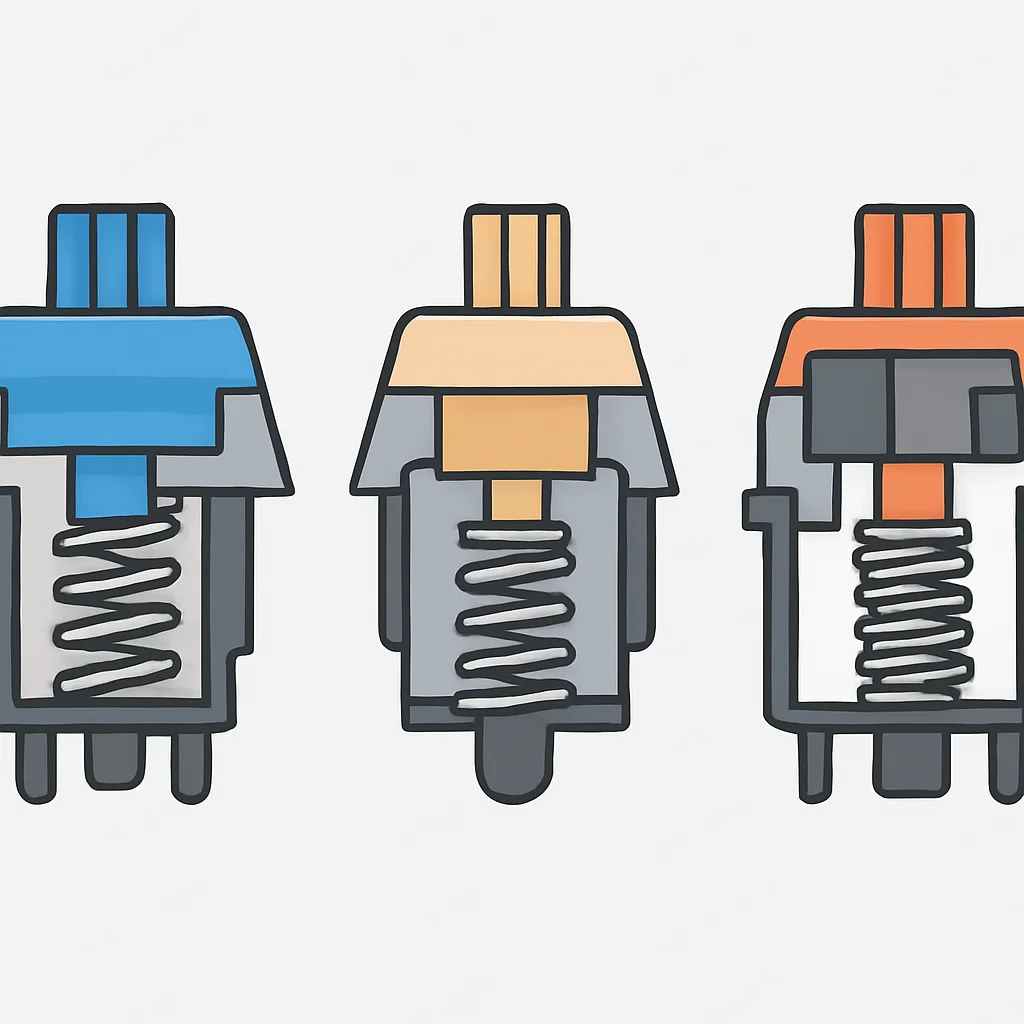
The switch under each keycap determines how a key feels and sounds when pressed. This is arguably the most personal choice when selecting a mechanical keyboard. There are three main categories: linear, tactile, and clicky.
Linear Switches (e.g., Cherry MX Red, Gateron Yellow)
These switches have a smooth, consistent actuation from top to bottom, with no bump or click. They are often favored by gamers for their fast, unobstructed press, and also by some developers who prefer a light, fluid typing experience. I’ve found linear switches like Gateron Yellows (45g actuation force) to be excellent for long coding sessions, as they require less force and allow for rapid, uninterrupted key presses. This can reduce finger fatigue over an 8-hour workday.
Tactile Switches (e.g., Cherry MX Brown, Holy Panda, Glorious Panda)
Tactile switches feature a noticeable “bump” in the key travel that lets you know the key has actuated without needing to bottom out. This feedback can significantly improve typing accuracy and speed, as you don’t have to press the key all the way down. Cherry MX Browns are the classic entry point, offering a subtle bump. However, in 2026, many prefer more pronounced tactile switches like Holy Pandas or Glorious Pandas for their satisfying, crisp bump. For coding, where precision is paramount, tactile switches are often recommended as they provide clear feedback without the noise of clicky switches. I personally lean towards a medium-heavy tactile switch for coding; the feedback helps me avoid typos and increases my confidence in each keystroke.
Clicky Switches (e.g., Cherry MX Blue, Kailh Box Jade)
These switches combine the tactile bump with an audible “click” sound at the actuation point. While incredibly satisfying for some, the noise can be disruptive in shared office environments. If you work alone and love the auditory feedback, they can be great. For most developers in collaborative settings, they are generally avoided.
KEY POINT
For most developers, tactile switches strike the best balance between feedback and noise, improving typing accuracy and reducing bottom-out fatigue. Linear switches are a close second for those who prefer a smoother, lighter press.
3.2. Ergonomics & Layouts: Protecting Your Hands
Ergonomics should be a top priority for any developer. Long hours of typing can lead to serious health issues like carpal tunnel syndrome or tendinitis. Modern mechanical keyboards offer several features to mitigate these risks.
Split Keyboards
These keyboards separate the keys into two independent halves, allowing you to position your hands at a more natural, shoulder-width distance. This reduces ulnar deviation (wrist bending outwards) and pronation (palms facing down). Many split keyboards also allow for “tenting,” where the inner edges are raised, further reducing wrist strain. Keyboards like the Ergodox EZ or the ZSA Moonlander are popular examples, offering extreme customization and a steep but rewarding learning curve. I’ve used a split keyboard for the past year, and the reduction in wrist pain has been phenomenal, especially after switching from a traditional TKL.
Columnar vs. Staggered Layouts
Traditional keyboards have a “staggered” layout, a relic from typewriters designed to prevent mechanical jams. However, our fingers move vertically, not diagonally. Columnar layouts arrange keys in straight columns, aligning them with natural finger movement, which can feel more intuitive and reduce finger travel. Many ergonomic split keyboards feature columnar layouts.
Incorporating a good wrist rest is also crucial, whether integrated or as a separate accessory. A comfortable wrist rest, ideally made of memory foam or wood, supports your wrists and keeps them in a neutral position.

KEY POINT
Invest in ergonomic features like split designs, tenting, and quality wrist rests to significantly reduce the risk of RSI and maintain comfort during prolonged coding sessions. Your future self will thank you.
3.3. Programmability & Customization (QMK/VIA)
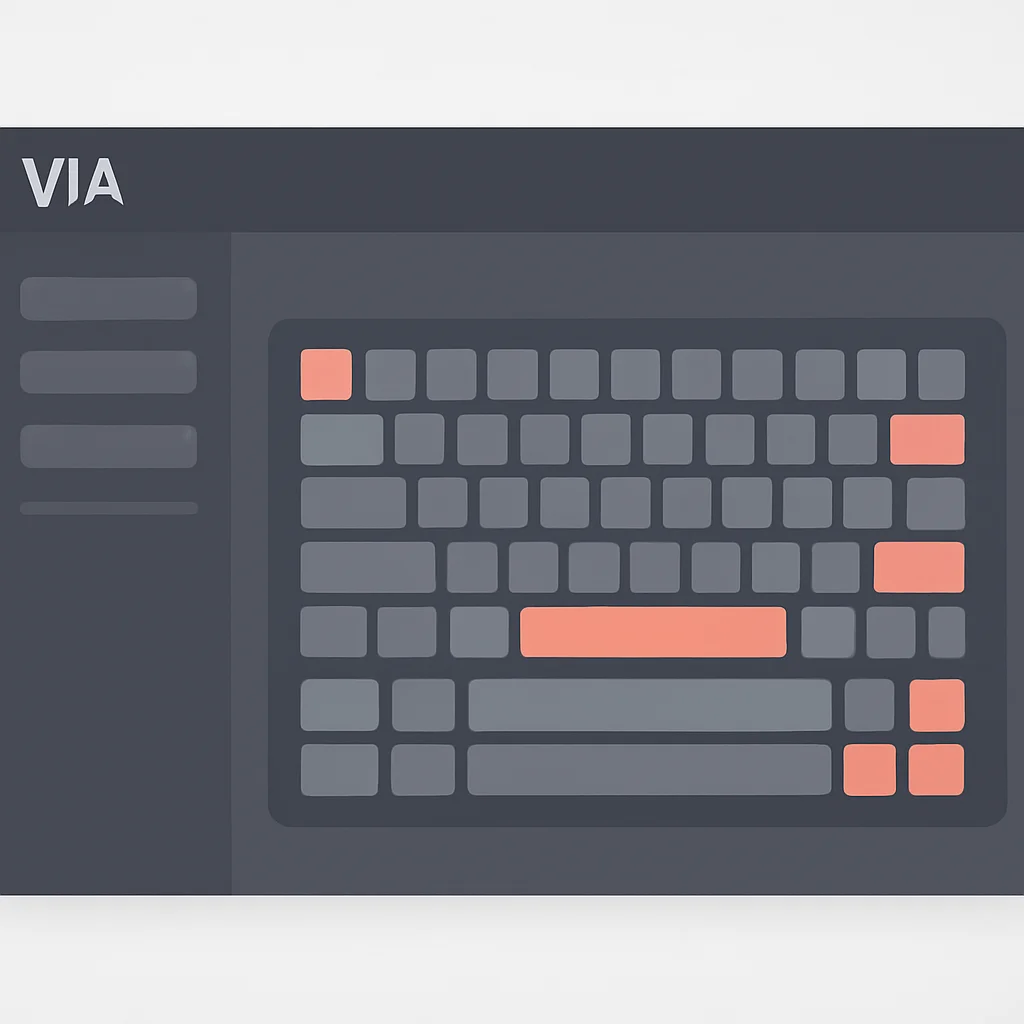
This is where mechanical keyboards truly become a developer’s best friend. Many quality mechanical keyboards support open-source firmware like QMK (Quantum Mechanical Keyboard) or VIA. These tools allow you to completely remap keys, create custom macros, and set up multiple layers for different applications or workflows.
Layers for Efficiency
Imagine having a dedicated layer for your IDE shortcuts, another for shell commands, and a third for media controls. With QMK/VIA, you can. For instance, I have a “coding layer” activated by holding a specific key (e.g., Caps Lock, remapped to a “Layer Shift” key). On this layer, jk becomes Esc (Vim users rejoice!), Ctrl+S maps to a single key, and commonly used symbols like {} or [] are placed on easily accessible home row keys. This significantly reduces finger travel and mental load.
Macros for Repetitive Tasks
Macros allow you to assign a sequence of keystrokes to a single key. For example, a macro for git commit -m ""<left> can save you a dozen keystrokes every time you commit. Or, if you constantly type console.log(); in JavaScript, a macro can insert that entire snippet with a single press.
CODE EXPLANATION
This QMK keymap snippet demonstrates how to define a custom layer (_DEV) that can be activated by holding the MO(1) key (Momentary Layer 1). On this layer, the ‘J’ key sends KC_ESC (Escape) and the ‘K’ key sends a macro for console.log(). This significantly reduces keystrokes for common developer actions.
#include QMK_KEYBOARD_H

enum custom_keycodes {
  DEV_ESC = SAFE_RANGE,
  DEV_CLOG,
};

const uint16_t PROGMEM keymaps[][MATRIX_ROWS][MATRIX_COLS] = {
  [_BASE] = LAYOUT( /* Base Layer */
    KC_Q,    KC_W,    KC_E,    KC_R,    KC_T,    KC_Y,    KC_U,    KC_I,    KC_O,    KC_P,
    KC_A,    KC_S,    KC_D,    KC_F,    KC_G,    KC_H,    KC_J,    KC_K,    KC_L,    KC_SCLN,
    KC_Z,    KC_X,    KC_C,    KC_V,    KC_B,    KC_N,    KC_M,    KC_COMM, KC_DOT,  KC_SLSH,
    MO(1),   KC_SPC,  KC_ENT
  ),

  [_DEV] = LAYOUT( /* Developer Layer */
    _______, _______, _______, _______, _______, _______, _______, _______, _______, _______,
    _______, _______, _______, _______, _______, _______, _______, DEV_ESC, DEV_CLOG, _______,
    _______, _______, _______, _______, _______, _______, _______, _______, _______, _______,
    _______, _______, _______
  )
};

bool process_record_user(uint16_t keycode, keyrecord_t *record) {
  if (record->event.pressed) {
    switch (keycode) {
      case DEV_ESC:
        SEND_STRING(SS_TAP(X_ESC));
        return false;
      case DEV_CLOG:
        SEND_STRING("console.log();");
        return false;
    }
  }
  return true;
}
This level of customization is a game-changer for developers. It allows you to tailor your keyboard exactly to your personal workflow, reducing repetitive strain and increasing efficiency. VIA is a more user-friendly graphical interface for QMK, allowing you to remap keys and create macros without compiling firmware, which is fantastic for those less comfortable with command-line tools.
KEY POINT
QMK/VIA compatibility is a must-have for developers. It unlocks unparalleled customization through layers and macros, significantly reducing keystrokes and streamlining complex coding workflows.
3.4. Connectivity & Build Quality: Reliability and Durability
The way your keyboard connects to your computer and its overall construction quality are vital for a reliable developer setup.
Wired vs. Wireless
While wireless keyboards offer a cleaner desk aesthetic, many developers prefer wired connections (USB-C) for their reliability and zero latency. For critical coding tasks, the last thing you want is a dropped connection or input lag. However, 2026 has seen significant advancements in wireless technology, with low-latency 2.4GHz connections (via a USB dongle) and robust Bluetooth 5.0 implementations becoming increasingly common and reliable. Some keyboards even offer tri-mode connectivity (wired, 2.4GHz, Bluetooth) giving you the best of all worlds. I generally stick to wired for my main desktop setup but appreciate the Bluetooth option for connecting to a tablet or secondary device.
Hot-Swappability
This feature allows you to change keyboard switches without soldering. It’s a huge advantage for developers who want to experiment with different switch types or replace a faulty switch without buying a whole new keyboard. This flexibility means your keyboard can evolve with your preferences, making it a more future-proof investment. Most modern mechanical keyboards in 2026, even at mid-range price points, offer 3-pin or 5-pin hot-swappable sockets.
Stabilizers and Sound Dampening
Good stabilizers are essential for larger keys like Spacebar, Shift, and Enter to prevent wobble and ensure a consistent keypress. Factory-lubed stabilizers are becoming more common and are a sign of a quality build. Similarly, internal foam dampening (like plate foam and case foam) can significantly improve the sound profile of a keyboard, reducing hollow pings and rattles for a more premium, satisfying typing sound.
KEY POINT
Look for hot-swappable switch sockets to ensure longevity and customization flexibility. Good stabilizers and internal dampening contribute significantly to a premium, satisfying typing experience, reducing auditory fatigue.
4. Pros & Cons of Mechanical Keyboards for Coding
Pros
✓ Superior Typing Experience: Precise feedback, satisfying feel, and reduced finger fatigue from customizable switches.
✓ Enhanced Ergonomics: Options like split layouts, tenting, and wrist rests significantly reduce the risk of RSI.
✓ Unmatched Customization: QMK/VIA programmability for key remapping, macros, and multiple layers boosts productivity immensely.
✓ Durability & Longevity: High-quality materials (PBT keycaps, aluminum cases) and robust switches last for millions of keystrokes.
✓ Hot-Swappable Switches: Allows for easy experimentation with different switch types and straightforward repairs without soldering.
Cons
✗ Higher Initial Cost: Significantly more expensive than membrane keyboards, especially for premium or custom options.
✗ Noise Level: Some switch types (especially clicky) can be loud and disruptive in open-plan offices or shared spaces.
✗ Learning Curve: Ergonomic layouts (split, columnar) and advanced programmability (QMK/VIA) require time to adapt to.
✗ Portability: Often heavier and bulkier than standard or laptop keyboards, making them less ideal for frequent travel (though compact options exist).
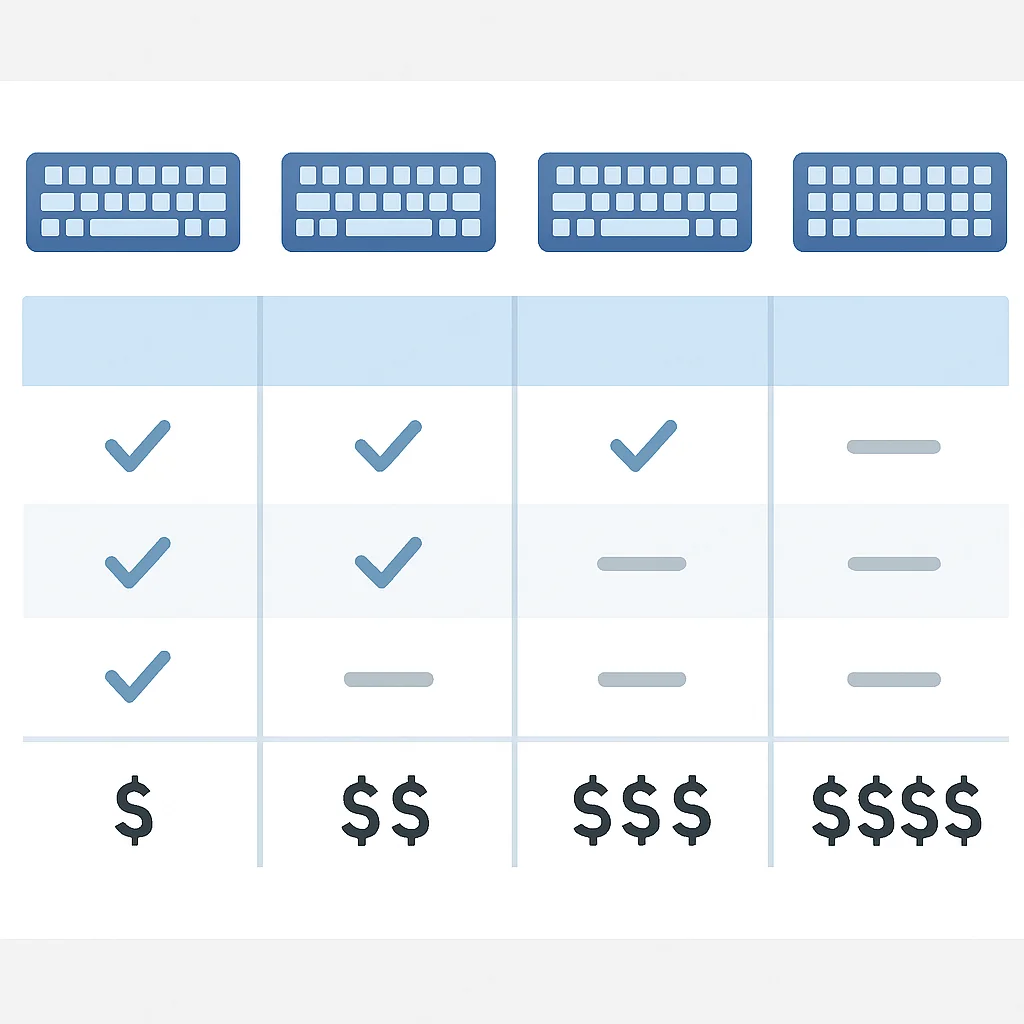
5. Competitor Comparison: Understanding Your Options
The mechanical keyboard market is incredibly diverse in 2026, offering solutions for every budget and preference. Instead of comparing specific models, let’s look at broad categories of mechanical keyboards and how they stack up for developers.
| Category | Key Characteristics | Pros for Developers | Cons for Developers | Typical Price Range (2026) |
|---|---|---|---|---|
| Entry-Level Prebuilts | Standard layouts (TKL, 75%), common switches (Gateron, Outemu), ABS keycaps, plastic case. | Affordable entry point, immediate upgrade from membrane, readily available. | Limited customization, often no QMK/VIA, less premium build materials, can be “rattly.” | $80 – $150 |
| Mid-Range Hot-Swap Prebuilts | TKL/75%/65% layouts, hot-swappable, PBT keycaps, often aluminum frame, QMK/VIA support. | Excellent value, switch customization, robust build, full programmability for macros/layers. | May still require some modding (lubing stabilizers) for optimal sound/feel. | $150 – $300 |
| High-End Ergonomic Splits | Split designs, tenting/tilting, columnar layouts, QMK/VIA, premium switches/keycaps. | Maximized ergonomic comfort, highly customizable, ideal for preventing RSI. | Significant learning curve, high price, often less portable. | $300 – $600+ |
| Custom Kits (DIY) | Barebones kits (case, PCB, plate) requiring user to source switches, keycaps, and assemble. | Ultimate customization in every aspect (sound, feel, aesthetics), unique typing experience. | High cost, significant time investment, technical knowledge required, can be overwhelming. | $250 – $1000+ |
For the vast majority of developers, the Mid-Range Hot-Swap Prebuilts offer the best balance of features, performance, and value in 2026. They provide the essential programmability, hot-swappability, and decent build quality without the steep price or learning curve of full custom builds or niche ergonomic splits. However, if you are experiencing discomfort or are highly sensitive to ergonomics, the High-End Ergonomic Splits are an investment that pays dividends in health and long-term productivity.
KEY POINT
Mid-range hot-swappable prebuilts offer the best balance of customization, build quality, and value for most developers in 2026, while high-end ergonomic splits are a worthy investment for health-conscious users.
6. Verdict & Kwonglish Rating
After diving deep into the world of mechanical keyboards for developers in 2026, it’s clear that the right choice can profoundly impact your daily work life. The market has matured beautifully, offering incredible choices that go far beyond basic functionality. My recommendation for most developers would be to target a TKL or 75% hot-swappable keyboard with tactile switches (like Glorious Pandas or Akko CS Jelly Purples) and PBT keycaps. Ensure it supports QMK or VIA for maximum productivity gains through custom layers and macros. Don’t underestimate the power of a good wrist rest and consider split ergonomic options if you’re prone to wrist discomfort.
The investment in a quality mechanical keyboard is an investment in your health, comfort, and efficiency. It’s not just a fancy peripheral; it’s a critical tool that can make those long hours of coding feel less like a chore and more like a joy.
9.2
/ 10
A top-tier mechanical keyboard is an indispensable tool for every serious developer.
Frequently Asked Questions (FAQ)
Q. What is the best switch type for coding?
Tactile switches like Cherry MX Brown, Holy Panda, or Glorious Panda are generally recommended for coding. They provide a noticeable bump, offering feedback without being overly loud, which can improve typing accuracy and reduce fatigue during long sessions.
Q. Are ergonomic mechanical keyboards worth the investment for developers?
Absolutely. For developers who spend many hours typing, ergonomic designs like split keyboards with tenting can significantly reduce the risk of repetitive strain injuries (RSI) such as carpal tunnel syndrome. The initial cost is often outweighed by the long-term health benefits and sustained productivity.
Q. What is QMK/VIA and why is it important for developers?
QMK (Quantum Mechanical Keyboard) and VIA are open-source firmware and configurator tools that allow you to fully customize your keyboard’s keymap, create macros, and set up multiple typing layers. This is crucial for developers to streamline workflows, reduce keystrokes for common commands, and tailor the keyboard precisely to their coding environment.
Q. Should I choose a wired or wireless mechanical keyboard for coding?
While modern wireless technologies (2.4GHz, Bluetooth 5.0) are very reliable, wired connections are often preferred by developers for zero latency and guaranteed stability. If desk aesthetics are a priority, a high-quality wireless option with a low-latency dongle can be a good compromise, but for critical work, wired remains the gold standard.
Q. What is hot-swappability and why is it beneficial?
Hot-swappability means you can change your keyboard’s switches without needing to solder them. This is beneficial because it allows you to easily experiment with different switch types, customize the feel of individual keys, or replace a faulty switch without having to buy a new keyboard, extending its lifespan and versatility.
Elevate Your Typing, Elevate Your Code
Choosing the right mechanical keyboard is a personal journey, but one that promises significant returns in comfort and productivity. We hope this guide has illuminated the key considerations for developers in 2026, empowering you to make a choice that will enhance your coding experience for years to come.
Got questions or a favorite developer keyboard setup? Drop a comment below and share your insights with the Kwonglish community!