
SUMMARY
Top Task Management Tools for Developers in 2026
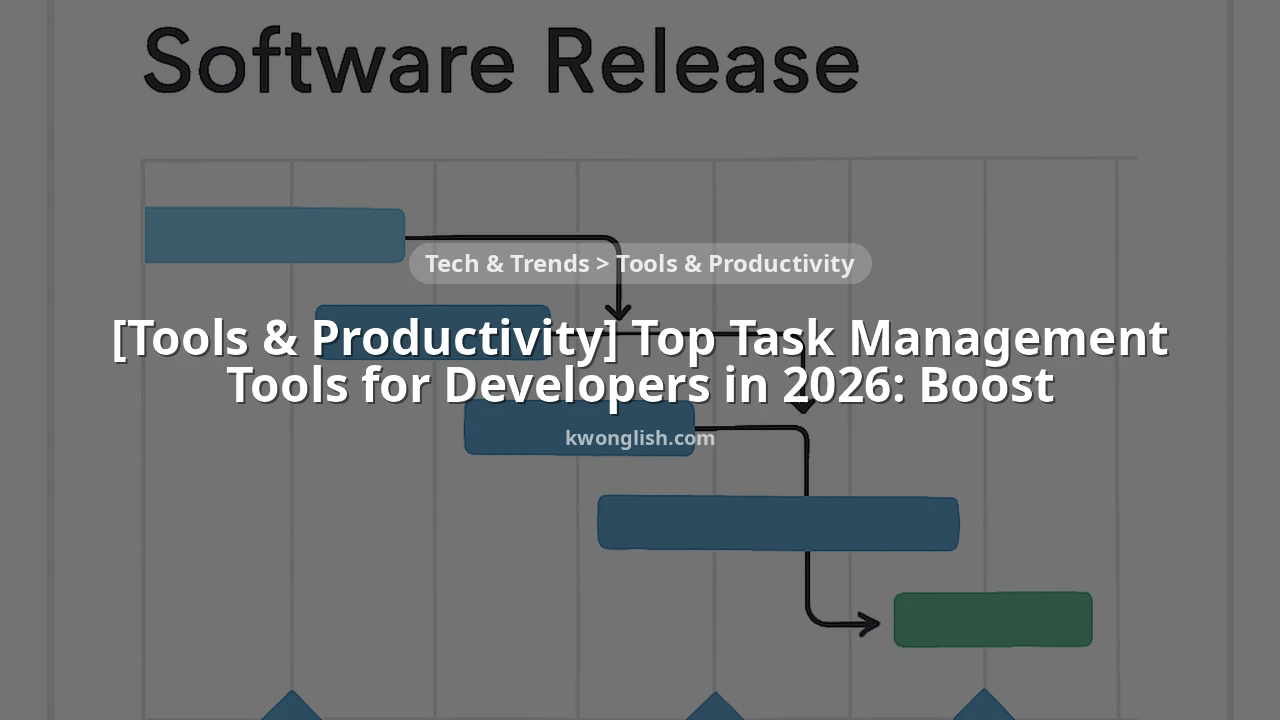
A practical comparison of leading task management tools tailored for developers to boost productivity.
Keywords: Task Management, Developer Productivity, Agile Tools
TABLE OF CONTENTS
1. Introduction: Why Task Management is Crucial for Developers in 2026
2. Deep Dive into Leading Task Management Tools
3. Comparative Analysis: Choosing the Right Tool for Your Team
4. Tackling Common Developer Productivity Challenges
5. Practical Integration: Enhancing Your Developer Workflow
6. Frequently Asked Questions (FAQ)
7. Conclusion: Charting Your Course to Peak Productivity
BACKGROUND
Introduction: Why Task Management is Crucial for Developers in 2026
In the fast-evolving landscape of software development, the ability to manage tasks efficiently is no longer a luxury but a fundamental necessity. As we navigate through 2026, development cycles are shrinking, expectations for rapid feature delivery are escalating, and the complexity of projects continues to grow. Developers, often juggling multiple tasks, bug fixes, code reviews, and feature implementations, face constant pressure to maintain focus and deliver high-quality code on time.
Effective task management tools serve as the backbone for organized development. They provide a centralized platform to track progress, allocate resources, identify bottlenecks, and foster seamless collaboration within teams. Without a robust system, developers risk falling into the trap of context switching, missed deadlines, and a general sense of chaos that inevitably impacts productivity and morale. A recent survey among software engineering teams in early 2026 revealed that teams leveraging dedicated task management platforms reported a 25% increase in on-time project delivery compared to those relying on ad-hoc methods like spreadsheets or chat-based task assignments.
This analysis report aims to cut through the noise and provide a comprehensive, developer-centric comparison of the top task management tools available in 2026. We’ll delve into their features, strengths, weaknesses, and ideal use cases, helping you and your team make an informed decision to boost your productivity and ship code faster. From the enterprise-grade power of Jira to the developer-focused speed of Linear, we’ll explore how these platforms can transform your daily workflow.
Choosing the right task management tool directly impacts a development team’s efficiency, collaboration, and ultimately, its ability to deliver quality software consistently. It’s an investment in sustainable productivity.
CORE CONTENT
Deep Dive into Leading Task Management Tools
The market for task management tools is vibrant, with each platform vying for attention by offering unique features and philosophies. For developers, the ideal tool seamlessly integrates into coding workflows, provides clear visibility into tasks, supports agile methodologies, and minimizes overhead. Let’s examine some of the frontrunners in 2026.
Jira: The Enterprise Agile Powerhouse
Jira, by Atlassian, has long been the dominant player in agile project management, especially within larger enterprises. It’s a highly configurable issue-tracking system designed to support complex software development workflows, from Scrum and Kanban boards to custom reporting and deep integrations. For development teams, Jira offers granular control over task types (epics, stories, tasks, bugs), workflows, and permissions.
Its strength lies in its ability to handle intricate project structures, track every detail of an issue’s lifecycle, and generate comprehensive reports (e.g., burn-down charts, velocity reports). Jira’s ecosystem is vast, with thousands of marketplace apps for everything from time tracking to CI/CD integrations. However, this power comes with a steep learning curve and significant administrative overhead. Setting up and maintaining Jira can be a full-time job for a dedicated administrator, and its interface can feel clunky or overwhelming for new users or smaller teams seeking simplicity.
Jira for Developers – Key Features
Customizable Workflows — Map complex development processes with custom statuses and transitions.
Advanced Reporting — Generate detailed insights into team velocity, sprint progress, and issue resolution times.
Extensive Integrations — Connects with hundreds of tools like Bitbucket, GitHub, Slack, and various CI/CD pipelines.
Granular Permissions — Control who can see, edit, and transition issues at a detailed level.
Trello: The Visual Kanban Board
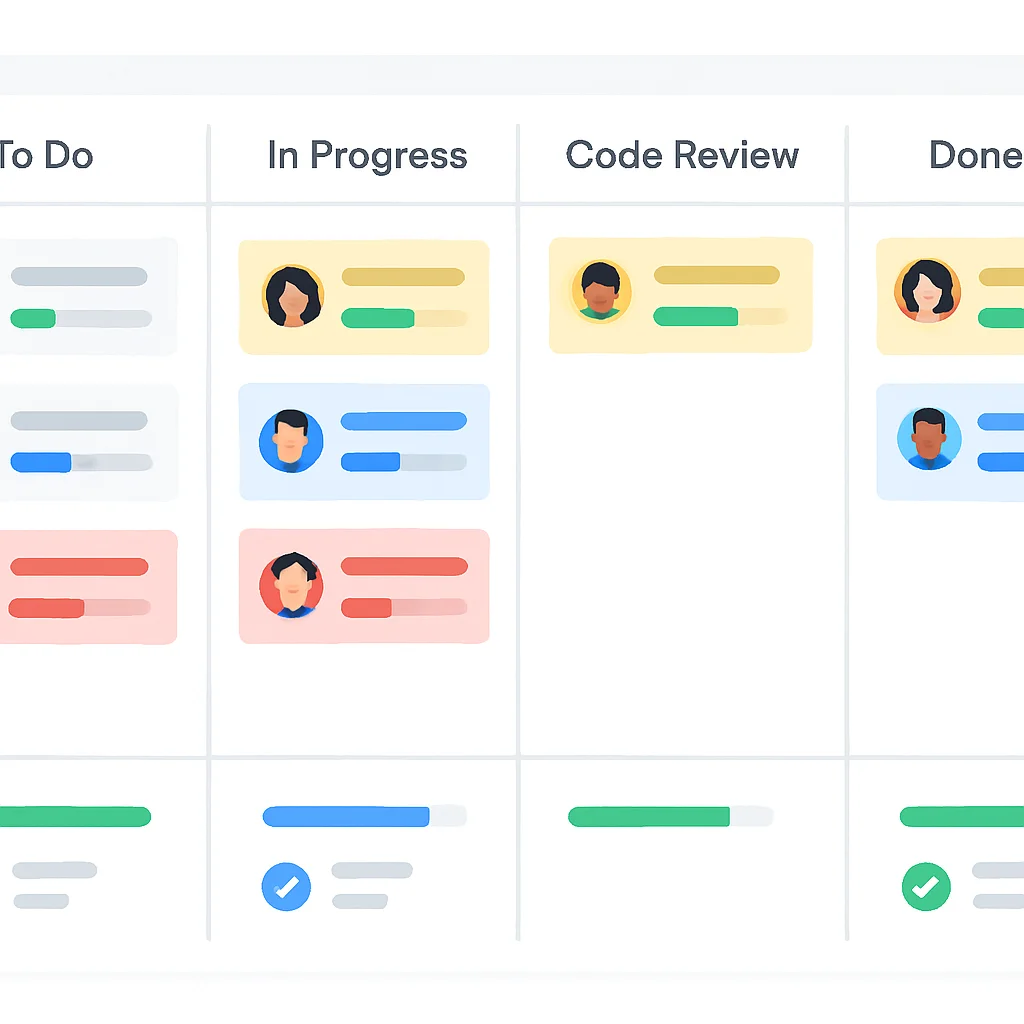
Trello, also an Atlassian product, offers a stark contrast to Jira’s complexity. It’s built around the Kanban methodology, providing a highly visual and intuitive interface of boards, lists, and cards. For individual developers or small teams, Trello is incredibly easy to adopt and use for tracking personal tasks, sprint backlogs, or simple project phases.
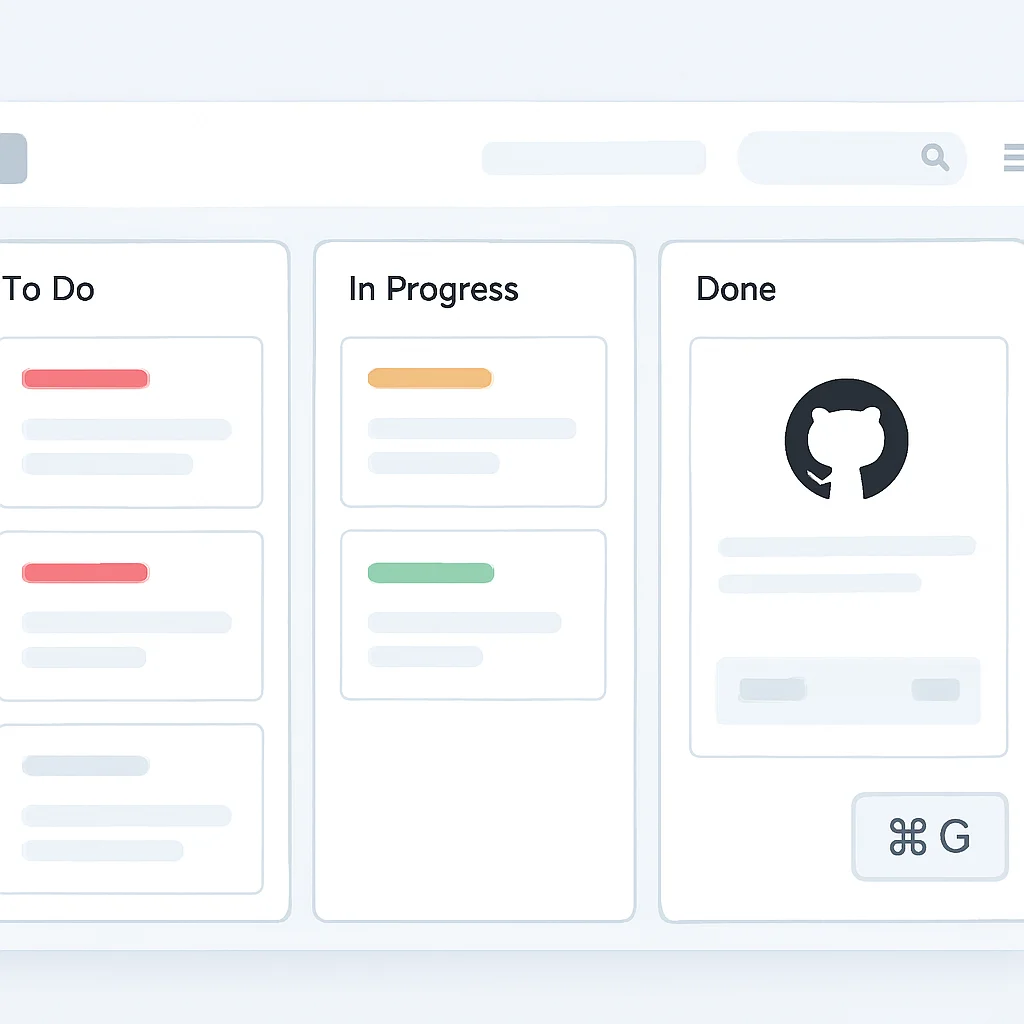
Developers can quickly create cards for features, bugs, or ideas, move them across lists (e.g., “To Do,” “In Progress,” “Done”), and add checklists, due dates, and attachments. Its “Power-Ups” (integrations) allow for extended functionality, connecting with tools like GitHub, Slack, and Google Drive. The main limitation of Trello for serious software development is its lack of built-in features for complex issue tracking, detailed reporting, or sophisticated agile metrics. It’s excellent for visualizing flow but less equipped for managing dependencies, estimating effort, or generating comprehensive project health reports.
Trello for Developers – Key Features
Intuitive Kanban Boards — Simple drag-and-drop interface for visual task management.
Quick Setup & Adoption — Extremely easy to learn and get started for individuals or small teams.
Power-Ups for Integration — Extend functionality with connections to popular developer tools and services.
Asana: The Comprehensive Project Organizer
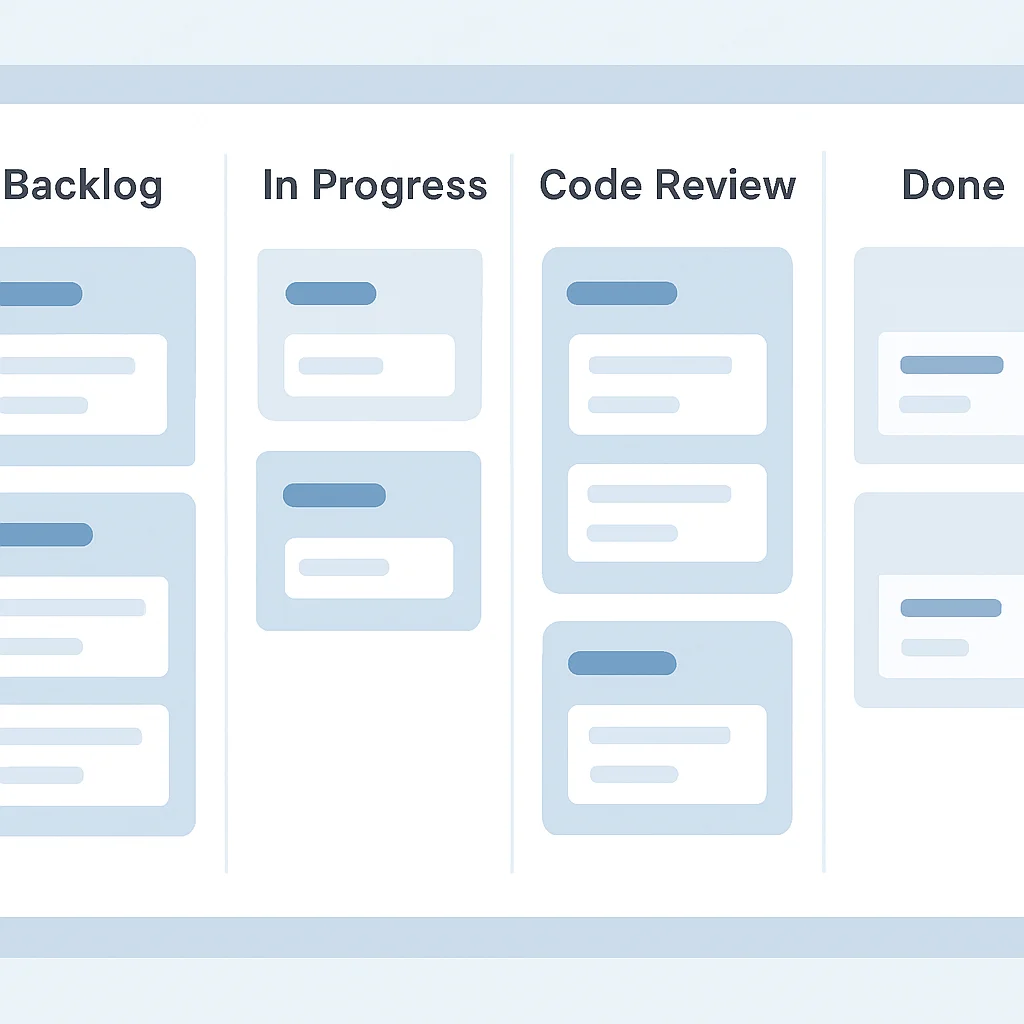
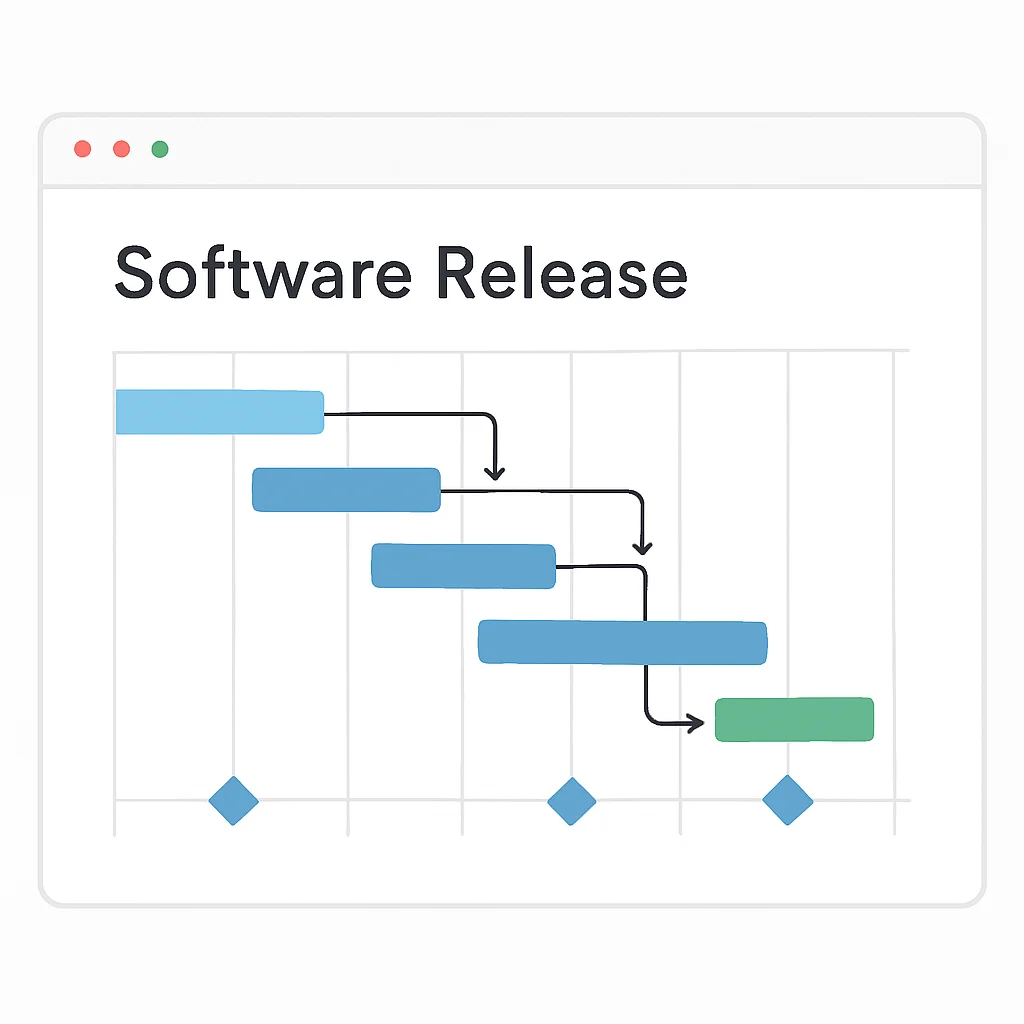
Asana positions itself as a comprehensive work management platform, suitable for various departments beyond just development. It offers a robust set of features for task tracking, project planning, and team collaboration. For development teams, Asana provides multiple views (list, board, timeline, calendar), custom fields, and the ability to set task dependencies, which is crucial for managing complex project timelines.
While not as deeply ingrained in agile software development as Jira, Asana’s flexibility allows teams to adapt it for Scrum or Kanban. Its strengths include a clean user interface, strong collaboration features, and the ability to manage tasks across different projects seamlessly. However, some developers might find it less specialized for coding workflows compared to Jira or Linear, and its reporting capabilities, while good, might not offer the same depth of agile-specific metrics as Jira out-of-the-box. Asana often serves as a bridge for teams who need more than Trello but find Jira too cumbersome.
Asana for Developers – Key Features
Multiple Project Views — Switch between list, board, timeline, and calendar views to suit different needs.
Task Dependencies — Define relationships between tasks to ensure proper sequencing and prevent blockers.
Cross-Project Management — Track tasks and progress across multiple projects within a single interface.
Linear: The Developer-First Speed Machine
Linear has rapidly gained traction among modern software development teams due to its unwavering focus on speed, developer experience, and elegant design. It’s built from the ground up to minimize friction in the issue tracking process, emphasizing keyboard shortcuts, streamlined workflows, and intelligent automation. Linear is particularly strong for teams practicing continuous delivery or seeking a tool that gets out of the way.
Key features include cycles (akin to sprints but more flexible), project roadmaps, and powerful integrations with GitHub, GitLab, and Slack that automatically update issue statuses based on code commits and pull requests. Linear’s opinionated approach means less customization than Jira, but in return, teams get a highly optimized and fast experience. Its reporting focuses on developer velocity and team health, providing clear insights without overwhelming dashboards. For teams tired of Jira’s bloat or Trello’s lack of structure, Linear offers a refreshing, developer-centric alternative that prioritizes flow and efficiency.
Linear for Developers – Key Features
Keyboard-First Interface — Lightning-fast navigation and task management using shortcuts.
Automated Workflows — Integrates with Git platforms to automatically update issues based on code activity.
Cycles & Roadmaps — Streamlined sprint-like cycles and clear long-term project planning.
CORE CONTENT
Comparative Analysis: Choosing the Right Tool for Your Team
Selecting the optimal task management tool is a strategic decision that depends heavily on your team’s size, agile maturity, project complexity, and specific workflow needs. Here’s a comparative breakdown to help you weigh the options in 2026.
Task Management Tools Comparison (Developer Focus, 2026)
| Feature/Metric | Jira | Trello | Asana | Linear |
|---|---|---|---|---|
| Agile Support | ★★★★★ (Native Scrum/Kanban, highly customizable) | ★★ (Basic Kanban, needs Power-Ups for more) | ★★★★ (Flexible, adaptable for Scrum/Kanban) | ★★★★★ (Built for modern dev, cycles, roadmaps) |
| Developer Experience (DX) | ★★★ (Powerful but can be clunky, steep learning curve) | ★★★★ (Very easy to use, visual) | ★★★ (Clean UI, good for general PM) | ★★★★★ (Keyboard-first, fast, minimal friction) |
| Integrations (Git, CI/CD) | ★★★★★ (Extensive, deep, and configurable) | ★★★ (Via Power-Ups, less depth) | ★★★★ (Strong with popular tools, growing ecosystem) | ★★★★★ (Native, powerful, and automated with Git platforms) |
| Reporting & Analytics | ★★★★★ (Comprehensive agile metrics, customizable dashboards) | ★★ (Basic progress, needs Power-Ups for more) | ★★★★ (Good project overview, customizable reports) | ★★★★ (Focus on velocity, team health, clear roadmaps) |
| Customization vs. Opinionated | Highly Customizable | Moderately Flexible | Flexible | Opinionated (Streamlined) |
| Best For | Large Enterprises, Complex Agile, Strict Processes | Small Teams, Visual Tracking, Personal Tasks | Cross-functional Teams, Balanced PM, Growing Teams | Modern Engineering Teams, Speed-Focused, Automation-Heavy |
Note: Star ratings (★) are relative to developer-centric needs and the tool’s core philosophy.
PROBLEM SOLVING
Tackling Common Developer Productivity Challenges
Developers often face specific challenges that hinder productivity, regardless of the tools they use. However, the right task management platform, when utilized effectively, can mitigate many of these issues. Let’s look at some common problems and how our top tools provide solutions.
Excessive Context Switching and Distractions
Developers frequently get pulled in multiple directions – a critical bug, a new feature request, a code review, a meeting. This constant context switching leads to reduced focus and lower code quality. A study in 2026 indicated that developers lose up to 30% of their productive time due to context switching.
SOLUTION — Centralized, Prioritized Task Queues
Tools like Jira and Linear excel at providing a single, prioritized source of truth for all tasks. Jira’s robust issue filtering and custom queries allow developers to focus on high-priority items for their current sprint. Linear’s “My Issues” view and keyboard-driven navigation empower developers to quickly triage and address tasks without leaving their flow state. Both platforms offer clear status transitions (e.g., “In Progress,” “Blocked”) that reduce the need for constant communication about task status, minimizing interruptions.
Inaccurate Estimation and Missed Deadlines
Estimating software development tasks is notoriously difficult. Poor estimations lead to missed deadlines, increased pressure, and frustrated stakeholders. This is often exacerbated by a lack of historical data or unclear task definitions.
SOLUTION — Structured Task Breakdown and Historical Data
Asana allows for detailed task breakdown with subtasks and dependencies, providing a clearer picture of the work involved. Jira’s Epic/Story/Task hierarchy and built-in estimation fields (e.g., Story Points, Time Estimates) coupled with its robust reporting (velocity charts, sprint reports) help teams refine their estimation process over time by analyzing past performance. Linear uses “cycles” and tracks team velocity, offering data-driven insights into how much work a team can realistically accomplish within a given timeframe, making future estimations more accurate. The key is to break down large tasks into manageable, estimable units and learn from actual completion times.
Lack of Visibility and Collaboration Friction
When team members lack visibility into each other’s progress or dependencies, collaboration suffers. This can lead to redundant work, missed handoffs, and delays, particularly in distributed or asynchronous teams. Communication overhead becomes a burden.
SOLUTION — Transparent Boards and Automated Status Updates
All four tools offer solutions here. Trello’s visual Kanban boards provide instant visibility into who is working on what and its current status. Asana and Jira offer comprehensive dashboards and project overviews, allowing team leads and product owners to track progress at a glance. Linear takes this a step further with its deep Git integrations: when a developer creates a branch, commits code, or opens a pull request, the associated Linear issue can automatically update its status (e.g., “In Progress,” “In Review”). This automation significantly reduces manual updates and ensures everyone has real-time visibility, minimizing the need for constant status check-ins and fostering smoother collaboration.
KEY POINT
The most effective task management tools are those that not only track work but also actively reduce friction, automate routine updates, and provide actionable insights to keep developers focused and informed.
PRACTICAL APPLICATION
Practical Integration: Enhancing Your Developer Workflow
Integrating a task management tool effectively into a developer’s daily workflow goes beyond simply creating tickets. It involves leveraging automation, command-line interfaces (CLIs), and API integrations to make the tool a seamless extension of the coding environment. Here’s how you can achieve this with examples focusing on a modern developer workflow.
Automating Status Updates with Git Hooks and Webhooks
One of the biggest time-savers is automating the synchronization between your code repository and your task management system. Many tools, especially Jira and Linear, offer deep integrations with GitHub, GitLab, and Bitbucket. This means that actions in your Git workflow can automatically update the status of an associated task.
Branch Naming Conventions
Adopt a branch naming convention that includes the task ID (e.g., feature/KW-123-new-login or bugfix/LIN-456-auth-issue). Most tools will automatically link commits and PRs to the task if the ID is present.
Automated Status Transitions
Configure your task management tool to automatically transition issues. For instance, when a developer creates a new branch with a task ID, the task might move to “In Progress”. When a Pull Request (PR) is opened, it moves to “In Review”. When the PR is merged, it moves to “Done” or “Ready for QA”. This reduces manual effort and provides real-time project status.
Commit Message Automation
Many tools also allow updating issues via commit messages. For example, adding Fixes KW-123 or Closes LIN-456 in your commit message can automatically transition the linked task. This is incredibly powerful for maintaining consistent status updates without ever leaving your terminal.
Leveraging CLIs and APIs for Advanced Automation
For more advanced automation or custom integrations, leveraging the command-line interface (CLI) tools or APIs provided by these platforms is key. This allows developers to script interactions with their task management system directly from their development environment.
CODE EXPLANATION
This Python script demonstrates how to use a hypothetical API to fetch and update a task’s status. It simulates interacting with a task management tool like Linear or Jira via its REST API. You’d replace placeholders with actual API endpoints and authentication details.
import requests
import json

# --- Configuration ---
API_BASE_URL = "https://api.example.com/v1" # Replace with actual API base URL (e.g., Linear, Jira)
API_TOKEN = "YOUR_API_TOKEN" # Replace with your actual API token
HEADERS = {
    "Authorization": f"Bearer {API_TOKEN}",
    "Content-Type": "application/json"
}

# --- Functions ---
def get_task_details(task_id):
    """Fetches details for a specific task."""
    endpoint = f"{API_BASE_URL}/issues/{task_id}"
    response = requests.get(endpoint, headers=HEADERS)
    response.raise_for_status() # Raise an exception for bad status codes
    return response.json()

def update_task_status(task_id, new_status_id):
    """Updates the status of a specific task."""
    endpoint = f"{API_BASE_URL}/issues/{task_id}"
    payload = {
        "statusId": new_status_id # Or "stateId" for Linear, "transition" for Jira
    }
    response = requests.patch(endpoint, headers=HEADERS, data=json.dumps(payload))
    response.raise_for_status()
    print(f"Task {task_id} status updated successfully to status ID {new_status_id}.")

def create_new_task(title, description, project_id, assignee_id=None):
    """Creates a new task."""
    endpoint = f"{API_BASE_URL}/issues"
    payload = {
        "title": title,
        "description": description,
        "projectId": project_id
    }
    if assignee_id:
        payload["assigneeId"] = assignee_id

    response = requests.post(endpoint, headers=HEADERS, data=json.dumps(payload))
    response.raise_for_status()
    new_task = response.json()
    print(f"New task '{new_task.get('title')}' created with ID: {new_task.get('id')}")
    return new_task

# --- Example Usage ---
if __name__ == "__main__":
    try:
        # 1. Get details of an existing task (e.g., "KW-123")
        task_id_to_fetch = "KW-123"
        print(f"Fetching details for task {task_id_to_fetch}...")
        task_details = get_task_details(task_id_to_fetch)
        print(f"Current Status: {task_details.get('status', {}).get('name')}")
        print(f"Description: {task_details.get('description')}")

        # 2. Update task status (e.g., move to "In Progress" with a known status ID)
        # Note: You'd need to find the specific status IDs from your tool's API documentation.
        in_progress_status_id = "some-uuid-for-in-progress"
        print(f"Updating task {task_id_to_fetch} to 'In Progress'...")
        update_task_status(task_id_to_fetch, in_progress_status_id)

        # 3. Create a new task
        new_task_title = "Implement user profile page"
        new_task_desc = "Develop the frontend and backend for the user profile section, including data display and edit functionality."
        dev_project_id = "some-uuid-for-dev-project"
        my_user_id = "some-uuid-for-my-user"

        print(f"Creating a new task: '{new_task_title}'...")
        created_task = create_new_task(new_task_title, new_task_desc, dev_project_id, my_user_id)
        print(f"New task created: {created_task.get('url')}")

    except requests.exceptions.HTTPError as e:
        print(f"HTTP Error: {e.response.status_code} - {e.response.text}")
    except requests.exceptions.RequestException as e:
        print(f"Request Error: {e}")
    except Exception as e:
        print(f"An unexpected error occurred: {e}")
This Python example illustrates how you can interact with a task management tool’s API. For instance, you could integrate such a script into your local development environment:
- Pre-commit hooks: Automatically update a task status to “In Progress” when you start working on a branch associated with it.
- Custom CLI commands: Create aliases or functions in your shell (
alias start-task='python task_api.py update $1 in_progress') to quickly update task statuses without opening the web UI. - CI/CD pipelines: Automatically create a “Deployment” task or update relevant tasks when a new release is pushed to production.
KEY POINT
Deep integration through Git automation, CLIs, and APIs is crucial for maximizing developer productivity. It minimizes context switching and ensures that task statuses are always up-to-date with minimal manual intervention.
Frequently Asked Questions (FAQ)
Q. Which task management tool is best for a small startup with 5 developers?
For a small startup, Linear or Trello are excellent choices. Linear offers a fast, developer-centric experience with powerful Git integrations, ideal for rapid iteration. Trello provides visual simplicity and quick adoption for basic task tracking, though it might lack depth for complex agile processes.
Q. Can I migrate from one task management tool to another, e.g., from Jira to Linear?
Yes, most modern task management tools offer import/export functionalities or dedicated migration tools. For instance, Linear provides a robust Jira importer, allowing teams to transition issues, comments, and attachments. It’s crucial to plan the migration carefully, considering data mapping and potential downtime.
Q. How do these tools help with remote team collaboration in 2026?
All discussed tools are cloud-based and designed for distributed teams. They provide centralized task visibility, comment sections for asynchronous communication, and integrations with communication platforms like Slack or Microsoft Teams. Real-time updates and clear status transitions are vital for keeping remote teams aligned and productive.
Q. What is the typical cost range for these tools in 2026 for a team of 10?
Pricing varies significantly by features and user count. Trello often has a generous free tier and paid plans starting around $5-$10 per user/month. Asana’s paid tiers start similarly. Jira’s standard plans can range from $7-$15 per user/month depending on features and hosting. Linear typically starts around $8-$12 per user/month, emphasizing value for engineering teams. Many offer discounts for annual billing.
Conclusion: Charting Your Course to Peak Productivity
As we’ve explored, the landscape of task management tools for developers in 2026 offers a rich variety of options, each with its own strengths and ideal use cases. From Jira’s enterprise-grade power and extensive configurability to Linear’s developer-first speed and elegant automation, the choice ultimately boils down to aligning the tool with your team’s specific needs, size, and agile maturity.
For large organizations with complex, highly regulated projects and a need for deep customization, Jira remains a formidable choice. Teams prioritizing visual simplicity and quick ad-hoc task tracking might find Trello to be their perfect fit. Asana strikes a balance, offering robust project management capabilities for cross-functional teams without the overwhelming complexity of Jira. And for modern engineering teams focused on speed, efficiency, and seamless Git integration, Linear stands out as a clear leader.
The key takeaway is that the right tool doesn’t just track tasks; it actively enhances developer workflow, reduces friction, fosters collaboration, and provides actionable insights that drive continuous improvement. Invest time in evaluating these platforms, perhaps even running a pilot with a small team, to see which one truly resonates with your developers and helps them ship code faster and more efficiently in 2026 and beyond. Remember, the goal is not just to manage tasks, but to empower your team to build amazing things.
Thanks for reading!
We hope this deep dive into the top task management tools helps you optimize your development workflow. Choosing the right platform can significantly impact your team’s productivity and project success.
Got feedback or questions about your favorite tool or workflow? Drop a comment below and share your insights with the Kwonglish community!