
SUMMARY
Best API Development & Testing Tools for Developers in 2026
A comprehensive analysis of leading API development and testing tools like Postman, Insomnia, and others, designed to optimize developer workflows and ensure robust API functionality.
Keywords: API testing tools, Postman, Insomnia
TABLE OF CONTENTS
1. Introduction: The Evolving Landscape of API Development
2. Deep Dive into Leading API Tools
3. Comparative Analysis: Postman vs. Insomnia vs. Others
4. Problem Solving: Common API Testing Challenges and Solutions
5. Practical Application: Choosing the Right Tool for Your Workflow
6. Frequently Asked Questions (FAQ)
7. Wrap-Up: The Future of API Tooling
1. Introduction: The Evolving Landscape of API Development
In the rapidly accelerating digital landscape of 2026, Application Programming Interfaces (APIs) are no longer just components; they are the fundamental building blocks of modern software ecosystems. From mobile applications communicating with backend services to intricate microservices architectures and third-party integrations, APIs power nearly every digital interaction. This pervasive reliance on APIs means that the tools developers use to design, develop, test, and manage them are more critical than ever before. The efficiency, reliability, and security of an API directly impact the success of the applications that consume it.
The demand for robust, high-performing APIs has spurred significant innovation in the tooling space. Developers today are faced with a plethora of choices, each promising to streamline their workflow and enhance productivity. But with so many options, how do you choose the best fit for your specific needs? This report aims to cut through the noise, providing a professional yet approachable analysis of the leading API development and testing tools available in 2026. We’ll dive deep into their features, compare their strengths and weaknesses, and offer insights to help you make informed decisions.
KEY POINT
In 2026, APIs are the backbone of digital services. Selecting the right tools is paramount for developer efficiency, API reliability, and overall project success, directly impacting time-to-market and user experience.
Our analysis will focus on both established giants like Postman and Insomnia, as well as emerging contenders and specialized solutions. We’ll examine their capabilities across the entire API lifecycle, from initial design and prototyping to automated testing, performance validation, and collaborative team workflows. By the end of this guide, you’ll have a clearer understanding of which tools can best empower you and your team to build and maintain exceptional APIs.
2. Deep Dive into Leading API Tools
This section provides an in-depth look at the most prominent API development and testing tools, highlighting their core functionalities, unique selling points, and ideal use cases. We’ll start with the two market leaders, Postman and Insomnia, before touching upon other significant tools.
2.1. Postman: The Industry Standard for API Development
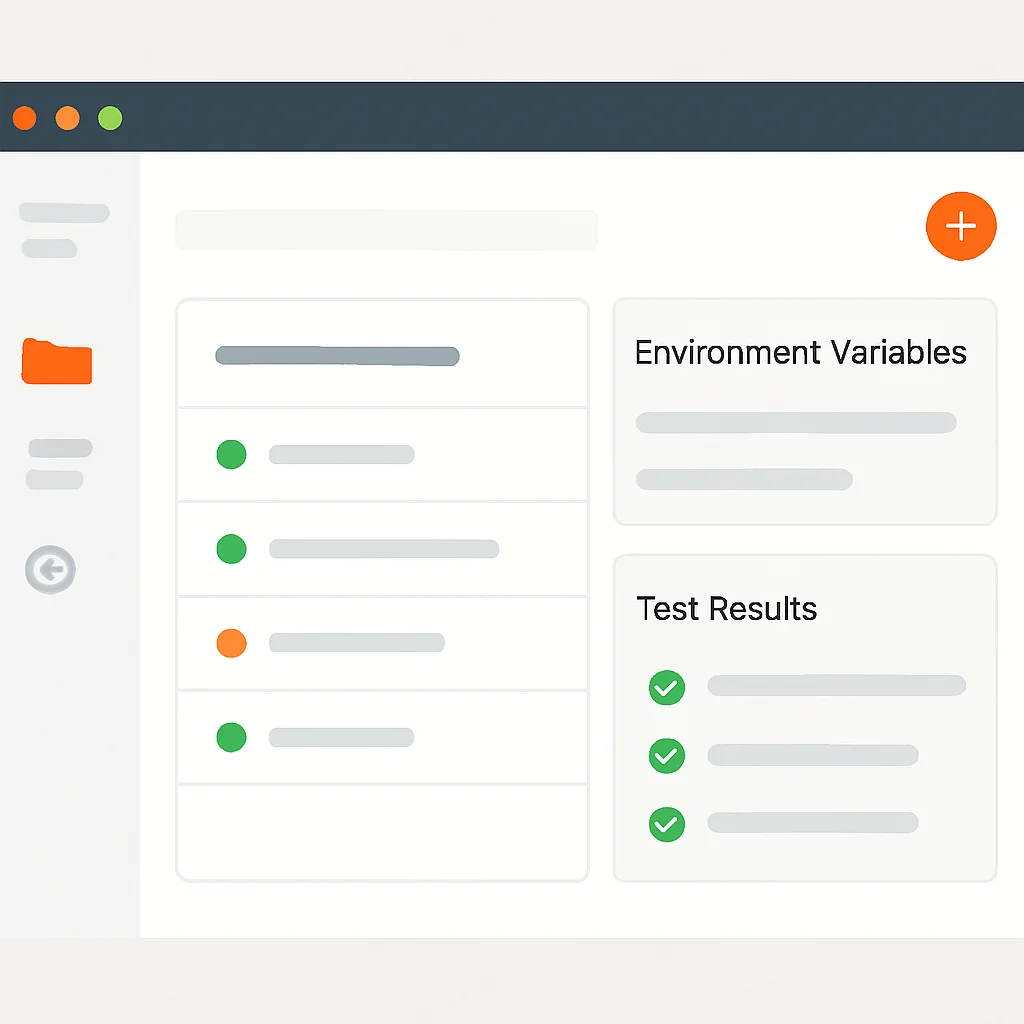
Postman remains arguably the most widely adopted API platform in 2026, boasting a user base exceeding 30 million developers globally. What started as a simple HTTP client Chrome extension has evolved into a comprehensive API development environment, offering a vast array of features that cover almost every stage of the API lifecycle. Its strength lies in its all-in-one approach and strong collaborative features, making it a favorite for teams of all sizes.
Key Features:
- Collections: Organize API requests into logical groups, complete with folders, request descriptions, and examples. This structure is invaluable for documenting and sharing APIs.
- Environments: Manage different configurations (e.g., development, staging, production) by storing variables like base URLs, API keys, and authentication tokens, allowing seamless switching between environments.
- Pre-request & Test Scripts: Leverage JavaScript to add dynamic behavior. Pre-request scripts can set up data before a request is sent (e.g., generating dynamic timestamps, signing requests), while test scripts validate responses (e.g., checking status codes, data integrity, performance metrics).
- Mock Servers: Simulate API endpoints to enable frontend and backend teams to work in parallel without waiting for actual API implementation.
- API Monitoring: Continuously check the health and performance of APIs in production.
- Workspaces & Collaboration: Facilitate team collaboration with shared workspaces, version control, and commenting features, ensuring everyone is working with the latest API definitions.
- API Design & Schema Management: Supports OpenAPI (Swagger) and GraphQL schemas, allowing for design-first API development and validation.
KEY POINT
Postman’s strength lies in its comprehensive, all-in-one platform covering the entire API lifecycle, from design and development to testing, monitoring, and robust team collaboration, making it ideal for large-scale projects.
Code Example: Postman Pre-request and Test Scripts
CODE EXPLANATION
This example demonstrates a Postman pre-request script to set a dynamic timestamp and a test script to validate the HTTP status and a specific data field in the response. This allows for dynamic request generation and automated response validation.
// Pre-request Script Example: Generate a dynamic timestamp
pm.environment.set("currentTimestamp", Date.now());
console.log("Current Timestamp set:", pm.environment.get("currentTimestamp"));

// Test Script Example: Validate HTTP status and response data
pm.test("Status code is 200 OK", function () {
    pm.response.to.have.status(200);
});

pm.test("Response body contains 'message' field", function () {
    var jsonData = pm.response.json();
    pm.expect(jsonData).to.have.property('message');
});

pm.test("Message field value is 'Success'", function () {
    var jsonData = pm.response.json();
    pm.expect(jsonData.message).to.eql('Success');
});
Postman’s extensive scripting capabilities, powered by Node.js and the Newman CLI runner, enable complex automated testing workflows, including integration into CI/CD pipelines. Its desktop application provides a rich UI, while its web platform offers accessibility from anywhere.
2.2. Insomnia: The Developer-Centric API Client
Insomnia, acquired by Kong Inc., has carved out a significant niche as a sleek, developer-centric API client, particularly favored by those who appreciate a clean interface and deep integration with code-centric workflows. It’s known for its focus on speed, simplicity, and extensibility, offering a powerful alternative to Postman, especially for individual developers and smaller teams.
Key Features:
- Intuitive UI: A streamlined, modern user interface that prioritizes readability and ease of use, making API requests and responses easy to navigate.
- Plugin System: Highly extensible through a robust plugin architecture, allowing users to customize functionality, add new authentication methods, or integrate with external services.
- Git Sync: A standout feature for developers, Insomnia allows direct synchronization of API collections with Git repositories. This enables version control, collaborative development, and integration with existing code workflows.
- Design-First API Development: Strong support for OpenAPI (Swagger) specifications, allowing users to design APIs directly within Insomnia and generate documentation.
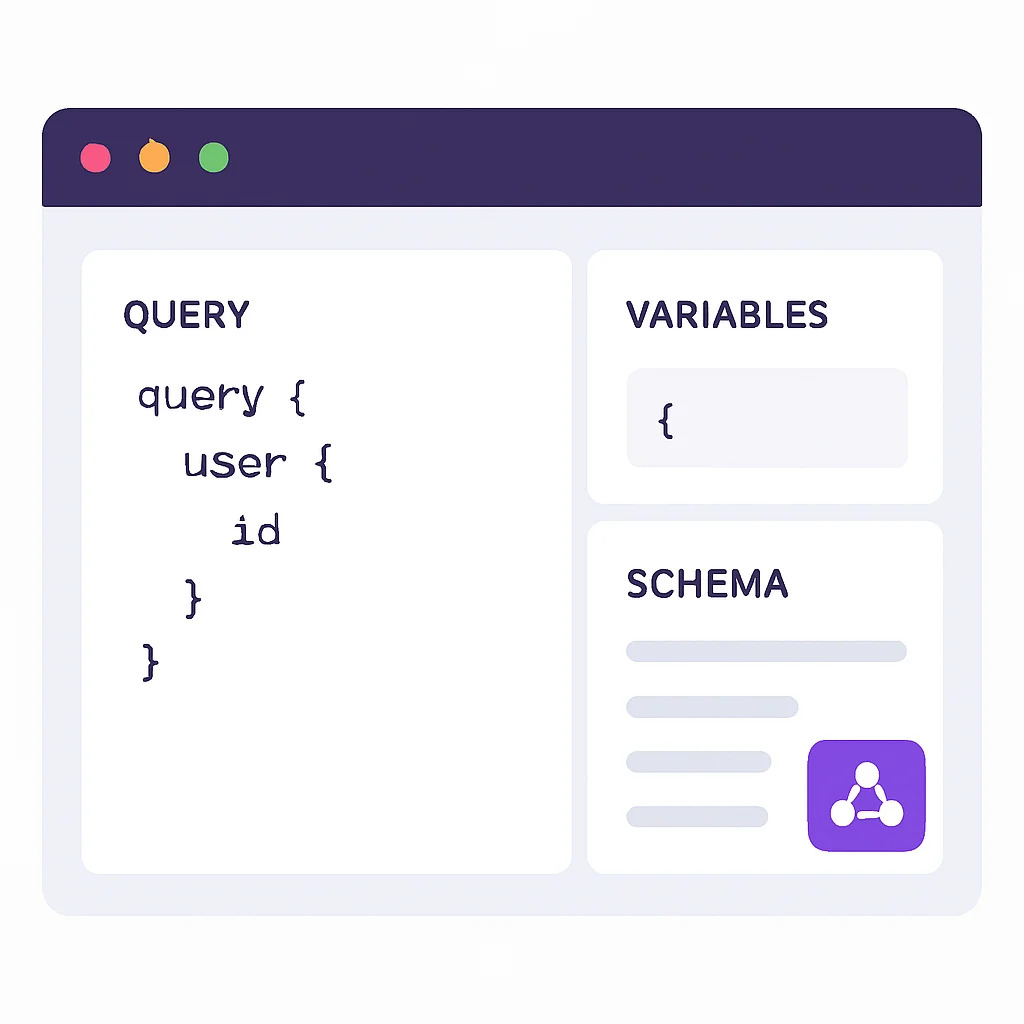
- GraphQL Support: Excellent native support for GraphQL queries, mutations, and subscriptions, including schema introspection and auto-completion.
- Environment Variables & Chaining: Similar to Postman, it offers robust environment management and the ability to chain requests, using data from one response in subsequent requests.
KEY POINT
Insomnia excels with its clean UI, powerful Git synchronization, and strong support for GraphQL, making it a preferred choice for developers who prioritize code-centric workflows and extensibility through plugins.
Code Example: Insomnia Environment Variables & Chaining
CODE EXPLANATION
This example illustrates how Insomnia uses environment variables and response tags to chain requests. The first request authenticates and extracts a token, which is then used in the header of the second request. This is critical for managing authenticated API workflows.
// Request 1: Authenticate and get a token
// URL: {{ base_url }}/auth/login
// Body: { "username": "user", "password": "password" }
// Response: { "token": "eyJhbGciOiJIUzI1Ni..." }

// In Insomnia, you would extract the token using a Response Tag
// e.g., for 'token' field: {% response 'body', '$.token', 'json', 'last' %}

// Request 2: Use the token in a subsequent request
// URL: {{ base_url }}/data
// Headers:
//   Authorization: Bearer {% response 'body', '$.token', 'json', 'last' %}
Insomnia’s focus on a “design-first” approach and its robust Git integration make it particularly appealing for teams that prioritize source control for their API definitions alongside their codebase. Its performance is often lauded for being lightweight and fast.
2.3. Other Notable API Tools
While Postman and Insomnia dominate the market, several other tools offer unique advantages or cater to specific use cases. It’s crucial to be aware of these alternatives as they might be a better fit depending on your project’s scope and team’s preferences.
Thunder Client (VS Code Extension)
Integration — A lightweight REST API client fully integrated into Visual Studio Code. Ideal for developers who prefer to stay within their IDE.
Features — Supports collections, environments, GraphQL, and basic test scripts. Offers a seamless developer experience without context switching.
Use Case — Excellent for individual developers or small teams deeply embedded in the VS Code ecosystem, prioritizing speed and minimal setup.
Hoppscotch: The Open-Source Alternative
Nature — A free, fast, and open-source API development ecosystem. Can be used directly in the browser or as a PWA.
Features — Supports REST, GraphQL, WebSocket, SSE. Offers collections, environments, proxy support, and a clean, minimalist UI.
Use Case — Perfect for developers seeking a privacy-focused, open-source solution, or those who need a quick, browser-based client without local installation.
curl: The Command-Line Powerhouse
Foundation — A fundamental command-line tool for transferring data with URLs. Pre-installed on most Unix-like systems.
Features — Highly scriptable, supports almost all protocols (HTTP, HTTPS, FTP, etc.), and offers granular control over requests.
Use Case — Indispensable for scripting, automated tasks, CI/CD pipelines, and quick ad-hoc testing directly from the terminal. Essential for any backend developer.
KEY POINT
Beyond Postman and Insomnia, tools like Thunder Client offer IDE-native convenience, Hoppscotch provides an open-source, browser-based alternative, and curl remains essential for CLI-based scripting and automation.
3. Comparative Analysis: Postman vs. Insomnia vs. Others
Choosing the right API tool often comes down to a careful evaluation of features, team size, workflow integration, and budget. While Postman and Insomnia are often pitted against each other, understanding their nuances and how they compare to other tools is key. Below is a comparative overview highlighting critical aspects.
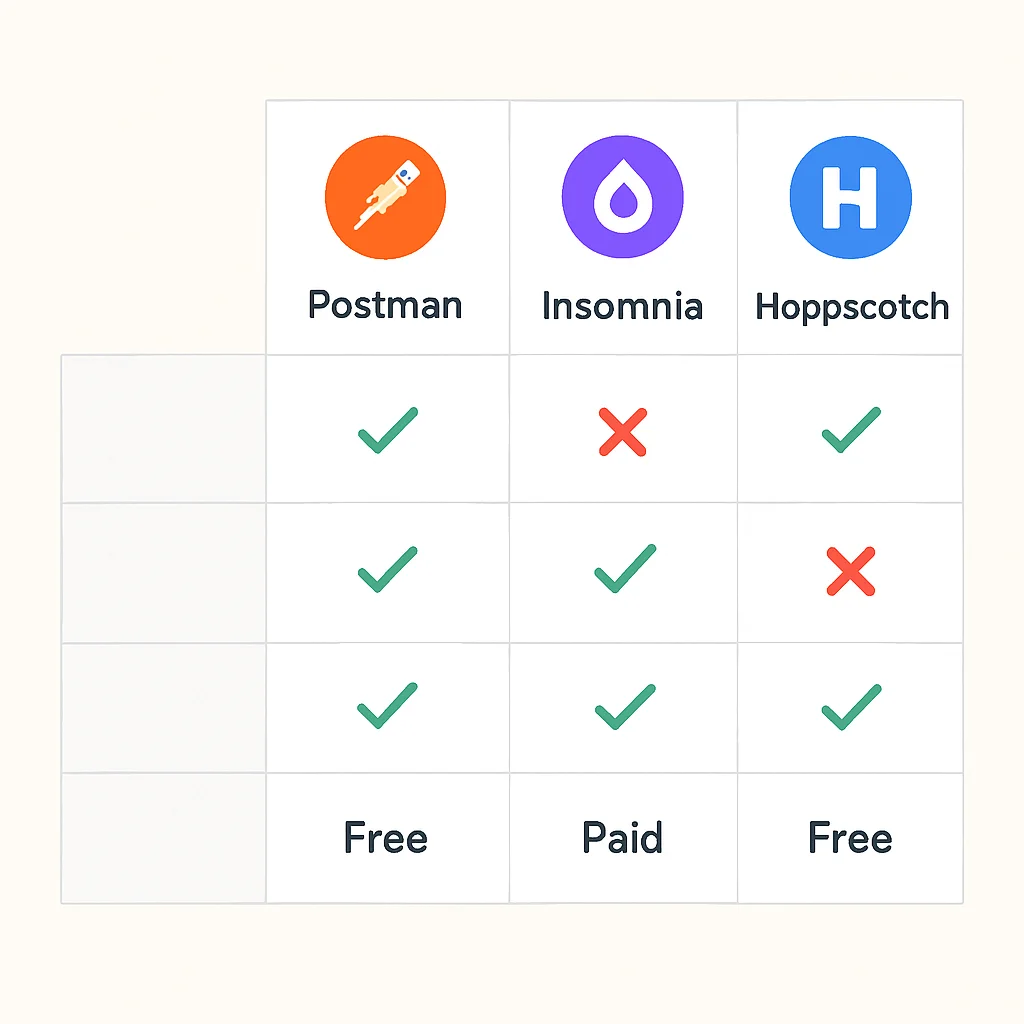
API Development & Testing Tools Comparison (2026)
Feature / Tool
Postman
Insomnia
Thunder Client
Hoppscotch
Primary Focus
Comprehensive API Platform (Design, Dev, Test, Monitor)
Developer-centric API Client (Speed, Extensibility, Git)
VS Code Integrated REST Client
Open-source, Web-based API Development
REST API Support
✓ Excellent
✓ Excellent
✓ Good
✓ Excellent
GraphQL Support
✓ Good
✓ Excellent (Native)
✓ Basic
✓ Excellent
Automation & Scripting
✓ Advanced (JS, Newman CLI)
✓ Good (JS, Inso CLI)
✓ Limited (Basic tests)
✓ Moderate (JS)
Collaboration Features
✓ Excellent (Workspaces, Sync, Roles)
✓ Good (Git Sync, Shared Projects)
✗ Limited (File-based sharing)
✓ Basic (Cloud sync, Share requests)
Pricing Model (2026)
Free tier, then tiered subscriptions (e.g., ~$15-30/user/month for teams)
Free tier, then tiered subscriptions (e.g., ~$10-25/user/month for teams)
Free (VS Code Extension)
Free & Open Source; Cloud features may have paid tiers
Ideal User / Team
Large teams, enterprises, full API lifecycle management
Individual developers, small to medium teams, GraphQL users, Git-centric workflows
VS Code users, individual developers needing quick testing
Open-source enthusiasts, privacy-conscious users, browser-first development
Key Takeaways from the Comparison:
- Enterprise vs. Developer-Centric: Postman offers a more “platform” feel, ideal for larger organizations needing extensive API governance, monitoring, and mock servers. Insomnia leans towards developer agility, with a focus on quick iteration and deep integration with developer tools like Git.
- GraphQL: While both support GraphQL, Insomnia’s native support and UI for GraphQL are often cited as superior for dedicated GraphQL development. Hoppscotch also offers strong GraphQL capabilities.
- Integration with IDE: Thunder Client wins here, offering unparalleled integration for VS Code users, reducing context switching dramatically.
- Open Source & Cost: Hoppscotch provides a compelling open-source alternative for those wary of vendor lock-in or subscription costs. Thunder Client is also free, leveraging the VS Code ecosystem.
- Automation: Postman and Insomnia both offer robust CLI tools (Newman and Inso respectively) for integrating API tests into CI/CD pipelines, crucial for modern DevOps practices.
KEY POINT
For large teams requiring full lifecycle management and extensive collaboration, Postman is generally preferred. For individual developers or smaller teams prioritizing a sleek UI, Git integration, and strong GraphQL support, Insomnia is a strong contender. Open-source or IDE-native options exist for specific niches.
4. Problem Solving: Common API Testing Challenges and Solutions
API testing, while crucial, often comes with its own set of challenges. From managing complex authentication flows to handling dynamic data and ensuring team collaboration, developers frequently encounter hurdles. Modern API tools are designed to address many of these issues, significantly streamlining the testing process.
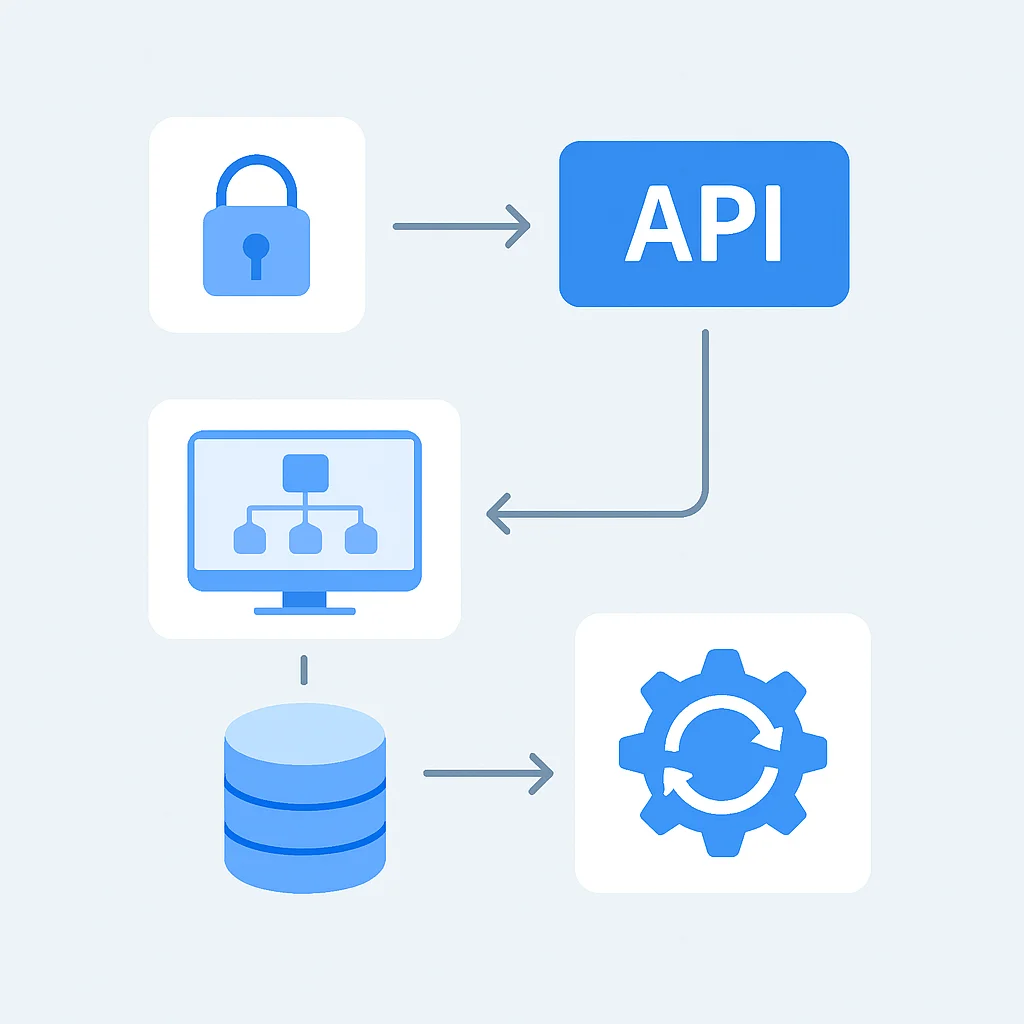
4.1. Challenge: Complex Authentication Mechanisms
Many APIs, especially enterprise-grade ones, employ sophisticated authentication methods like OAuth 2.0, JWT (JSON Web Tokens), API keys, or even mutual TLS. Manually managing these credentials for every request can be tedious and error-prone.
PROBLEM 01
Managing API Authentication Across Environments
Developers struggle to consistently apply the correct authentication headers or tokens across different environments (dev, staging, prod) and for various API requests, leading to “401 Unauthorized” errors and wasted time.
SOLUTION
Utilize tool-specific environment variables and pre-request scripts. Both Postman and Insomnia allow you to store API keys, tokens, and client secrets in environment variables. Pre-request scripts can then dynamically fetch or generate authentication headers (e.g., refreshing an OAuth token) before a request is sent. For OAuth 2.0, both tools offer built-in flows to simplify token acquisition and refresh.
4.2. Challenge: Handling Dynamic Test Data
Real-world API interactions rarely involve static data. Testing often requires creating unique user IDs, generating timestamps, or passing data extracted from a previous API response into a subsequent one. Manually updating these values for each test run is impractical.
PROBLEM 02
Managing Data Dependencies Between API Calls
A common scenario is needing to create a resource (e.g., a user), extract its ID from the creation response, and then use that ID in a subsequent request (e.g., to retrieve or update the user). This creates a tight data dependency that’s hard to automate.
SOLUTION
Leverage response parsing and variable setting. Both Postman and Insomnia allow you to parse JSON or XML responses and extract specific values into environment or collection variables. These variables can then be referenced in subsequent requests. For example, a POST request to /users could return a userId, which is then saved and used in a GET request to /users/{{userId}}.
4.3. Challenge: Team Collaboration and Version Control
In team environments, ensuring everyone is working with the latest API definitions and test suites can be challenging. Without proper version control and sharing mechanisms, inconsistencies can arise, leading to “works on my machine” issues.
PROBLEM 03
Maintaining Consistent API Collections Across Development Teams
Teams often struggle with keeping API request collections, environments, and test scripts synchronized. Manual exports/imports are cumbersome and lead to outdated or conflicting versions, especially with multiple developers contributing.
SOLUTION
Leverage built-in collaboration features and Git integration. Postman offers shared workspaces and cloud synchronization with robust access control. Insomnia excels with its direct Git synchronization, allowing API collections to be treated like code, committed, pushed, and pulled from standard Git repositories (GitHub, GitLab, Bitbucket). This ensures version control, review processes, and easy onboarding for new team members.
KEY POINT
Modern API tools provide robust solutions for common testing challenges, including automated authentication flows, dynamic data management via variable chaining, and critical team collaboration features like shared workspaces and Git synchronization.
5. Practical Application: Choosing the Right Tool for Your Workflow
The “best” API tool isn’t a one-size-fits-all solution. It depends heavily on your specific context, team size, project requirements, and existing tech stack. Here, we’ll outline scenarios to help you identify the most suitable tool for your needs in 2026.
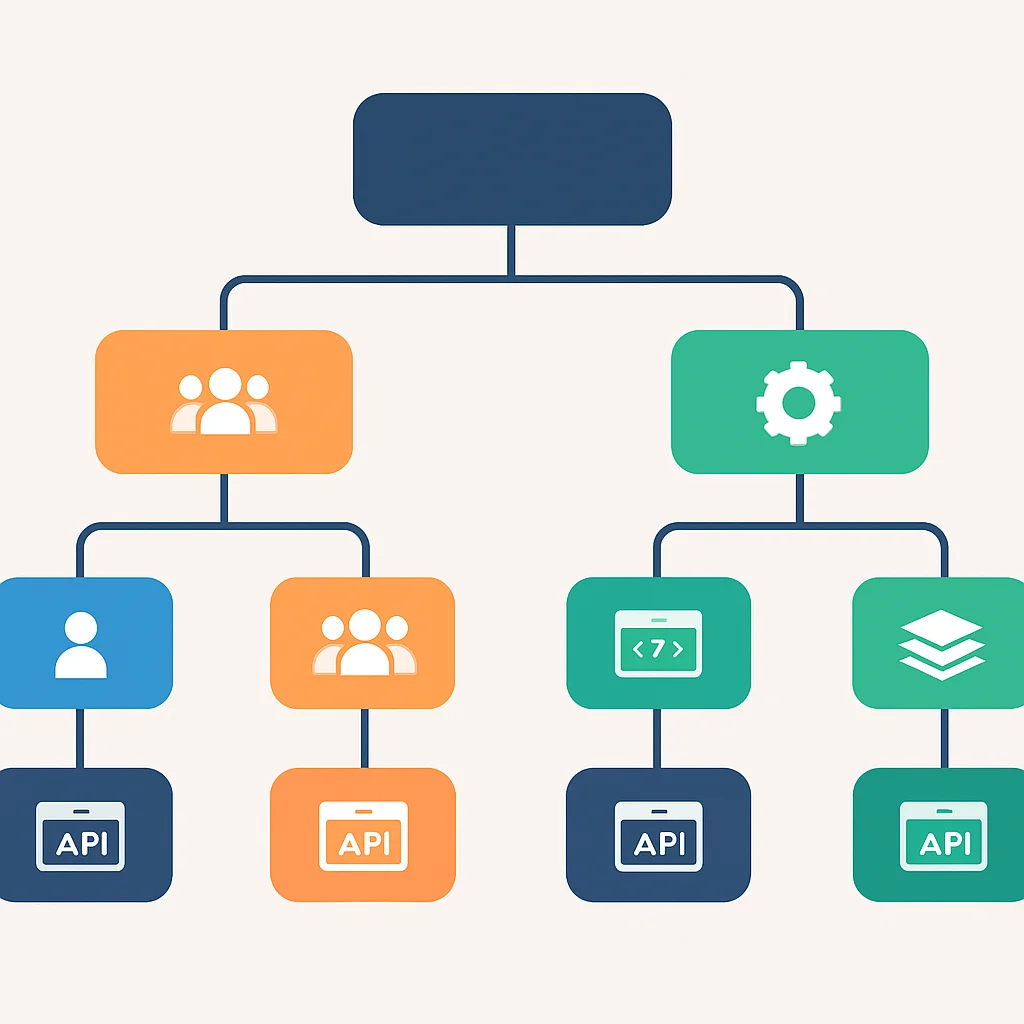
5.1. Use Cases for Different Developer Profiles
Individual Developer / Freelancer
Recommendation: Insomnia, Thunder Client, Hoppscotch, or curl
For solo work, simplicity and speed are paramount. Insomnia’s clean UI and Git sync are excellent. If you live in VS Code, Thunder Client is a no-brainer. Hoppscotch offers a great free, open-source, and web-based option. curl remains essential for quick command-line tests.
Small to Medium-sized Development Team (5-20 developers)
Recommendation: Postman or Insomnia
This is where the choice often becomes a debate. If your team values a comprehensive platform with good UI for non-technical stakeholders (QA, PMs) and extensive monitoring, Postman shines. If your team is highly code-centric, uses Git extensively for everything, and has a strong GraphQL focus, Insomnia could be a better fit due to its Git sync and native GraphQL support. Cost-effectiveness might also play a role here.
Large Enterprise / API-first Company (20+ developers)
Recommendation: Postman (with enterprise features)
For large organizations, Postman’s enterprise features, including advanced access control, auditing, API governance, and extensive integrations (e.g., APM tools, CI/CD), provide a complete API lifecycle management solution. Its robust collaboration features and centralized control are critical for managing hundreds or thousands of APIs.
KEY POINT
The ideal API tool aligns with your team’s size, workflow, and specific project needs. Individual developers benefit from lightweight, integrated solutions, while enterprises require comprehensive platforms with strong governance and collaboration capabilities.
5.2. Integrating API Tools into CI/CD Pipelines
Automated API testing is a cornerstone of modern CI/CD pipelines. Both Postman and Insomnia offer command-line interface (CLI) tools that enable seamless integration of API tests into your build and deployment processes.
Postman with Newman: Newman is Postman’s CLI runner. It allows you to run Postman collections and environments directly from the command line, making it perfect for CI/CD. You can export your collections and environments as JSON files and then execute them.
CODE EXPLANATION
This command demonstrates how to run a Postman collection using Newman. It specifies the collection JSON, an environment JSON for variables, and outputs a detailed report to a JUnit XML file, which is widely supported by CI/CD systems for test reporting.
npm install -g newman # Install Newman globally

# Run a Postman collection with an environment and output a JUnit report
newman run my_api_collection.json -e my_dev_environment.json --reporters cli,junit --reporter-junit-export test-results.xml
Insomnia with Inso CLI: Inso is Insomnia’s CLI tool, designed for continuous integration. It allows you to lint API specifications, run unit tests, and execute integration tests defined in Insomnia collections.
CODE EXPLANATION
This command uses the Inso CLI to run all API tests within a specific Insomnia workspace. The --env flag specifies the environment to use, ensuring tests run against the correct endpoint. The output format is set to junit for CI/CD compatibility.
npm install -g @getinsomnia/inso-cli # Install Inso CLI globally

# Run all tests in a workspace using a specific environment
inso run test "My API Tests" --env "Development" --output test-results.xml --reporter junit
Integrating these CLI tools into your CI/CD pipeline (e.g., GitHub Actions, GitLab CI, Jenkins) means that every code commit can trigger a full suite of API tests, providing immediate feedback on API health and preventing regressions. This automation is crucial for maintaining high-quality APIs in fast-paced development cycles.
Frequently Asked Questions (FAQ)
Q. What is the primary difference between Postman and Insomnia in 2026?
Postman is a more comprehensive API platform offering end-to-end solutions for the entire API lifecycle, including extensive collaboration and monitoring. Insomnia is generally favored for its cleaner, developer-centric UI, strong Git integration, and superior native GraphQL support, appealing to code-focused workflows.
Q. Can I automate API tests with these tools in my CI/CD pipeline?
Yes, both Postman and Insomnia provide robust command-line interface (CLI) tools – Newman for Postman and Inso for Insomnia. These CLIs allow you to execute your API collections and test suites programmatically, making them ideal for integration into any CI/CD pipeline like Jenkins, GitHub Actions, or GitLab CI, to ensure continuous API quality.
Q. Are there good free or open-source alternatives to Postman and Insomnia?
Absolutely. Hoppscotch is a popular open-source, web-based API development ecosystem that offers strong features for REST, GraphQL, and WebSockets. Thunder Client is another excellent free option, provided as a lightweight REST API client extension fully integrated within Visual Studio Code, perfect for developers who prefer to stay within their IDE.
Q. How do these tools help manage different API environments (dev, staging, prod)?
Both Postman and Insomnia offer “environments” where you can define variables (like base URLs, API keys, and authentication tokens) specific to each environment. This allows you to switch between development, staging, and production API endpoints and credentials seamlessly without modifying individual requests, greatly simplifying testing and deployment.
6. Wrap-Up: The Future of API Tooling
The landscape of API development and testing tools in 2026 is dynamic and rich with innovation. As APIs continue to grow in complexity and criticality, the tools supporting their lifecycle will evolve further. We anticipate even deeper integration with AI/ML for automated test case generation, anomaly detection, and performance optimization. The shift towards “API-first” development will also drive more robust design-time governance and automated documentation features within these platforms.
Ultimately, the choice of an API tool is a strategic one, impacting developer productivity, API quality, and time-to-market. Whether you opt for the comprehensive ecosystem of Postman, the developer-centric agility of Insomnia, or a specialized alternative, the key is to select a tool that seamlessly integrates with your team’s workflow and empowers you to build, test, and deliver exceptional APIs consistently.
As Kwonglish, we believe in equipping developers with the knowledge to navigate these choices. The tools highlighted in this report represent the best-in-class options available today, each with its unique strengths. By understanding these strengths and aligning them with your project’s needs, you can significantly enhance your API development and testing capabilities, ensuring your digital products remain robust and competitive in the years to come.
Thanks for reading!
We hope this detailed analysis helps you make informed decisions about your API development and testing tools for 2026. Keep building amazing things!
Got questions or insights to share? Drop a comment below or visit Kwonglish.com for more tech deep-dives.