
SUMMARY
Terraform Best Practices for Multi-Cloud Deployments in 2026
Master essential Terraform best practices for seamless and secure infrastructure management across AWS, Azure, and Google Cloud.
Keywords: Terraform, Multi-Cloud, IaC Security
TABLE OF CONTENTS
1 The Multi-Cloud Imperative in 2026
2 Foundational Terraform Best Practices for Multi-Cloud
3 Addressing Multi-Cloud Specific Challenges
4 Practical Application: Multi-Cloud Web App Deployment
5 Frequently Asked Questions
6 Navigating the Multi-Cloud Future with Terraform
INTRODUCTION
The Multi-Cloud Imperative in 2026
In the rapidly evolving landscape of cloud computing, the adoption of multi-cloud strategies has moved from a niche aspiration to a strategic imperative for businesses of all sizes. As of 2026, a significant majority of enterprises – roughly 85% according to recent industry reports – are either already operating in a multi-cloud environment or planning to do so within the next 12-18 months. This trend isn’t just about avoiding vendor lock-in; it’s driven by a complex interplay of factors including regulatory compliance, disaster recovery resilience, optimizing costs by leveraging specific cloud provider strengths, and geographical reach to serve diverse customer bases with lower latency.
“Managing infrastructure across disparate cloud providers like AWS, Azure, and Google Cloud manually is a recipe for inconsistency, security vulnerabilities, and operational chaos. This is where Infrastructure as Code (IaC) tools, particularly Terraform, become indispensable.”
— Kwonglish IT Analysis, 2026
Terraform, developed by HashiCorp, stands out as the de facto standard for Infrastructure as Code (IaC) in multi-cloud scenarios. Its declarative configuration language allows engineers to define and provision data center infrastructure using a consistent workflow across a multitude of providers. While powerful, the complexity of managing infrastructure across AWS, Azure, and Google Cloud simultaneously necessitates a disciplined approach. Without established best practices, even the most robust IaC tool can lead to unmanageable environments, security gaps, and escalating operational costs.
This report will dive deep into essential Terraform best practices specifically tailored for multi-cloud deployments in 2026. We’ll cover everything from structuring your projects and managing state to handling secrets and designing reusable modules. Our goal is to equip you with the knowledge to build secure, scalable, and maintainable infrastructure across your chosen cloud providers, ensuring your DevOps pipelines remain efficient and robust.
CORE CONTENT
Foundational Terraform Best Practices for Multi-Cloud
Effective multi-cloud management with Terraform hinges on a set of foundational best practices that promote consistency, reduce complexity, and enhance collaboration. Let’s explore these critical areas:
1. Project Structure and Modularity
A well-defined project structure is paramount for multi-cloud environments. It prevents “spaghetti code” and allows teams to manage resources logically. The key is to separate concerns by cloud provider, environment (dev, staging, prod), and application. Consider a structure like this:
.
├── environments/
│   ├── dev/
│   │   ├── aws/
│   │   │   ├── main.tf
│   │   │   ├── variables.tf
│   │   │   └── backend.tf
│   │   ├── azure/
│   │   │   ├── main.tf
│   │   │   ├── variables.tf
│   │   │   └── backend.tf
│   │   └── gcp/
│   │       ├── main.tf
│   │       ├── variables.tf
│   │       └── backend.tf
│   ├── prod/
│   │   ├── aws/
│   │   ├── azure/
│   │   └── gcp/
├── modules/
│   ├── aws-vpc/
│   │   ├── main.tf
│   │   ├── variables.tf
│   │   └── outputs.tf
│   ├── azure-vnet/
│   │   ├── main.tf
│   │   ├── variables.tf
│   │   └── outputs.tf
│   ├── gcp-network/
│   │   ├── main.tf
│   │   ├── variables.tf
│   │   └── outputs.tf
│   ├── common-web-app/
│       ├── main.tf
│       └── variables.tf
└── README.md
This structure promotes clear separation of concerns. The environments/ directory holds the top-level configurations for each environment and cloud, while modules/ contains reusable components. This approach helps manage complexity as your infrastructure grows, especially when dealing with hundreds or thousands of resources.
2. State Management and Locking
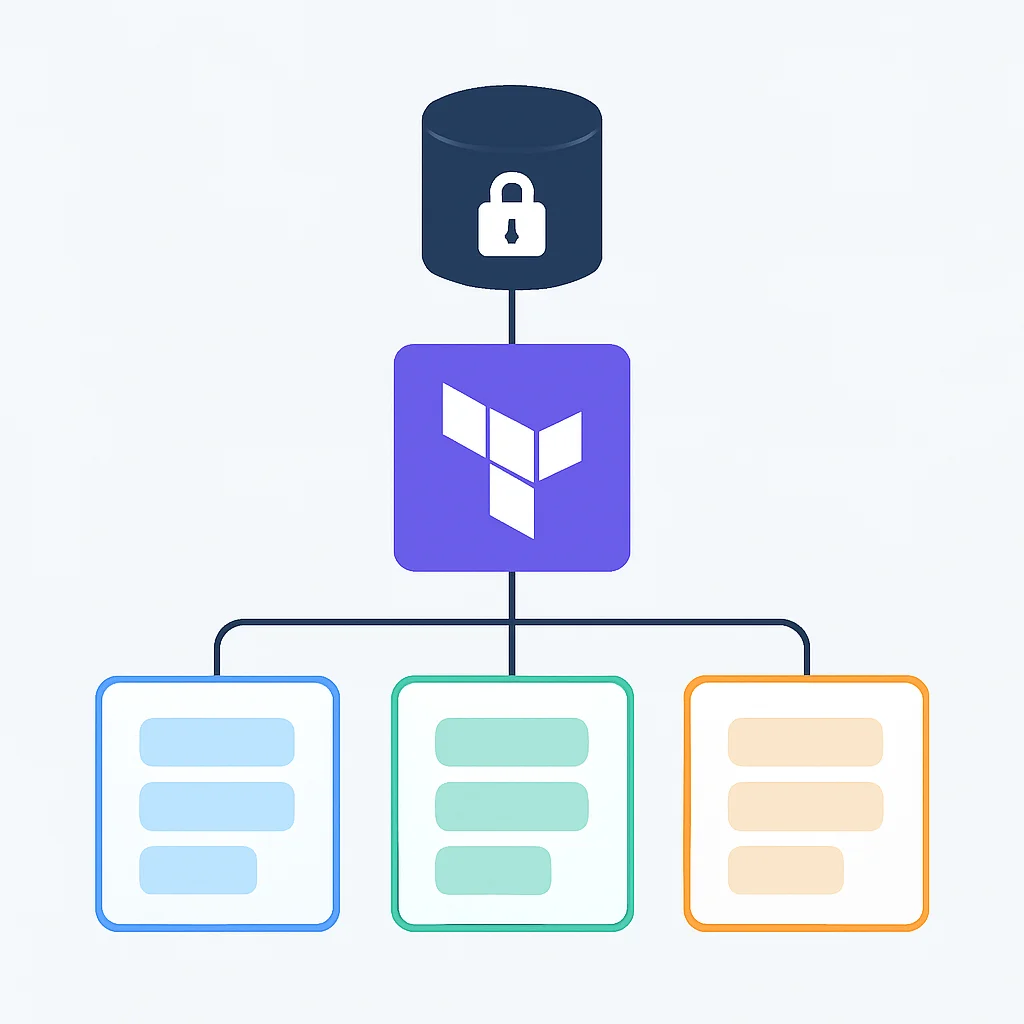
Terraform state files (.tfstate) are critical. They map real-world resources to your configuration and track metadata. Storing them locally is a significant anti-pattern, especially in team environments. For multi-cloud, remote state backends with state locking are non-negotiable to prevent conflicts and data corruption.
Each cloud provider offers robust options:
- AWS: S3 bucket with DynamoDB for locking.
- Azure: Azure Storage Account Blob Container with Azure Blob Storage Lease for locking.
- Google Cloud: Cloud Storage bucket with GCS object locking.
Here’s an example of configuring a remote backend for AWS:
terraform {
  backend "s3" {
    bucket         = "my-multi-cloud-terraform-state-2026"
    key            = "dev/aws/web-app/terraform.tfstate"
    region         = "us-east-1"
    encrypt        = true
    dynamodb_table = "terraform-state-lock-table-2026"
  }
}
3. Provider Configuration and Versioning
In a multi-cloud setup, you’ll be interacting with multiple Terraform providers. It’s crucial to explicitly declare and version them to ensure consistent behavior across deployments and prevent unexpected changes due to provider updates.
terraform {
  required_providers {
    aws = {
      source  = "hashicorp/aws"
      version = "~> 5.0" # Pin to a major version
    }
    azurerm = {
      source  = "hashicorp/azurerm"
      version = "~> 3.0"
    }
    google = {
      source  = "hashicorp/google"
      version = "~> 5.0"
    }
  }
}

provider "aws" {
  region = "us-east-1"
}

provider "azurerm" {
  features {}
  # Client ID, Client Secret, Tenant ID can be sourced from environment variables or a configuration file
}

provider "google" {
  project = "my-gcp-project-2026"
  region  = "us-central1"
}
Pinning providers to specific major versions (e.g., ~> 5.0) ensures that only patch and minor updates are automatically applied, reducing the risk of breaking changes. For production environments, consider pinning to exact versions (e.g., = 5.30.0) and updating manually after thorough testing.
4. Secrets Management
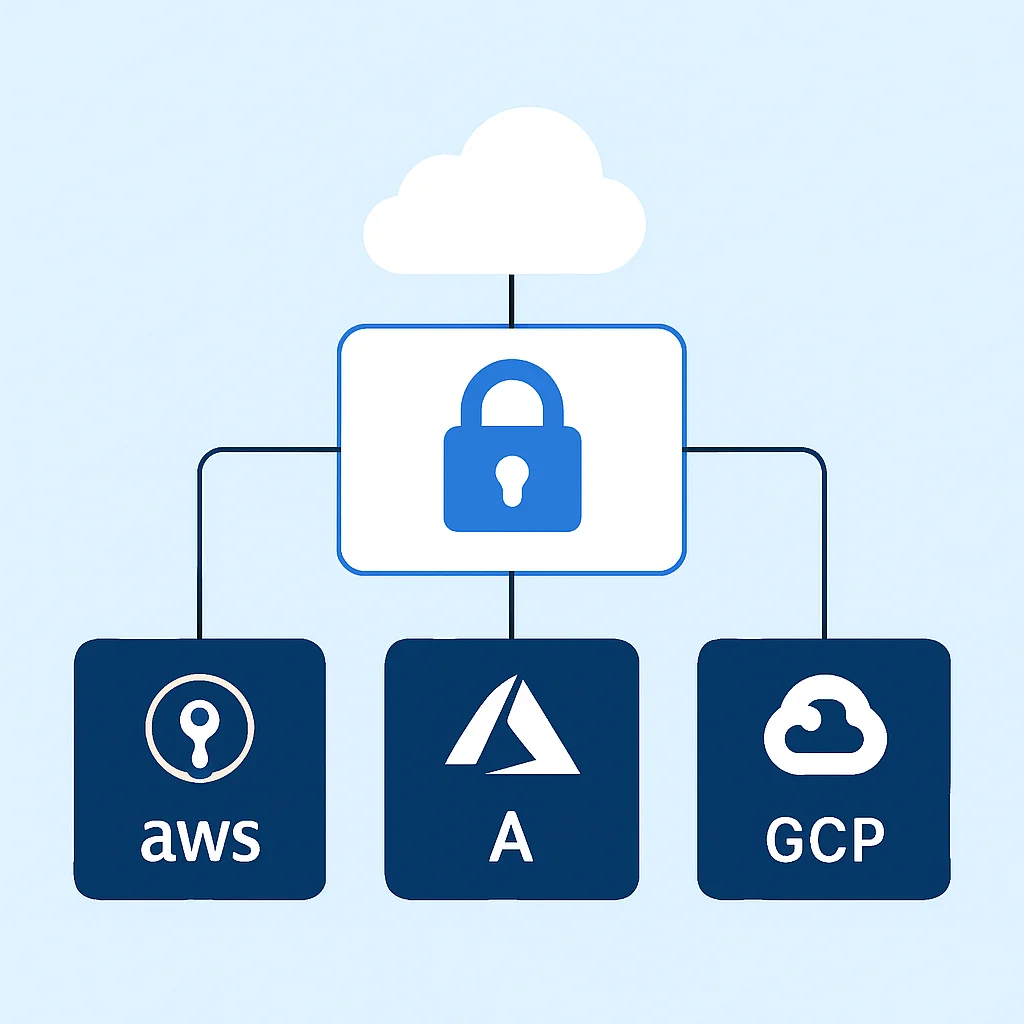
Hardcoding secrets (API keys, database passwords) into Terraform configurations is a critical security vulnerability. This is even more complex in a multi-cloud setup where you might have secrets across different cloud-native services. Integrate Terraform with dedicated secrets management solutions:
- HashiCorp Vault: A cloud-agnostic solution that integrates well with Terraform.
- AWS Secrets Manager / AWS Parameter Store: For AWS-specific secrets.
- Azure Key Vault: For Azure-specific secrets.
- Google Cloud Secret Manager: For GCP-specific secrets.
Terraform can retrieve secrets at runtime, ensuring they are never stored in plain text in your IaC repository or state files. For example, retrieving a secret from AWS Secrets Manager:
data "aws_secretsmanager_secret_version" "db_password" {
  secret_id = "my-app-db-password-2026"
}

resource "aws_db_instance" "my_database" {
  # ... other configuration ...
  password = data.aws_secretsmanager_secret_version.db_password.secret_string
}
5. Naming Conventions and Tagging
Consistent naming conventions are vital for clarity and manageability, especially in multi-cloud where resource types and naming schemes can vary. Establish a standardized naming structure that includes environment, application, resource type, and cloud identifier. For example: <env>-<app>-<cloud>-<resource-type>-<identifier>.
Similarly, comprehensive tagging strategies are essential for cost allocation, automation, and security policies across clouds. Define a set of mandatory tags (e.g., Environment, Application, Owner, CostCenter) and enforce them through policies where possible (e.g., AWS Tag Policies, Azure Policy, GCP Organization Policy).
KEY POINT
Standardized naming conventions and comprehensive tagging are non-negotiable for multi-cloud governance, enabling efficient resource identification, cost management, and security enforcement across all providers.
PROBLEM SOLVING
Addressing Multi-Cloud Specific Challenges
While Terraform provides a unified language, multi-cloud deployments introduce unique challenges that require specific strategies. Let’s look at some common hurdles and how Terraform best practices can mitigate them.
PROBLEM 01
Cross-Cloud Networking Complexity
Connecting resources securely and efficiently across different cloud providers (e.g., AWS VPC to Azure VNet) is inherently complex due to differing networking models, IP address management, and firewall rules. Manual configuration is prone to errors and security gaps.
SOLUTION — Automate with Terraform Modules and VPN/Interconnect
Leverage Terraform to automate the provisioning of VPN connections (Site-to-Site VPNs, IPsec tunnels) or dedicated interconnects (AWS Direct Connect, Azure ExpressRoute, GCP Cloud Interconnect) between clouds. Create reusable modules for each cloud’s networking components, ensuring consistent and secure connectivity patterns.
resource "aws_customer_gateway" "azure_vpn_gateway" {
  bgp_asn    = 65000
  ip_address = "YOUR_AZURE_VPN_GATEWAY_PUBLIC_IP"
  type       = "ipsec.1"
  tags = {
    Name = "dev-aws-to-azure-vpn-cgw-2026"
  }
}

resource "aws_vpn_connection" "aws_to_azure_vpn" {
  vpn_gateway_id      = aws_vpn_gateway.main.id # Assuming an existing AWS VPN Gateway
  customer_gateway_id = aws_customer_gateway.azure_vpn_gateway.id
  type                = "ipsec.1"
  static_routes_only  = false # Use BGP for dynamic routing
  tags = {
    Name = "dev-aws-to-azure-vpn-conn-2026"
  }
}
PROBLEM 02
Configuration Drift Detection and Remediation
In dynamic multi-cloud environments, manual changes or out-of-band updates can lead to configuration drift, where the actual infrastructure deviates from the desired state defined in Terraform. This can cause outages, security vulnerabilities, and compliance issues.
SOLUTION — Regular terraform plan and Automation
Implement automated CI/CD pipelines that regularly run terraform plan against your multi-cloud configurations. Tools like Terraform Cloud/Enterprise, Atlantis, or custom scripts can compare the actual state with the desired state and alert on any drift. For remediation, a scheduled terraform apply -refresh-only or a full terraform apply can bring the infrastructure back into compliance.
#!/bin/bash

ENVS=("dev" "prod")
CLOUDS=("aws" "azure" "gcp")
BASE_PATH="./environments"

for env in "${ENVS[@]}"; do
  for cloud in "${CLOUDS[@]}"; do
    CONFIG_PATH="${BASE_PATH}/${env}/${cloud}"
    if [ -d "$CONFIG_PATH" ]; then
      echo "--- Running terraform plan for ${env}/${cloud} ---"
      (cd "$CONFIG_PATH" && terraform init -backend-config="key=${env}/${cloud}/terraform.tfstate" && terraform plan -compact-warnings)
      if [ $? -ne 0 ]; then
        echo "Error running plan for ${env}/${cloud}. Exiting."
        exit 1
      fi
    else
      echo "Skipping ${env}/${cloud}, directory not found."
    fi
  done
done

echo "Terraform plans completed."
PROBLEM 03
Cost Management and Optimization
Tracking costs across multiple cloud providers is notoriously difficult. Each cloud has its own billing mechanisms, discounting models, and reporting tools, making consolidated cost analysis a significant challenge. Unoptimized resources can lead to substantial wasted expenditure.
SOLUTION — Enforce Tagging and Leverage FinOps Tools
As discussed, consistent and mandatory tagging (e.g., CostCenter, Project) applied via Terraform is the foundation. Utilize cloud-native cost management tools (AWS Cost Explorer, Azure Cost Management, GCP Cost Management) in conjunction with third-party FinOps platforms (e.g., CloudHealth, Apptio Cloudability) that offer multi-cloud visibility. Terraform can also help provision cost-saving measures like instance scheduling or auto-scaling groups.
resource "aws_instance" "web_server" {
  ami           = "ami-0abcdef1234567890"
  instance_type = "t3.medium"
  tags = {
    Name        = "dev-webapp-aws-server-01-2026"
    Environment = "Dev"
    Application = "WebApp"
    Owner       = "devops-team"
    CostCenter  = "IT001"
  }
}
PRACTICAL APPLICATION
Practical Application: Multi-Cloud Web App Deployment
Let’s put these best practices into action with a simplified example: deploying a basic web application across AWS and Azure. This scenario demonstrates how to structure your Terraform code to manage resources in different clouds for a single application, potentially for disaster recovery or geographic redundancy.
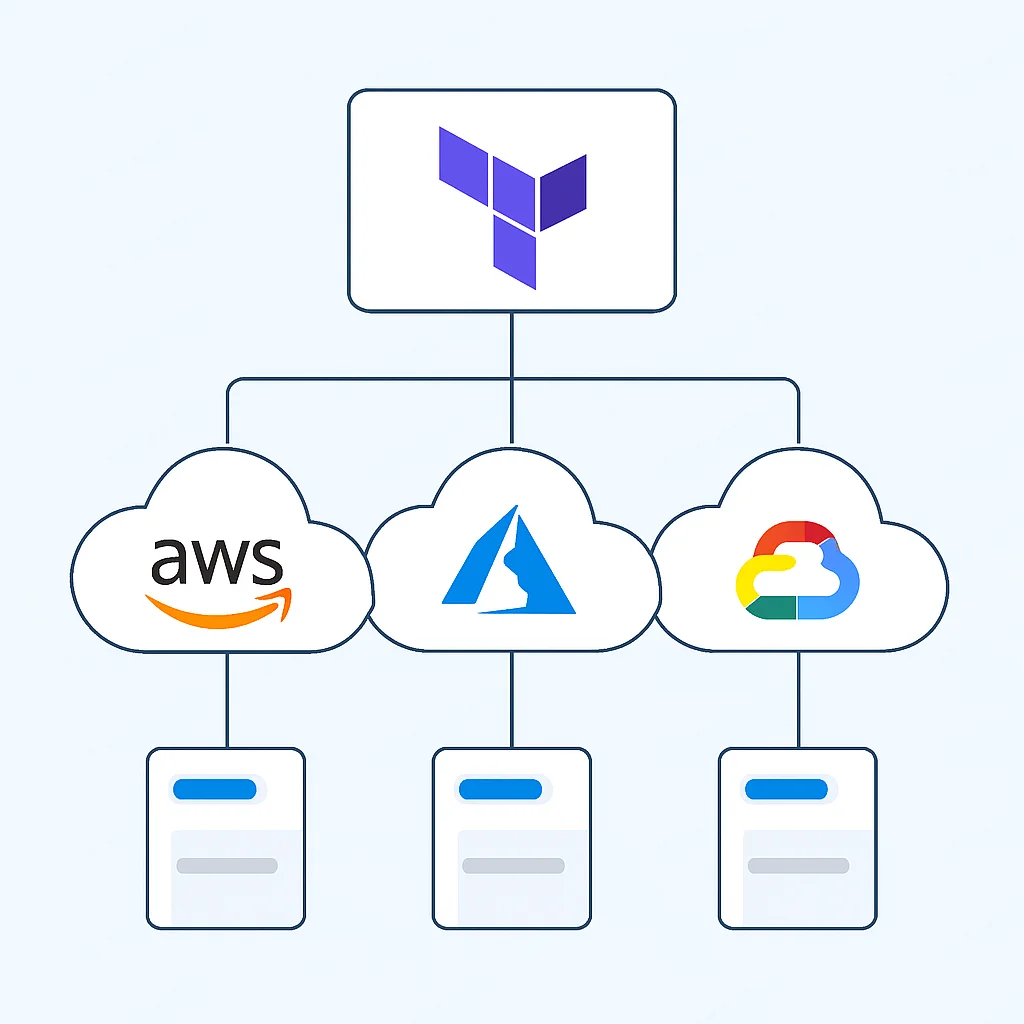
Scenario: Web Application in AWS (Primary) and Azure (Failover)
Our web application requires compute instances, networking, and a load balancer in each cloud. We’ll use a modular approach.
Step 1: Project Structure
Following our best practice, we’d structure the project like this:
.
├── environments/
│   ├── prod/
│   │   ├── webapp/
│   │   │   ├── aws/
│   │   │   │   ├── main.tf
│   │   │   │   ├── variables.tf
│   │   │   │   └── backend.tf
│   │   │   └── azure/
│   │   │       ├── main.tf
│   │   │       ├── variables.tf
│   │   │       └── backend.tf
├── modules/
│   ├── aws-webapp-components/
│   │   ├── main.tf
│   │   └── variables.tf
│   ├── azure-webapp-components/
│   │   ├── main.tf
│   │   └── variables.tf
└── README.md
Here, environments/prod/webapp/ houses the top-level configuration for our web application in production, with subdirectories for AWS and Azure. The modules/ directory contains reusable cloud-specific components like VPCs, VMs, and load balancers.
Step 2: Define Cloud-Specific Modules
Each module (aws-webapp-components/ and azure-webapp-components/) would encapsulate the resources needed for the web application in that specific cloud. For instance, aws-webapp-components/main.tf might contain:
# modules/aws-webapp-components/main.tf
resource "aws_vpc" "main" {
  cidr_block = var.vpc_cidr
  tags = {
    Name        = "${var.env}-webapp-aws-vpc-2026"
    Environment = var.env
    Application = "WebApp"
  }
}

resource "aws_subnet" "public" {
  vpc_id            = aws_vpc.main.id
  cidr_block        = var.subnet_cidr
  availability_zone = "${var.aws_region}a"
  tags = {
    Name        = "${var.env}-webapp-aws-subnet-2026"
    Environment = var.env
    Application = "WebApp"
  }
}

resource "aws_security_group" "web_sg" {
  vpc_id = aws_vpc.main.id
  name   = "${var.env}-webapp-aws-sg-2026"
  ingress {
    from_port   = 80
    to_port     = 80
    protocol    = "tcp"
    cidr_blocks = ["0.0.0.0/0"]
  }
  egress {
    from_port   = 0
    to_port     = 0
    protocol    = "-1"
    cidr_blocks = ["0.0.0.0/0"]
  }
  tags = {
    Name        = "${var.env}-webapp-aws-sg-2026"
    Environment = var.env
    Application = "WebApp"
  }
}

resource "aws_instance" "web_server" {
  ami           = var.ami_id
  instance_type = var.instance_type
  subnet_id     = aws_subnet.public.id
  vpc_security_group_ids = [aws_security_group.web_sg.id]
  tags = {
    Name        = "${var.env}-webapp-aws-server-2026"
    Environment = var.env
    Application = "WebApp"
  }
}
A similar main.tf would exist for modules/azure-webapp-components/ using Azure resources like azurerm_resource_group, azurerm_virtual_network, azurerm_subnet, azurerm_network_security_group, and azurerm_linux_virtual_machine.
Step 3: Top-Level Configuration for Each Cloud
Now, in environments/prod/webapp/aws/main.tf, you would call the AWS module:
# environments/prod/webapp/aws/main.tf
terraform {
  required_providers {
    aws = {
      source  = "hashicorp/aws"
      version = "~> 5.0"
    }
  }
  backend "s3" {
    bucket         = "kwonglish-prod-webapp-tfstate-2026"
    key            = "aws/terraform.tfstate"
    region         = "us-east-1"
    encrypt        = true
    dynamodb_table = "terraform-state-lock-table-2026"
  }
}

provider "aws" {
  region = "us-east-1"
  tags = { # Apply global tags at the provider level
    Environment = "Prod"
    Application = "WebApp"
    Cloud       = "AWS"
  }
}

module "aws_webapp" {
  source        = "../../../../modules/aws-webapp-components"
  env           = "prod"
  aws_region    = "us-east-1"
  vpc_cidr      = "10.0.0.0/16"
  subnet_cidr   = "10.0.1.0/24"
  ami_id        = "ami-0abcdef1234567890" # Example AMI ID
  instance_type = "t3.medium"
}
Similarly, environments/prod/webapp/azure/main.tf would be configured for Azure:
# environments/prod/webapp/azure/main.tf
terraform {
  required_providers {
    azurerm = {
      source  = "hashicorp/azurerm"
      version = "~> 3.0"
    }
  }
  backend "azurerm" {
    resource_group_name  = "tfstate-rg-2026"
    storage_account_name = "kwonglishprodwebapptfstate2026"
    container_name       = "tfstate"
    key                  = "azure/terraform.tfstate"
  }
}

provider "azurerm" {
  features {}
  subscription_id = "YOUR_AZURE_SUBSCRIPTION_ID"
  tenant_id       = "YOUR_AZURE_TENANT_ID"
  client_id       = "YOUR_AZURE_CLIENT_ID"
  client_secret   = "YOUR_AZURE_CLIENT_SECRET"
  # Consistent tags are applied in the module for Azure
}

module "azure_webapp" {
  source        = "../../../../modules/azure-webapp-components"
  env           = "prod"
  azure_location = "East US"
  resource_group_name = "prod-webapp-rg-2026"
  vnet_cidr     = "10.1.0.0/16"
  subnet_cidr   = "10.1.1.0/24"
  vm_size       = "Standard_B2s"
  admin_username = "webappadmin"
  admin_password_secret_name = "webapp-admin-password-2026" # Retrieved from Azure Key Vault
}
This modular approach allows you to manage each cloud’s infrastructure independently while maintaining a consistent overall application deployment strategy. Each cloud’s configuration has its own state file, managed by its respective cloud storage backend, ensuring isolation and preventing cross-cloud state corruption.
Frequently Asked Questions
Q. Why is multi-cloud adoption so prevalent in 2026?
Multi-cloud is prevalent for several reasons: avoiding vendor lock-in, enhancing disaster recovery and business continuity, addressing specific regulatory compliance requirements, optimizing costs by leveraging best-of-breed services, and expanding geographical reach for lower latency.
Q. What are the biggest challenges of using Terraform for multi-cloud?
Key challenges include managing distinct cloud provider configurations, ensuring consistent state management and locking across different backends, securely handling secrets unique to each cloud, establishing uniform naming and tagging strategies, and addressing cross-cloud networking complexities.
Q. How does Terraform help with multi-cloud cost optimization?
Terraform enforces consistent tagging on all provisioned resources, which is fundamental for accurate cost allocation and reporting across different cloud providers. It also enables automation of cost-saving measures like scheduling non-production resources or implementing auto-scaling policies.
Q. Is it safe to store sensitive data like API keys in Terraform state files?
No, it is highly recommended to never store sensitive data directly in Terraform state files. Instead, integrate Terraform with dedicated secrets management solutions like HashiCorp Vault, AWS Secrets Manager, Azure Key Vault, or Google Cloud Secret Manager to retrieve secrets at runtime, keeping your state files secure.
WRAP-UP
Navigating the Multi-Cloud Future with Terraform
The journey into multi-cloud environments is becoming standard operating procedure for modern enterprises. As we’ve explored, Terraform serves as an incredibly powerful orchestrator for this complex dance across AWS, Azure, and Google Cloud. However, power without discipline can lead to chaos. By meticulously applying the best practices outlined in this report – from structured project layouts and robust state management to secure secrets handling and modular code design – organizations can unlock the full potential of their multi-cloud strategies.
The operational benefits are substantial: reduced manual effort, minimized human error, increased agility for deployments, and a stronger security posture. Furthermore, these practices lay the groundwork for effective cost management and easier compliance audits across your diverse cloud footprint. As cloud technologies continue to evolve, the principles of IaC, consistency, and automation will remain cornerstones of successful infrastructure management.
Embrace these Terraform best practices to transform your multi-cloud aspirations into a well-governed, resilient, and highly efficient reality. Your infrastructure, and your sanity, will thank you for it!
Thanks for reading!
We hope this deep dive into Terraform best practices for multi-cloud deployments in 2026 helps you build robust and scalable infrastructure.
Got questions or your own multi-cloud tips? Drop a comment below!