

Mastering JavaScript Promises is essential for modern asynchronous programming in 2026.
As web applications grow more complex, handling asynchronous operations efficiently becomes crucial. This guide will walk you through the fundamentals of JavaScript Promises, from creation to advanced patterns, ensuring you write clean, robust, and maintainable async code.
Contents
01Overview: Why Promises Matter in 2026
02Core Guide: Deep Dive into JavaScript Promises
03Real-World Examples: Practical Promise Use Cases
04Caveats: Common Pitfalls and Best Practices
05Wrap-Up: Key Takeaways for Async JavaScript
Overview: Why Promises Matter in 2026
In the landscape of modern web development, asynchronous operations are fundamental. From fetching data from an API to handling user input or executing time-consuming computations, JavaScript frequently encounters tasks that don’t complete immediately. Traditionally, these tasks were managed using callbacks, functions passed as arguments to be executed once an async operation finished.
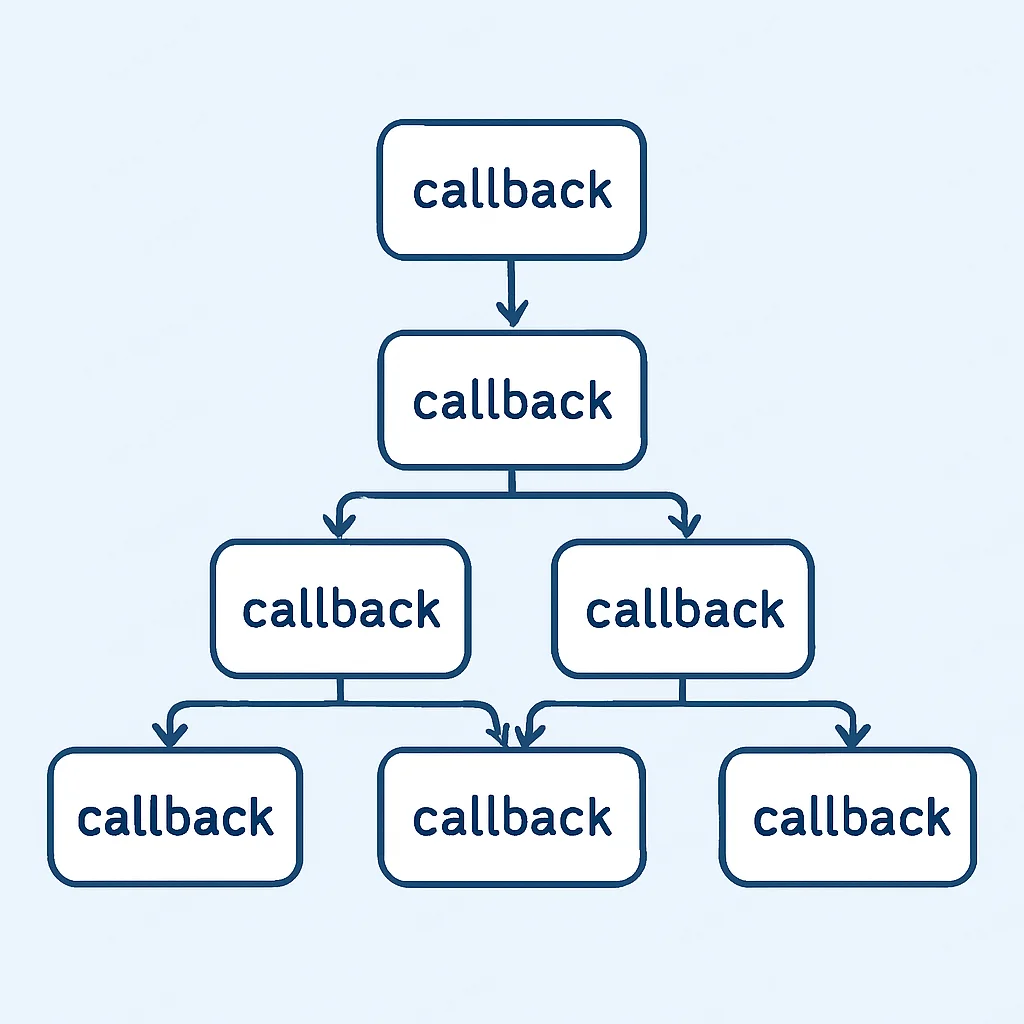
However, relying solely on callbacks led to what developers often refer to as “callback hell” or “pyramid of doom.” This occurs when multiple nested asynchronous calls make code difficult to read, understand, and maintain. Imagine making an API call, then processing its result with another API call, and then updating the UI based on that second result. Each step would be a nested callback, creating deeply indented and unmanageable code.
Enter JavaScript Promises, introduced in ES6 (ECMAScript 2015) and now a cornerstone of asynchronous programming. A Promise is an object representing the eventual completion (or failure) of an asynchronous operation and its resulting value. It allows you to write asynchronous code that looks and behaves more like synchronous code, significantly improving readability and error handling.
The core benefit of Promises is their ability to transform complex asynchronous flows into a more linear and manageable structure, escaping the pitfalls of deeply nested callbacks.
Even with the widespread adoption of async/await (which is built on top of Promises), a solid understanding of Promises remains vital. They are the foundational mechanism for handling asynchronous tasks, and knowing how they work under the hood empowers you to debug and optimize your async code effectively in 2026.
Core Guide: Deep Dive into JavaScript Promises
Let’s break down the mechanics of JavaScript Promises. Understanding their states and methods is key to leveraging them effectively.
What is a Promise? States and Lifecycle
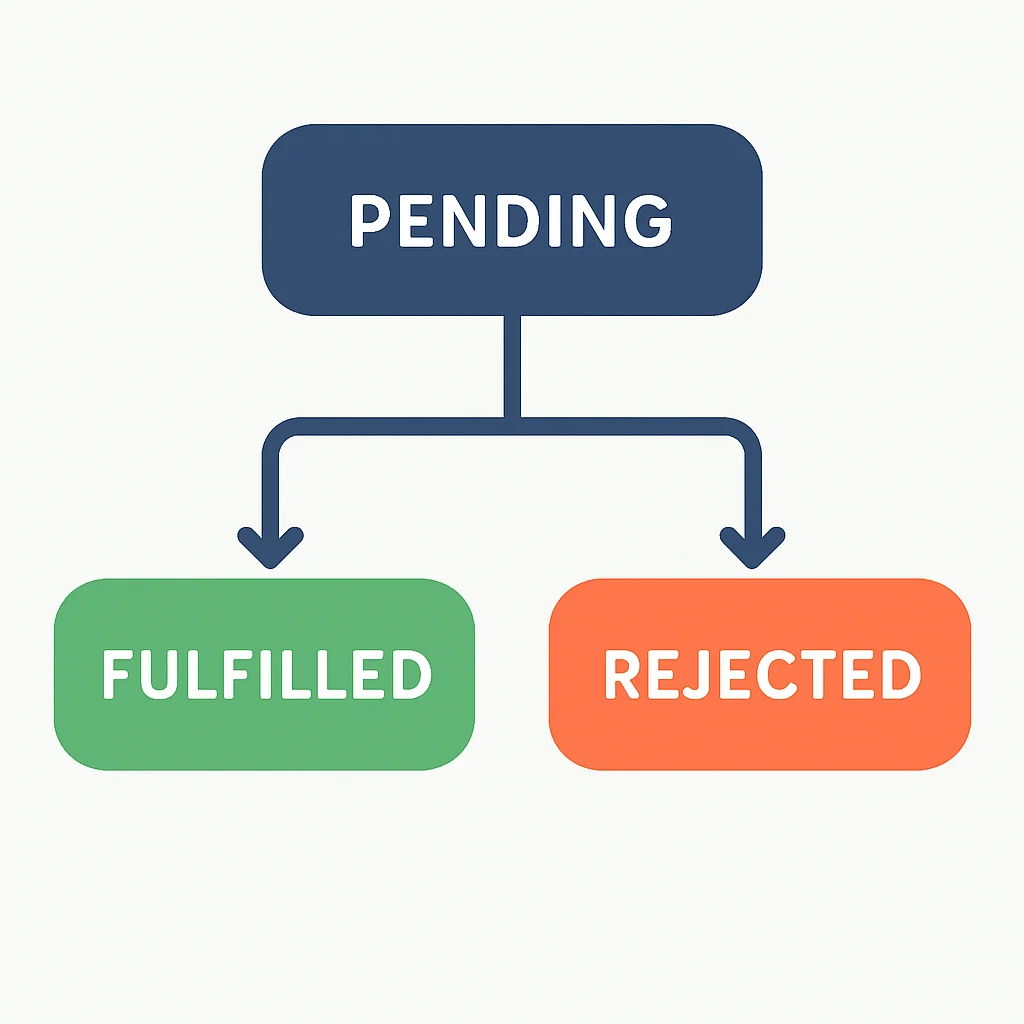
A Promise is essentially a proxy for a value not necessarily known when the promise is created. It allows you to associate handlers with an asynchronous action’s eventual success value or failure reason. A Promise can be in one of three states:
Pending: The initial state. The asynchronous operation has not yet completed.
Fulfilled (or Resolved): The operation completed successfully, and the promise now has a resolved value.
Rejected: The operation failed, and the promise now has a reason for the failure (an error object).
Once a Promise is fulfilled or rejected, it is said to be “settled” and its state cannot change again. This immutability after settlement is a core guarantee of Promises, ensuring predictable behavior.
Creating a Promise with new Promise()
You can create a new Promise instance using the Promise constructor. It takes a single argument: an “executor” function. This executor function itself takes two arguments: resolve and reject. These are functions that you call to change the state of the promise.
const myFirstPromise = new Promise((resolve, reject) => {
  // Simulate an asynchronous operation, e.g., a network request
  setTimeout(() => {
    const success = true; // This could be the result of some async logic

    if (success) {
      resolve("Data successfully fetched!"); // Fulfill the promise with a value
    } else {
      reject("Failed to fetch data."); // Reject the promise with an error reason
    }
  }, 2000); // Simulate a 2-second delay
});
In this example, we create a promise that simulates fetching data after a 2-second delay. If success is true, we call resolve(); otherwise, we call reject().
Consuming a Promise with .then(), .catch(), and .finally()
Once a promise is created, you consume its eventual value or error using methods chained to the promise object:
.then(onFulfilled, onRejected): This method registers callbacks to be called when the promise is settled. The first argument, onFulfilled, is executed if the promise is fulfilled, receiving the resolved value. The second argument, onRejected, is executed if the promise is rejected, receiving the rejection reason. It’s common practice to use .catch() for error handling instead of the second argument of .then() for better readability.
.catch(onRejected): This is a shorthand for .then(null, onRejected). It’s specifically for handling errors (rejected promises).
.finally(onFinally): This method registers a callback to be called when the promise is settled (either fulfilled or rejected). The callback takes no arguments and is useful for cleanup operations, regardless of the promise’s outcome.
myFirstPromise
  .then((data) => {
    console.log("Success:", data); // "Success: Data successfully fetched!"
  })
  .catch((error) => {
    console.error("Error:", error); // "Error: Failed to fetch data."
  })
  .finally(() => {
    console.log("Promise settled (completed or failed)."); // Always runs
  });
Using .then(), .catch(), and .finally() allows for clear separation of success, error, and cleanup logic in asynchronous operations.
Promise Chaining for Sequential Async Operations
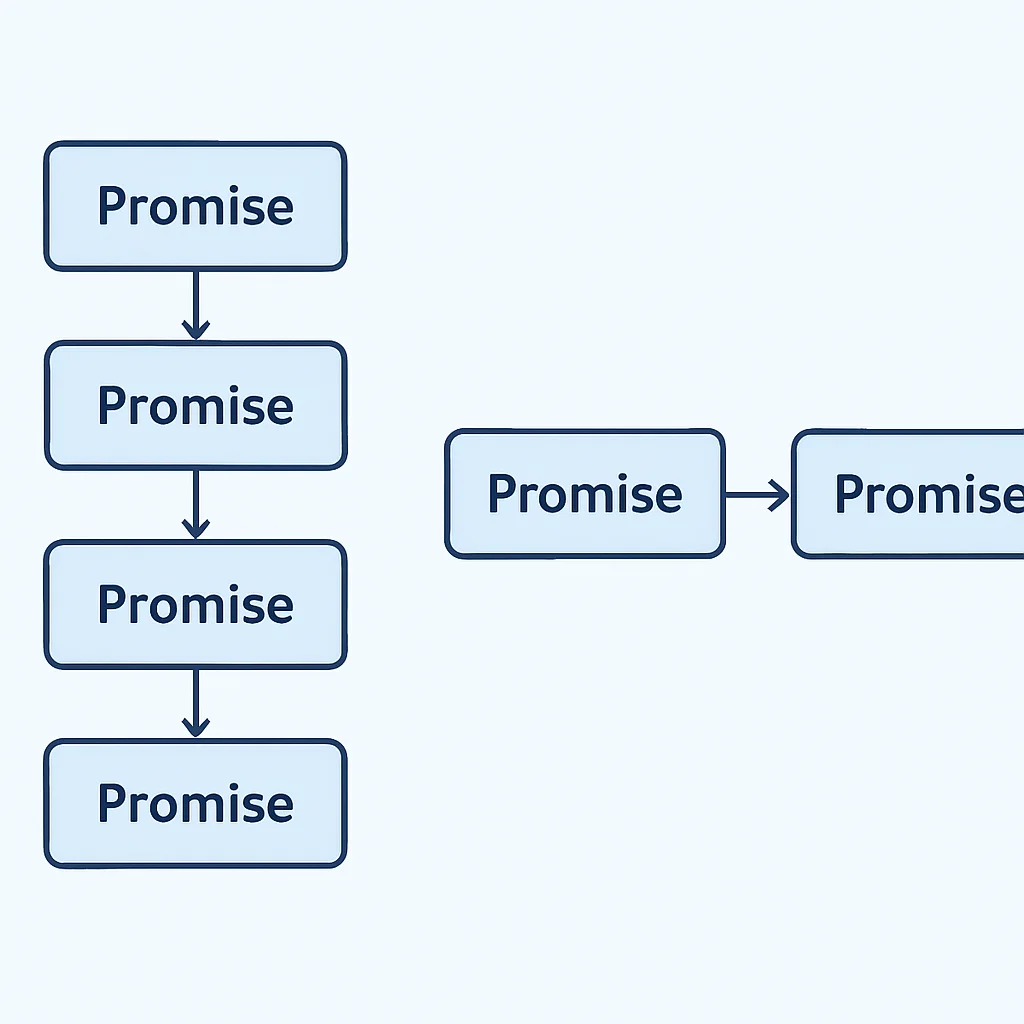
One of the most powerful features of Promises is their ability to be chained. When a .then() callback returns a new Promise, the subsequent .then() (or .catch()) in the chain will wait for that new Promise to settle. This allows you to perform a sequence of asynchronous operations in a clear, linear fashion.
function stepOne() {
  return new Promise(resolve => setTimeout(() => resolve("Step 1 Complete"), 1000));
}

function stepTwo(message) {
  console.log(message); // "Step 1 Complete"
  return new Promise(resolve => setTimeout(() => resolve("Step 2 Complete"), 1500));
}

function stepThree(message) {
  console.log(message); // "Step 2 Complete"
  return new Promise(resolve => setTimeout(() => resolve("All steps done!"), 500));
}

stepOne()
  .then(stepTwo) // The resolved value from stepOne is passed to stepTwo
  .then(stepThree) // The resolved value from stepTwo is passed to stepThree
  .then((finalMessage) => {
    console.log(finalMessage); // "All steps done!"
  })
  .catch((error) => {
    console.error("An error occurred in the chain:", error);
  });
Notice how the output of one promise becomes the input for the next. This flat structure is a massive improvement over nested callbacks, making complex workflows much easier to manage and debug.
Error Handling with Promises
Effective error handling is paramount. In a promise chain, if any promise in the chain rejects, the control immediately jumps to the nearest .catch() handler down the chain. This means you can have a single .catch() at the end of a long chain to handle errors from any preceding step.
function fetchData() {
  return new Promise((resolve, reject) => {
    // Simulate a network error
    const networkUp = false;
    if (networkUp) {
      resolve({ data: "Important info" });
    } else {
      reject(new Error("Network connection lost!"));
    }
  });
}

function processData(data) {
  console.log("Processing:", data);
  // Simulate an error during processing
  return new Promise((resolve, reject) => {
    const processingSuccessful = false;
    if (processingSuccessful) {
      resolve("Processed data");
    } else {
      reject(new Error("Failed to process data!"));
    }
  });
}

fetchData()
  .then(processData)
  .then(result => console.log("Final result:", result))
  .catch(error => {
    console.error("Caught an error:", error.message); // Catches "Network connection lost!" or "Failed to process data!"
  })
  .finally(() => {
    console.log("Operation finished.");
  });
In this example, if fetchData() rejects, processData() is skipped, and control goes directly to the .catch() block. This centralized error handling is a significant advantage over nested callbacks where error propagation can be tricky.
Real-World Examples: Practical Promise Use Cases
Promises are not just theoretical constructs; they power many common asynchronous patterns in web development. Let’s look at some practical applications.
Fetching Data with the fetch() API
The modern fetch() API, used for making network requests, inherently returns a Promise. This makes it a perfect candidate for demonstrating promise chaining in a practical scenario.
fetch('https://api.example.com/users/1') // Returns a Promise for the Response
  .then(response => {
    if (!response.ok) { // Check if HTTP status is 2xx
      throw new Error(`HTTP error! Status: ${response.status}`);
    }
    return response.json(); // Returns a Promise for the parsed JSON body
  })
  .then(userData => {
    console.log("User Data:", userData);
    // Now, let's fetch their posts using another API call
    return fetch(`https://api.example.com/users/${userData.id}/posts`);
  })
  .then(postsResponse => {
    if (!postsResponse.ok) {
      throw new Error(`HTTP error! Status: ${postsResponse.status}`);
    }
    return postsResponse.json();
  })
  .then(userPosts => {
    console.log("User Posts:", userPosts);
  })
  .catch(error => {
    console.error("There was a problem with the fetch operation:", error);
  });
This example clearly shows how multiple asynchronous network requests can be chained together sequentially, with proper error handling at each step.
Remember that fetch() only rejects on network errors or if anything prevents the request from completing. A 404 Not Found or 500 Internal Server Error response will still resolve, requiring you to check response.ok manually.
Running Multiple Promises Concurrently with Promise.all() and Promise.race()
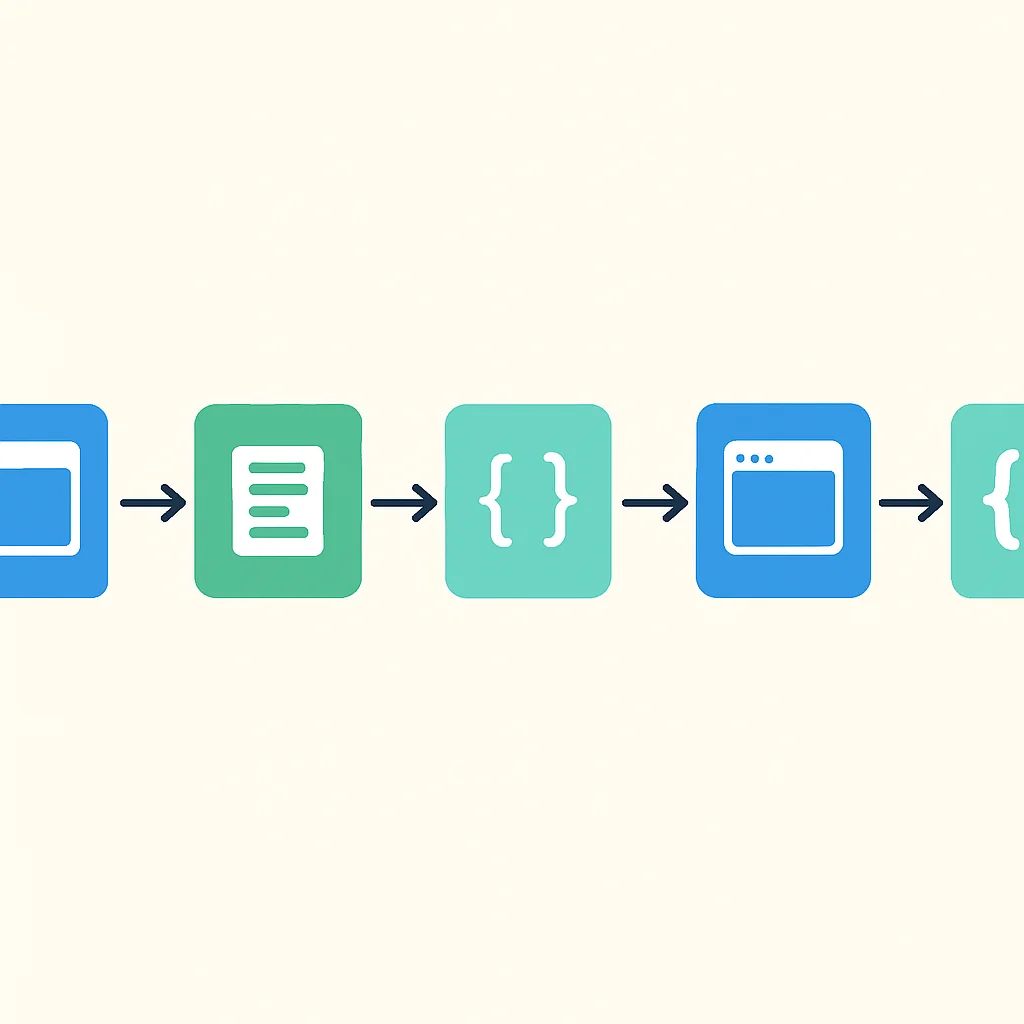
Sometimes you need to run several asynchronous operations in parallel and wait for all of them to complete, or just for the fastest one. Promise.all() and Promise.race() are static methods on the Promise object designed for these scenarios.
Promise.all()
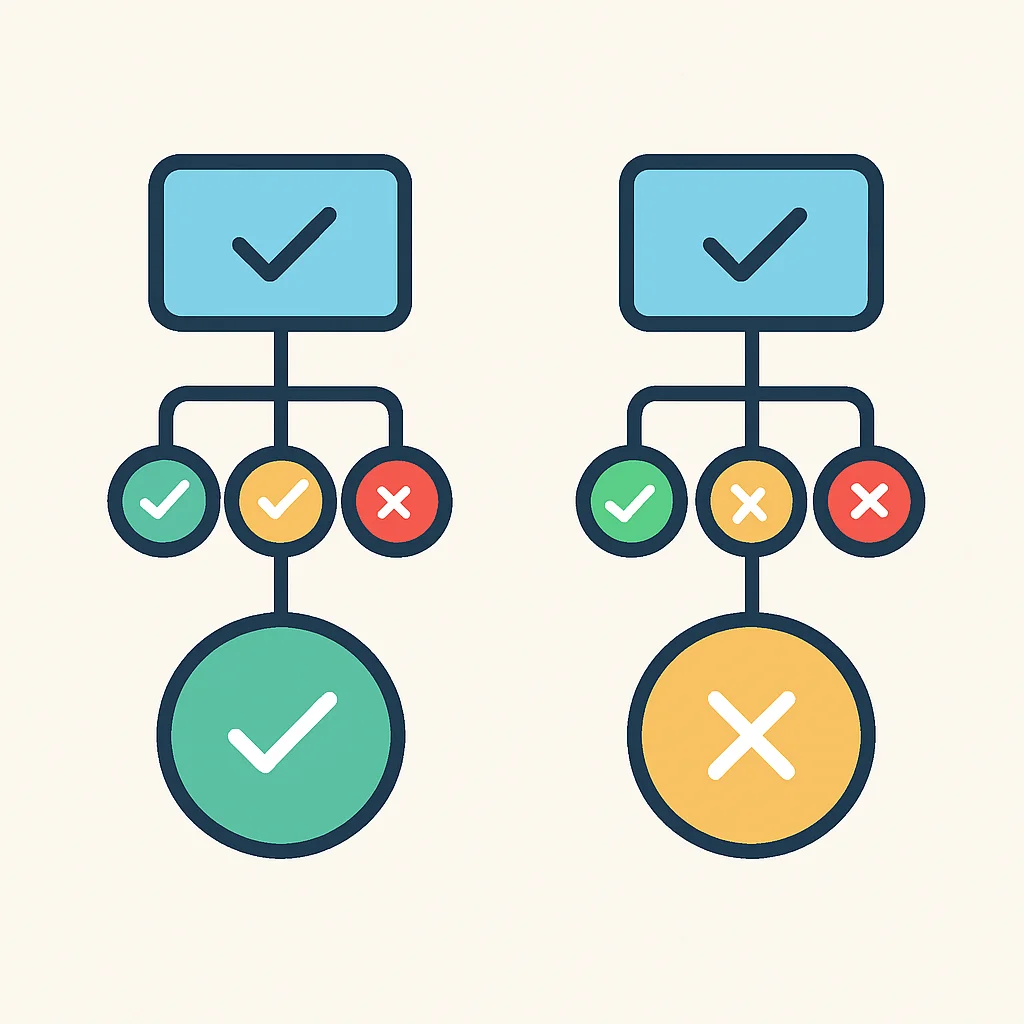
Takes an iterable of Promises and returns a single Promise. This returned Promise fulfills when all of the input Promises have fulfilled, returning an array of their resolved values in the same order as the input. It rejects immediately if any of the input Promises reject, with the reason of the first Promise that rejected.
const promise1 = Promise.resolve(3);
const promise2 = 42; // A non-Promise value is treated as an immediately resolved Promise
const promise3 = new Promise((resolve, reject) => {
  setTimeout(resolve, 100, 'foo');
});

Promise.all([promise1, promise2, promise3])
  .then((values) => {
    console.log(values); // Expected: [3, 42, "foo"] after 100ms
  })
  .catch((error) => {
    console.error("One of the promises failed:", error);
  });

// Example with a rejection
const failPromise = new Promise((resolve, reject) => setTimeout(() => reject("Oops, failed!"), 50));
const successPromise = new Promise((resolve) => setTimeout(() => resolve("Yay, succeeded!"), 100));

Promise.all([failPromise, successPromise])
  .then(values => console.log(values))
  .catch(error => console.error("Caught an error:", error)); // Output: "Caught an error: Oops, failed!" (after 50ms)
Use Promise.all() when you need to fetch multiple independent pieces of data concurrently and proceed only when all are available, like loading user profile, settings, and notifications simultaneously.
Promise.race()
Also takes an iterable of Promises and returns a single Promise. This returned Promise settles (fulfills or rejects) as soon as one of the input Promises settles, with the value or reason from that first Promise.
const slowPromise = new Promise(resolve => setTimeout(() => resolve('Slow done'), 200));
const fastPromise = new Promise(resolve => setTimeout(() => resolve('Fast done'), 50));
const evenFasterPromise = new Promise(resolve => setTimeout(() => resolve('Even Faster done'), 10));

Promise.race([slowPromise, fastPromise, evenFasterPromise])
  .then((value) => {
    console.log(value); // Expected: "Even Faster done" (after 10ms)
  })
  .catch((error) => {
    console.error("One of the promises failed:", error);
  });
Promise.race() is useful for scenarios like implementing a timeout for a network request, where you want to proceed with the actual request OR with a timeout error, whichever happens first.
Converting Callbacks to Promises (Promisification)
Many older JavaScript APIs still rely on the callback pattern. You can “promisify” these functions, wrapping them in a Promise to integrate them into modern promise-based workflows. Node.js’s util.promisify is a great example, but you can do it manually too.
// A hypothetical old callback-based function
function loadImageCallback(url, callback) {
  const img = new Image();
  img.src = url;
  img.onload = () => callback(null, img); // Success: err is null, data is img
  img.onerror = (error) => callback(error, null); // Failure: err is error, data is null
}

// Promisify the loadImageCallback function
function loadImagePromise(url) {
  return new Promise((resolve, reject) => {
    loadImageCallback(url, (error, img) => {
      if (error) {
        reject(error);
      } else {
        resolve(img);
      }
    });
  });
}

// Now use the promisified function
loadImagePromise("https://example.com/image.jpg")
  .then((img) => {
    console.log("Image loaded successfully:", img.src);
    document.body.appendChild(img);
  })
  .catch((error) => {
    console.error("Failed to load image:", error);
  });
This pattern is incredibly useful for integrating legacy code into modern async patterns, making it compatible with async/await as well.
Caveats: Common Pitfalls and Best Practices
While Promises offer a robust solution for asynchronous programming, there are common pitfalls to be aware of and best practices to follow to ensure your code remains efficient and error-free.
Uncaught Rejections
One of the most frequent mistakes is forgetting to handle a promise rejection. If a promise rejects and there’s no .catch() handler to process it, the error will “bubble up” and typically result in an unhandled promise rejection warning in the console, or even crash your application in Node.js environments.
new Promise((resolve, reject) => {
  setTimeout(() => reject(new Error("Something went wrong!")), 100);
});
// This will cause an "Uncaught (in promise) Error: Something went wrong!" warning in the console.

// Corrected version:
new Promise((resolve, reject) => {
  setTimeout(() => reject(new Error("Something went wrong!")), 100);
}).catch(error => {
  console.error("Caught the error:", error.message);
});
Always ensure your Promises have a .catch() handler at the end of the chain to prevent unhandled rejections and maintain application stability.
Promise Hell (Anti-Pattern)
While Promises solve “callback hell,” it’s possible to create “promise hell” by nesting .then() calls unnecessarily. This defeats the purpose of flattening asynchronous code.
// Anti-pattern: Promise Hell
getData()
  .then(data => {
    processData(data)
      .then(processed => {
        saveData(processed)
          .then(result => {
            console.log("Success:", result);
          })
          .catch(err => console.error("Save error:", err));
      })
      .catch(err => console.error("Process error:", err));
  })
  .catch(err => console.error("Get data error:", err));

// Best practice: Flat Promise Chain
getData()
  .then(data => processData(data))
  .then(processed => saveData(processed))
  .then(result => console.log("Success:", result))
  .catch(err => console.error("An error occurred:", err));
Always return a new promise from a .then() handler to keep the chain flat and readable. Avoid nesting .then() calls unless there’s a specific logical reason (e.g., creating a closure for a specific scope).
When to Use async/await Instead
async/await, introduced in ES2017, is syntactic sugar built on top of Promises. It allows you to write asynchronous code that looks almost entirely synchronous, making it even more readable and easier to reason about, especially for sequential operations. While not a replacement for Promises, it’s often the preferred way to consume them.
async function fetchAndProcessData() {
  try {
    const response = await fetch('https://api.example.com/data');
    if (!response.ok) {
      throw new Error(`HTTP error! Status: ${response.status}`);
    }
    const data = await response.json();
    console.log("Fetched data:", data);

    const processedData = await someProcessingFunction(data);
    console.log("Processed data:", processedData);
    return processedData;
  } catch (error) {
    console.error("An error occurred:", error.message);
    throw error; // Re-throw to propagate the error if needed
  } finally {
    console.log("Fetch and process operation finished.");
  }
}

fetchAndProcessData();
The await keyword can only be used inside an async function. It pauses the execution of the async function until the Promise it’s waiting for settles. Error handling is done with standard try...catch blocks.
While async/await simplifies consuming Promises, understanding raw Promises is still crucial for creating custom async functions, debugging, and working with Promise combinators like Promise.all().
Wrap-Up: Key Takeaways for Async JavaScript
By now, you should have a solid grasp of JavaScript Promises and their pivotal role in modern asynchronous programming. They provide a standardized and robust way to handle operations that don’t complete immediately, moving us beyond the complexities of traditional callbacks.
Remember these key points:
• Promises represent the eventual result of an async operation, existing in a pending, fulfilled, or rejected state.
• Use .then() for success, .catch() for errors, and .finally() for cleanup.
• Chain Promises by returning new Promises from .then() to create linear, readable asynchronous workflows.
• Leverage Promise.all() for concurrent operations that must all succeed, and Promise.race() for the fastest result.
• Always include a .catch() at the end of your promise chains to handle potential errors gracefully.
While async/await often provides a more ergonomic syntax, Promises remain the fundamental building blocks of asynchronous JavaScript, crucial for deep understanding and advanced patterns.
By applying these concepts, you’ll be well-equipped to write robust, maintainable, and efficient asynchronous code in your JavaScript applications throughout 2026 and beyond. Happy coding!
Keep building amazing things, one async operation at a time.
If you found this guide helpful, share it with your fellow developers and explore more advanced async patterns on Kwonglish. Your journey to mastering JavaScript continues!