
SUMMARY
Best Microphones for Developers in 2026
Ensure crystal-clear communication and high-quality recordings for remote work and content creation.
Keywords: Microphones, Remote Work, Content Creation
TABLE OF CONTENTS
1. The Developer’s Audio Dilemma: Why Your Mic Matters
2. USB vs. XLR: Choosing Your Connectivity
3. Design & Build: Form, Function, and Features
4. Key Features to Look For in 2026
5. Pros & Cons of Upgrading Your Mic Setup
6. Microphone Types for Developers: A Comparison
7. Verdict: Finding Your Perfect Audio Companion
8. Frequently Asked Questions (FAQ)
OVERVIEW
1. The Developer’s Audio Dilemma: Why Your Mic Matters
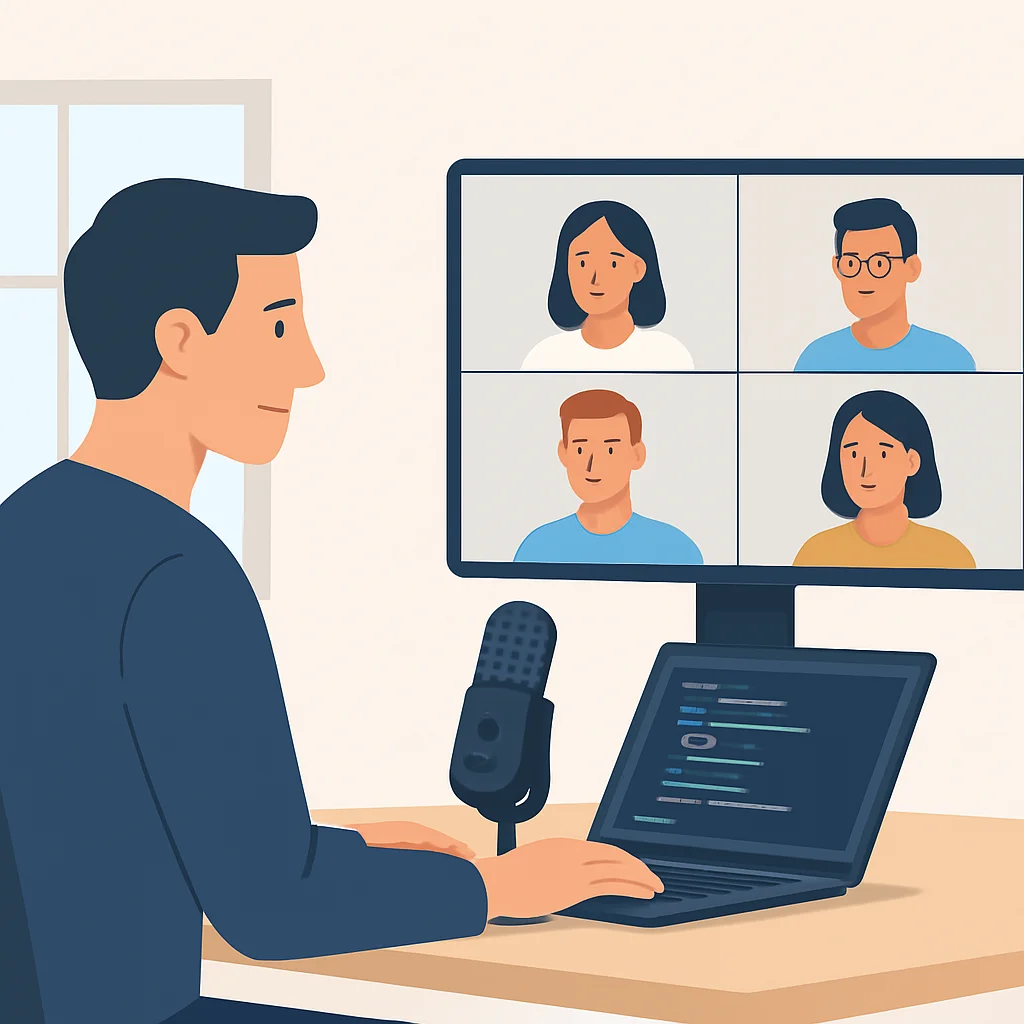
In 2026, the landscape of software development is more distributed than ever. Remote work, global teams, and the rise of developer advocacy and content creation mean that clear communication isn’t just a nicety; it’s a necessity. For developers, a high-quality microphone is no longer a luxury item for streamers or podcasters – it’s an essential tool that directly impacts productivity, collaboration, and professional presence.
Think about it: daily stand-ups, pair programming sessions, client demos, online tutorials, live coding streams, and even internal team meetings. In all these scenarios, your voice is your primary interface. If your audio is muffled, cuts out, or is plagued by background noise, it leads to misunderstandings, repeated questions, frustration, and ultimately, wasted time. The built-in microphone on your laptop or webcam, while convenient, often falls short, picking up keyboard clicks, fan noise, and room echo, making you sound distant and unprofessional.
“A developer’s microphone is as crucial as their keyboard or monitor. It’s the bridge that connects their ideas to their team and their audience, especially in a remote-first world.”
This guide will help you navigate the myriad of options available in 2026, focusing on microphones that deliver exceptional clarity, ease of use, and versatility for the unique demands of a developer’s workflow. We’ll cover everything from budget-friendly USB options to professional-grade XLR setups, helping you find the perfect match for your specific needs, whether you’re coding from a quiet home office or a bustling co-working space.
Investing in a quality microphone is an investment in your professional image and communication efficiency, directly impacting collaboration and productivity in remote and hybrid work environments.
CONNECTIVITY
2. USB vs. XLR: Choosing Your Connectivity
The first major decision you’ll face when choosing a microphone is its connectivity type: USB or XLR. Each has its own set of advantages and disadvantages, making them suitable for different use cases and technical comfort levels.
USB Microphones: Plug-and-Play Simplicity
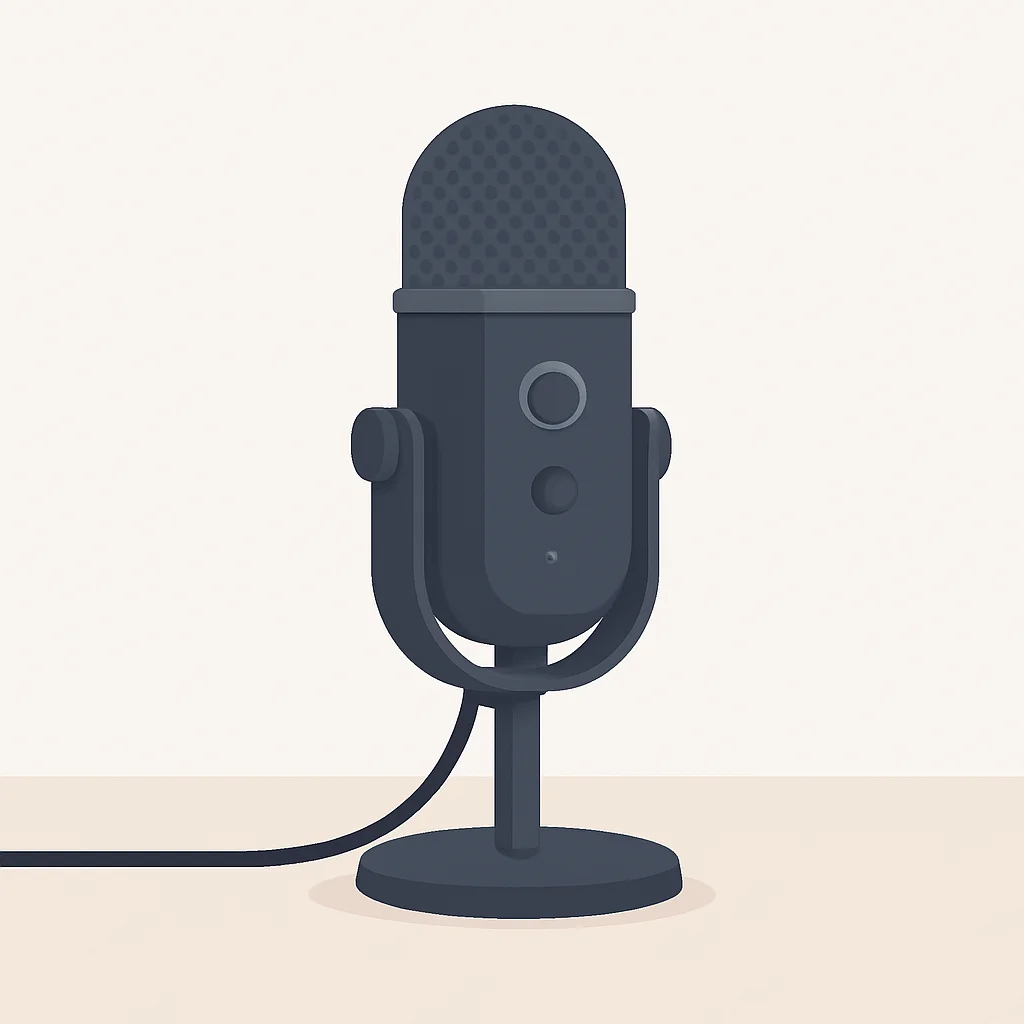
USB microphones are the undisputed champions of convenience. They connect directly to your computer via a standard USB port (often USB-C in 2026, offering better bandwidth and reversibility), acting as an all-in-one solution. This means the microphone contains its own analog-to-digital converter (ADC) and preamplifier, eliminating the need for additional hardware.
USB Mic Advantages
Ease of Use — Truly plug-and-play. Connect the cable, select the mic in your software, and you’re good to go.
Portability — Often compact and easy to carry, perfect for developers who work from different locations.
Cost-Effective — Generally more affordable as they don’t require extra equipment like audio interfaces.
Integrated Features — Many come with built-in headphone jacks for monitoring, gain control, and mute buttons.
Popular examples include the Blue Yeti series, HyperX QuadCast, and Rode NT-USB+. These are fantastic for most developers, especially for video calls, casual streaming, and recording quick tutorials. However, they can sometimes lack the very granular control and upgrade path that XLR offers.
XLR Microphones: Professional Flexibility
XLR microphones are the standard in professional audio. Unlike USB mics, they transmit an analog signal, requiring an external audio interface (also known as a mixer or preamp) to convert that signal into a digital one your computer can understand. This adds complexity and cost but unlocks a world of audio fidelity and flexibility.
XLR Mic Advantages
Superior Audio Quality — Generally offer a wider dynamic range and clearer signal due to higher quality preamps and ADCs in dedicated interfaces.
Upgradeability — You can upgrade components (mic, interface, cables) independently, extending the life and quality of your setup.
Flexibility — Audio interfaces often have multiple inputs, allowing you to connect other instruments or microphones simultaneously. They also provide phantom power for condenser mics.
Robustness — XLR cables and connectors are incredibly durable and designed for professional use, minimizing interference.
Microphones like the Rode NT1, Shure SM7B, and Electro-Voice RE20 are legendary XLR options. While the initial investment is higher (mic + interface), the sound quality and control are unparalleled, making them ideal for serious content creators, podcasters, and developers who demand the absolute best audio for their professional outputs.
For most developers prioritizing ease of use and budget, a good USB microphone is sufficient. For professional content creation, podcasts, or high-stakes presentations, an XLR setup offers superior audio quality and long-term flexibility.
DESIGN & BUILD
3. Design & Build: Form, Function, and Features
Beyond connectivity, the physical design and build quality of a microphone significantly impact its usability, durability, and even its sound. Developers often have specific desk setups, and a microphone needs to fit seamlessly into that environment without becoming a hindrance.
Desktop USB Microphones
Many popular USB microphones are designed for desktop use, often coming with their own integrated stands. These are convenient, but consider the following:
- Footprint: How much desk space does it occupy? A compact stand is crucial if you have limited space.
- Vibration Isolation: Does the stand absorb desk vibrations (e.g., from typing, bumping the desk)? Many integrated stands are rigid and transmit noise easily.
- Adjustability: Can you easily position the microphone close to your mouth for optimal sound?
Microphones like the Blue Yeti or Rode NT-USB Mini exemplify this category. They prioritize an all-in-one solution, but often benefit from being mounted on a boom arm for better positioning and vibration isolation.
Professional XLR and Hybrid Microphones
XLR microphones typically don’t come with stands, as they are designed to be mounted on boom arms or heavy-duty desktop stands. This allows for superior positioning and isolation from desk noise. Hybrid mics like the Shure MV7 offer both USB and XLR, often coming with a small desktop stand but also being boom-arm compatible.
- Boom Arms: Essential for XLR mics. They free up desk space, allow precise positioning, and significantly reduce keyboard and mouse noise. Look for arms with internal cable management.
- Shock Mounts: These suspend the microphone, further isolating it from vibrations transmitted through the stand or boom arm. Many professional mics include one, or it’s a recommended accessory.
- Pop Filters/Windscreens: Crucial for reducing plosive sounds (harsh ‘p’ and ‘b’ sounds) and protecting the mic capsule.
The build materials are also important. Metal construction generally indicates better durability and often better internal shielding compared to plastic. A heavier microphone often implies better quality components and less susceptibility to being accidentally knocked over.
Consider not just the microphone itself, but also its accessories like boom arms, shock mounts, and pop filters. These can dramatically improve sound quality by isolating the mic from unwanted desk noise and plosives, creating a more professional setup.
FEATURES
4. Key Features to Look For in 2026
Beyond basic connectivity and build, several technical specifications and integrated features play a crucial role in how a microphone performs for a developer’s needs.
Polar Patterns: The Direction of Sound Capture
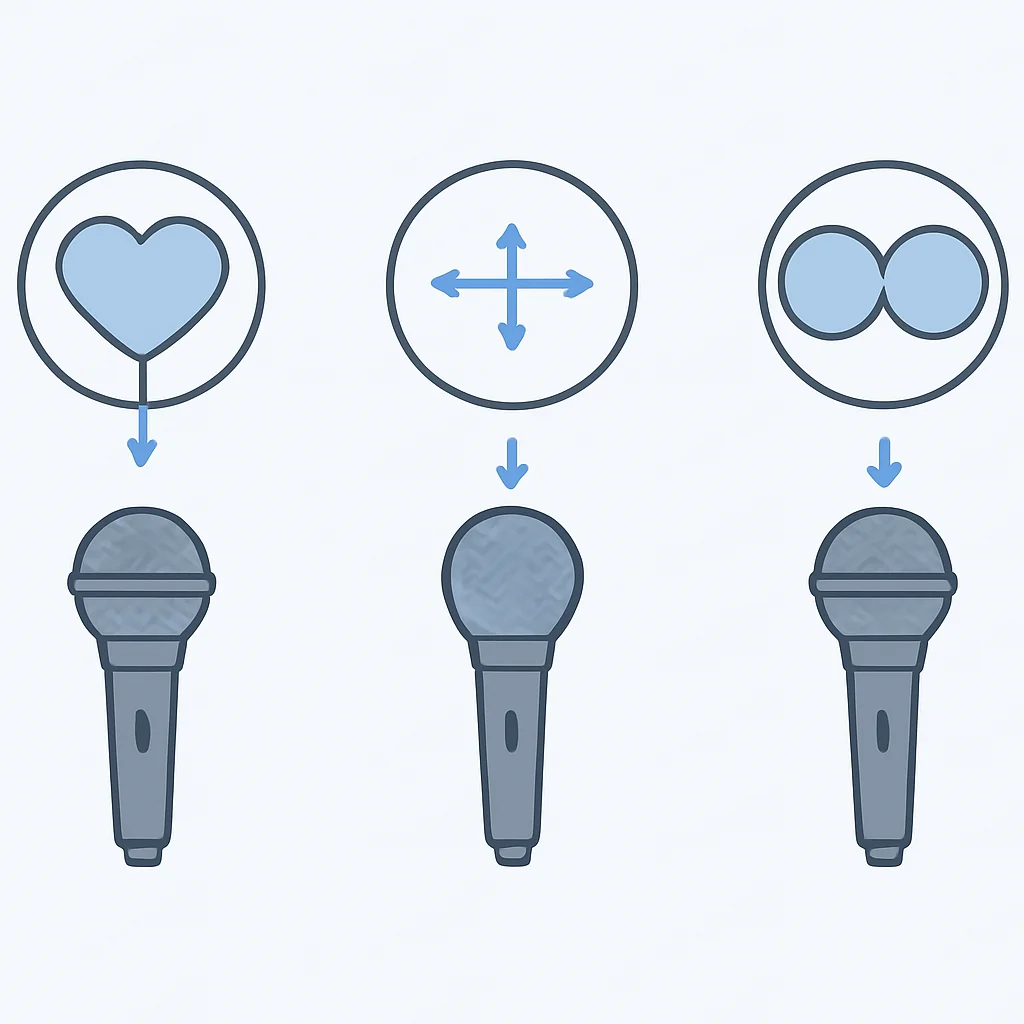
A microphone’s polar pattern describes how sensitive it is to sounds coming from different directions. Choosing the right pattern is critical for isolating your voice and minimizing background noise.
- Cardioid: The most common pattern. It picks up sound primarily from the front, rejecting sound from the sides and rear. Ideal for single speakers, reducing keyboard noise, and minimizing room echo. Most developers will want a cardioid microphone.
- Omnidirectional: Picks up sound equally from all directions. Useful for capturing ambient sound, or if you have multiple people around a single microphone (e.g., a small group discussion). Not ideal for noisy environments.
- Bidirectional (Figure-8): Picks up sound from the front and rear, rejecting sound from the sides. Great for interviews with two people facing each other.
- Stereo: Uses two capsules to capture a wider, more immersive sound field, often used for music or field recordings. Less common for a single developer’s voice.
Frequency Response: Capturing Your Voice Accurately
This specification tells you the range of frequencies a microphone can capture. For voice, you generally want a microphone that captures a wide range, typically 20Hz to 20kHz, with a relatively flat response. A flat response means it doesn’t artificially boost or cut certain frequencies, giving you a natural sound that you can then EQ (equalize) in post-production if needed. Some mics are tailored for voice, with a slight boost in the upper mids for presence and clarity.
Sample Rate & Bit Depth: Digital Audio Quality
These two parameters define the quality of the digital audio conversion:
- Sample Rate: How many times per second the analog signal is measured. Common rates are 44.1kHz (CD quality), 48kHz (video standard), 96kHz, and even 192kHz. For most voice applications, 48kHz is perfectly adequate and widely used.
- Bit Depth: The number of bits used to represent each sample. This determines the dynamic range (the difference between the quietest and loudest sounds). 16-bit is standard, but 24-bit offers significantly more headroom and flexibility for recording without clipping, which is highly recommended for any serious content creation.
Most quality USB mics in 2026 will offer at least 48kHz/24-bit, which is excellent. XLR interfaces typically support higher rates and depths.
Integrated Controls & Software
Modern microphones, especially USB and hybrid models, often come with convenient features:
- Headphone Jack with Zero-Latency Monitoring: Essential for hearing your voice in real-time without delay, allowing you to adjust your speaking volume and mic position.
- Gain Control: A physical knob to adjust the microphone’s input sensitivity. Crucial for getting a good signal level without distortion.
- Mute Button: A quick and easy way to silence your microphone during calls, often with an LED indicator.
- Companion Software: Some microphones (e.g., Shure MOTIV series, Elgato Wave mics) come with software that provides digital signal processing (DSP) features like EQ, compression, limiters, and even noise gates. These can significantly enhance your audio without needing external hardware or complex audio editing.
This example shows a hypothetical configuration for an audio input device within a Linux alsa or pulseaudio setup, defining preferred sample rate and bit depth. While not direct mic control, it illustrates how developers might interact with audio settings.
# ~/.config/pulse/daemon.conf.d/custom-audio.conf
; Default sample rate and format for recording
default-sample-rate = 48000
default-sample-format = s24le

; Enable low-latency monitoring (if supported by hardware)
enable-remixing = yes
high-priority = yes
realtime-scheduling = yes
realtime-priority = 5

; Set preferred input device source
; source = alsa_input.usb-Blue_Microphones_Yeti_Stereo_Microphone-00.analog-stereo
Prioritize microphones with a Cardioid polar pattern for single-person use in a home office. Look for 48kHz/24-bit audio quality and essential features like a headphone jack for zero-latency monitoring, gain control, and a mute button for optimal performance.
ANALYSIS
5. Pros & Cons of Upgrading Your Mic Setup
Deciding to upgrade your microphone setup involves weighing the benefits against the potential drawbacks. Here’s a balanced look at what you can expect.
Pros
✔ Crystal-Clear Communication: Your voice will be heard distinctly, reducing misunderstandings in meetings and pair programming sessions. This directly impacts productivity.
✔ Professional Content Creation: For tutorials, podcasts, or streams, high-quality audio is paramount. It makes your content more engaging and credible, increasing viewer/listener retention.
✔ Reduced Listener Fatigue: Clear audio is less taxing to listen to, making long meetings or learning sessions more enjoyable for everyone involved.
✔ Improved Noise Rejection: Dedicated microphones, especially those with cardioid patterns, are far better at minimizing background noise like keyboard clicks, air conditioning hums, or street sounds.
✔ Enhanced Professional Image: Good audio conveys competence and attention to detail, making a positive impression on colleagues, clients, and audiences.
Cons
✖ Cost: A quality microphone, especially an XLR setup with an interface and accessories, can be a significant investment, ranging from $100 to over $500.
✖ Desk Space: Larger microphones or boom arms require dedicated desk space, which might be a concern for minimal setups or small workspaces.
✖ Setup Complexity: XLR setups, in particular, require understanding audio interfaces and gain staging, which can have a steeper learning curve than plug-and-play USB mics.
✖ Portability Trade-offs: While some USB mics are portable, a full XLR setup is not designed for frequent travel or quick setup in varied locations.
✖ Potential for Overwhelm: The sheer number of options and technical terms can be daunting for someone new to audio gear.
The benefits of improved communication and professional output generally outweigh the costs and complexities for developers who frequently engage in remote collaboration or content creation. The key is to choose a setup that matches your specific needs and technical comfort level.
COMPARISON
6. Microphone Types for Developers: A Comparison
To help you visualize the differences, here’s a comparison of common microphone categories relevant to developers, focusing on their typical characteristics and ideal use cases in 2026.
| Type | Price Range (USD) | Ease of Use | Audio Quality | Best For | Key Features |
|---|---|---|---|---|---|
| Entry-level USB Mic (e.g., Fifine K669B) | $30 – $70 | Very High | Good (Better than webcam) | Casual meetings, basic voice chat. | Plug & play, compact, often includes desk stand. |
| Premium USB Mic (e.g., Blue Yeti X, Rode NT-USB+) | $100 – $250 | High | Excellent | Remote meetings, streaming, tutorials, podcasts (beginner). | Multiple polar patterns, zero-latency monitoring, advanced software. |
| Hybrid USB/XLR Mic (e.g., Shure MV7) | $200 – $300 | Medium-High | Superb | Versatile for all developer uses, content creation, future-proof. | Both USB & XLR outputs, DSP features, auto-leveling. |
| Entry-level XLR Setup (e.g., Rode NT1 + Focusrite Scarlett Solo) | $300 – $500 | Medium | Professional | High-quality podcasts, music recording, serious content creation. | Condenser clarity, dedicated interface, expandability. |
| Professional XLR Setup (e.g., Shure SM7B + powerful interface) | $500 – $1000+ | Low-Medium | Broadcast-grade | Broadcast, premium podcasts, vocal recording, noisy environments. | Exceptional noise rejection, warm vocal tone, robust build. |
This table provides a general guideline. Remember that prices can fluctuate, and specific models within each category will have their own nuances. The “Ease of Use” for XLR setups can be improved with a good understanding of audio basics and some initial setup time.
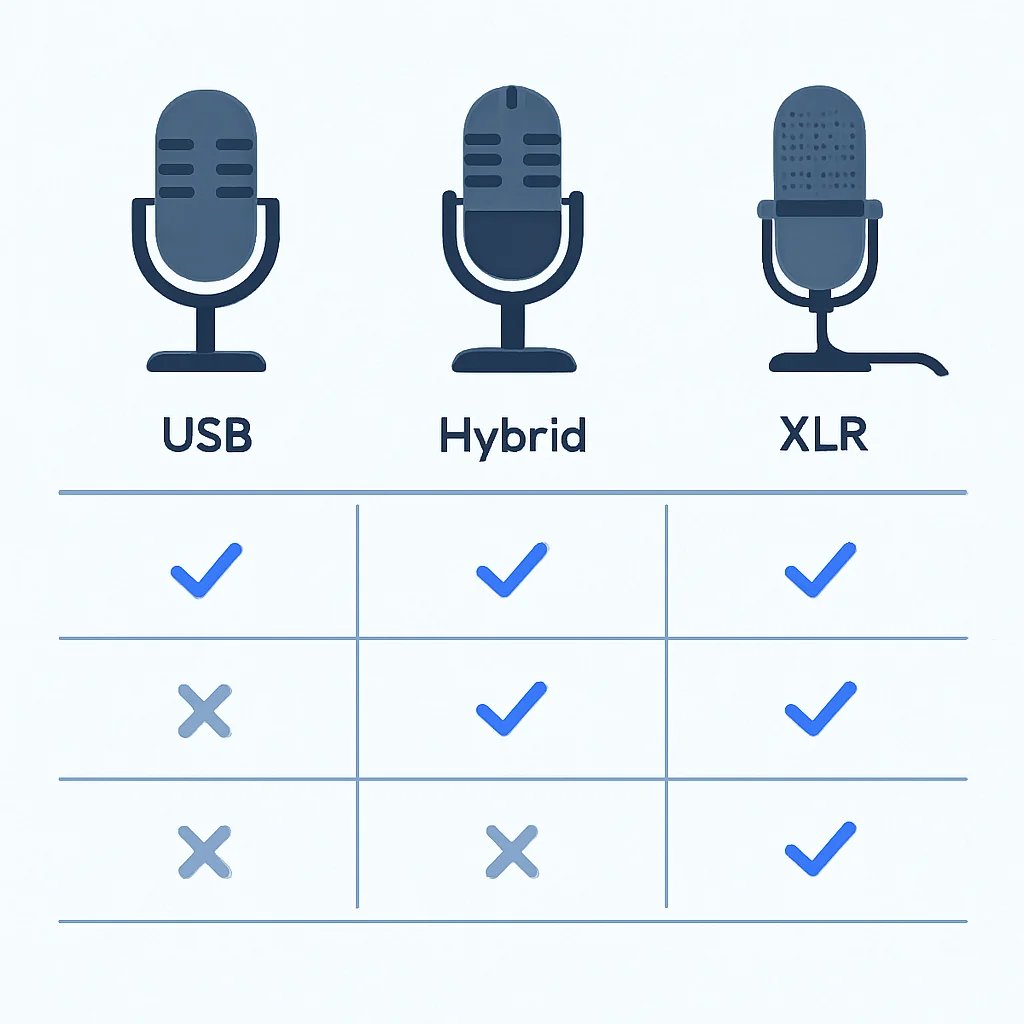
For most developers, a Premium USB Mic or a Hybrid USB/XLR Mic strikes the best balance of quality, ease of use, and features. Professional XLR setups are for those prioritizing absolute top-tier audio for content creation.
VERDICT
7. Verdict: Finding Your Perfect Audio Companion
Choosing the “best” microphone for developers in 2026 isn’t about finding a single, universally superior product. It’s about finding the right tool for your specific needs, budget, and technical comfort level. After reviewing the various types and features, here’s Kwonglish’s final take:
If your primary use is remote meetings, pair programming, and occasional casual streaming, a quality Premium USB Microphone (like the Blue Yeti X or Rode NT-USB+) is an excellent choice. They offer a significant upgrade over built-in mics, are easy to set up, and provide great sound for most communication needs. Ensure it has a cardioid pattern and a headphone jack for monitoring.
For developers who are also serious about content creation, regular streaming, or professional podcasting, the investment in a Hybrid USB/XLR Microphone (such as the Shure MV7) or an Entry-level XLR Setup (like the Rode NT1 with a Focusrite Scarlett Solo interface) is highly recommended. These options provide superior audio fidelity, more control, and a clear upgrade path. The hybrid option offers the best of both worlds, giving you flexibility for different scenarios.
Ultimately, the goal is to be heard clearly and professionally. Don’t underestimate the impact of good audio on your daily interactions and your overall professional presence. A good microphone will pay dividends in improved communication, reduced fatigue, and higher quality content.

Frequently Asked Questions (FAQ)
Q. Why do developers need a good microphone?
Developers need good microphones for crystal-clear communication in remote meetings, pair programming sessions, client demos, and for creating high-quality content like tutorials or podcasts. It reduces misunderstandings and enhances professional presence.
Q. Is a USB or XLR microphone better for developers?
For most developers, a USB microphone offers excellent plug-and-play convenience and good audio quality for daily tasks. XLR microphones, while requiring an audio interface, provide superior audio fidelity and flexibility for professional content creators, but come with higher cost and complexity.
Q. What are the essential accessories for a developer’s microphone setup?
Key accessories include a boom arm for optimal positioning and desk noise isolation, a shock mount to reduce vibrations, and a pop filter or windscreen to minimize harsh plosive sounds and protect the microphone.
Q. Can I use my gaming headset mic for professional calls?
While convenient, most gaming headset microphones offer lower audio quality and poorer noise rejection compared to dedicated microphones. For professional calls, upgrading to a standalone mic will significantly improve your clarity and professional sound.
Q. What’s the ideal polar pattern for a home office environment?
The cardioid polar pattern is generally ideal for a home office. It focuses on picking up sound directly in front of the microphone while rejecting sounds from the sides and rear, effectively minimizing background noise like keyboard clicks and room echo.
Thanks for reading!
We hope this guide helps you find the perfect microphone to elevate your developer workflow in 2026.
Got questions or your own mic recommendations? Drop a comment below!