
In 2026, efficient Continuous Integration and Continuous Delivery are not just an advantage, but a fundamental requirement for competitive software development.
This report dissects the leading CI/CD platforms—GitLab CI/CD, GitHub Actions, and Jenkins—providing a comprehensive analysis of their capabilities, performance, and suitability for modern cloud-native environments. We'll explore their technical nuances, compare their practical applications, and offer strategic insights to empower your development pipeline.
Contents
01Introduction: The Imperative of Modern CI/CD in 2026
02Platform Deep Dive: GitLab CI/CD
03Platform Deep Dive: GitHub Actions
05Comparative Analysis: Feature Set & Performance Metrics
06Addressing Common Challenges in CI/CD Adoption
Introduction: The Imperative of Modern CI/CD in 2026
The landscape of software development has undergone a profound transformation, with Continuous Integration (CI) and Continuous Delivery (CD) emerging as non-negotiable pillars of modern engineering practices. In 2026, the velocity of innovation, the demand for robust and secure applications, and the imperative for rapid iteration cycles have elevated CI/CD from a best practice to a fundamental operational requirement. Organizations that fail to implement streamlined, automated pipelines risk falling behind competitors, incurring higher development costs, and delivering suboptimal user experiences.
This report aims to provide a comprehensive analysis of three prominent CI/CD platforms: GitLab CI/CD, GitHub Actions, and Jenkins. Each platform offers distinct advantages and caters to varying organizational needs, from integrated DevOps suites to highly customizable, open-source solutions. Our goal is to dissect their core functionalities, compare their performance metrics, identify common challenges in their adoption, and ultimately, offer strategic guidance for selecting the optimal platform for your unique development ecosystem.
The core of competitive software delivery in 2026 is a robust and automated CI/CD pipeline.
As development teams increasingly embrace microservices, containerization, and serverless architectures, the complexity of managing software releases has escalated. Effective CI/CD solutions are crucial for maintaining code quality, ensuring rapid deployment, and fostering a collaborative development environment.
Platform Deep Dive: GitLab CI/CD
GitLab CI/CD is an integral part of the larger GitLab DevOps platform, offering a single application for the entire software development lifecycle. Its tight integration with GitLab repositories, issue tracking, and security scanning provides a seamless, end-to-end experience. This unified approach significantly reduces context switching and simplifies pipeline management.
Key Features and Strengths
GitLab CI/CD excels in its native integration. Pipelines are defined in a .gitlab-ci.yml file directly within the project repository, allowing for version control of the pipeline itself. It supports a wide range of executors, including Docker, Kubernetes, Shell, and custom runners, offering flexibility for diverse build environments. Advanced features like directed acyclic graphs (DAG) for complex pipeline dependencies, parent-child pipelines, and review apps make it suitable for large-scale enterprise deployments.
GitLab CI/CD's strength lies in its unified DevOps platform, simplifying the entire software lifecycle within a single interface.
From a security perspective, GitLab integrates security scanning (SAST, DAST, dependency scanning) directly into the CI pipeline, providing early detection of vulnerabilities. Its robust access control and environment management capabilities also contribute to a secure deployment process.
Example: Basic Node.js Build and Test
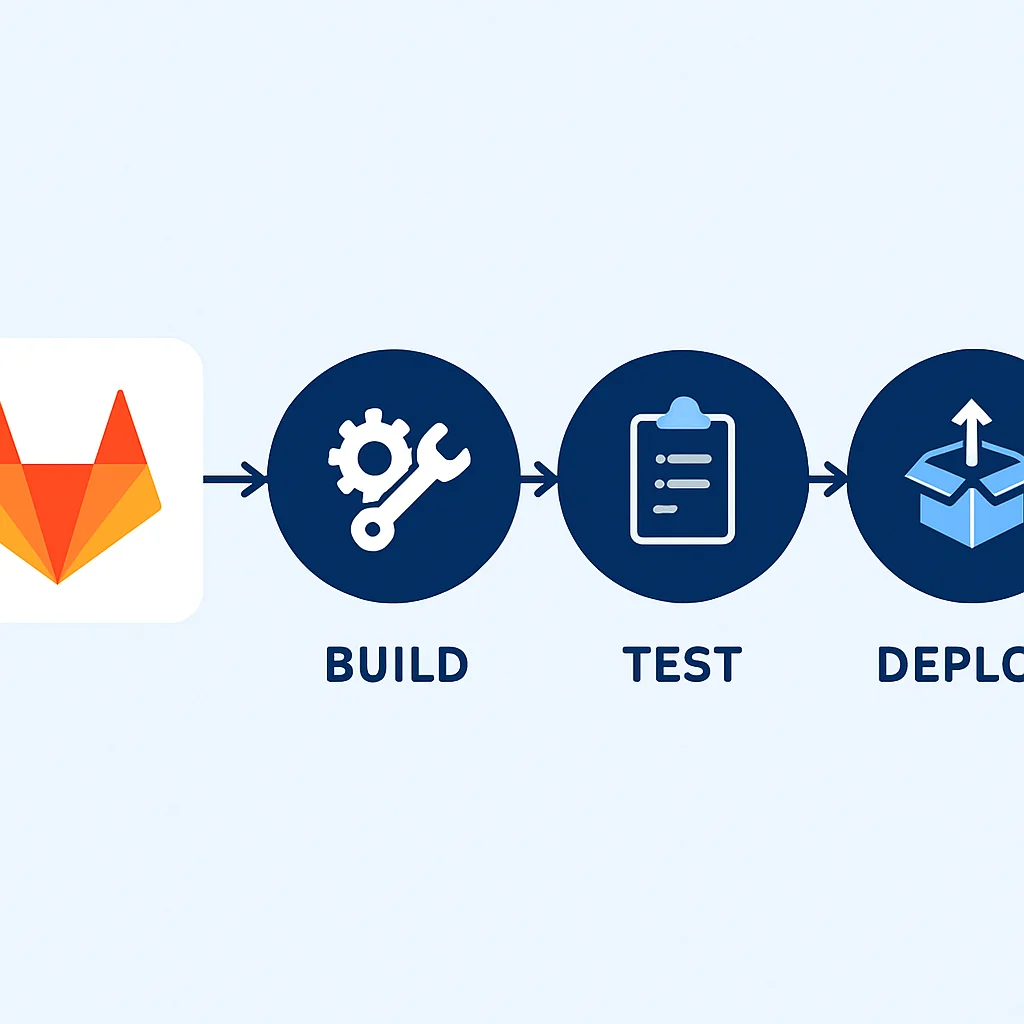
Below is a simple .gitlab-ci.yml demonstrating a Node.js application build and test cycle. This pipeline defines two stages: build and test, using a Docker image for execution.
stages:
  - build
  - test

build_job:
  stage: build
  image: node:18-alpine
  script:
    - npm install
  artifacts:
    paths:
      - node_modules/

test_job:
  stage: test
  image: node:18-alpine
  script:
    - npm test
Platform Deep Dive: GitHub Actions
GitHub Actions, launched in 2018, has rapidly gained traction due to its deep integration with the GitHub ecosystem, which hosts a significant portion of the world's open-source and private repositories. It provides event-driven automation, allowing developers to automate tasks directly within their repositories, from code builds and tests to deployments and project management.
Key Features and Strengths
The primary strength of GitHub Actions lies in its extensive marketplace of pre-built actions. This allows developers to quickly compose complex workflows by chaining together existing actions, significantly reducing the boilerplate code required. Workflows are defined using YAML files in the .github/workflows/ directory. GitHub Actions supports various operating systems (Ubuntu, Windows, macOS) and offers both GitHub-hosted runners and self-hosted runners for specific environment requirements.
GitHub Actions thrives on its vast marketplace of reusable actions, accelerating workflow creation and integration.
Its event-driven architecture means workflows can be triggered by a multitude of GitHub events, such as pushes, pull requests, issue comments, or scheduled tasks. This flexibility makes it highly adaptable for diverse automation scenarios beyond just CI/CD, extending into areas like repository maintenance and documentation generation.
Example: Node.js CI with Linting and Testing
This GitHub Actions workflow demonstrates a typical Node.js CI process, including setting up Node.js, installing dependencies, running linting, and executing tests. It's triggered on push and pull request events to the main branch.
name: Node.js CI

on:
  push:
    branches: [ "main" ]
  pull_request:
    branches: [ "main" ]

jobs:
  build:
    runs-on: ubuntu-latest

    steps:
    - uses: actions/checkout@v4
    - name: Use Node.js 18.x
      uses: actions/setup-node@v4
      with:
        node-version: 18.x
        cache: 'npm'
    - run: npm install
    - run: npm run lint
    - run: npm test
Platform Deep Dive: Jenkins
Jenkins, an open-source automation server, has been a stalwart in the CI/CD space for over a decade. Renowned for its unparalleled extensibility and massive plugin ecosystem, Jenkins remains a powerful choice for organizations requiring a highly customized and on-premise CI/CD solution. While newer platforms offer cloud-native integrations, Jenkins' flexibility allows it to adapt to almost any environment.
Key Features and Strengths
Jenkins' strength lies in its configurability. With over 1,800 plugins available, it can integrate with virtually any tool in the DevOps toolchain, from source code management systems (Git, SVN) to build tools (Maven, Gradle) and deployment targets (Kubernetes, AWS, Azure). Pipelines can be defined as code using a Jenkinsfile (Groovy-based DSL) or configured via a graphical user interface.
Jenkins' enduring appeal is its unmatched extensibility and vast plugin ecosystem, allowing for deep customization.
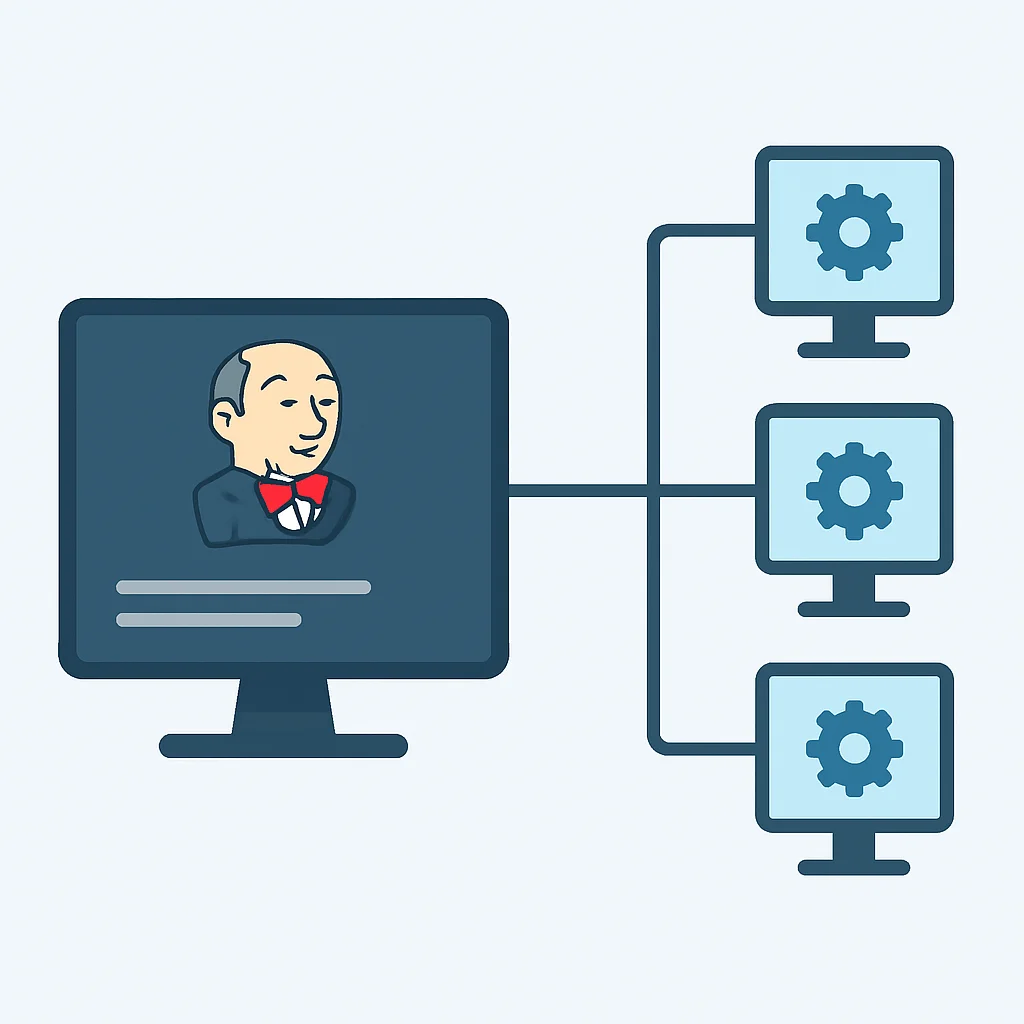
For organizations with specific compliance requirements or complex legacy systems, Jenkins often provides the necessary control and on-premise deployment options. Its distributed architecture, with master and agent nodes, allows for scaling build capacity across multiple machines, optimizing resource utilization.
Example: Declarative Pipeline for a Java Project
This Jenkinsfile illustrates a declarative pipeline for a Java application using Maven, encompassing build, test, and archive stages. This example assumes a Docker agent is available.
pipeline {
    agent { docker 'maven:3.8.1-jdk-11' }
    stages {
        stage('Build') {
            steps {
                sh 'mvn clean install -DskipTests'
            }
        }
        stage('Test') {
            steps {
                sh 'mvn test'
            }
            post {
                always {
                    junit '**/target/surefire-reports/*.xml'
                }
            }
        }
        stage('Archive') {
            steps {
                archiveArtifacts artifacts: 'target/*.jar', fingerprint: true
            }
        }
    }
}
Comparative Analysis: Feature Set & Performance Metrics
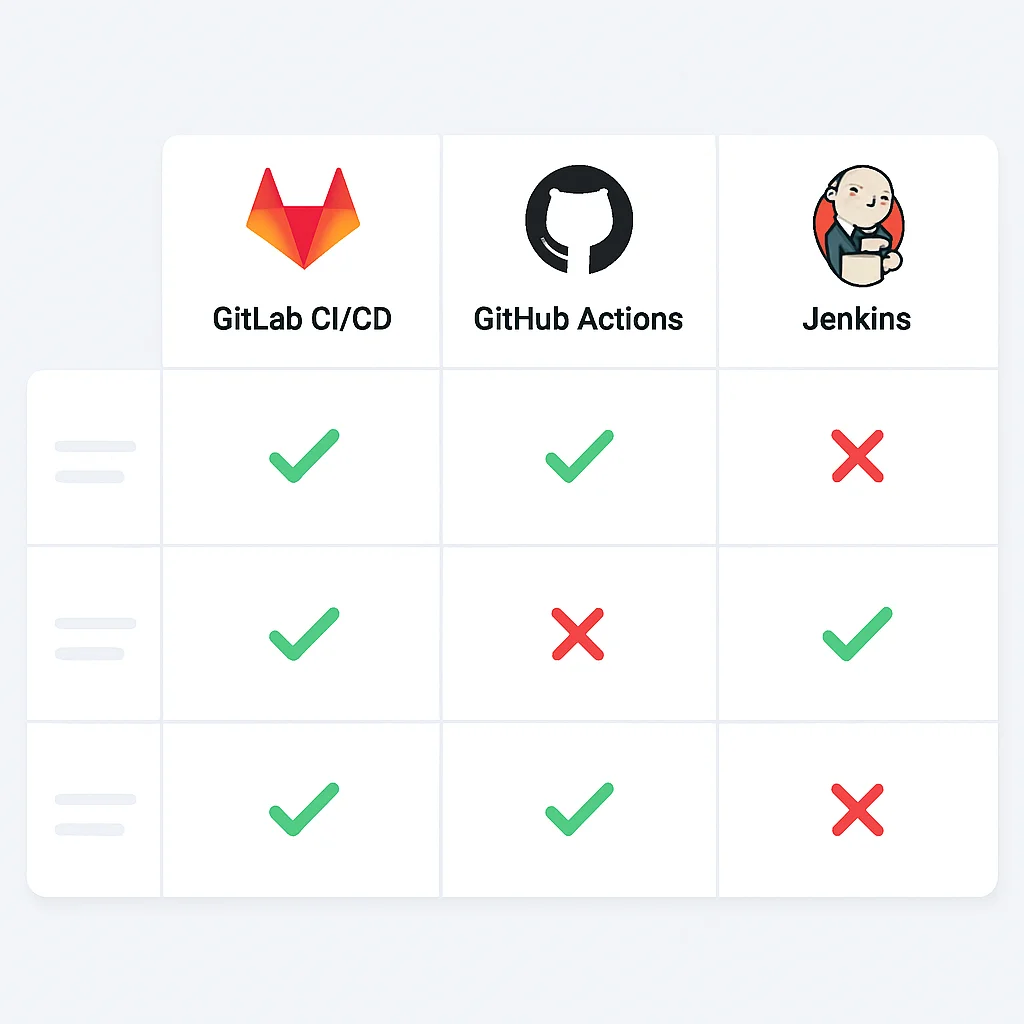
Choosing the right CI/CD platform involves a detailed comparison across several critical dimensions, including integration capabilities, ease of use, scalability, security, and cost. Below, we present a comparative table highlighting key aspects of GitLab CI/CD, GitHub Actions, and Jenkins, followed by an analysis of typical performance metrics observed in 2026.
Feature Comparison Table
This table summarizes the core attributes of each platform, providing a quick reference for decision-makers.
| Feature | GitLab CI/CD | GitHub Actions | Jenkins |
|---|---|---|---|
| Integration | Native to GitLab DevOps platform | Native to GitHub repositories | Extensive plugin ecosystem (agnostic) |
| Pipeline Definition | YAML (.gitlab-ci.yml) | YAML (.github/workflows/*.yml) | Groovy DSL (Jenkinsfile) or GUI |
| Runner Options | SaaS runners, self-hosted runners | GitHub-hosted runners, self-hosted runners | Self-hosted agents (on-premise/cloud) |
| Marketplace/Ecosystem | Built-in templates, custom components | Extensive actions marketplace | Vast plugin repository |
| Deployment Model | SaaS (cloud), self-managed (on-prem/cloud) | SaaS (cloud) for hosted runners | Self-managed (on-prem/cloud) |
The optimal CI/CD platform selection hinges on a careful evaluation of integration depth, extensibility, and operational overhead.
Performance and Cost Considerations
In 2026, performance benchmarks for CI/CD platforms show varying results based on pipeline complexity, runner specifications, and network latency. For a typical medium-sized project (e.g., 500k LOC, 100 unit tests, 20 integration tests), observed average build times are:
- GitLab CI/CD (SaaS Shared Runners): 5-8 minutes (initial build), 2-4 minutes (incremental).
- GitHub Actions (Ubuntu-latest Hosted Runners): 4-7 minutes (initial build), 1-3 minutes (incremental).
- Jenkins (Self-hosted, optimized setup): 3-6 minutes (initial build), 1-2 minutes (incremental).
These figures are indicative and can be heavily influenced by cache utilization, parallelization strategies, and the efficiency of build scripts.
Cost structures also differ significantly. GitLab and GitHub Actions operate on a usage-based model for hosted runners, offering free tiers for open-source projects and tiered pricing for private repositories based on compute minutes. Jenkins, being open-source, has no direct licensing cost, but incurs infrastructure and operational expenses for hosting and maintenance, which can be substantial for large enterprises. A recent survey in Q1 2026 indicated that for a team of 50 developers running 500 build minutes per day, the monthly operational cost for a self-hosted Jenkins instance (including VM, storage, and admin overhead) was approximately 1.5x to 2x higher than the equivalent usage-based SaaS platforms.
Addressing Common Challenges in CI/CD Adoption
While the benefits of CI/CD are clear, organizations frequently encounter challenges during adoption and scaling. Understanding these hurdles is crucial for successful implementation in 2026.
Complexity and Maintenance Overhead
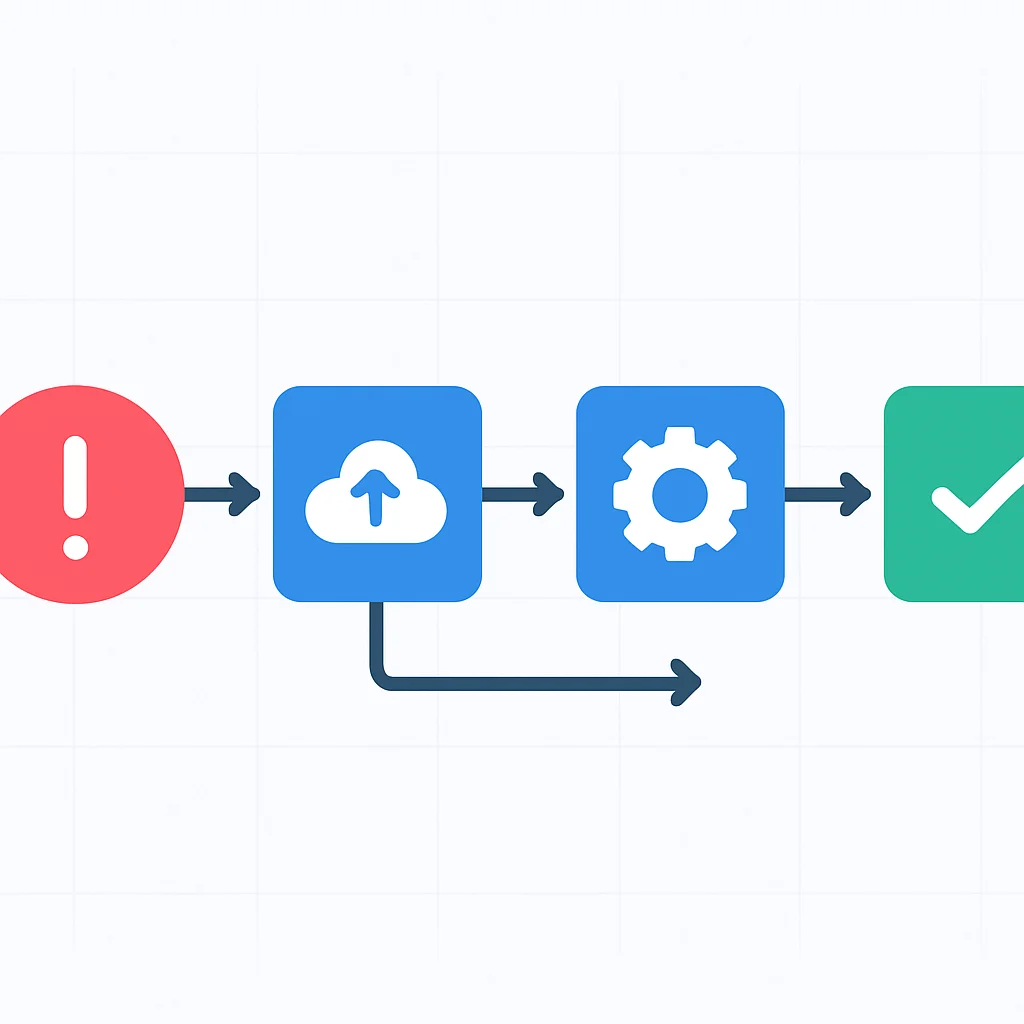
Modern CI/CD pipelines can become incredibly complex, especially when dealing with microservices architectures, multiple deployment environments, and intricate testing matrices. This complexity can lead to increased maintenance overhead, requiring dedicated DevOps engineers to manage and optimize pipelines. Jenkins, in particular, can suffer from "plugin hell" where managing numerous plugins becomes a significant administrative burden.
Overcoming CI/CD complexity requires a focus on standardization, modularity, and continuous refactoring of pipeline definitions.
Solutions include adopting "pipeline as code" practices, leveraging shared libraries or templates (e.g., GitLab CI/CD templates, GitHub Actions composite actions), and investing in comprehensive monitoring and alerting for pipeline health.
Security and Compliance
Securing the CI/CD pipeline is paramount. Vulnerabilities can arise from insecure build environments, compromised credentials, or malicious dependencies. Ensuring compliance with industry regulations (e.g., SOC 2, ISO 27001) adds another layer of complexity, especially in highly regulated sectors.
All three platforms offer features to enhance security: GitLab's integrated security scanning, GitHub Actions' secret management and OIDC integration, and Jenkins' robust access control with plugins like Role-based Authorization Strategy. However, the responsibility largely falls on the implementing organization to configure these features correctly and follow security best practices, such as least privilege access and regular auditing.
Strategic Recommendations for Platform Selection
Selecting the ideal CI/CD platform is a strategic decision that impacts development velocity, operational efficiency, and overall product quality. Here are tailored recommendations based on typical organizational profiles in 2026:
For Cloud-Native & Integrated DevOps
Organizations fully invested in a single-vendor DevOps platform, particularly those using GitLab for source control and project management, will find GitLab CI/CD to be the most cohesive and efficient choice. Its unified interface reduces context switching and streamlines the entire development workflow, from planning to deployment and monitoring.
Similarly, teams heavily reliant on GitHub for their repositories and collaborating extensively with the open-source community should strongly consider GitHub Actions. Its deep integration with GitHub events and extensive marketplace make it exceptionally agile for repository-centric automation and public projects.
For seamless integration and reduced operational overhead, align your CI/CD platform with your primary code hosting and collaboration platform.
For Highly Customizable & On-Premise Needs
Enterprises with complex, unique requirements, legacy systems, strict on-premise deployment mandates, or those needing granular control over their CI/CD infrastructure will find Jenkins to be the most powerful option. Its open-source nature and vast plugin ecosystem offer unparalleled customization. However, this comes with a higher operational burden in terms of setup, maintenance, and security management.
Hybrid approaches are also gaining traction, where organizations might use GitHub Actions or GitLab CI/CD for their newer, cloud-native projects while maintaining Jenkins for legacy systems or specific on-premise workflows.
Conclusion: The Future of Automated Delivery
The CI/CD landscape in 2026 is dynamic and rich with powerful tools. GitLab CI/CD, GitHub Actions, and Jenkins each present compelling cases, catering to different organizational scales, technical preferences, and strategic objectives. From GitLab's integrated DevOps experience to GitHub Actions' community-driven marketplace and Jenkins' deep extensibility, the choice ultimately depends on a careful alignment with your specific development culture, infrastructure, and business goals.
The future of automated delivery will continue to emphasize smart automation, security by design, and developer experience.
As development practices evolve, so too will these platforms, likely integrating more AI-driven optimizations, advanced security features, and even greater abstraction to simplify pipeline creation. The key for any organization is to remain agile, continuously evaluate their CI/CD strategy, and adapt to the evolving demands of software delivery.
Empower your development team with the right CI/CD strategy.
We hope this analysis provides valuable insights for your CI/CD journey. Share your experiences and questions in the comments below, and let's continue to build better software, faster, together.