
SUMMARY
The Rise of AI-Powered Developer Assistants: Impact & Future in 2026
Analyzing AI’s transformative role in coding workflows and its projected evolution by 2026, enhancing developer productivity and reshaping the software development landscape.
Keywords: AI, Developer Assistants, Coding AI
TABLE OF CONTENTS
1. Background & Introduction: Why AI Developer Assistants Matter
2. Core Content: Deep Dive into AI Developer Assistant Capabilities and Impact
3. Problem Solving: Navigating Challenges with AI in Development
4. Practical Application: Integrating AI into Your Daily Workflow
5. Frequently Asked Questions (FAQ)
6. Wrap-Up: Conclusion & The Future of Coding in 2026
BACKGROUND & INTRODUCTION
Why AI Developer Assistants Matter in 2026
The software development landscape has been on an accelerated trajectory of innovation, and 2026 marks a pivotal year where AI-powered developer assistants have moved from novel tools to indispensable companions for many coding professionals. The relentless demand for faster development cycles, higher code quality, and more complex applications has pushed the industry to seek out transformative technologies. Enter AI developer assistants, tools designed to augment human coding capabilities, streamline workflows, and ultimately, redefine what it means to write software.
Historically, developers have relied on sophisticated IDEs, robust libraries, and version control systems to boost their efficiency. However, the advent of large language models (LLMs) specifically trained on vast repositories of code has introduced a new paradigm. These AI assistants, exemplified by pioneers like GitHub Copilot, Amazon CodeWhisperer, and Google Gemini for Developers, are no longer just offering intelligent autocomplete; they are capable of generating entire functions, suggesting complex algorithms, identifying potential bugs, and even writing comprehensive test suites. This shift is not merely incremental; it represents a fundamental change in how developers interact with their code and approach problem-solving.
In 2026, the discussion around AI developer assistants has matured beyond “if” they will impact development to “how deeply” and “in what ways.” Their significance lies in their ability to democratize coding by lowering the barrier to entry for new developers, accelerating the learning curve, and allowing experienced engineers to focus on higher-level architectural challenges rather than repetitive boilerplate. This report will delve into the current impact of these powerful tools, analyze the offerings from key players, address the challenges they present, and peer into the future of coding as shaped by AI in 2026 and beyond.
KEY POINT
AI developer assistants in 2026 are transforming coding from a purely manual task to an augmented, collaborative process, significantly boosting productivity and allowing developers to focus on innovation.
CORE CONTENT
Deep Dive into AI Developer Assistant Capabilities and Impact
The journey of AI in coding began modestly with syntax highlighting and basic autocomplete features. Early IDEs offered suggestions based on local context and predefined rules. However, the paradigm shifted dramatically with the advent of machine learning and, more recently, large language models. By 2026, these tools leverage advanced transformer architectures, capable of understanding not just syntax but also semantic meaning, intent, and even architectural patterns across vast codebases. They move beyond simple word completion to generating coherent blocks of code, entire functions, and even proposing refactoring strategies based on best practices and project-specific contexts.
Modern AI assistants are trained on petabytes of publicly available code, enabling them to recognize common patterns, anticipate developer needs, and suggest highly relevant code snippets. This evolution means they can now perform tasks such as:
• Code Generation: Writing boilerplate, functions, or entire classes from natural language comments or function signatures.
• Code Completion: Suggesting the next line or block of code based on context, variable names, and project patterns.
• Bug Detection & Fixing: Identifying potential errors and suggesting corrections, often before compilation.
• Test Generation: Automatically creating unit tests for existing code.
• Code Refactoring: Proposing ways to improve code readability, performance, or adherence to design principles.
• Documentation Generation: Creating comments or docstrings for functions and modules.
Key Players and Their Offerings in 2026
The market for AI developer assistants is robust, with several major tech companies vying for dominance. Each offers unique strengths and integrations:
Impact on Developer Productivity and Code Quality
The most immediate and quantifiable impact of AI developer assistants is on productivity. Studies and anecdotal evidence from 2026 consistently show significant time savings. For instance, a recent internal survey at a major tech firm indicated a 30-40% reduction in time spent on routine coding tasks when using AI assistants. This translates to developers completing tasks up to 50% faster, particularly for boilerplate code, repetitive patterns, and initial setup. This efficiency gain allows engineers to dedicate more time to complex problem-solving, architectural design, and innovative features.
However, the impact isn’t just about speed. Code quality is also a critical factor. AI assistants can:
✓ Enforce Best Practices: By suggesting idiomatic code and common patterns, they implicitly guide developers towards cleaner, more maintainable solutions.
✓ Reduce Cognitive Load: Automating mundane tasks frees up mental energy, potentially leading to fewer human errors in critical sections.
✓ Facilitate Learning: New developers can learn by observing AI-generated code, understanding common solutions, and seeing how different parts of a system interact.
✓ Improve Consistency: In large teams, AI can help maintain a consistent coding style and structure across different modules.
Despite these benefits, it’s crucial to note that AI-generated code is not always perfect. It requires human review, refinement, and a deep understanding of the project’s specific requirements to ensure correctness, security, and optimal performance. The role of the developer is evolving from a sole code producer to a ‘code orchestrator’ and critical reviewer.
KEY POINT
Leading AI developer assistants like GitHub Copilot, Amazon CodeWhisperer, and Google Gemini for Developers are significantly boosting productivity (up to 55% faster for some tasks) and influencing code quality by promoting best practices and reducing boilerplate.
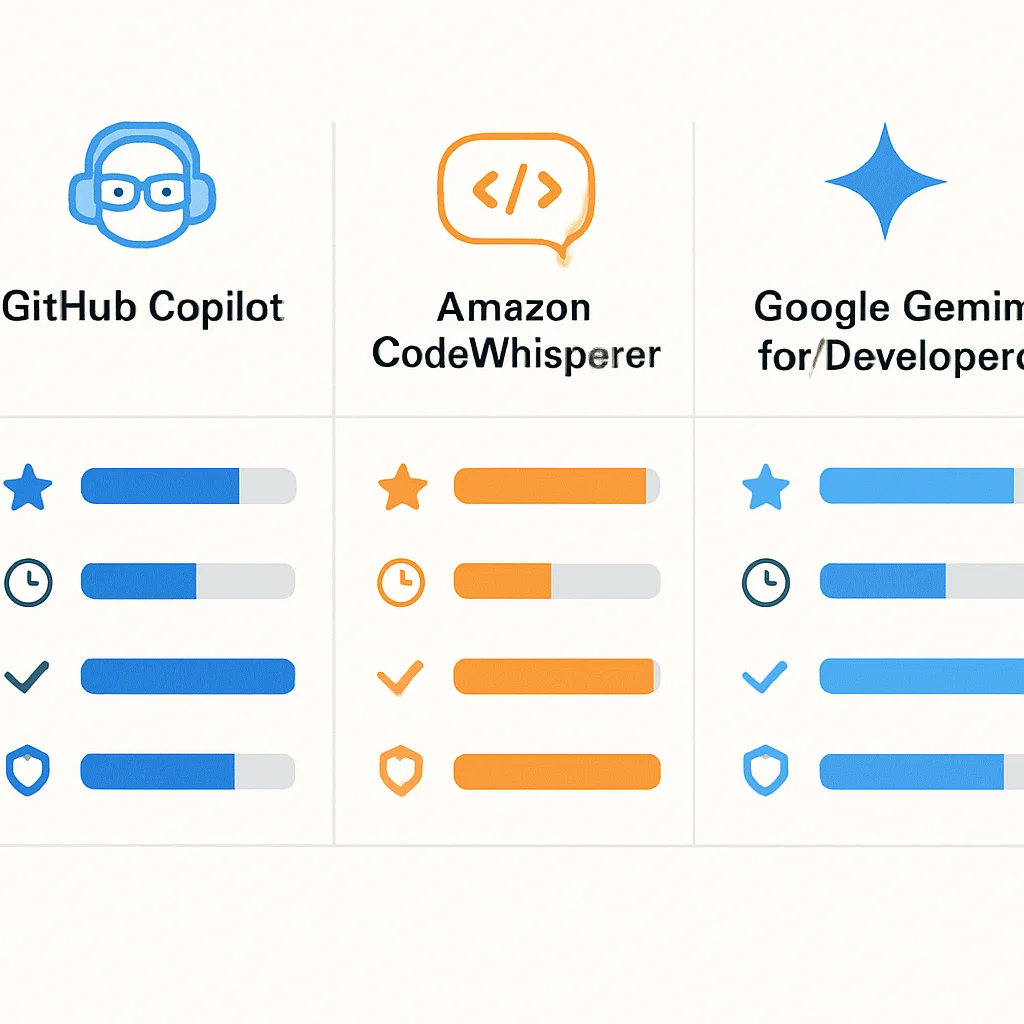
Comparative Analysis of Leading AI Developer Assistants (2026)
To provide a clearer picture, here’s a comparative overview of the top AI developer assistants as of 2026:
| Feature | GitHub Copilot | Amazon CodeWhisperer | Google Gemini for Devs |
|---|---|---|---|
| Core AI Model | OpenAI Codex (GPT-3/4 derivatives) | Amazon’s proprietary ML models | Google Gemini LLM |
| Primary Focus | General-purpose code generation & completion | AWS-centric development, security | Advanced natural language interaction, Google Cloud |
| IDE Integration | VS Code, JetBrains, Visual Studio, Neovim | VS Code, JetBrains, AWS Cloud9, Lambda Console | VS Code, Google Cloud IDEs, other Google tools |
| Unique Selling Points | Broad language support, vast user base, mature suggestions | Built-in security scans, reference tracking, optimized for AWS APIs | Multi-modal reasoning, deep contextual understanding, design pattern assistance |
| Pricing Model (2026) | Subscription-based (individual/team) | Free for individual developers, tiered for enterprise | Free tier, usage-based for advanced features/enterprise |
| Languages Supported | All major languages (Python, JS, Java, C#, Go, Ruby, etc.) | Python, Java, JavaScript, C#, Go, TypeScript, Rust, YAML, SQL | Extensive, with strong support for Python, Java, Go, C++, JavaScript |
| Productivity Impact (Avg.) | ~30-55% faster task completion | ~25-40% faster task completion | Emerging data, strong for complex problem-solving |
Code Examples: AI in Action
Let’s look at how an AI assistant might help in a typical coding scenario. Imagine you need a Python function to calculate the factorial of a number, including input validation. With a good comment, an AI assistant can generate the core logic quickly.
CODE EXPLANATION
This Python example demonstrates how a simple comment can prompt an AI assistant to generate a complete function for calculating factorials, including error handling for invalid inputs. The AI understands the intent and common patterns for such problems.
# Python function to calculate factorial of a non-negative integer
# Should handle invalid inputs (negative or non-integer)
def calculate_factorial(n):
    if not isinstance(n, int) or n < 0:
        raise ValueError("Input must be a non-negative integer.")
    if n == 0:
        return 1
    else:
        result = 1
        for i in range(1, n + 1):
            result *= i
        return result

# Example usage:
try:
    print(f"Factorial of 5: {calculate_factorial(5)}") # Expected: 120
    print(f"Factorial of 0: {calculate_factorial(0)}") # Expected: 1
    print(f"Factorial of -3: {calculate_factorial(-3)}")
except ValueError as e:
    print(f"Error: {e}")
Another common use case is generating unit tests. If you have an existing function, an AI can often infer common test cases:
CODE EXPLANATION
Here, the AI is prompted to generate unit tests for the previously defined calculate_factorial function using Python’s unittest module. It correctly identifies edge cases like 0, small positive numbers, and invalid inputs.
# Generate unit tests for calculate_factorial function
import unittest

class TestCalculateFactorial(unittest.TestCase):

    def test_factorial_of_zero(self):
        self.assertEqual(calculate_factorial(0), 1)

    def test_factorial_of_positive_integer(self):
        self.assertEqual(calculate_factorial(1), 1)
        self.assertEqual(calculate_factorial(5), 120)
        self.assertEqual(calculate_factorial(10), 3628800)

    def test_factorial_of_negative_integer(self):
        with self.assertRaises(ValueError):
            calculate_factorial(-1)
        with self.assertRaises(ValueError):
            calculate_factorial(-5)

    def test_factorial_of_non-integer(self):
        with self.assertRaises(ValueError):
            calculate_factorial(3.5)
        with self.assertRaises(ValueError):
            calculate_factorial("abc")

if __name__ == '__main__':
    unittest.main(argv=['first-arg-is-ignored'], exit=False)
These examples highlight the AI’s ability to not only generate functional code but also to understand the context of testing and error handling, significantly speeding up development time for standard tasks.
PROBLEM SOLVING
Navigating Challenges with AI in Development
While the benefits of AI developer assistants are clear, their widespread adoption by 2026 has also brought several challenges to the forefront. Addressing these issues is crucial for maximizing their potential and ensuring responsible integration into development workflows.
PROBLEM 01
Accuracy and Contextual Understanding
AI models, despite their sophistication, can sometimes generate incorrect, inefficient, or non-optimal code. They might struggle with highly specialized domain logic, complex architectural patterns, or subtle project-specific conventions. Furthermore, an AI assistant’s understanding of “context” is often limited to the immediate file or repository, potentially missing broader system implications.
SOLUTION — Iterative Prompting and Human Oversight
The primary solution is to treat AI suggestions as a starting point, not a definitive answer. Developers must critically review all generated code for correctness, performance, and security. Iterative prompting, where the developer refines their input or provides additional context, can significantly improve the AI’s output. For complex enterprise environments, fine-tuning AI models on an organization’s internal codebase and style guides is becoming a standard practice, improving relevance and accuracy. The human developer remains the ultimate arbiter of code quality.
PROBLEM 02
Security and Licensing Concerns
A significant concern is the potential for AI to generate code with security vulnerabilities or to inadvertently reproduce code that carries restrictive licenses. Since these models are trained on vast public datasets, the origin and licensing of every suggested line of code can be opaque, posing intellectual property risks for businesses. Vulnerabilities can arise if the training data itself contained flawed or insecure patterns.
SOLUTION — Integrated Scanning and Policy Development
Leading AI assistants like Amazon CodeWhisperer now include built-in security scanning that flags potential vulnerabilities in real-time. Organizations are also implementing automated static analysis tools and robust code review processes to catch issues before deployment. For licensing, features like CodeWhisperer’s reference tracker provide attribution, and companies are developing clear internal policies on acceptable use of AI-generated code, including mandatory checks against open-source licenses and internal code standards. Legal frameworks around AI-generated content and IP are also rapidly evolving in 2026 to address these challenges.
PROBLEM 03
Maintaining Human Skillset and Preventing Over-reliance
There’s a concern that over-reliance on AI assistants could lead to a degradation of fundamental coding skills, particularly among junior developers. If AI consistently generates solutions, developers might spend less time understanding underlying algorithms, data structures, or optimal design patterns, potentially hindering their long-term growth and critical thinking abilities.
SOLUTION — Strategic Tool Usage and Continuous Learning
The key is to view AI as an augmentation tool, not a replacement. Developers should use AI to accelerate routine tasks, explore alternative solutions, or learn new syntax, but always with a critical eye. Mentorship programs, code reviews, and explicit training on how to effectively “pair program” with an AI assistant are essential. Encouraging developers to challenge AI suggestions, understand why they work, and actively refactor them helps maintain and even enhance their skills. The goal is to elevate developers to higher-level problem-solvers, not to automate their core competencies away.
KEY POINT
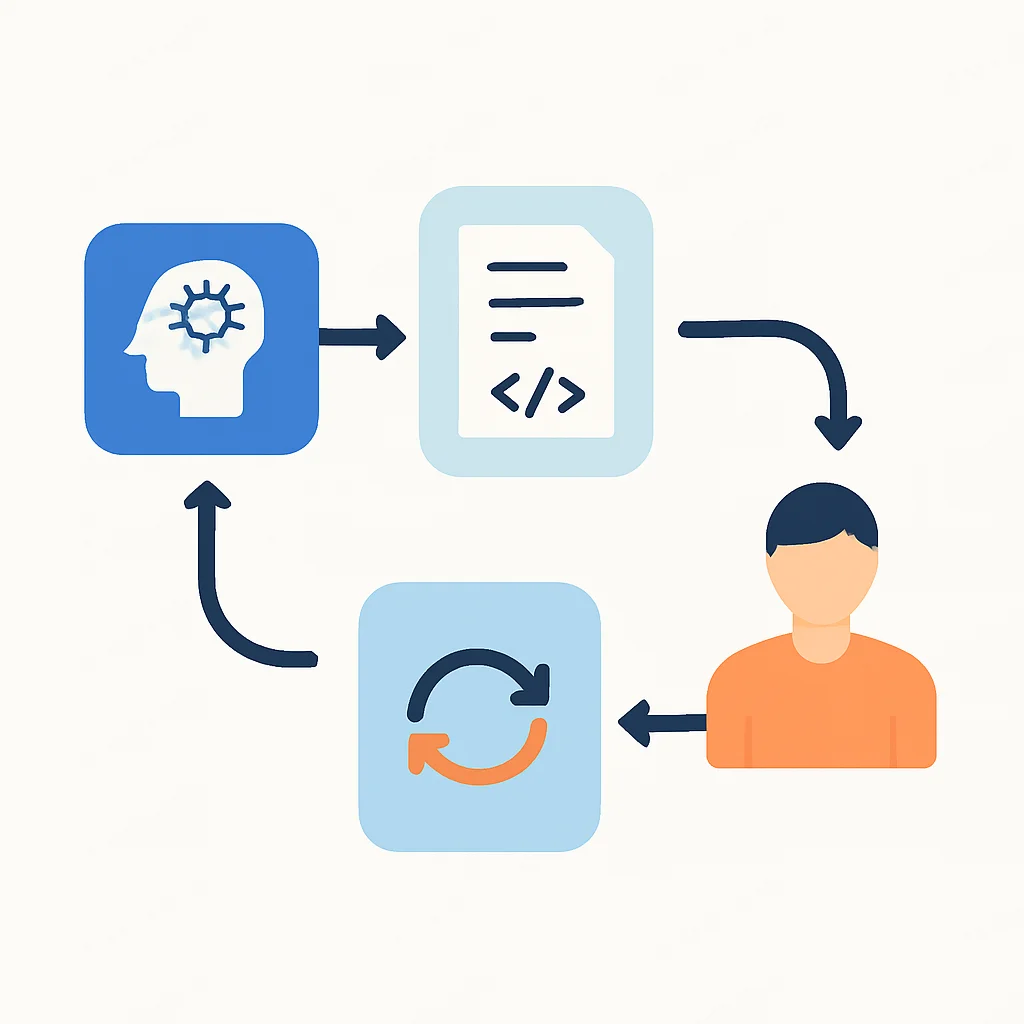
Addressing challenges like code accuracy, security risks, and potential skill degradation requires a multi-faceted approach involving human oversight, integrated security tools, and strategic, educational use of AI assistants.
PRACTICAL APPLICATION
Integrating AI into Your Daily Workflow in 2026
Successfully integrating an AI developer assistant into your daily coding routine can dramatically boost your efficiency. Here’s a practical guide on how to get started and maximize its benefits, focusing on common patterns observed in 2026.
Step-by-Step Integration with Visual Studio Code (Example with GitHub Copilot)
STEP 1
Install the Extension
Open VS Code, navigate to the Extensions view (Ctrl+Shift+X or Cmd+Shift+X), search for “GitHub Copilot” (or your chosen AI assistant like “AWS CodeWhisperer”), and click “Install”. This typically takes less than a minute.
STEP 2
Authenticate Your Account
After installation, VS Code will prompt you to log in to your GitHub (for Copilot) or AWS (for CodeWhisperer) account. Follow the on-screen instructions to authorize the extension. You’ll usually be redirected to a web browser for authentication, then back to VS Code.
STEP 3
Start Coding and Observe Suggestions
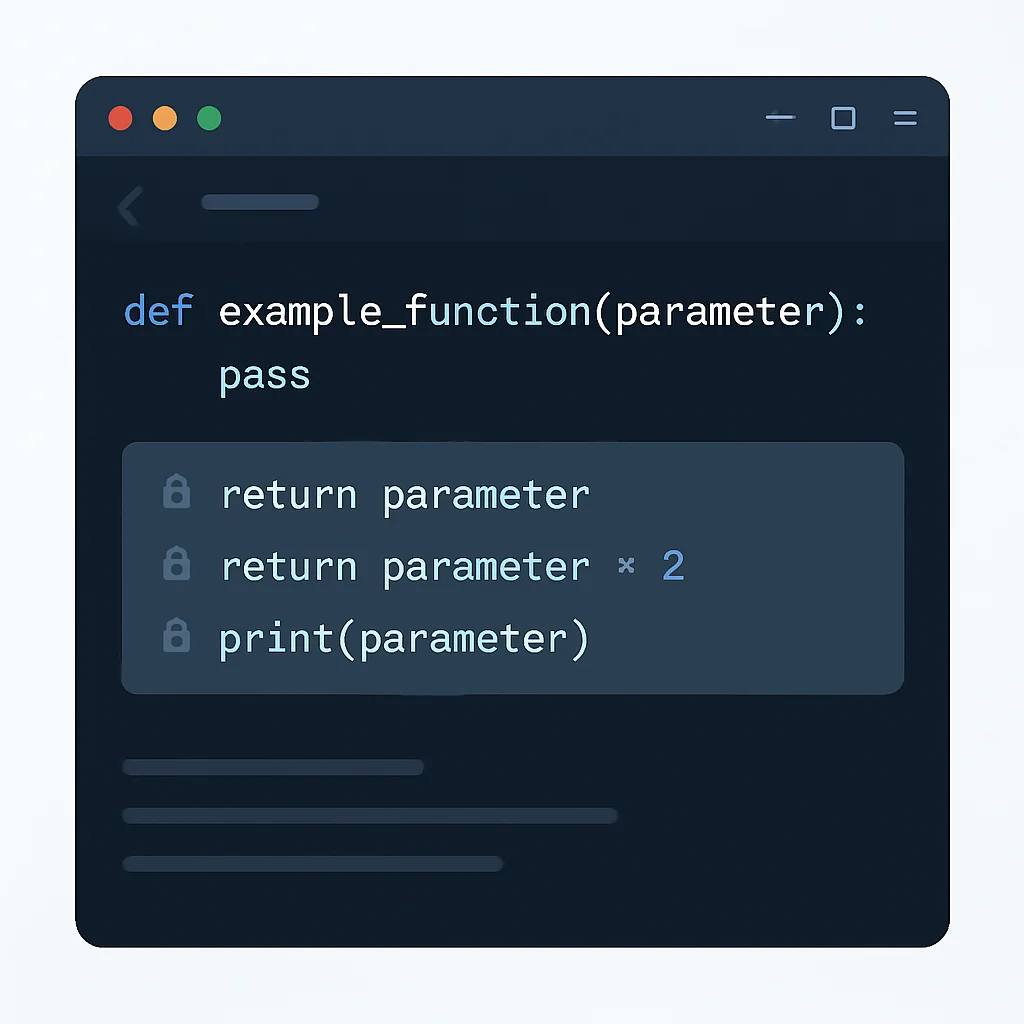
Open a code file (e.g., .py, .js). As you type comments or function signatures, the AI assistant will start suggesting code. These suggestions often appear as ghost text. You can accept them by pressing Tab, or cycle through alternatives using Alt+]/Alt+[ (or similar keybindings depending on your IDE).
STEP 4
Refine and Review
Always review the generated code. Does it meet your requirements? Is it secure? Is it efficient? Sometimes the AI might suggest a less optimal solution or one that doesn’t fit your project’s coding style. Refine the code as needed, and consider if a different prompt could yield a better suggestion next time.
Maximizing AI Assistant Benefits: Best Practices in 2026
To truly harness the power of AI developer assistants, adopt these best practices:
Pros
✓ Start with Clear Comments: The better your natural language prompt (comments, function names), the more accurate and relevant the AI’s suggestions will be.
✓ Use for Boilerplate: AI excels at generating repetitive code, CRUD operations, and standard configurations. Leverage it to offload these tasks.
✓ Explore Alternatives: Don’t just accept the first suggestion. Cycle through alternatives to find the most suitable one or to learn different approaches.
✓ Pair Program with AI: Treat the AI as an intelligent pair programmer. Discuss the problem with it (via comments), and let it offer solutions that you then critique and refine.
✓ Generate Tests First: Use AI to write basic unit tests for functions before implementing them. This promotes a test-driven development (TDD) approach.
✓ Learn New Syntax: When working with an unfamiliar library or language, AI can quickly provide examples of correct syntax and usage, acting as an interactive reference.
✓ Refactor and Optimize: Ask the AI to refactor existing code for better readability or performance, then evaluate its suggestions.
Cons to Watch Out For
✗ Don’t Blindly Trust: Always verify the correctness, security, and efficiency of AI-generated code. It’s a tool, not an oracle.
✗ Avoid Over-Reliance: Don’t let AI replace your own critical thinking or problem-solving skills, especially for complex logic.
✗ Context Limitations: Be aware that AI’s understanding of your project’s broader architecture might be limited. Provide explicit context when needed.
✗ Potential for Legacy Code: AI might sometimes suggest patterns that are outdated or not aligned with modern best practices if its training data contains a lot of older code.
KEY POINT
Effective use of AI assistants in 2026 involves clear prompting, critical review of suggestions, and strategic application for tasks like boilerplate generation and test writing, while always maintaining human oversight.
Frequently Asked Questions (FAQ)
Q. Will AI developer assistants replace human developers by 2026?
No, not by 2026. AI developer assistants are powerful tools designed to augment human capabilities, not replace them. They automate repetitive tasks and suggest code, allowing developers to focus on higher-level design, critical thinking, problem-solving, and managing complex system architectures. The role of a developer is evolving, not disappearing.
Q. How do AI developer assistants improve code quality?
AI assistants improve code quality by suggesting idiomatic code, enforcing best practices, and reducing human error in boilerplate. They can also help generate comprehensive test cases and identify potential vulnerabilities, leading to more robust and secure applications when used with proper human oversight.
Q. What are the main security concerns with using AI for coding?
The primary security concerns include the potential for AI to generate code with subtle vulnerabilities or to reproduce code from public sources that carries licensing or intellectual property risks. Solutions involve using AI assistants with built-in security scanning, implementing robust code review processes, and establishing clear organizational policies for AI-generated code.
Q. Can AI developer assistants be customized for specific company codebases?
Yes, many AI developer assistants offer or are developing features for customization. Enterprise versions often allow fine-tuning models on a company’s private code repositories, internal style guides, and domain-specific knowledge, significantly improving the relevance and accuracy of suggestions for internal projects.
WRAP-UP
Conclusion & The Future of Coding in 2026
The rise of AI-powered developer assistants has undeniably reshaped the software development landscape by 2026. From the initial skepticism, these tools have demonstrated their value, proving to be powerful allies in boosting productivity, improving code quality, and democratizing access to coding knowledge. GitHub Copilot, Amazon CodeWhisperer, and Google Gemini for Developers lead the charge, each bringing unique strengths to the table, from broad language support and deep AWS integration to advanced natural language understanding.
However, this transformation is not without its complexities. Challenges related to code accuracy, security, intellectual property, and the critical need to maintain human expertise demand ongoing attention. The most successful developers in 2026 are those who view AI as a sophisticated tool for augmentation, not a substitute for critical thinking and rigorous code review. They leverage AI for efficiency gains in routine tasks, allowing them to redirect their intellectual energy towards innovation and solving more intricate problems.
Looking ahead, the future of coding in 2026 and beyond promises even deeper integration of AI into the entire software development lifecycle. We can anticipate:
• Enhanced Contextual Awareness: AI will gain a more profound understanding of entire project architectures, not just individual files, leading to more relevant and coherent suggestions.
• Proactive Debugging & Optimization: AI will move beyond suggesting fixes to proactively identifying potential issues and optimizing performance during the coding process itself.
• AI-Native Development Environments: IDEs will evolve to be built around AI capabilities, offering seamless interaction with AI for brainstorming, design, coding, testing, and deployment.
• Personalized AI Models: Developers and organizations will increasingly fine-tune AI models on their specific codebases and preferences, creating highly personalized coding companions.
• Ethical AI Development: Greater emphasis will be placed on transparent AI models, addressing biases, and ensuring responsible use, with clear guidelines on data privacy and intellectual property.
The journey with AI developer assistants is just beginning. By embracing these tools strategically and continuously adapting our skills, developers can unlock unprecedented levels of creativity and efficiency, driving the next wave of innovation in the digital world. The human element, however, will remain paramount — for critical judgment, ethical decision-making, and the ultimate vision that guides the machines.
KEY POINT
In 2026, AI developer assistants are indispensable for boosting productivity and code quality, and their future evolution points towards deeper integration, personalized models, and AI-native development environments, with human oversight remaining critical.
Thanks for reading!
We hope this analysis provides a clear understanding of the current state and future trajectory of AI-powered developer assistants in 2026. The evolution of coding is an exciting journey.
Got questions or insights on your experience with AI in development? Drop a comment below!