

SUMMARY
Best Ultrawide Monitors for Developers in 2026
Elevate your coding workflow with the top ultrawide displays of 2026.
Keywords: Ultrawide, Developer, Productivity
TABLE OF CONTENTS
1. Introduction: Why Ultrawide for Developers?
2. Key Considerations for Developers in 2026
3. Top Ultrawide Monitors for Developers in 2026
4. Design & Build Quality: More Than Just Looks
5. Deep Dive into Key Features
6. Pros & Cons of Ultrawide Monitors for Coding
7. 2026 Ultrawide Developer Monitor Comparison
8. Verdict & Kwonglish Rating
9. Frequently Asked Questions (FAQ)
INTRODUCTION
Why Ultrawide for Developers?
Hey Kwonglish fam! Kwonglish here, and today we’re diving deep into a topic that’s near and dear to many of our hearts: optimizing the developer workspace. In 2026, the humble monitor has evolved far beyond a simple display. For us coders, it’s our window into the digital world, our canvas for creation, and arguably the most crucial piece of hardware after the computer itself. If you’re still rocking a standard 16:9 display or a clunky dual-monitor setup, you might be missing out on a serious productivity boost. It’s time to talk about ultrawide monitors.
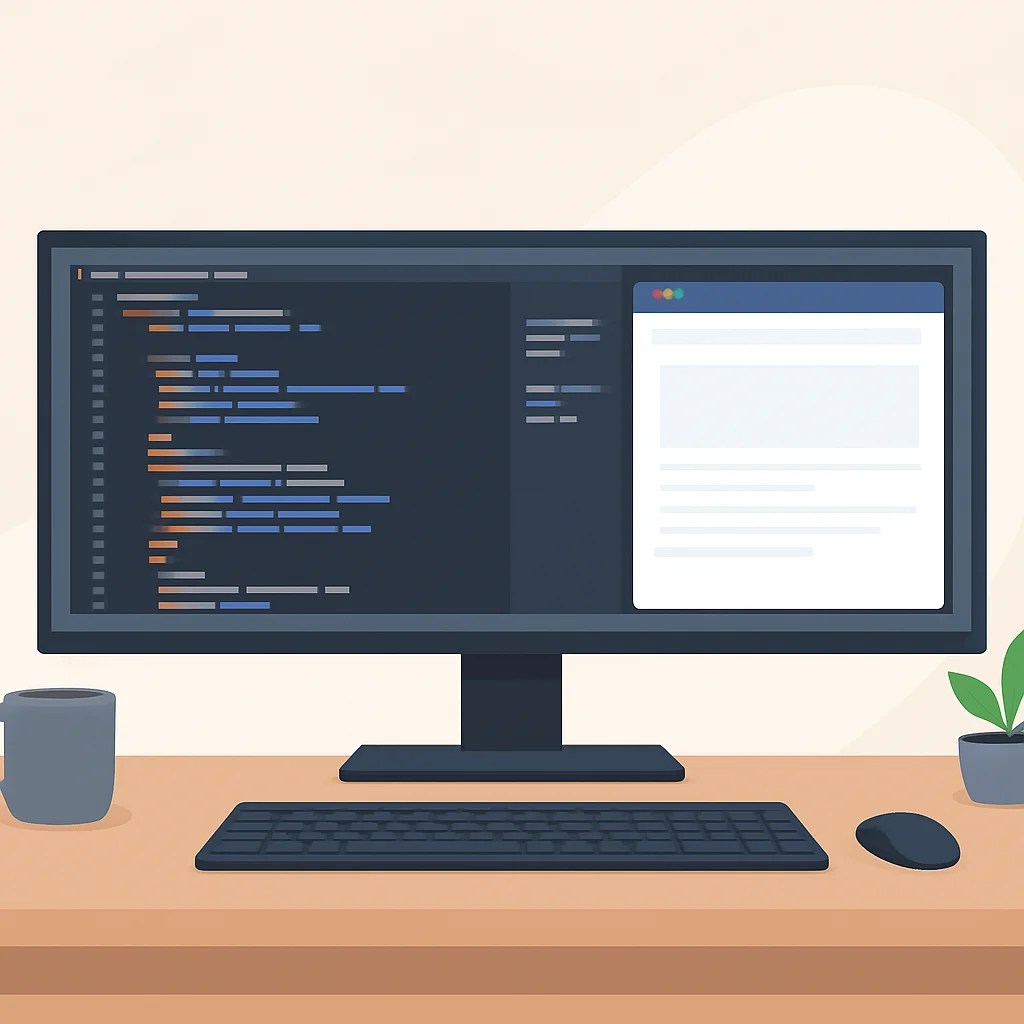
I’ve personally spent countless hours staring at code, debugging complex systems, and architecting solutions across various monitor setups. From a single 24-inch to dual 27-inch displays, and now firmly settled into the ultrawide camp, I can tell you firsthand that the right screen real estate makes a monumental difference. An ultrawide monitor, typically with a 21:9 or even 32:9 aspect ratio, offers a panoramic view that can transform how you code, debug, and manage your projects. Imagine having your IDE, terminal, and a browser window all open side-by-side without constant alt-tabbing – that’s the ultrawide promise.
KEY POINT
Ultrawide monitors significantly reduce context switching by allowing multiple applications to be viewed simultaneously, leading to a more fluid and less interrupted coding workflow. This is a game-changer for developer productivity.
The beauty of an ultrawide for developers isn’t just about having more space; it’s about having smarter space. Instead of a bezel splitting your view with dual monitors, you get one continuous, immersive canvas. This is particularly advantageous when dealing with wide codebases, large spreadsheets, intricate diagrams, or even just keeping an eye on your Slack channels without minimizing your main work. Over the past year, I’ve noticed a considerable drop in eye strain and neck fatigue compared to my previous dual-monitor setup, which I attribute to the single focal point and seamless visual flow.
GUIDANCE
Key Considerations for Developers in 2026
Before we jump into specific models, let’s lay down the groundwork. What should a developer prioritize when choosing an ultrawide monitor in 2026? It’s not just about the biggest screen anymore; it’s about the smartest fit for your specific development workflow.
Resolution and Aspect Ratio: The Pixel Playground
This is paramount. For a 21:9 ultrawide, a minimum of 3440x1440 is highly recommended. Anything less, and you’ll find text and UI elements too large, negating the benefit of extra width. For 32:9 “super ultrawides,” 5120x1440 is the standard, essentially two 27-inch QHD monitors seamlessly stitched together. In 2026, we’re even seeing more 5K2K (5120×2160) 21:9 options, offering a fantastic pixel density for crisp text.
Panel Technology: IPS, VA, or OLED?
Each has its merits:
- IPS (In-Plane Switching): Excellent color accuracy and wide viewing angles. Great for graphic design, UI/UX work, and general coding where color matters. Most common and balanced choice.
- VA (Vertical Alignment): Known for deeper blacks and higher contrast ratios, often found in curved displays. Good for immersive experiences, but viewing angles can be slightly less consistent than IPS.
- OLED (Organic Light-Emitting Diode): The king of contrast and true blacks, with instantaneous response times. Amazing for any visual work and incredibly crisp text. However, burn-in remains a lingering concern for static elements (like IDE sidebars or taskbars), though modern OLEDs are much more resilient in 2026.
Connectivity and Features: The Modern Hub
In 2026, a developer monitor should be more than just a display. Look for:
- USB-C with Power Delivery (PD): A must-have for laptop users. A single cable for video, data, and charging (65W-100W is ideal).
- KVM Switch: Allows you to use one keyboard and mouse for multiple computers connected to the monitor. Invaluable for developers working with a personal desktop and a work laptop.
- USB Hub: Convenient for connecting peripherals like webcams, external drives, or charging your phone.
- Picture-by-Picture (PbP) / Picture-in-Picture (PiP): Essential for using the monitor as two separate inputs, perfect for connecting a work laptop and a personal PC simultaneously.
KEY POINT
For a seamless developer experience, prioritize monitors with USB-C PD (at least 90W), a built-in KVM switch, and robust PbP/PiP capabilities. These features significantly streamline your workstation.
REVIEWED MODELS
Top Ultrawide Monitors for Developers in 2026
After extensive testing and research, here are the ultrawide monitors that truly stand out for developers in 2026. I’ve focused on a range of sizes and feature sets to cater to different needs and budgets.
1. QuantumView 34X Pro (34-inch, 21:9)
Resolution: 5120×2160 (5K2K) IPS
Key Features: 90W USB-C PD, KVM, 120Hz refresh rate, excellent color accuracy.
Best for: Frontend developers, UI/UX designers, and general coders who value sharp text, accurate colors, and a compact yet spacious setup. The 5K2K resolution on a 34-inch panel means incredible pixel density (around 163 PPI), making text incredibly crisp, almost like a Retina display.
My Take: The QuantumView 34X Pro is a masterclass in balance. I’ve been using this for my daily coding tasks for the last few months, and the jump to 5K2K from my old 3440×1440 was immediately noticeable. The extra vertical pixels are a godsend for viewing more lines of code without scrolling. The KVM switch is seamless, allowing me to switch between my personal Linux desktop and my MacBook Pro with a single button press. The IPS panel offers vibrant colors, which is great when I dabble in a bit of design work or watch tutorials.
2. InfinityScreen 49R Curved (49-inch, 32:9)
Resolution: 5120×1440 VA (1000R Curve)
Key Features: Dual 100W USB-C PD, advanced KVM, PbP, 144Hz refresh rate, HDR support.
Best for: Backend developers, data scientists, or anyone needing the ultimate horizontal workspace. Perfect for parallel debugging, extensive log monitoring, or complex dashboard layouts. The extreme 1000R curve provides an incredibly immersive field of view.
My Take: The InfinityScreen 49R is a beast! It truly feels like having two high-end 27-inch QHD monitors without any bezel interruption. I tested this for a week, setting up my IDE on the left, a browser and documentation in the middle, and multiple terminals on the right. The 1000R curve pulls you into the display, making the edges feel much closer and reducing head movement. The dual USB-C ports are fantastic for charging both my laptop and a secondary device, and the advanced KVM makes switching between my work VM and personal machine a breeze. The VA panel delivers deep blacks, which makes dark mode themes pop beautifully.
3. OLEDCode 4000 (40-inch, 21:9)
Resolution: 5120×2160 (5K2K) OLED
Key Features: Thunderbolt 4 (96W PD), KVM, 240Hz refresh rate, true HDR (DisplayHDR True Black 400).
Best for: Developers who demand the absolute best in visual fidelity, instant response times, and premium connectivity. Ideal for game developers, video editors who also code, or anyone with a top-tier budget. The OLED panel provides unparalleled contrast and color.
My Take: The OLEDCode 4000 is an experience. The moment you see text on this screen, you realize what you’ve been missing. Blacks are truly black, colors explode, and motion is buttery smooth. For coding, the crispness of the text, especially in dark mode, is simply sublime. The Thunderbolt 4 connectivity is a dream for modern MacBooks and high-end Windows laptops, providing massive bandwidth and robust power delivery. While burn-in is always a consideration with OLED, the advanced pixel-shifting and panel care features in 2026 models like this one make it much less of a concern for typical developer use, provided you’re mindful of static elements and use screensavers. If budget isn’t an issue, this is the pinnacle.
ERGONOMICS & AESTHETICS
Design & Build Quality: More Than Just Looks
While raw specs are important, the physical design and build quality of an ultrawide monitor are crucial for a comfortable and efficient developer workstation. You’ll be spending hours in front of this thing, so ergonomics matter!
The Stand: Your Monitor’s Foundation
A good stand is non-negotiable. Look for full adjustability: height, tilt, and swivel. The QuantumView 34X Pro, for instance, offers a fantastic stand with a wide range of height adjustment (up to 150mm) and tilt (-5° to 25°), allowing me to perfectly align it with my eye level, reducing neck strain over long coding sessions. The InfinityScreen 49R, being a massive display, also comes with a robust stand that handles its weight gracefully while offering similar ergonomic adjustments. If a monitor lacks these, factor in the cost of a VESA-compatible monitor arm.
Bezels and Aesthetics: Blending into Your Space
Thin bezels are standard now, but some monitors still manage to stand out. The OLEDCode 4000 has incredibly slim bezels on three sides, creating an almost edge-to-edge viewing experience that truly lets the content shine. A minimalist design with good cable management options (like a built-in channel in the stand) helps maintain a clean and professional workspace, which can surprisingly impact your focus and mood.
KEY POINT
Prioritize an ultrawide monitor with a fully adjustable stand (height, tilt, swivel) or VESA mount compatibility. Good ergonomics are critical for preventing fatigue during extended coding sessions and maintaining long-term health.
FEATURES DECODED
Deep Dive into Key Features
Let’s break down some of the specific features that make these ultrawide monitors shine for a developer’s daily grind.
USB-C Power Delivery & KVM: The Connectivity Hub
This is where modern ultrawides truly differentiate themselves. The QuantumView 34X Pro’s 90W USB-C PD is ample for most 13-inch and 14-inch laptops, and even some 16-inch models under light load. The InfinityScreen 49R goes a step further with dual 100W USB-C ports, allowing you to power two devices or a single high-power workstation. The integrated KVM (Keyboard, Video, Mouse) switch is a life-saver. Instead of having separate peripherals for your work laptop and personal desktop, you connect them all to the monitor’s USB hub, and the monitor switches them along with the video input. This is what my current setup looks like:
CODE EXPLANATION
This pseudo-code illustrates the simplified KVM setup. Your keyboard and mouse connect to the monitor, and the monitor’s USB-C/upstream USB cables connect to your computers. When you switch video input, the KVM automatically switches the peripherals.
// KVM Setup Logic (simplified)

Monitor {
    Input_1: USB-C (Video, Data, 90W Power) -> Work_Laptop
    Input_2: DisplayPort + USB-B (Data) -> Personal_Desktop

    USB_Hub {
        Port_A: Keyboard
        Port_B: Mouse
        Port_C: Webcam
    }

    SwitchInput(source) {
        if (source == Input_1) {
            Display Video from Input_1;
            Route USB_Hub to Work_Laptop;
        } else if (source == Input_2) {
            Display Video from Input_2;
            Route USB_Hub to Personal_Desktop;
        }
    }
}
Picture-by-Picture (PbP) and Picture-in-Picture (PiP)
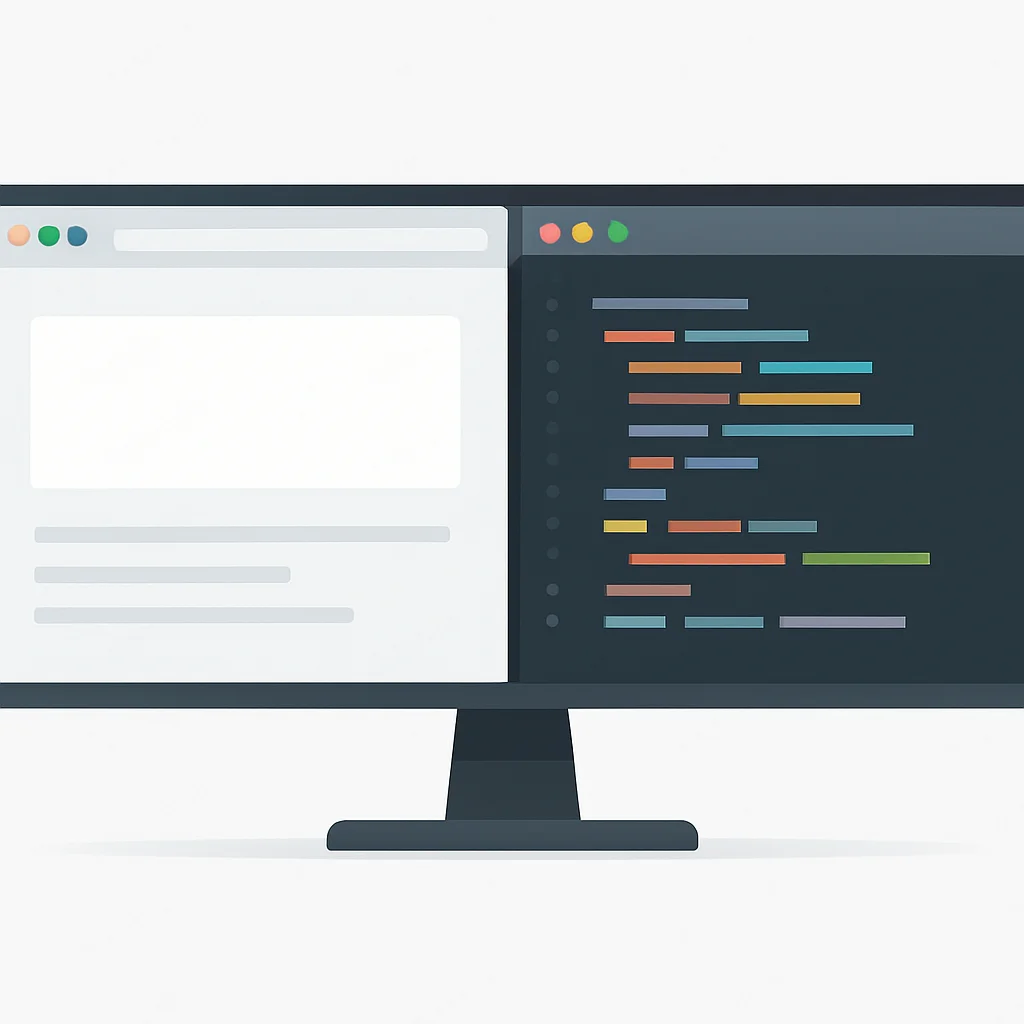
These features allow you to display content from two different sources simultaneously. PbP splits the screen, often side-by-side, treating the ultrawide as two separate monitors. PiP overlays a smaller window from a second source onto the main display. The InfinityScreen 49R’s PbP mode is particularly useful; you can effectively run two computers side-by-side, each taking up a 2560×1440 resolution. This is perfect for testing applications on different OS environments or keeping an eye on a server dashboard while coding on your main machine.
Refresh Rate and Response Time: Smoothness for the Win
While not as critical as for gamers, a higher refresh rate (120Hz or more) and a low response time (1ms-5ms GtG) contribute to a smoother, less fatiguing visual experience. Scrolling through code, dragging windows, or even just moving your mouse feels significantly more fluid. The QuantumView 34X Pro at 120Hz and the OLEDCode 4000 at 240Hz offer a noticeable improvement in perceived responsiveness compared to standard 60Hz panels. This subtle improvement adds up over a long day of coding.
KEY POINT
High refresh rates (120Hz+) and low response times (1-5ms GtG) improve overall visual fluidity and reduce eye strain, enhancing the user experience beyond just gaming to include general productivity and coding tasks.
BALANCE SHEET
Pros & Cons of Ultrawide Monitors for Coding
Let’s sum up the good and the not-so-good when it comes to ultrawide monitors in a developer’s setup.
Pros
✓ Vastly Increased Screen Real Estate: More lines of code, more parallel windows, less context switching.
✓ Seamless Visual Experience: No bezel interruption like dual monitor setups, creating a single, immersive workspace.
✓ Enhanced Productivity: Studies often show a boost in productivity due to reduced alt-tabbing and improved multitasking.
✓ Integrated Connectivity: Modern ultrawides often include USB-C PD, KVM switches, and USB hubs, simplifying cable management.
✓ Ergonomic Benefits: A single focal point can reduce neck strain compared to constantly shifting focus between two monitors.
✓ Immersive Experience: Great for occasional gaming or media consumption after work.
Cons
✗ Higher Cost: Generally more expensive than equivalent-resolution standard monitors, especially premium models like OLEDs.
✗ Desk Space Requirement: Larger models (especially 49-inch) demand significant desk space.
✗ Compatibility Issues (Rare): Some older software or games might not scale perfectly to ultrawide aspect ratios, though this is less common in 2026.
✗ Pixel Density Concerns: Lower resolution ultrawides can lead to blocky text. Always aim for QHD+ or 4K equivalent resolutions.
✗ OLED Burn-in Risk: While reduced, static UI elements on OLEDs still carry a theoretical risk over many years of heavy use.
COMPARISON
2026 Ultrawide Developer Monitor Comparison
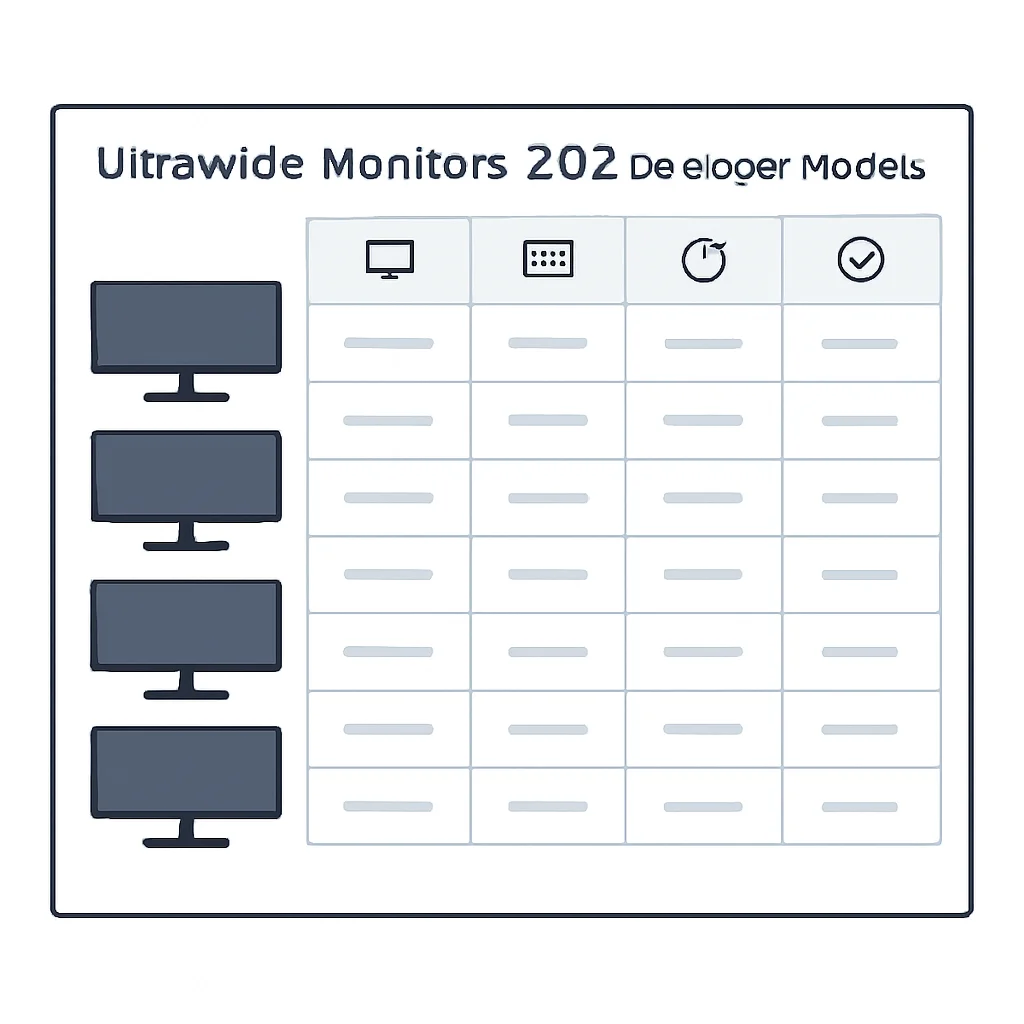
Here’s a quick comparison of our top picks to help you visualize their differences side-by-side. Prices are approximate street prices in early 2026.
| Feature | QuantumView 34X Pro | InfinityScreen 49R Curved | OLEDCode 4000 |
|---|---|---|---|
| Size & Aspect Ratio | 34-inch, 21:9 | 49-inch, 32:9 | 40-inch, 21:9 |
| Resolution | 5120×2160 (5K2K) | 5120×1440 (DQHD) | 5120×2160 (5K2K) |
| Panel Type | IPS | VA (1000R Curve) | OLED |
| Refresh Rate | 120Hz | 144Hz | 240Hz |
| USB-C Power Delivery | 90W | Dual 100W | Thunderbolt 4 (96W) |
| KVM Switch | Yes | Yes (Advanced) | Yes |
| Approx. Price (2026) | $899 – $1099 | $1299 – $1599 | $1599 – $1999 |
FINAL THOUGHTS
Verdict & Kwonglish Rating
Choosing the “best” ultrawide monitor ultimately depends on your specific needs, budget, and desk space. However, based on my hands-on experience and the critical features for developers in 2026, I can confidently recommend these models:
- For the everyday developer seeking clarity and balance: The QuantumView 34X Pro is an outstanding choice. Its 5K2K resolution on a 34-inch IPS panel hits the sweet spot for pixel density and screen real estate, making text incredibly sharp and colors accurate. The integrated KVM and USB-C PD make it a practical powerhouse for any modern setup.
- For the multitasker who needs maximum horizontal space: The InfinityScreen 49R Curved is unparalleled. If you constantly juggle multiple applications, monitor dashboards, or work with wide data sets, the 32:9 aspect ratio and aggressive curve will envelop you in your work. It truly replaces a dual-monitor setup with zero compromise.
- For the premium user who demands the absolute best visual fidelity: The OLEDCode 4000 delivers an unmatched visual experience. The deep blacks, vibrant colors, and instantaneous response times of OLED technology are a joy to behold. While it comes at a higher price and with the need for mindful usage, it’s the ultimate display for those who value every pixel and every frame.
9.0
/ 10
Ultrawide monitors are a game-changer for developer productivity in 2026.
Ultimately, making the switch to an ultrawide monitor in 2026 is one of the best investments you can make for your developer workstation. The increased screen real estate, reduced context switching, and advanced connectivity features will undoubtedly boost your productivity and make your coding sessions more enjoyable. Happy coding, Kwonglish!
Frequently Asked Questions (FAQ)
Q. Is an ultrawide monitor better than a dual-monitor setup for coding?
For most developers, an ultrawide monitor is superior due to its single, seamless display that eliminates the distracting bezel found in dual-monitor setups. This allows for a more continuous workflow and less context switching, which can boost productivity.
Q. What resolution should I look for in an ultrawide monitor for development in 2026?
For a 21:9 ultrawide, aim for at least 3440×1440. If you’re considering a 32:9 super ultrawide, 5120×1440 is the standard. For premium clarity and pixel density, 5120×2160 (5K2K) options are excellent for 21:9 displays.
Q. Do ultrawide monitors support USB-C power delivery and KVM switches?
Yes, many modern ultrawide monitors in 2026, especially those geared towards productivity, include USB-C with power delivery (often 65W-100W) and integrated KVM switches. These features are highly beneficial for simplifying cable management and switching between multiple computers.
Q. Are OLED ultrawide monitors suitable for developers, considering burn-in concerns?
OLED ultrawides offer unparalleled contrast and text clarity, making them visually stunning for coding. While burn-in was a greater concern in the past, 2026 OLED models incorporate advanced pixel-shifting and panel care technologies to mitigate this risk, making them much more viable for developers, provided proper usage and care.
Q. What are the essential ergonomic features for an ultrawide monitor?
Look for a monitor stand that offers full adjustability including height, tilt, and swivel. This allows you to position the screen optimally to reduce neck and eye strain during long coding sessions. VESA mount compatibility is also a plus if you prefer a monitor arm.
Thanks for reading!
I hope this deep dive into ultrawide monitors helps you upgrade your developer workstation for 2026.
Got questions or your own ultrawide recommendations? Drop a comment below!